Last updated: October 31st, 2019 at 07:49 UTC+01:00
SamMobile has affiliate and sponsored partnerships, we may earn a commission.
Reading time: 2 minutes
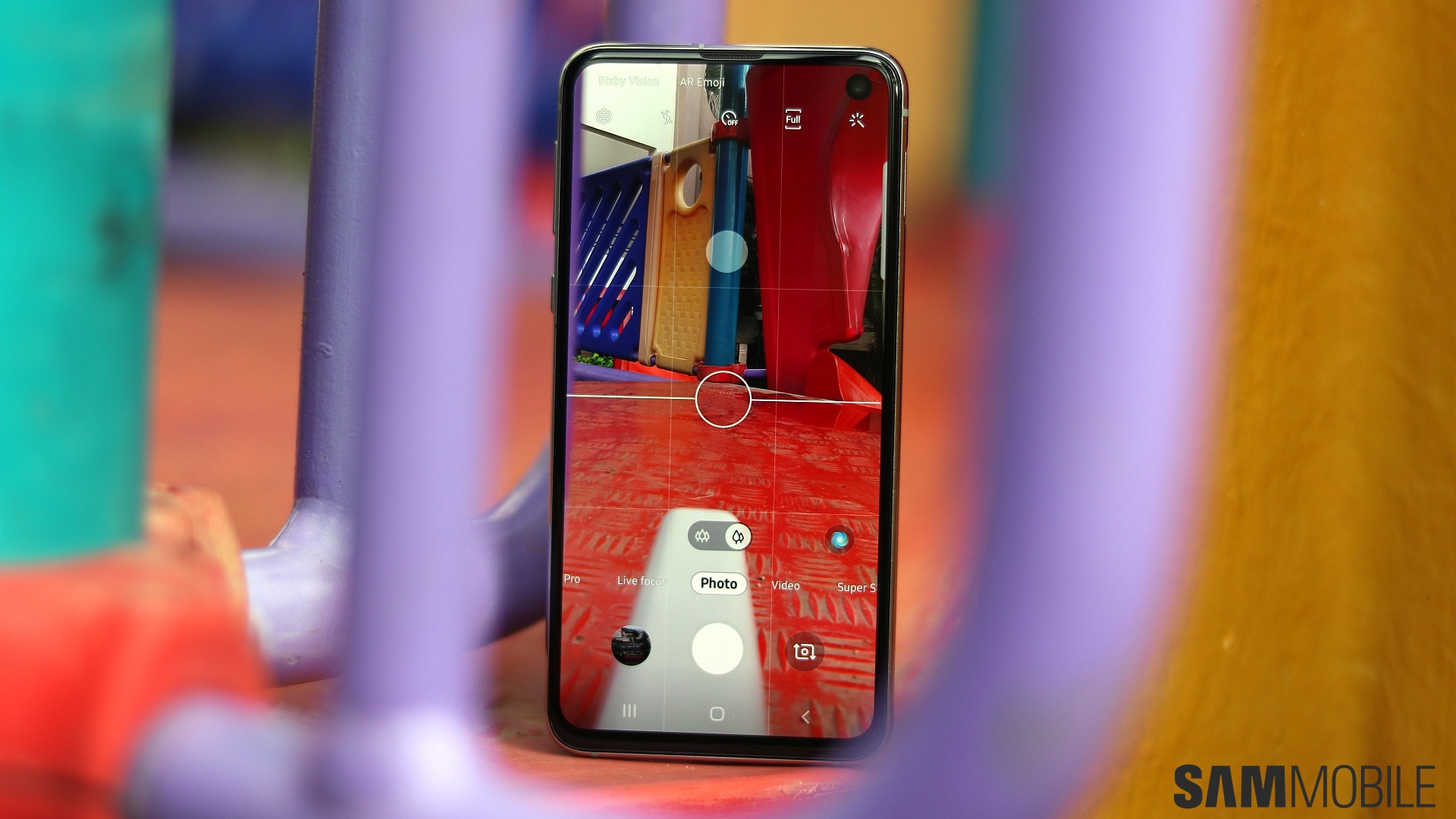
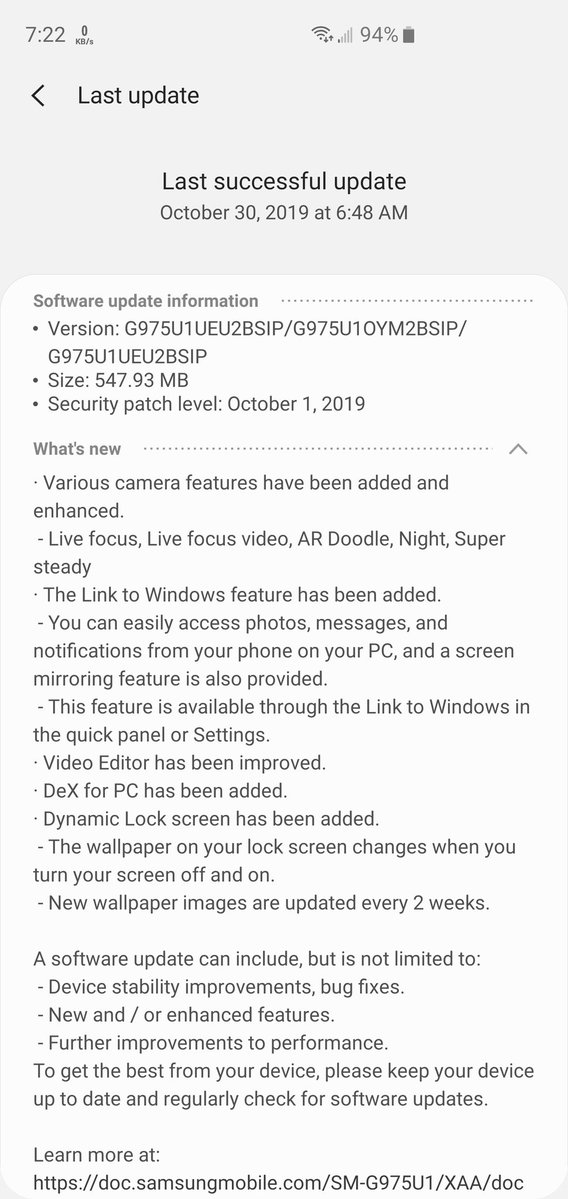
The Galaxy Note 10 had quite a few software tricks up its sleeve when it was launched in August, but it wasn't long before Samsung brought all of those to the Galaxy S10 series as well. Once the new update is installed, Galaxy S10 owners can enjoy a slew of new camera features, including AR Doodle, a dedicated Night mode and Hyperlapse mode for the front-facing camera, and Night mode for the telephoto rear camera (S10 and S10+ only).
They can also use their Galaxy S10 with Samsung DeX on a PC and instantly connect to Microsoft's Your Phone Companion app on Windows by using the dedicated Link to Windows shortcut in the notification shade. That's not all: The update also introduces the Dynamic Lock screen feature and an enhanced video editor that supports adding subtitles to videos and stitching multiple video clips together.
If you own an unlocked Galaxy S10 in the US, you can download the update over the air from the Software update menu of your phone's Settings app. The update may take some time to reach all users, but if you don't want to wait, you can upgrade your device by downloading the latest firmware from our firmware archive.

Abhijeet's writing career started with guides for custom firmware for Samsung devices (including the original Galaxy S), and he moved to SamMobile in mid-2013 and worked up the ranks to Editor-in-chief. In addition to phones and mobile devices, his interests include gaming on both PC and console, PC hardware, and spending countless hours on YouTube watching videos on tech, movies, games, politics, and internet dramas.













