Published: January 19th, 2024 at 17:06 UTC+01:00
SamMobile has affiliate and sponsored partnerships, we may earn a commission.
Reading time: 2 minutes
Mishaal Rahman spotted that Samsung brought back an easier way to enable Chromecast support in Smart View. This feature is available in One UI 6.1, and the first phones to run this new software version are the Galaxy S24, Galaxy S24+, and Galaxy S24 Ultra. To access this feature, open the Settings app on your phone and navigate to Connected Devices » Smart View.
Now, click the three-dot menu on the top right corner of the screen and tap on Settings. Now, click on Labs and enable the Chromecast support toggle. You should now be able to see Chromecast/Google Cast-enabled smart displays and smart TVs in the Smart View menu.
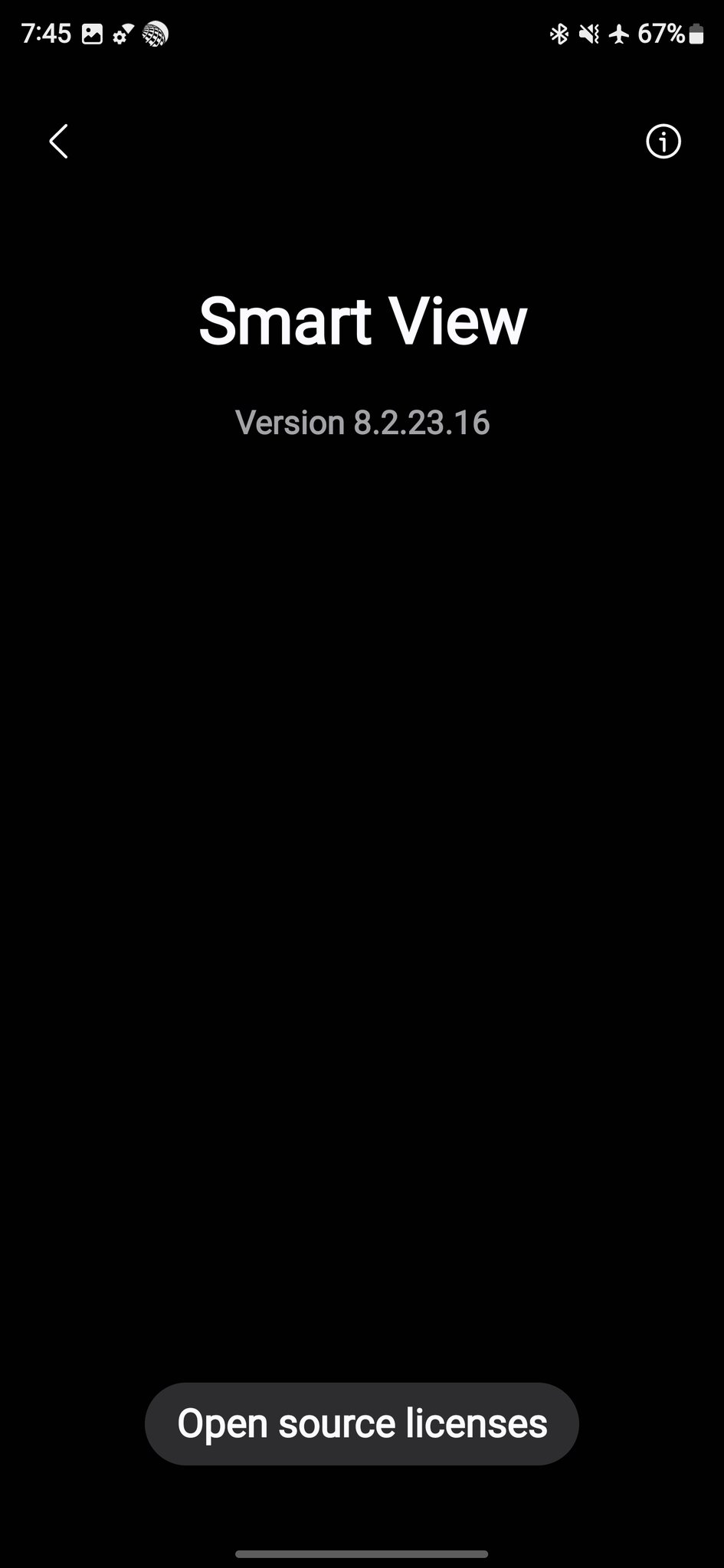
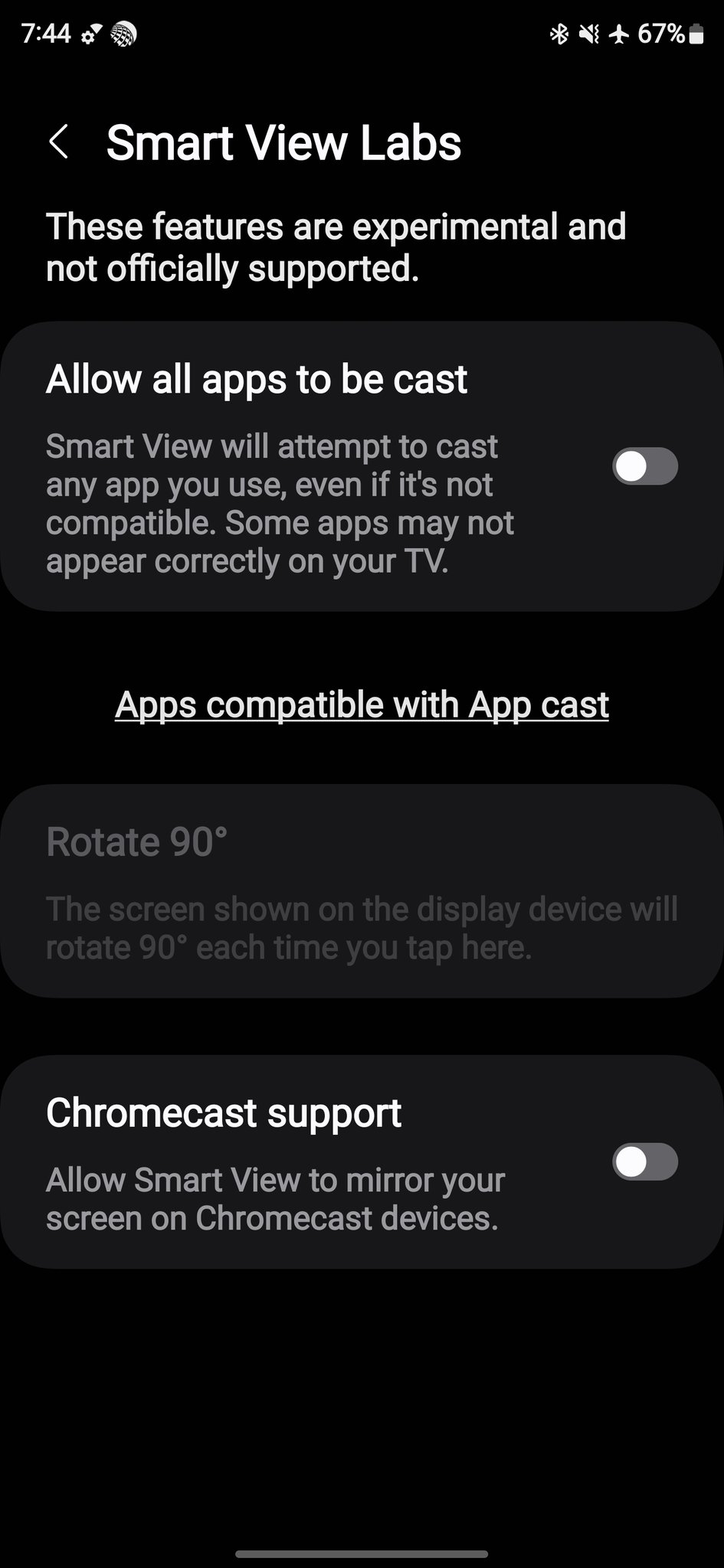
This feature was present in a similar place in One UI 5.1. However, with the One UI 6.0 update, Samsung hid it under even harder-to-find settings, and you had to install several third-party apps, enable Developer Options, and jump through several hoops to find the Chromecast support settings.
Hopefully, Samsung will keep it this way going forward. The One UI 6.1 update will be released to several smartphones in the coming months, and the Galaxy S22, Galaxy S23, Galaxy S21 FE, Galaxy S23 FE, Galaxy Z Flip 4, Galaxy Z Flip 5, Galaxy Z Fold 4, and the Galaxy Z Fold 5 will be the first phones to get the update.
Watch all the new features that One UI 6.1 brings to Samsung's smartphones and tablets in our detailed video below.

First Samsung device: T100
Asif is a computer engineer turned technology journalist. He has been using Samsung phones since 2004, and his current smartphone is the Galaxy S23 Ultra. He loves headphones, mechanical keyboards, and PC hardware. When not writing about technology, he likes watching crime and science fiction movies and TV shows.














