Last updated: April 8th, 2022 at 14:46 UTC+02:00
SamMobile has affiliate and sponsored partnerships, we may earn a commission.
Reading time: 3 minutes
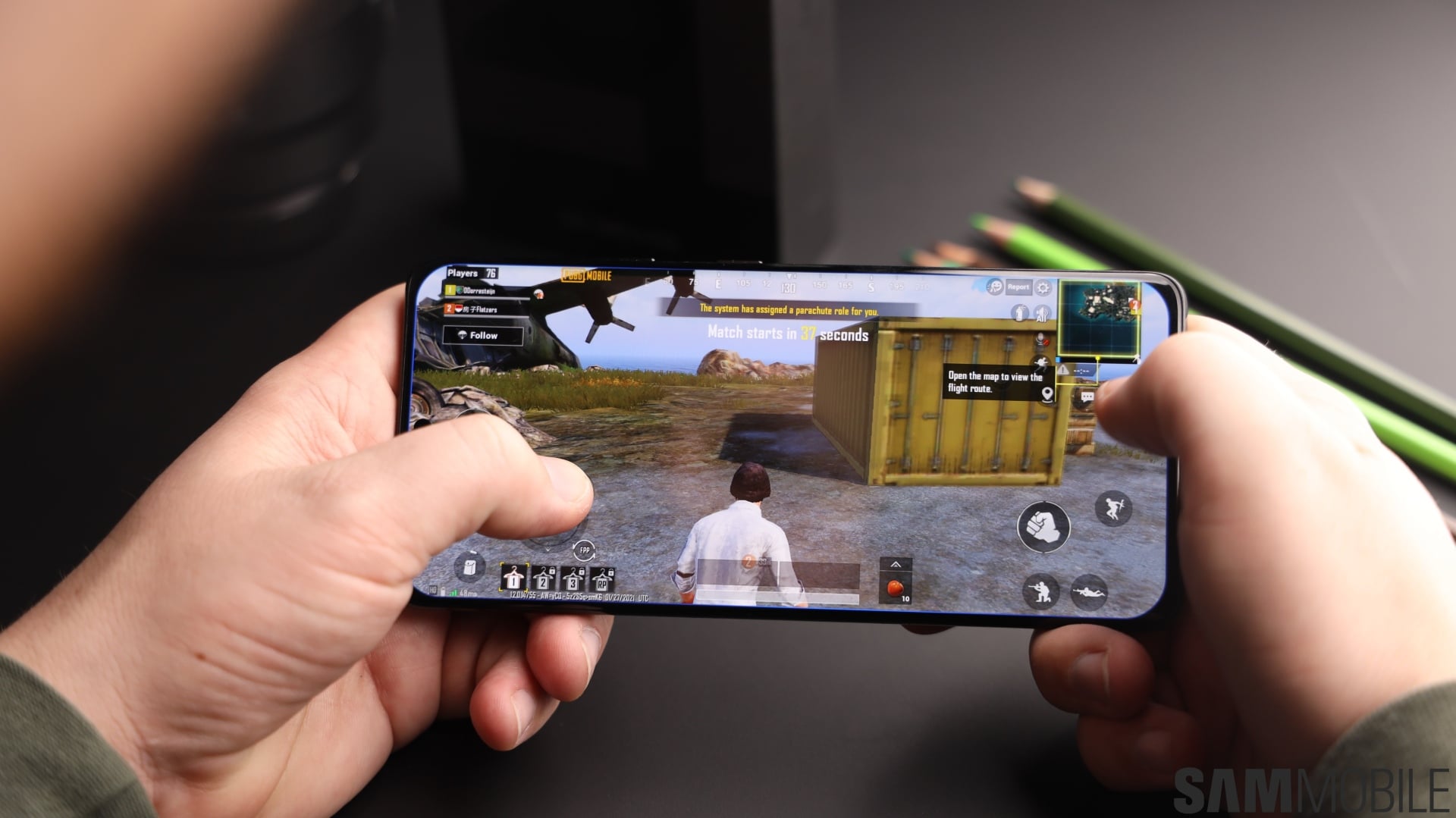
The story, in short, was that Samsung's GOS throttles performance in mobile games, perhaps somewhat aggressively.
But after the outcry that followed the murky GOS controversy, Samsung gave these unsatisfied Galaxy S22 customers what they wanted. The company released a firmware update that lets users turn off GOS entirely.
Samsung then released this update to more Galaxy devices as part of One UI 4.1. So, if you want the best possible (theoretical) performance out of your Galaxy device, here's how you can disable GOS.
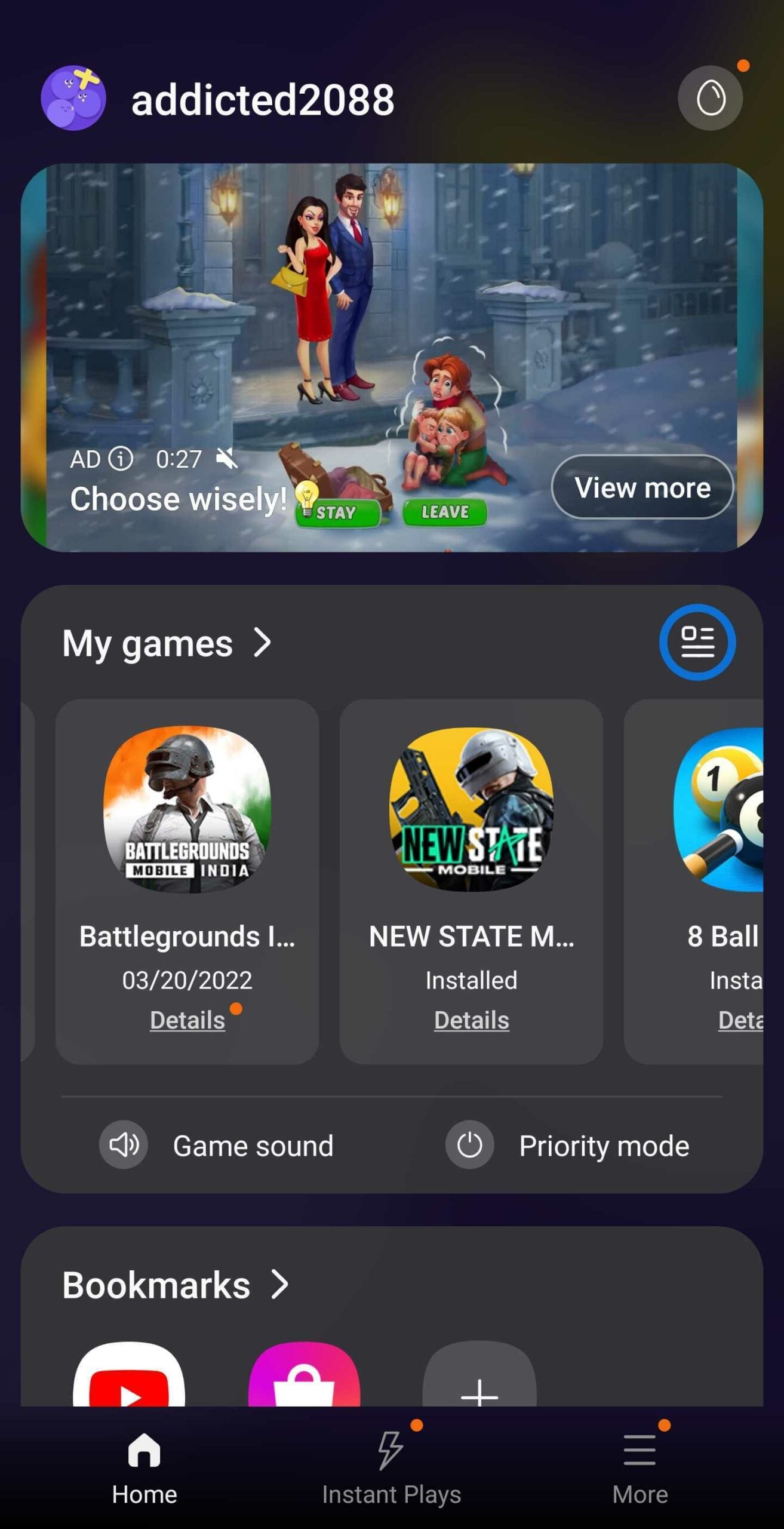
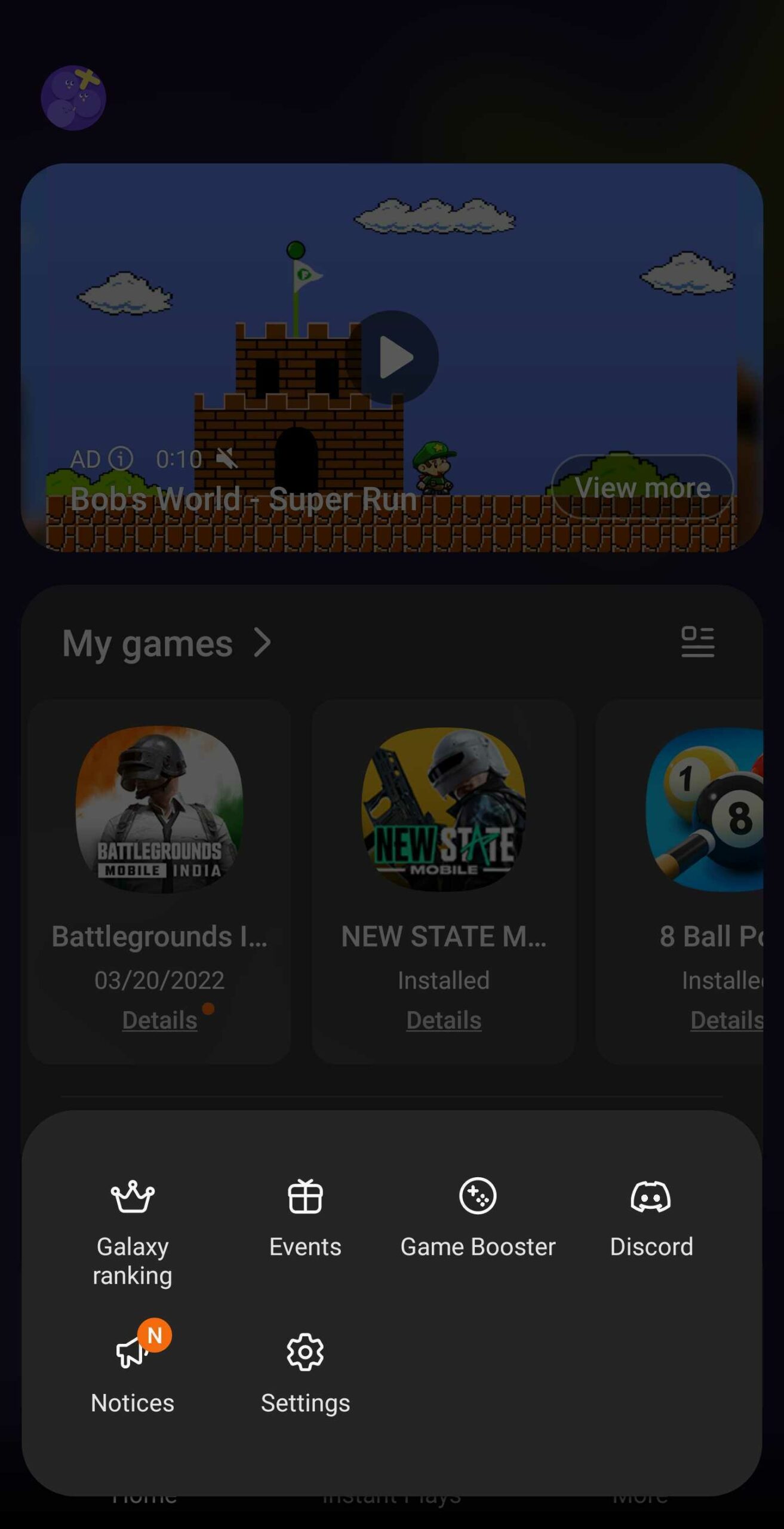
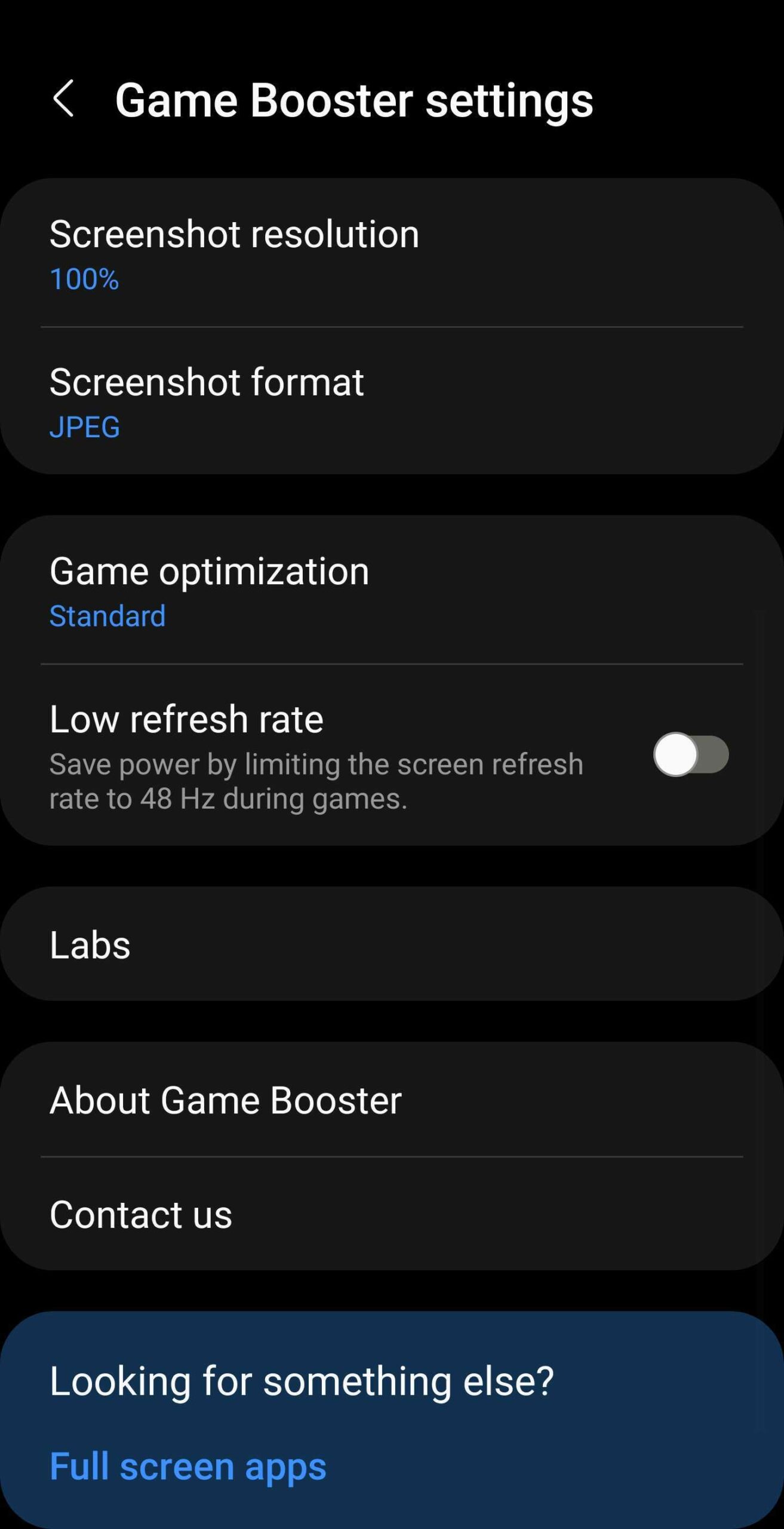
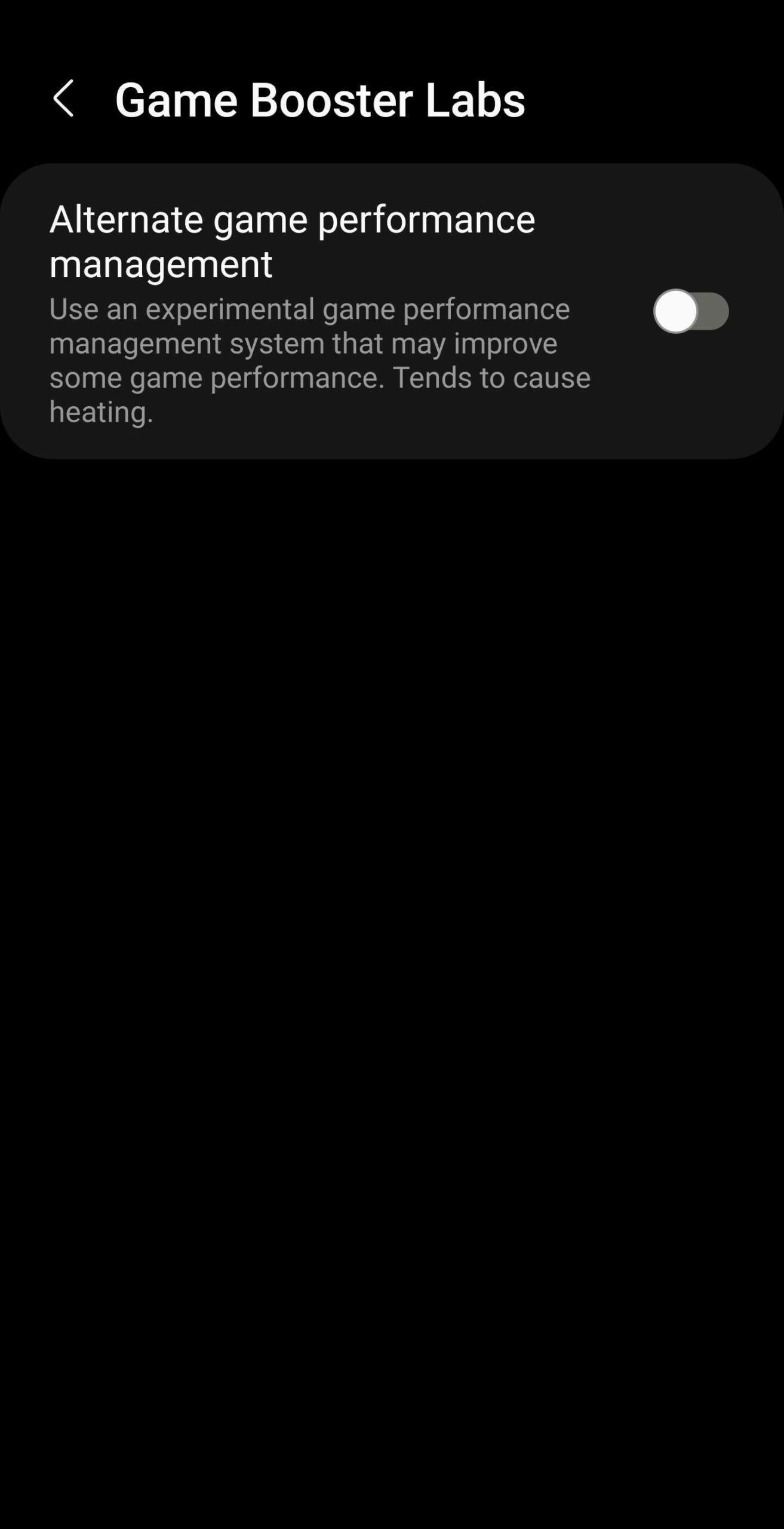
To turn off GOS on your Galaxy phone running One UI 4.1, open the Game Launcher app and tap “More” » “Game Booster” » “Labs” and then enable “Alternate game performance management.”
The key thing to keep in mind is that modern CPUs have safety systems that throttle performance when pushed to their thermal limit — something that certain mobile games can do if left unmanaged. Therefore, even if you disable GOS, your Galaxy phone's CPU will still generate heat and lower performance when needed to prevent frying itself. The difference is that it achieves this by other metrics than GOS.
Whether or not GOS may be a little more aggressive is something that Samsung could pay attention to, but it is worth noting that GOS also considers sacrificing performance for battery life. The system tries to balance out performance, temperatures, and energy efficiency.
But it's worth noting that you're not guaranteed the best performance in the long run if you disable GOS. You may experience better performance for a short time (a few minutes) before the inside your phone starts heating up and the CPU throttles. Likewise, if you don't have a charger nearby or a way to charge your phone and want to conserve battery life, consider keeping GOS on.
This is an experimental feature, so feel free to experiment with it, but remember that it may not always pay off.
Join SamMobile’s Telegram group and subscribe to our YouTube channel to get instant news updates and in-depth reviews of Samsung devices. You can also subscribe to get updates from us on Google News and follow us on Twitter.

Mihai is a blogger and column writer at SamMobile. His first Samsung phone was an A800 which took a lot of beating, and a part of him still misses the novelty of the clamshell design. In his free time, he enjoys watching shows, documentaries, and stand-up comedy; listening to music, taking walks, and occasionally playing old(er) video games.












