Last updated: December 31st, 2019 at 12:30 UTC+01:00
SamMobile has affiliate and sponsored partnerships, we may earn a commission.
Reading time: 2 minutes
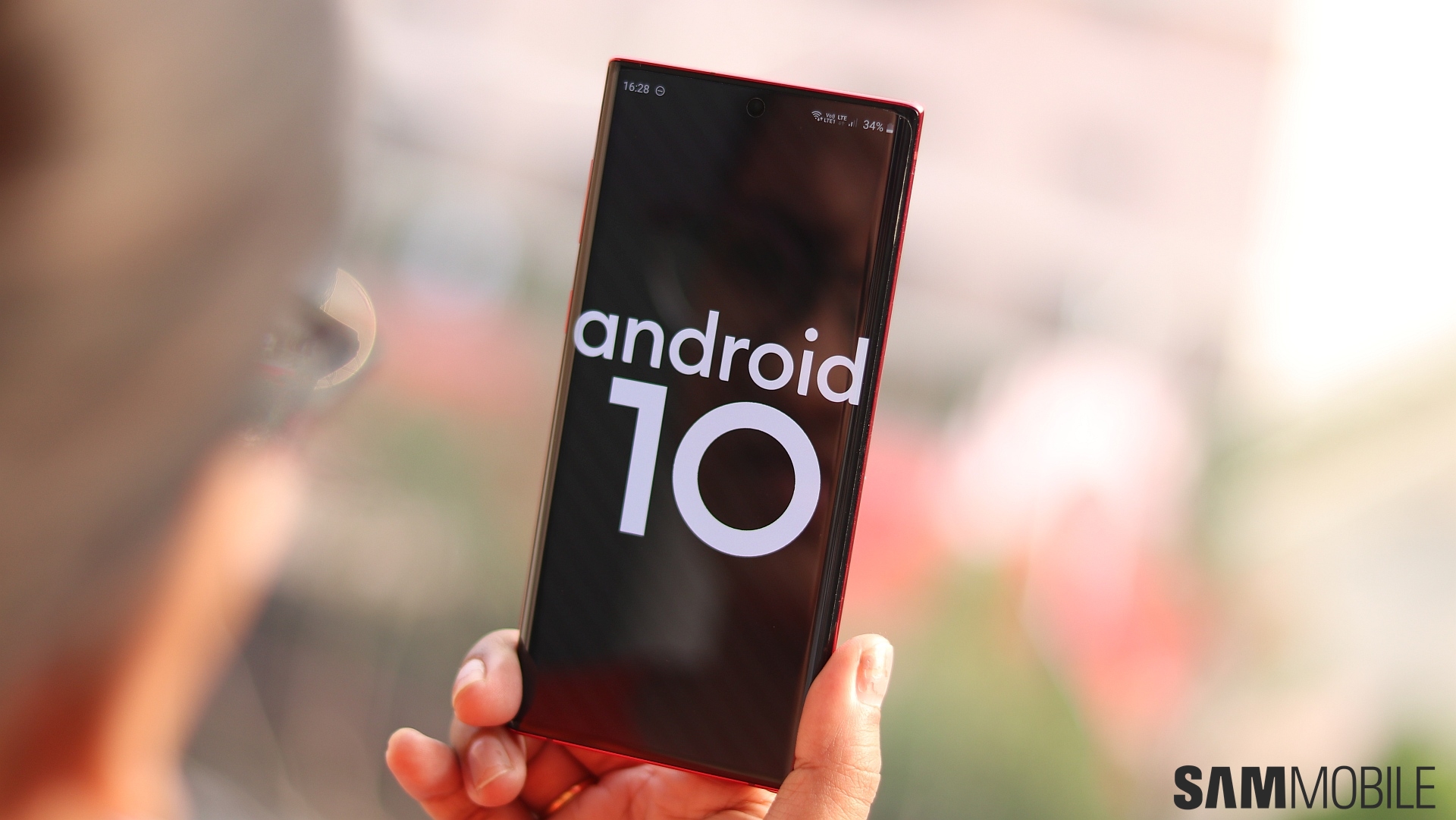
Those who own an unlocked Galaxy Note 10 and Galaxy Note 10+ can download the Android 10 update over the air by opening their phone's settings, navigating to Software update, and selecting Download and install. It may take a few tries before the update shows up, but if it doesn't, you can always make the jump to the new version of Android and One UI 2.0 by downloading Android 10 firmware from our database and flashing it on your Note or Note 10+.
If you were unable to participate in the One UI 2.0/Android 10 beta or were unwilling to test beta software, you can check out our coverage of some of the major One UI 2.0 features and find out what improvements and changes it makes to the user interface over One UI 1.5, which is what the Note 10 and Note 10+ run out of the box. We also have a list of what we think are the best One UI 2.0 features, which you can check out over at this link.

Abhijeet's writing career started with guides for custom firmware for Samsung devices (including the original Galaxy S), and he moved to SamMobile in mid-2013 and worked up the ranks to Editor-in-chief. In addition to phones and mobile devices, his interests include gaming on both PC and console, PC hardware, and spending countless hours on YouTube watching videos on tech, movies, games, politics, and internet dramas.













