Last updated: July 2nd, 2024 at 21:29 UTC+02:00
SamMobile has affiliate and sponsored partnerships, we may earn a commission.
Reading time: 3 minutes
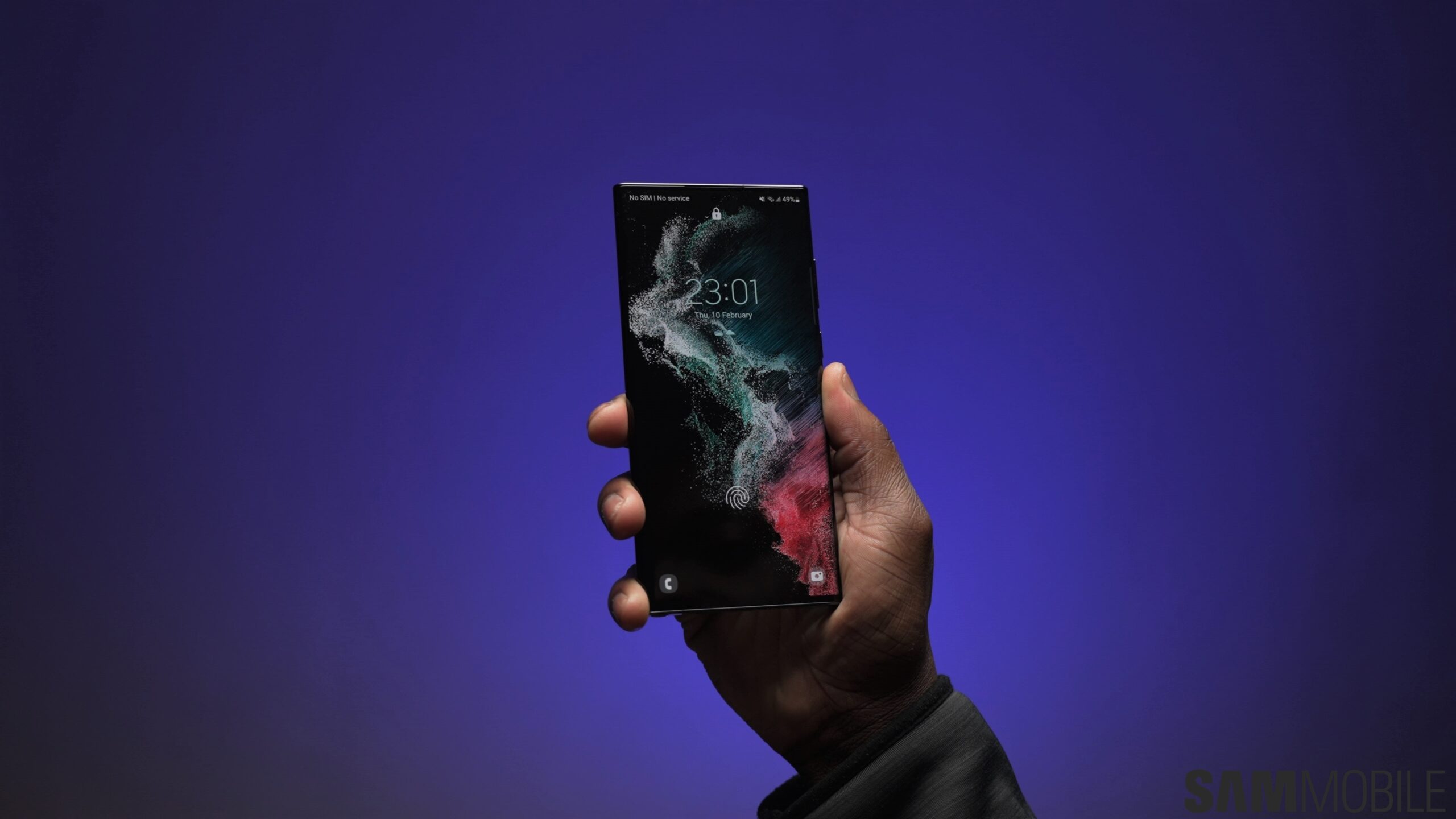
The Galaxy S22 series phones still have excellent hardware that isn't going to feel outdated for a few more years. They will also receive major Android and One UI upgrades for another two years.
But if you feel like your Galaxy S22, S22+, or S22 Ultra is beginning to feel a little old, here's an idea: freshen things up with Galaxy AI's generative wallpapers!
The Galaxy S22 lineup received an update to One UI 6.1 earlier this year, following the launch of the Galaxy S24. Almost the entire Galaxy AI experience was part of the update, showing Samsung's commitment to making AI features available to as many users as possible, unlike a certain company with a fruit logo.
Generative wallpapers are among the Galaxy AI features that are available on the Galaxy S22 series. With generative wallpapers, the power is in your hand, as your instructions and parameters decide what AI conjures up.
You can choose from different themes/categories, each of which has a keyphrase with a couple of customizable keywords. Galaxy AI then uses those keywords to get you different results. You can change keywords indefinitely until you find that amazing wallpaper you would love to see on your phone's home screen and lock screen.
Like wallpapers of different types of terrains, such as sandy beaches or mountains? You can select the type of terrain, choose between a reaslistic and surreal look, and set the prefered color shade(s). Want to combine a painting of a jungle with something else, like spaceships, unicorns, or a T-Rex? You can do that too.
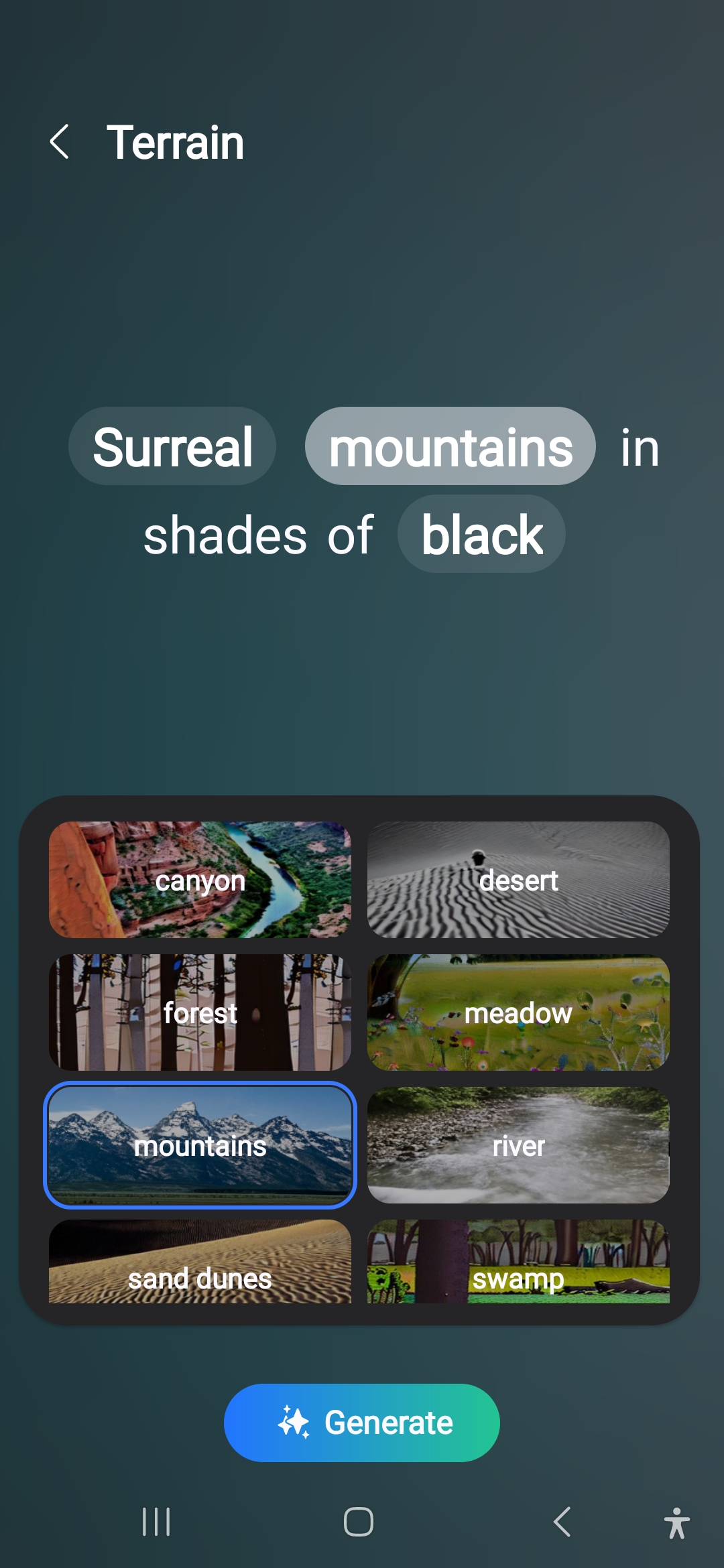
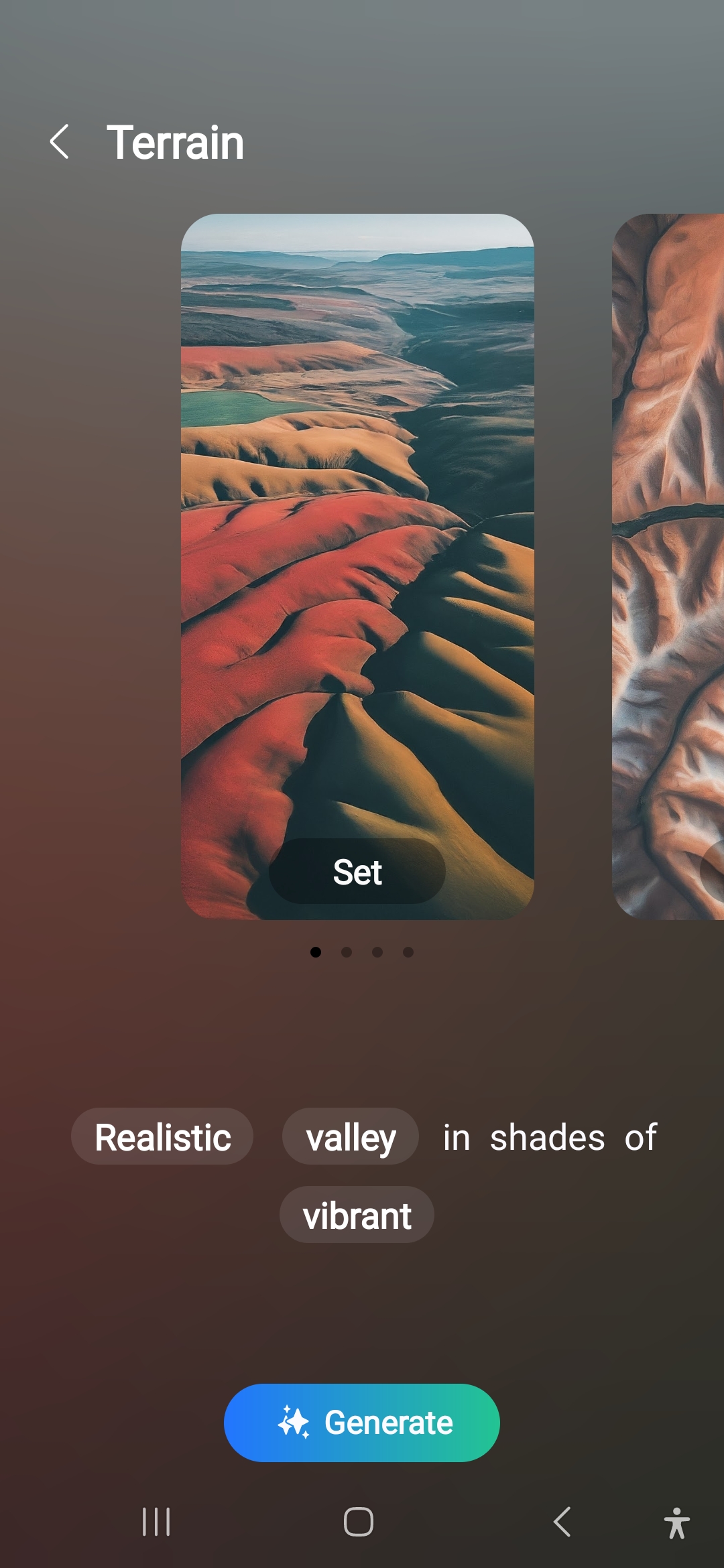
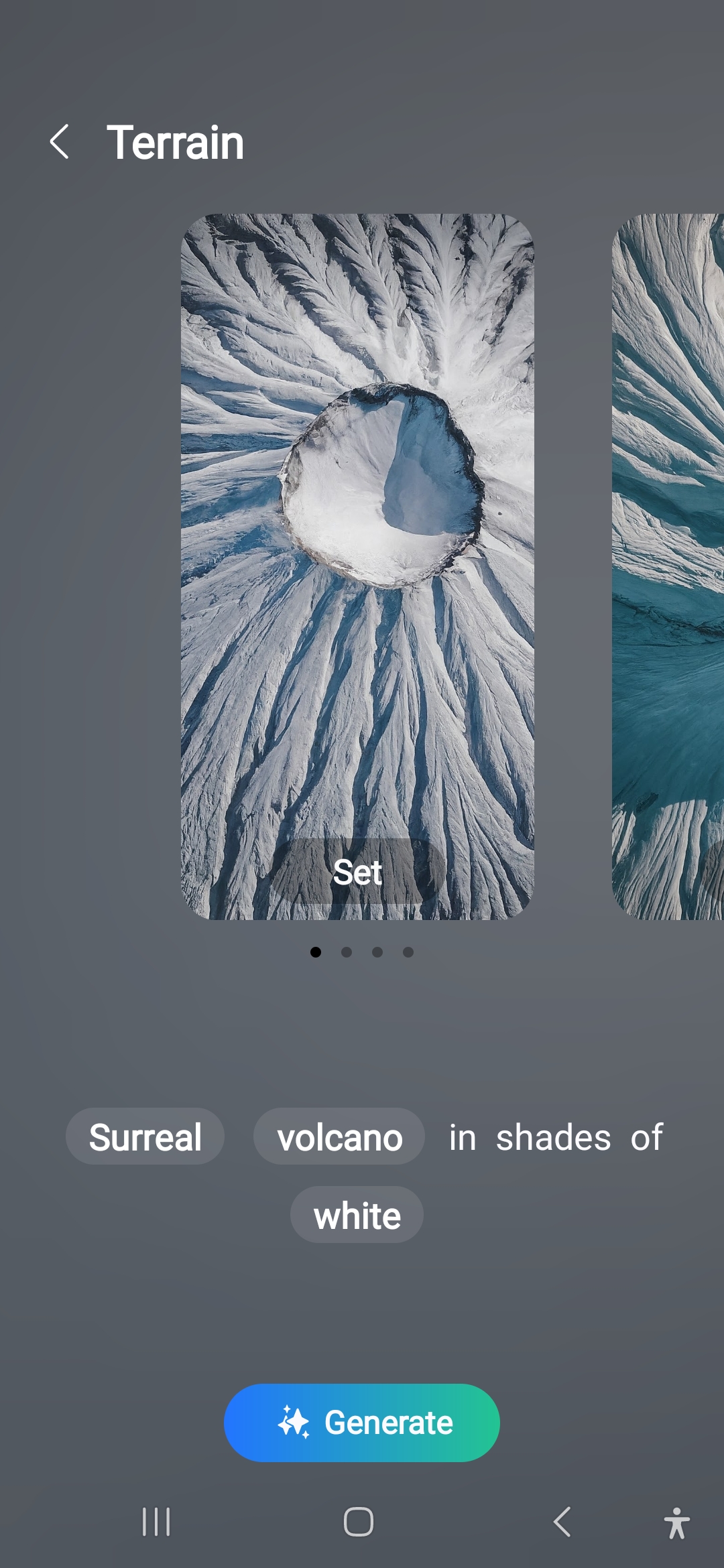
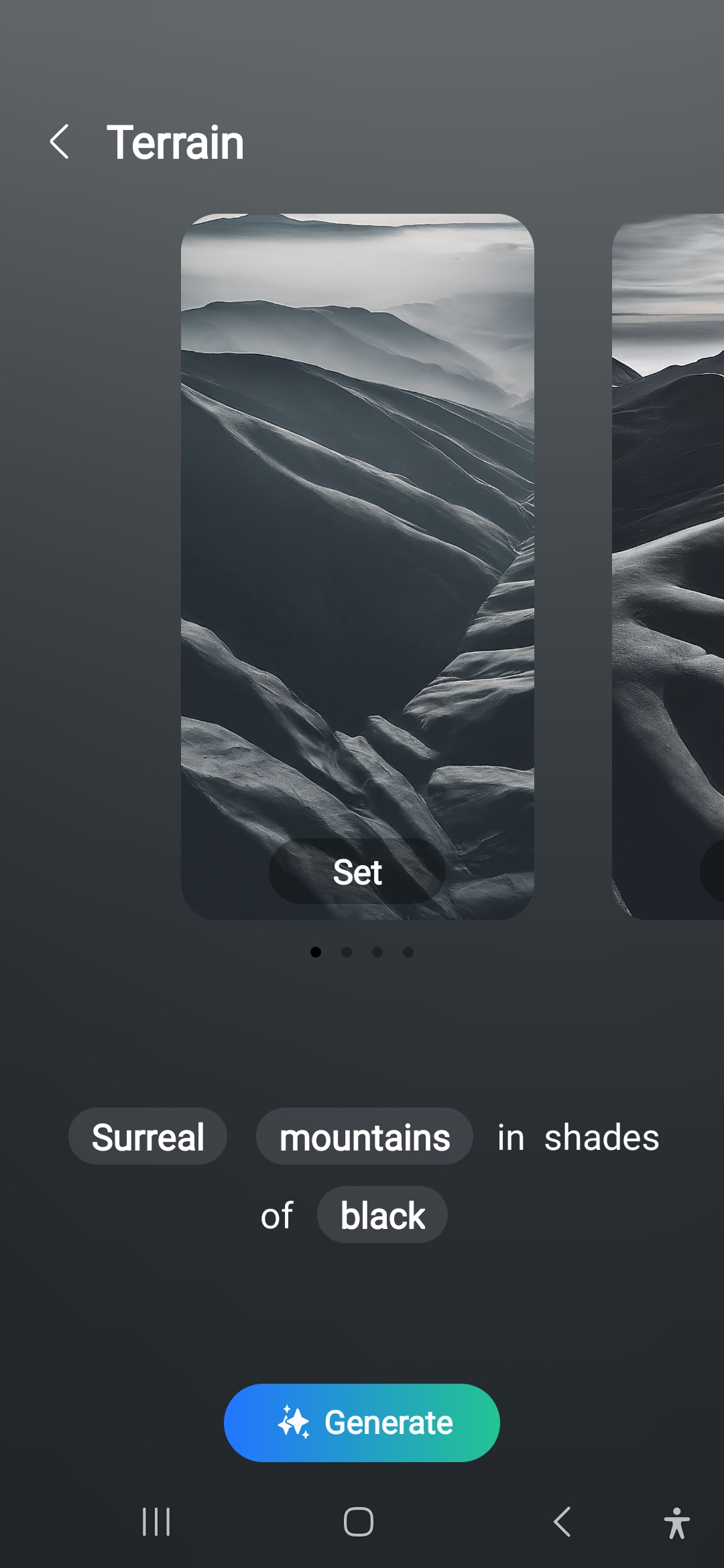
The results created based on the chosen keywords don't always have a lot of variety. Some of them tend to be just slightly changed versions of what you already rejected. But you can keep things interesting by playing around with different combinations.
To try out generative wallpapers on your Galaxy S22, S22+, or S22 Ultra, pinch the home screen and access Wallpaper and style, then tap Change wallpapers and select Generative in the Creative category.
For more details and to learn how you can take full advantage of Galaxy AI's generative wallpapers, check out our full guide.

Abhijeet's writing career started with guides for custom firmware for Samsung devices (including the original Galaxy S), and he moved to SamMobile in mid-2013 and worked up the ranks to Editor-in-chief. In addition to phones and mobile devices, his interests include gaming on both PC and console, PC hardware, and spending countless hours on YouTube watching videos on tech, movies, games, politics, and internet dramas.













