Last updated: March 30th, 2023 at 12:17 UTC+02:00
SamMobile has affiliate and sponsored partnerships, we may earn a commission.
Reading time: 2 minutes
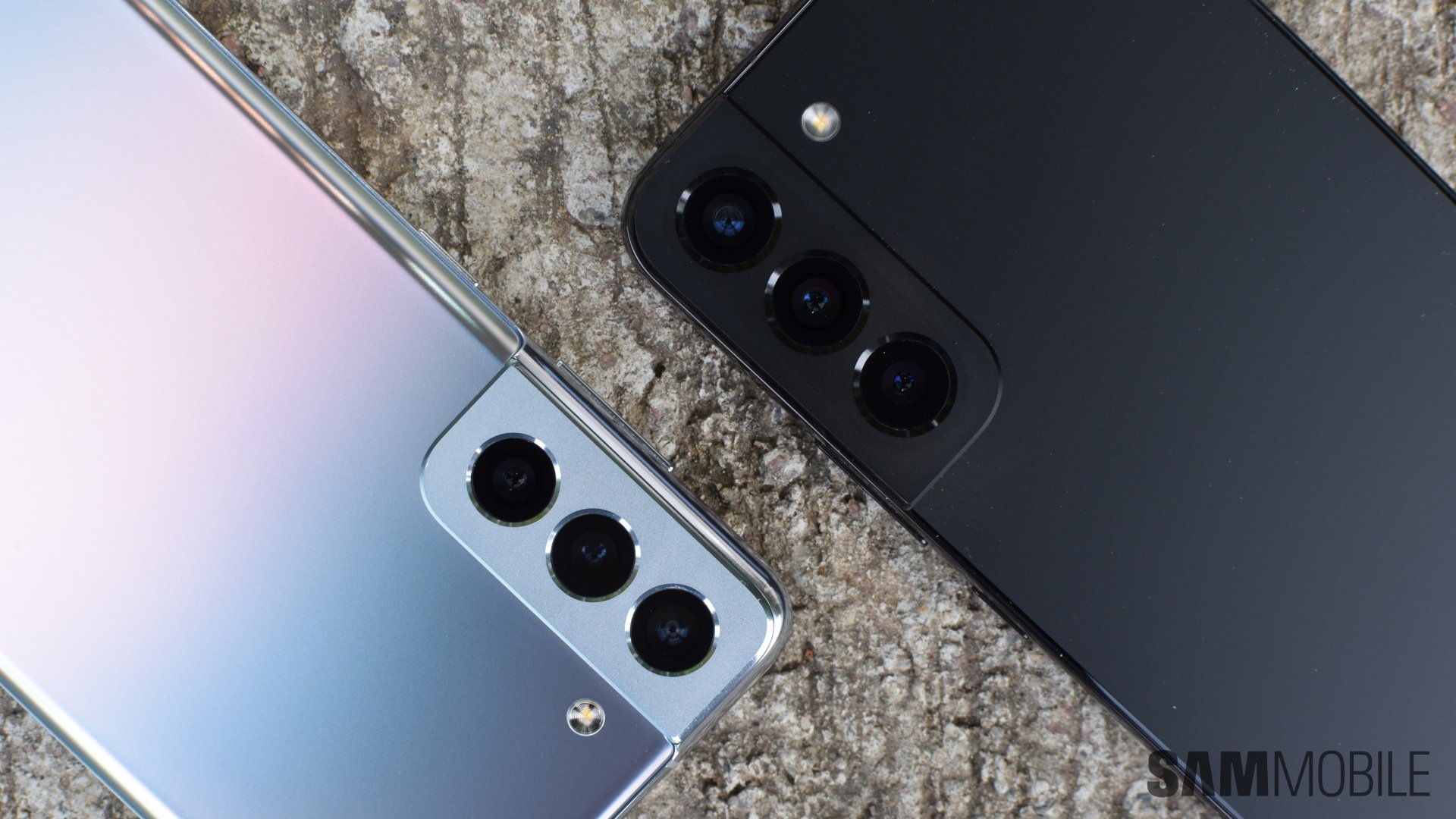
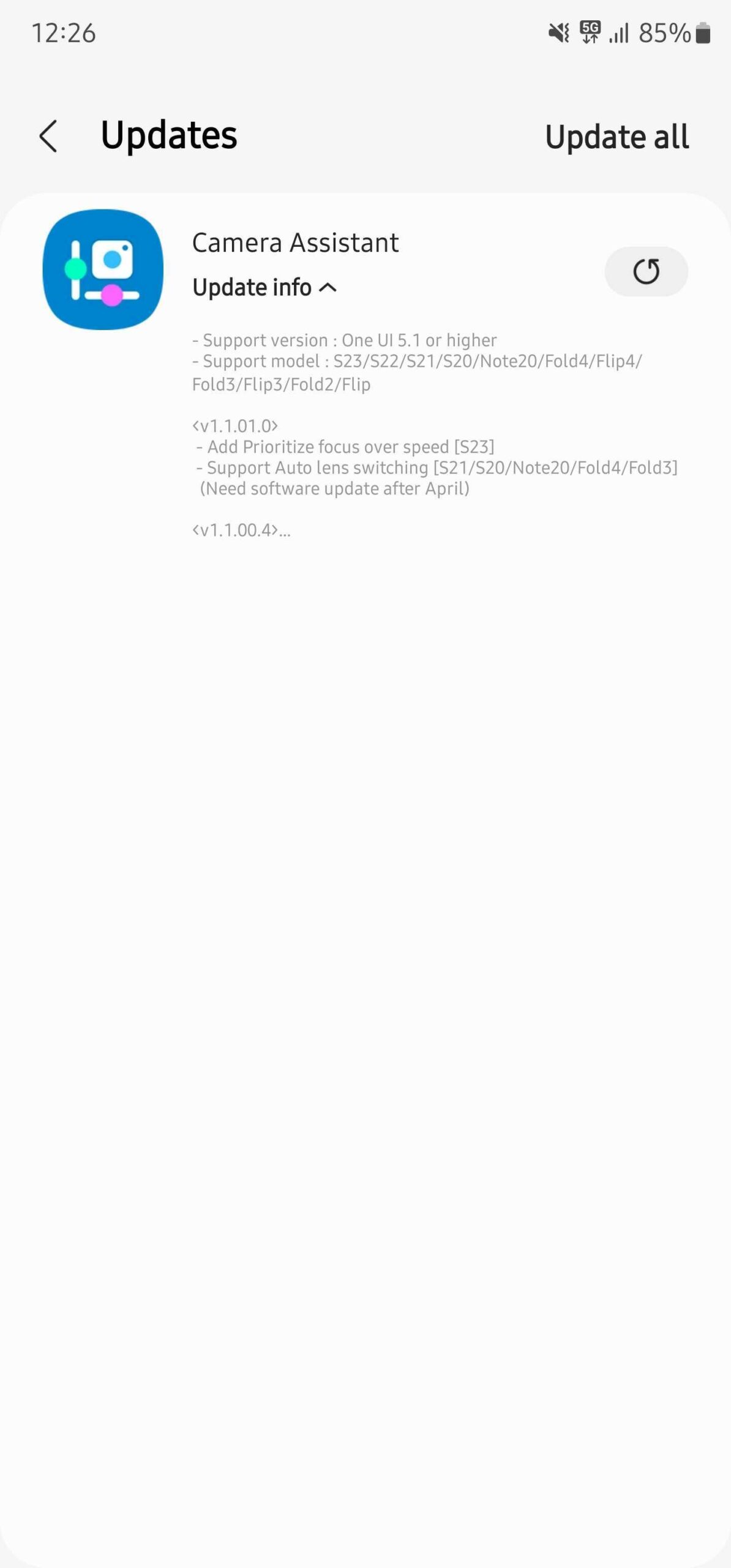
Now, Samsung has released an updated version of the Camera Assistant app (version 1.1.01.0). It brings the Auto Lens Switching feature to more Galaxy smartphones, including the Galaxy Note 20 series, Galaxy S20 series, Galaxy S21 series, Galaxy Z Fold 3, and the Galaxy Z Fold 4 series. These devices will only get the Auto Lens Switching feature if they're running the One UI 5.1 update. Sadly, the feature hasn't been extended to the Galaxy Z Flip series, Galaxy Z Fold, Galaxy Z Fold 5G, and Galaxy Z Fold 2.
You can download the latest version of the Camera Assistant app only from the Galaxy Store on your compatible Galaxy smartphone.
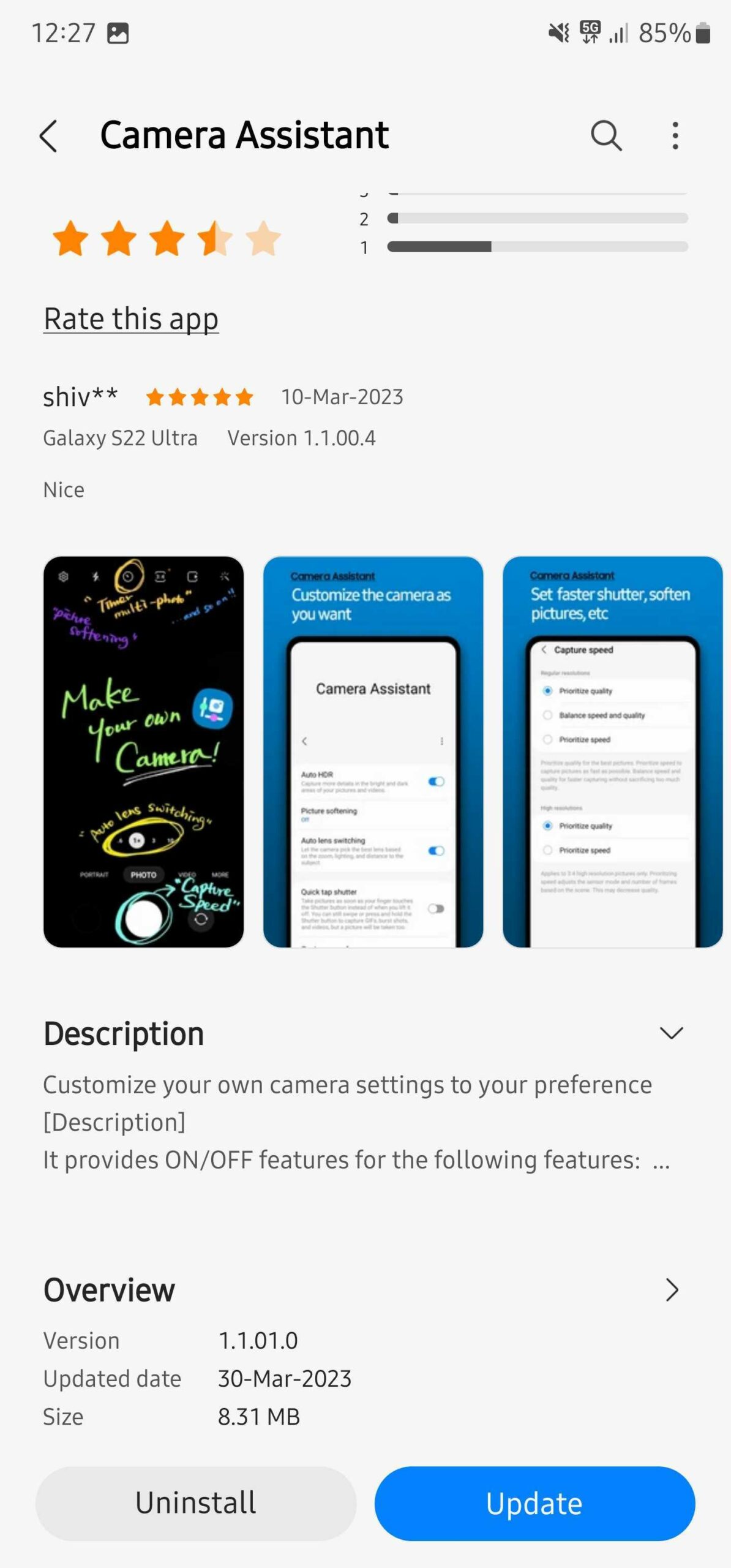
Auto Lens Switching is turned on by default on compatible Samsung phones, which means the stock Camera app on a compatible phone will switch between the primary and telephoto lens based on the available ambient lighting. As you know, the telephoto camera on smartphones doesn't have an aperture as wide as the primary camera, and the sensor size is also smaller. So, the telephoto camera can't gather as much light as the primary camera.
In low-light situations, if the phone thinks there isn't enough ambient light to offer a good image from the telephoto camera, it switches automatically to the primary camera and crops from it to capture a zoomed-in shot. But if you want to stop that behavior and force the camera app to use only the lens you intended to use, you can disable the Auto Lens Switching feature from the Camera Assistant app.
[modelinfo model=”SM-G981B”]
[modelinfo model=”SM-G991B”]
[modelinfo model=”SM-S901B”]
[modelinfo model=”SM-F926B”]
[modelinfo model=”SM-F936B”]

Asif is a computer engineer turned technology journalist. He has been using Samsung phones since 2004, and his current smartphone is the Galaxy S23 Ultra. He loves headphones, mechanical keyboards, and PC hardware. When not writing about technology, he likes watching crime and science fiction movies and TV shows.












