Published: July 14th, 2022 at 07:11 UTC+02:00
SamMobile has affiliate and sponsored partnerships, we may earn a commission.
Reading time: 2 minutes
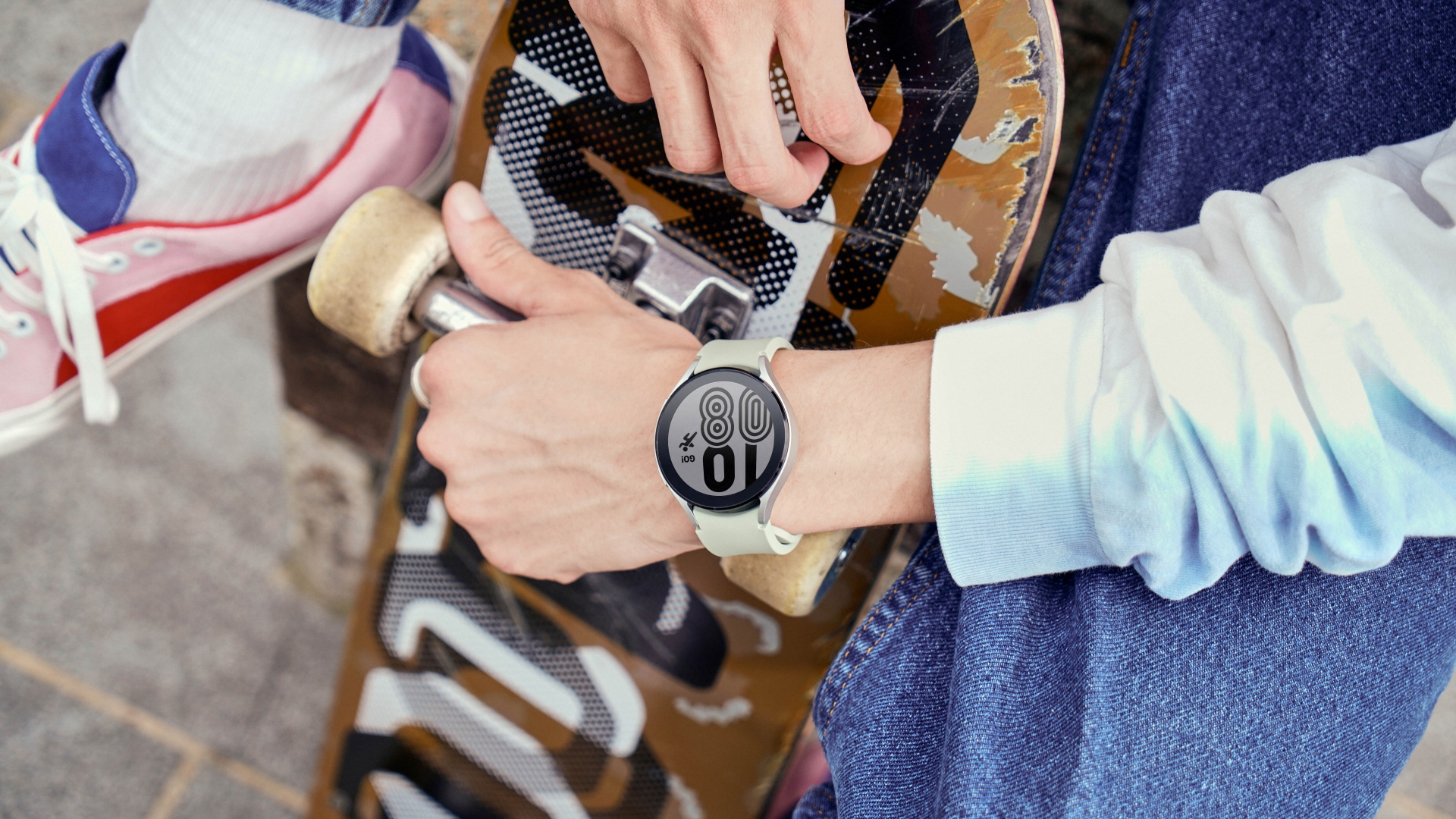
The newest update comes with the firmware version ending ZVG3 and brings various bug fixes and improved performance. It fixes the bug that force-closed the permission pop-up when the current location was added to the weather tile. It also fixes the mismatched connection status in the Galaxy Wearable app and Bluetooth settings. The update also fixed the Application Not Responding error when checking Samsung Health's screen during exercise.
Samsung also fixed issues related to time-shaking in Stopwatch, sleeping mode, watch faces, system UI crash, and the Messages app. The company says that the new update should also improve the battery life of the Galaxy Watch 4 compared to previous beta versions of One UI Watch 4.5.
To install the new update, you also have to update the Galaxy Watch plugin to the latest version. Open the Galaxy Wearable app, choose the Galaxy Watch 4, and then navigate to Settings » Watch software update and then tap on Download and install.
With One UI Watch 4.5, Samsung has introduced Wear OS 3.5, better watch face customizations, better multi-SIM controls, and lots of new accessibility features.
Join SamMobile's Telegram group and subscribe to our YouTube channel to get instant news updates and in-depth reviews of Samsung devices. You can also subscribe to get updates from us on Google News and follow us on Twitter.
[modelinfo model=”SM-R860″]

First Samsung device: T100
Asif is a computer engineer turned technology journalist. He has been using Samsung phones since 2004, and his current smartphone is the Galaxy S23 Ultra. He loves headphones, mechanical keyboards, and PC hardware. When not writing about technology, he likes watching crime and science fiction movies and TV shows.














