Last updated: February 7th, 2024 at 02:30 UTC+01:00
SamMobile has affiliate and sponsored partnerships, we may earn a commission.
Reading time: 2 minutes
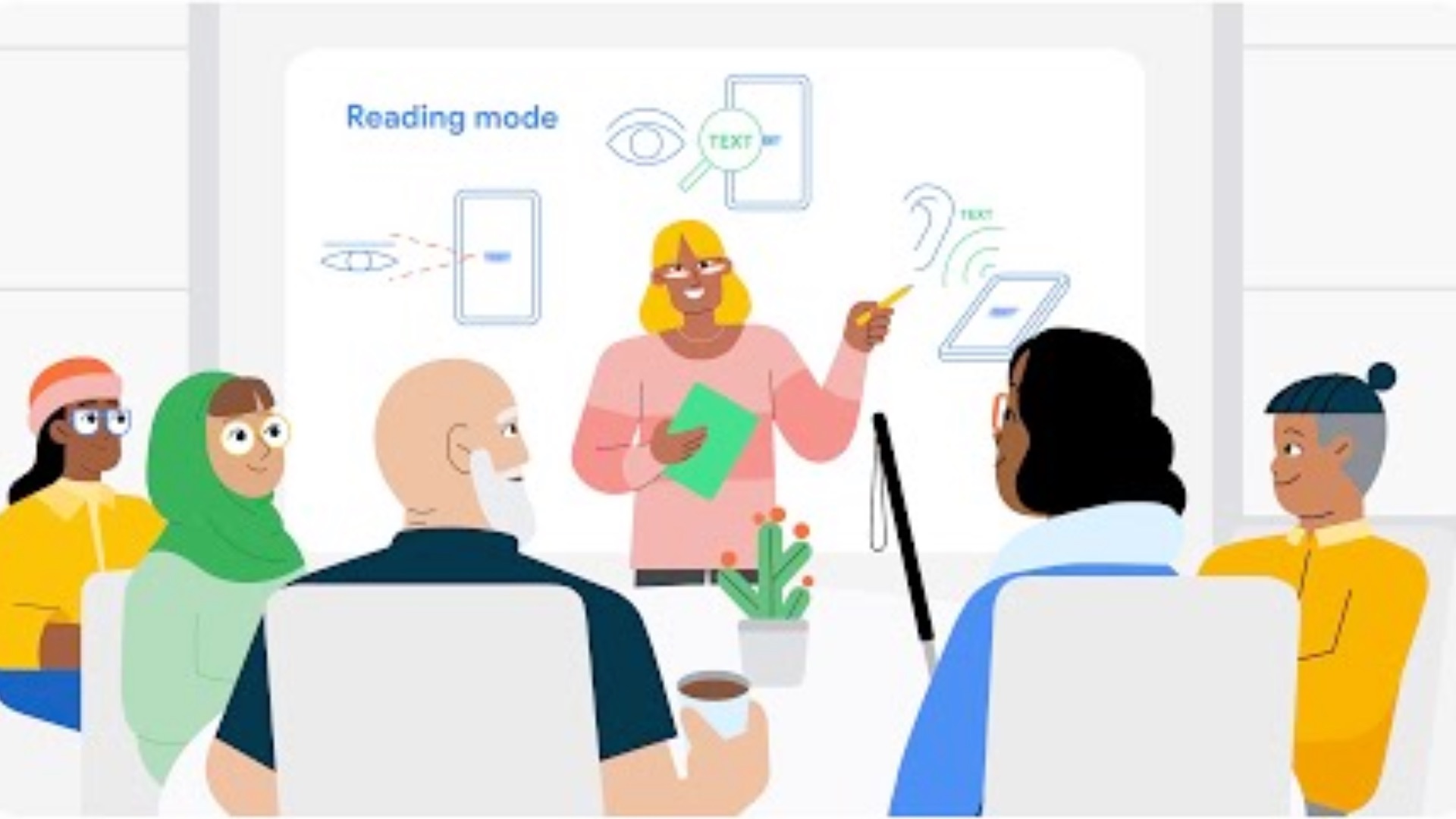
Google’s Reading mode for Android makes reading content on websites and applications easier by removing distracting elements surrounding the content, such as advertisements and UI elements, and allowing you the change the size, style, and colour of the text. It can also read out the content for you so you don’t have to do the hard work. However, Google says that Reading mode doesn’t work with emails. Well, that seems to have changed.
According to a new post from Artem Russakovskii on X/Twitter, the Reading mode app now works with emails in Gmail, allowing you to read content in emails more comfortably. He notes that the functionality doesn’t work with all emails, especially the long ones, but at least it has started supporting emails. The last time Google updated the Reading mode app was in November 2023. So, the latest change seems like a server-side addition.

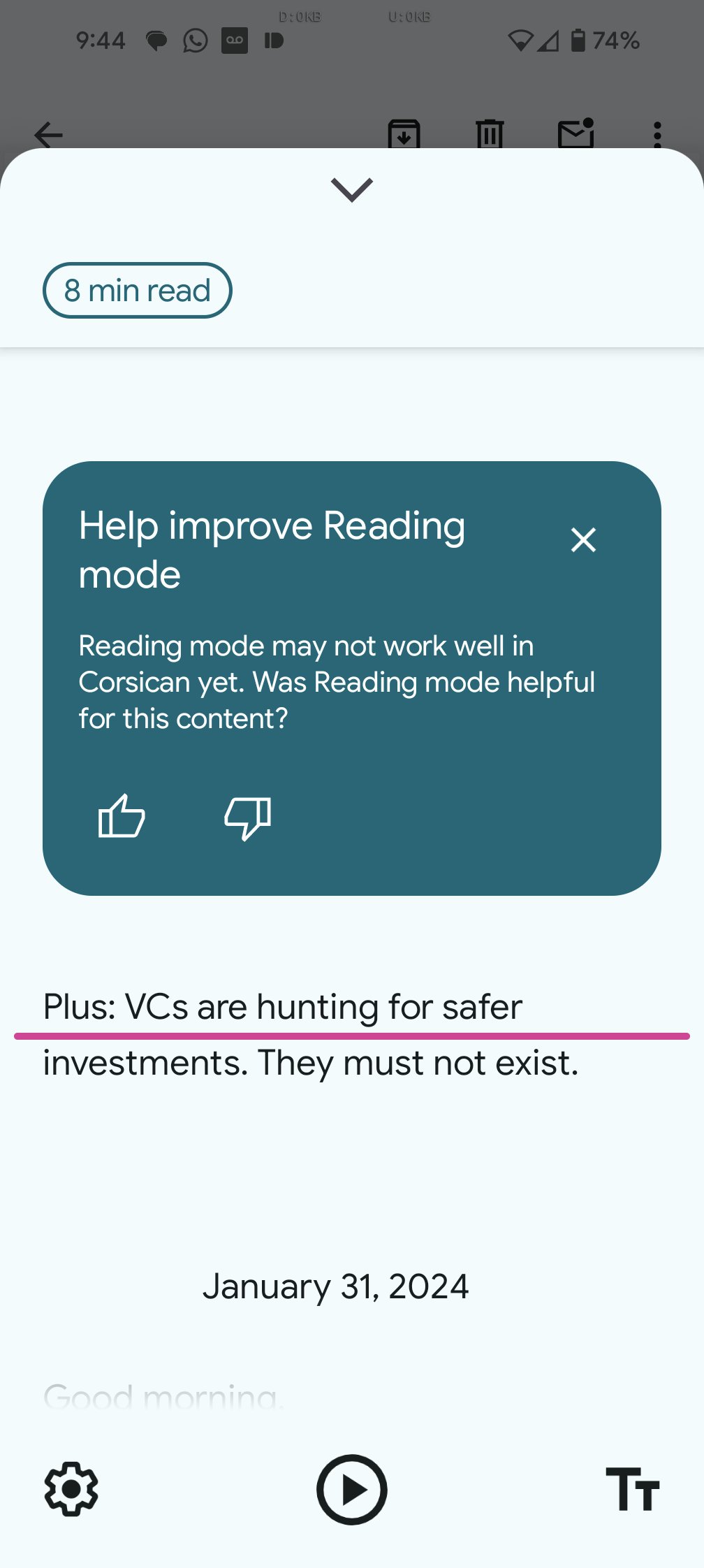
Reading mode still doesn’t work with instant messaging apps, such as Google Messages, social media apps, such as Instagram, and PDFs. Hopefully, Google will add support for those types of apps and files one by one over time. On a related note, Google recently started pushing out a chat-style UI for replying to emails in Gmail for Android.

I’m a computer science engineer living in Hyderabad, India, who has a keen interest in automobiles and consumer electronics. My journalism career kicked off in 2017 with MySmartPrice where I wrote news, features, buying guides, and explanatory articles about technology among other things, and reviewed many products, including smartphones, tablets, laptops, PC components, smartwatches, audio devices, wearables, and smart home products. Since then, I have worked for 91Mobiles, Apple, and Onsitego, before finally landing on SamMobile.














