Last updated: March 19th, 2024 at 13:40 UTC+01:00
SamMobile has affiliate and sponsored partnerships, we may earn a commission.
Reading time: 2 minutes
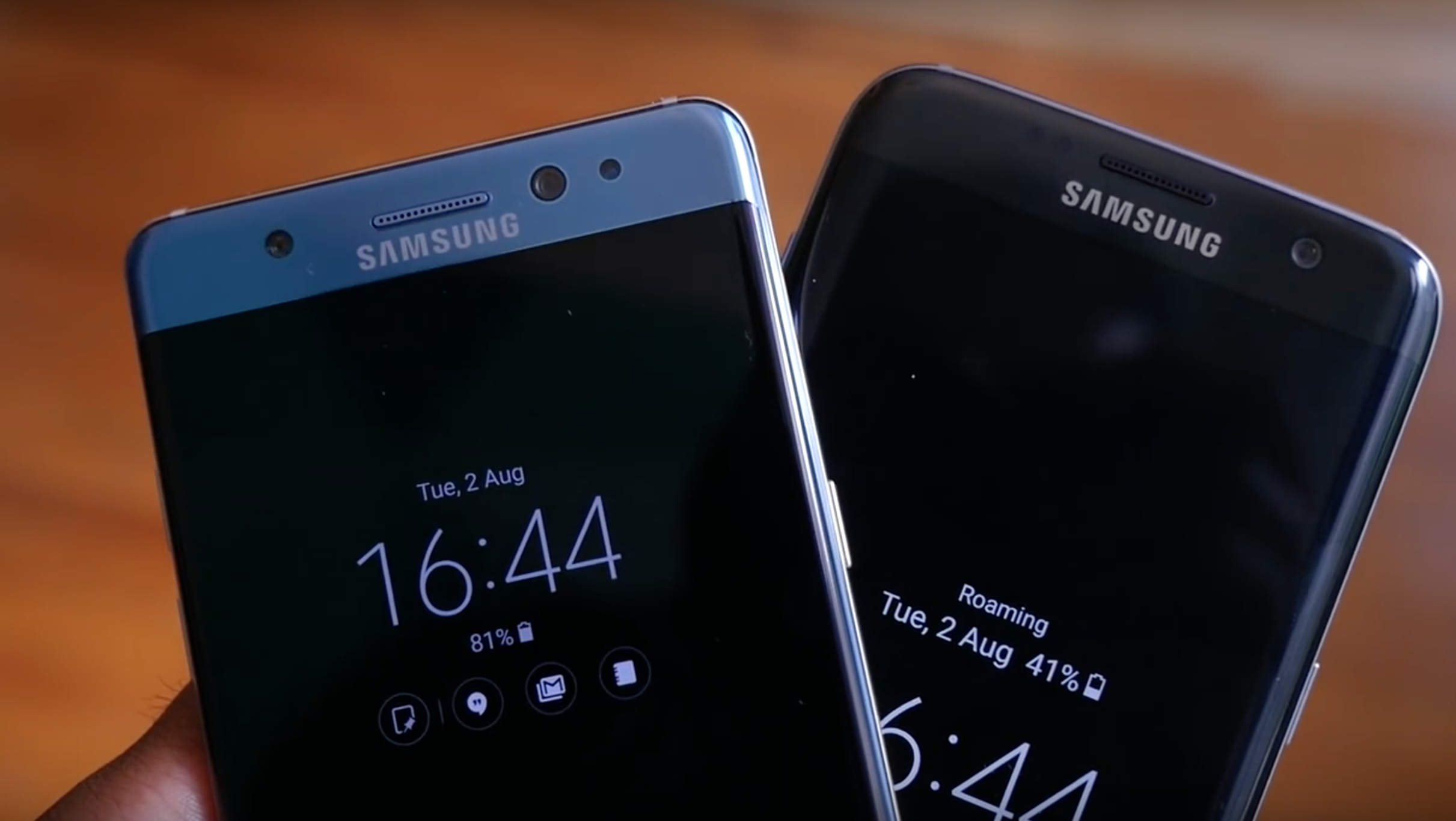
The Always On Display provides users with several clock designs and displays key information about notifications. Users can configure what they want to see on the AOD, they can even select an image from the gallery as a wallpaper for the AOD screen.
Users can experience different widgets on the AOD screen by double-tapping the clock area, set an active clock that has a running second hand, pin images and text to the AOD screen and download AOD-exclusive themes from the Theme Store.
The company today released Always On Display as a standalone app on the Google Play Store. That's not all. It even has support for Samsung's Clear View cover so AOD will be useful even when users have that cover installed on their supported Galaxy handset.
Always On Display is available as a free download from the Google Play Store. It used to be updated only via Galaxy Apps previously. It's also available for download from our APK page.
Since this feature is only available on select Galaxy smartphones like the Galaxy S8 and Galaxy S7, you need to have a compatible device to take advantage of AOD.
Thanks, Henk!

Adnan Farooqui is a long-term writer at SamMobile. Based in Pakistan, his interests include technology, finance, Swiss watches and Formula 1. His tendency to write long posts betrays his inclination to being a man of few words.













