Last updated: November 24th, 2026 at 15:04 UTC+01:00
SamMobile has affiliate and sponsored partnerships, we may earn a commission.
A great multitasking phone made even better.
Reading time: 2 minutes
Abhijeet Mishra / SamMobile
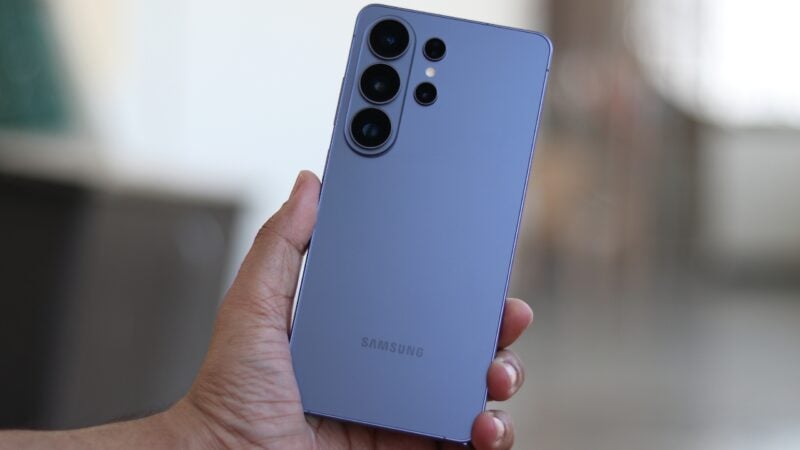
The Galaxy Z Fold 8 is a fantastic multitasking phone out of the box, but you can make it even better with just a couple of tweaks. The MultiStar Good Lock module unlocks additional multi-window features, two of which we'll explore in more detail below.
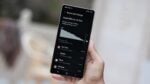
Before we begin, if you don't already have Good Lock on your Galaxy Z Fold 8, you can download it from the Galaxy Store or Google Play. Once installed, you can download the MultiStar module from within Good Lock.
The first MultiStar setting you should try on your Galaxy Z Fold 8 lets you see more content in multi-window.
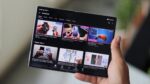
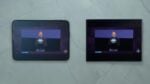
It works by automatically adjusting the UI scaling when you use split-screen. When enabled, apps in multi-window appear zoomed out, as if they're being rendered at a higher resolution. Here is a side by side comparison.
Mihai Matei / SamMobile
Galaxy Z Fold 8 multi-window default zoom
Mihai Matei / SamMobile
Galaxy Z Fold 8 multi-window zoom out
The text remains sharp, while almost everything else appears smaller, giving you more screen real estate when multitasking on the Fold 8.
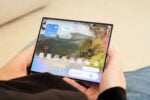
It works surprisingly well, making the 7.6-inch main display feel even more expansive when running multiple apps side by side.
To enable this feature:
Another MultiStar setting worth trying lets you remove the background blur effect when adjusting split-screen layouts. By default, in One UI 9.0, apps are blurred as you resize them in multi-window.
With MultiStar, you can disable this blur effect. Why would you want to? Well, while the effect looks pretty, removing it can be more practical. It lets you see both app windows clearly as you drag the divider to resize them, making it easier to judge how much screen space each app gets.
Here's a short clip demonstrating the difference:
To enable this feature and turn off the blur effect:
MultiStar offers several other tweaks worth exploring on your Galaxy Z Fold 8, although their usefulness comes down to personal preference.