Last updated: March 4th, 2024 at 12:39 UTC+01:00
SamMobile has affiliate and sponsored partnerships, we may earn a commission.
Reading time: 2 minutes
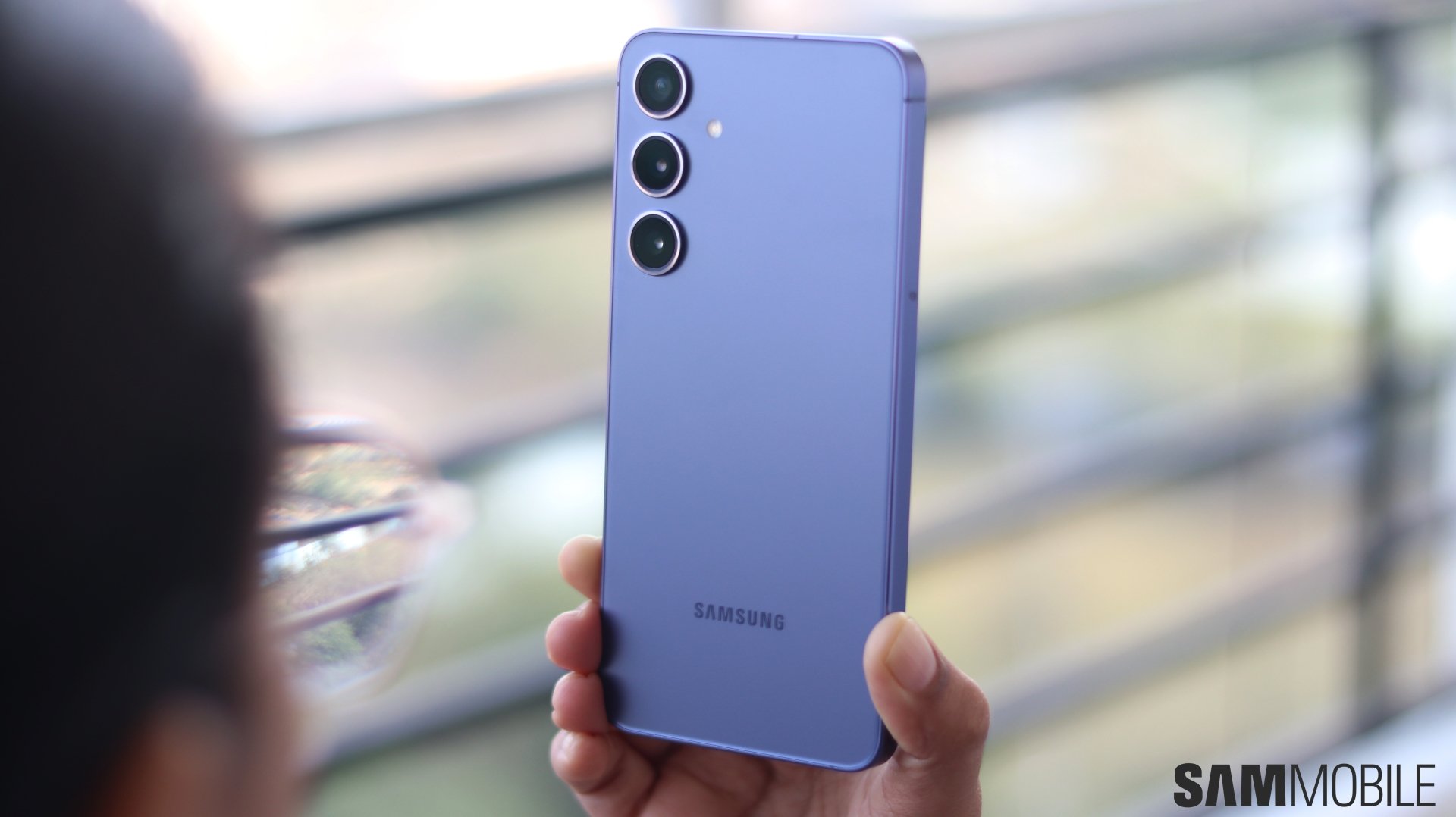
If this is your first time hearing about or using Camera Assistant on your Galaxy phone, these are the first features we recommend checking out. They can change the way your Camera behaves in meaningful ways, and, at the very least, you should be aware of what they do if you're running this app on your phone.
First, here's a direct link to the Camera Assistant app on the Galaxy Store in case you need it.
Now, assuming you have installed the app on your Galaxy device, you can open Camera Assistant app directly or open the Camera app, access “Settings,” and go to the “Camera Assistant” menu.
The first Camera Assistant trick you should try is to turn off “Auto lens switching.” This option lets you use your own settings and prevents the camera from picking a lens based on the zoom, lighting, and distance to your subject.
The second Camera Assistant option you should check out is called “Prioritize focus over speed.” When enabled, the camera will wait longer to finish focusing before triggering the shutter. This will result in better photos at the cost of a shutter delay.
The third Camera Assistant option you should try if your phone is connected to headphones or speakers is “Audio monitoring.” It allows you to play the sound being recorded by the Camera app through connected headphones or speakers, thus letting you monitor your audio live.
At the moment, the Audio monitoring feature is exclusive to the Galaxy S24 series, but more Samsung phones will likely get it with future firmware updates to One UI 6.1 or Camera Assistant upgrades.
Check out our short video below for a quick overview of these features and where to find them.
@sammobileofficial 3 Camera Assistant settings you MUST turn on with your Galaxy S24! #samsungtips #s24ultra #fyp #foryoupage

Mihai is a blogger and column writer at SamMobile. His first Samsung phone was an A800 which took a lot of beating, and a part of him still misses the novelty of the clamshell design. In his free time, he enjoys watching shows, documentaries, and stand-up comedy; listening to music, taking walks, and occasionally playing old(er) video games.












