Last updated: August 14th, 2023 at 15:42 UTC+02:00
SamMobile has affiliate and sponsored partnerships, we may earn a commission.
Reading time: 5 minutes
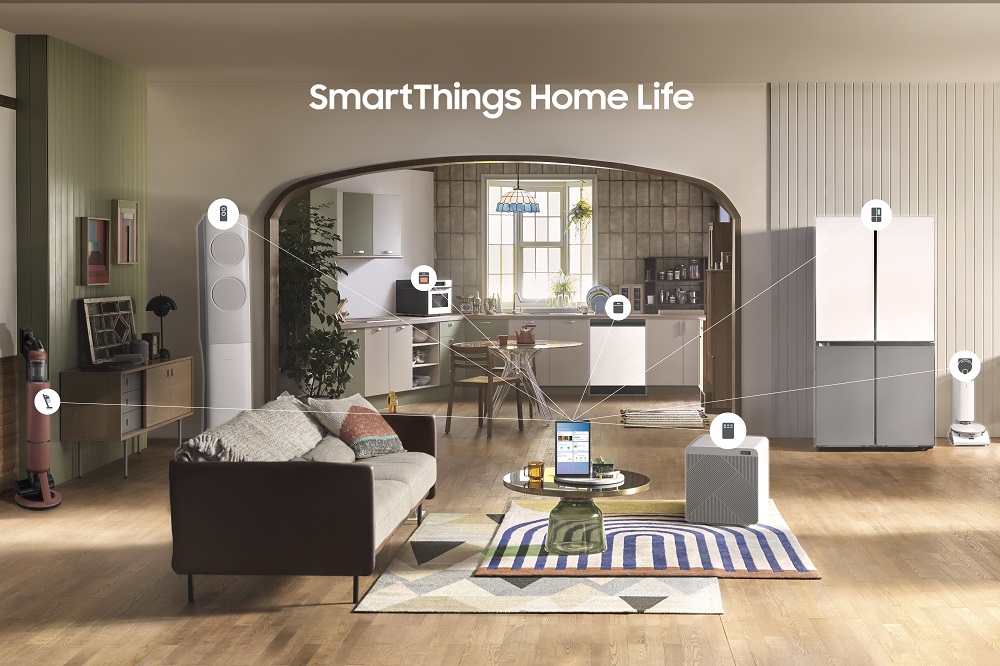
What is Samsung SmartThings? What does it do, and do you need it in your life? We'll answer those questions throughout the next few days, starting with today's overview.
Welcome to SmartThings Week at SamMobile! — Our next chapter in the weekly series in which we explore everything you need to know about a particular Samsung app or One UI feature.
Before we move on to our Samsung SmartThings overview, here's a brief recap of last week (Samsung Health Week):
Story continues after the video
SmartThings is a Samsung app that helps you control your smart home and smart devices, including but not limited to lights, window blinds, TVs, audio systems, thermostats, vacuum cleaners, pet feeders, dehumidifiers and air purifiers, kitchen appliances, outlets, door locks fans, vents, and air conditioning units, doorbells, valves, a myriad of sensor types, and much more, both first-party and otherwise.
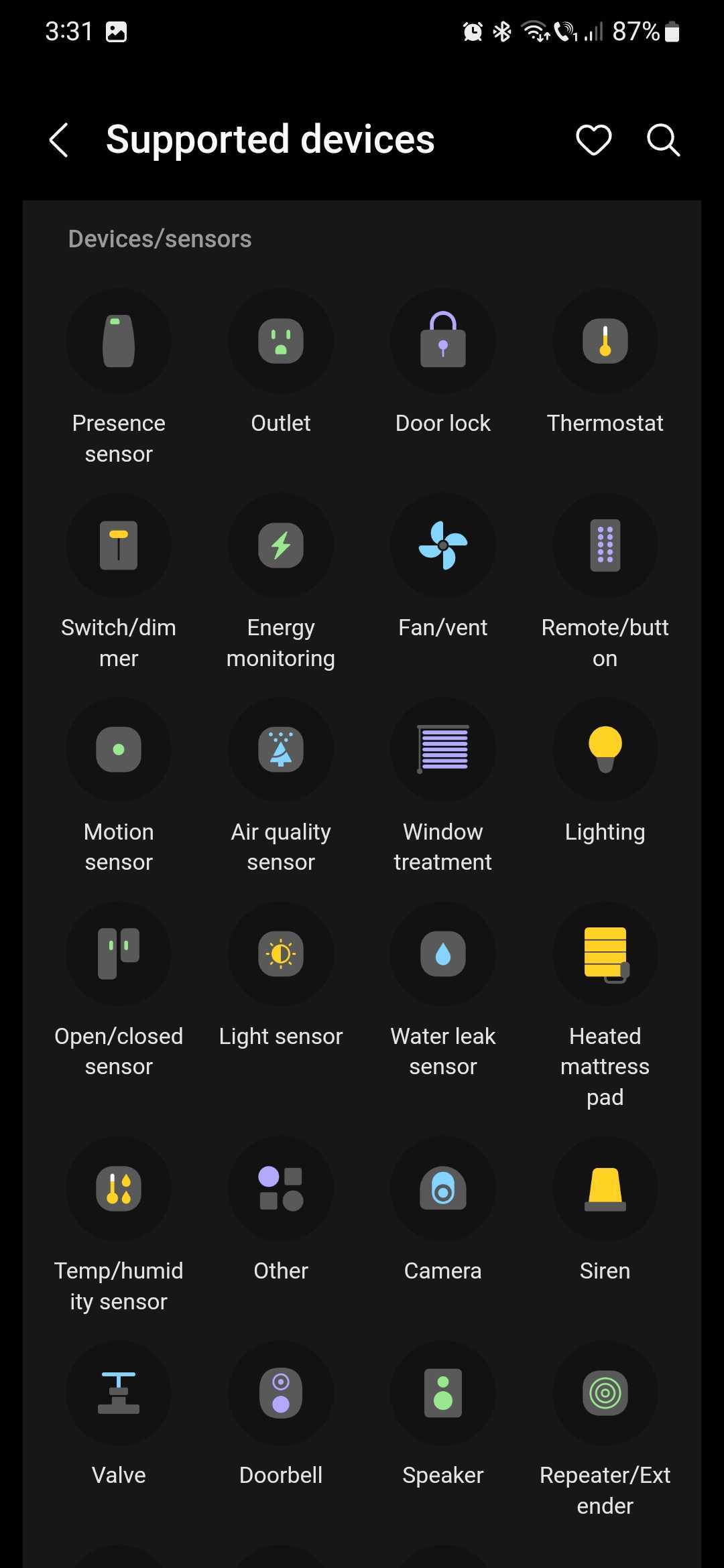
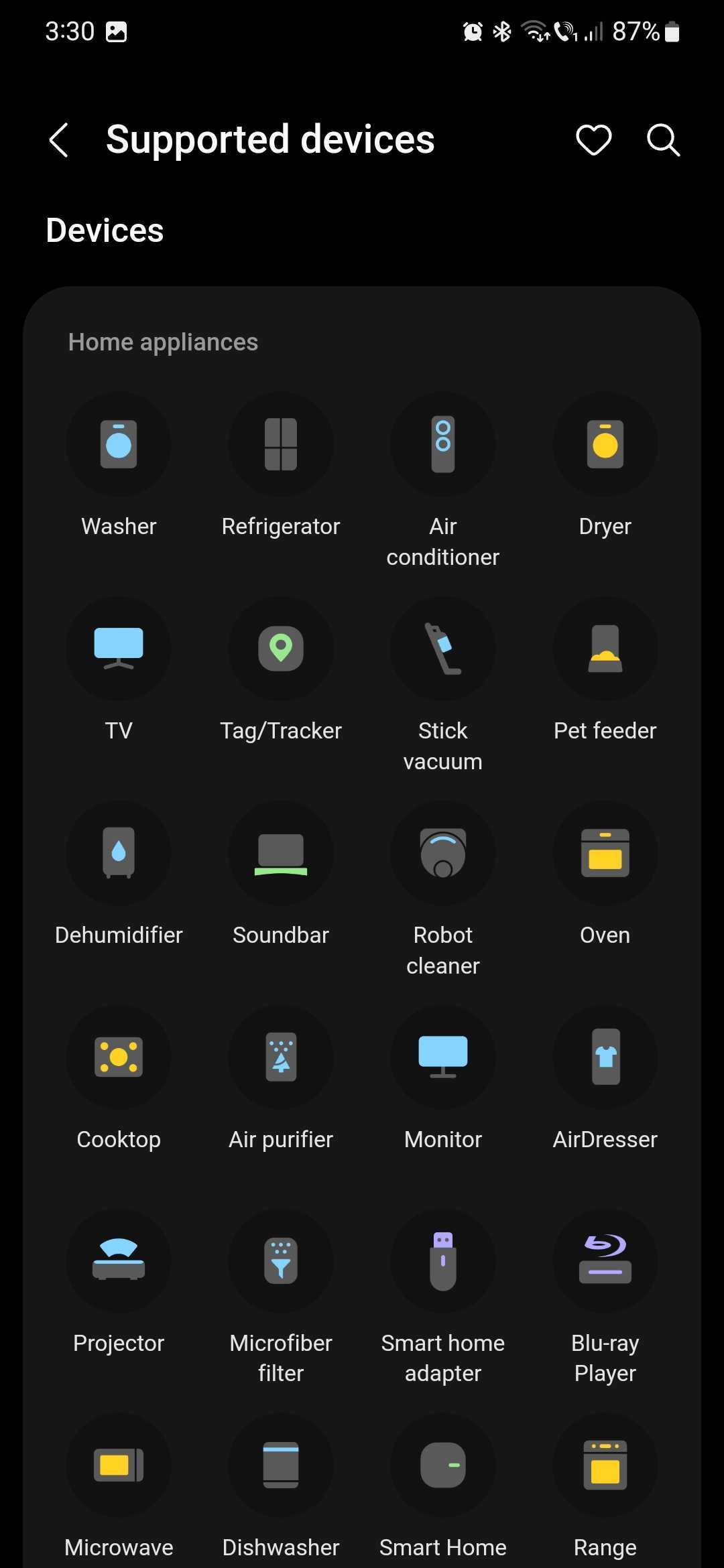
In essence, SmartThings is the go-to mobile app for Galaxy device users who want to create and control a smart home.
Furthermore, it's the go-to app for users who have misplaced their Galaxy mobile devices and want to find their location. SmartThings Find is the component that anonymously tracks Galaxy devices through a worldwide Bluetooth and UWB (Ultra-Wide Band) network that grew to over 300 million devices in May 2023. Users who opt in to this service can find the precise location of their devices through SmartThings Find.
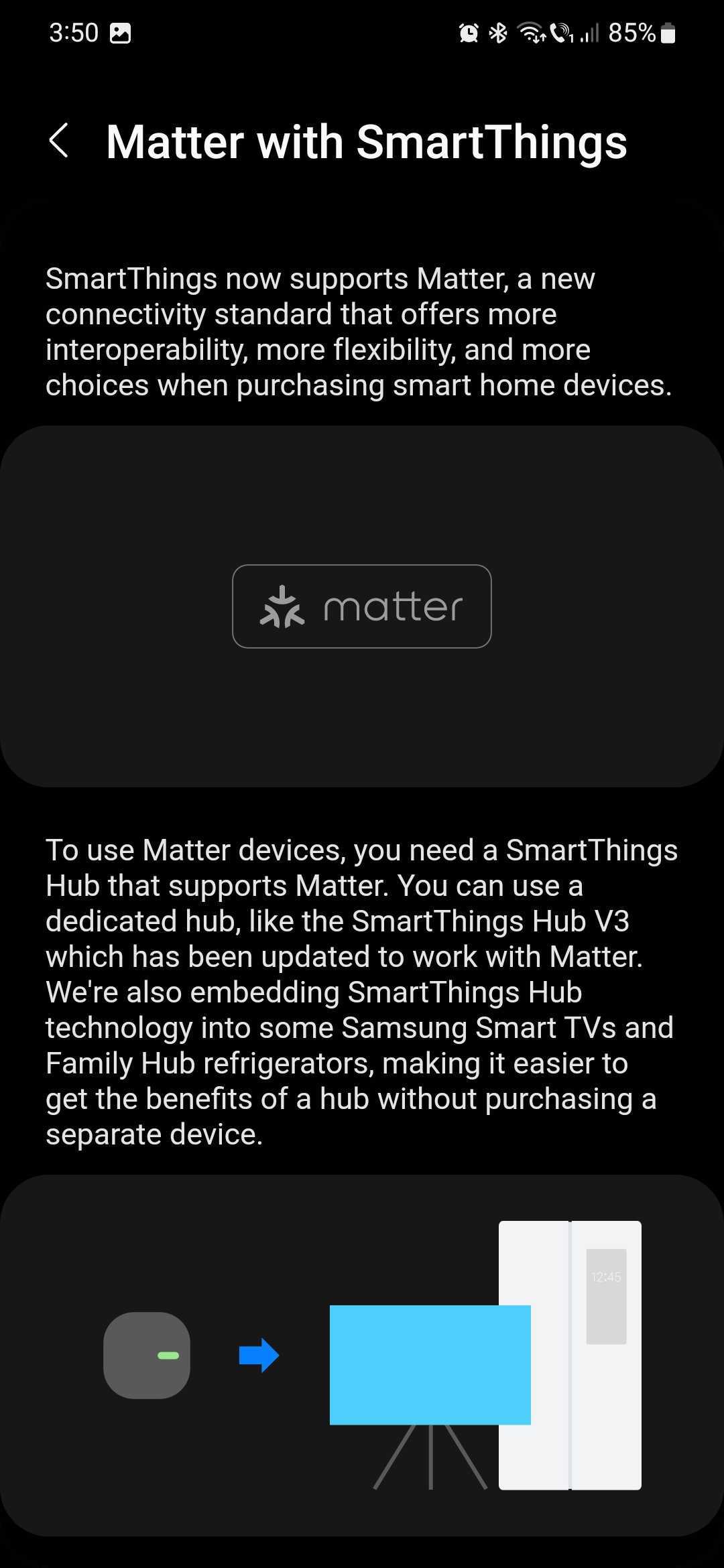
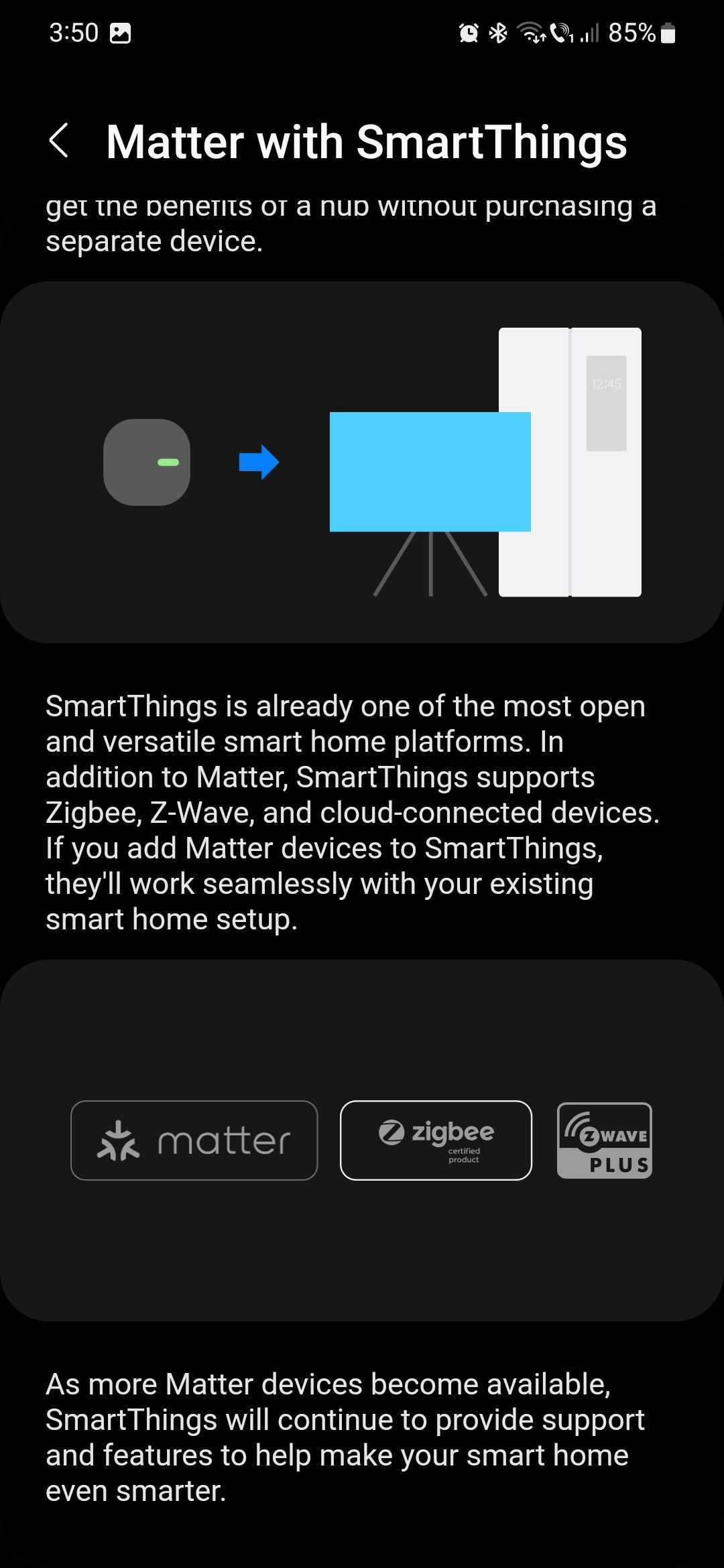
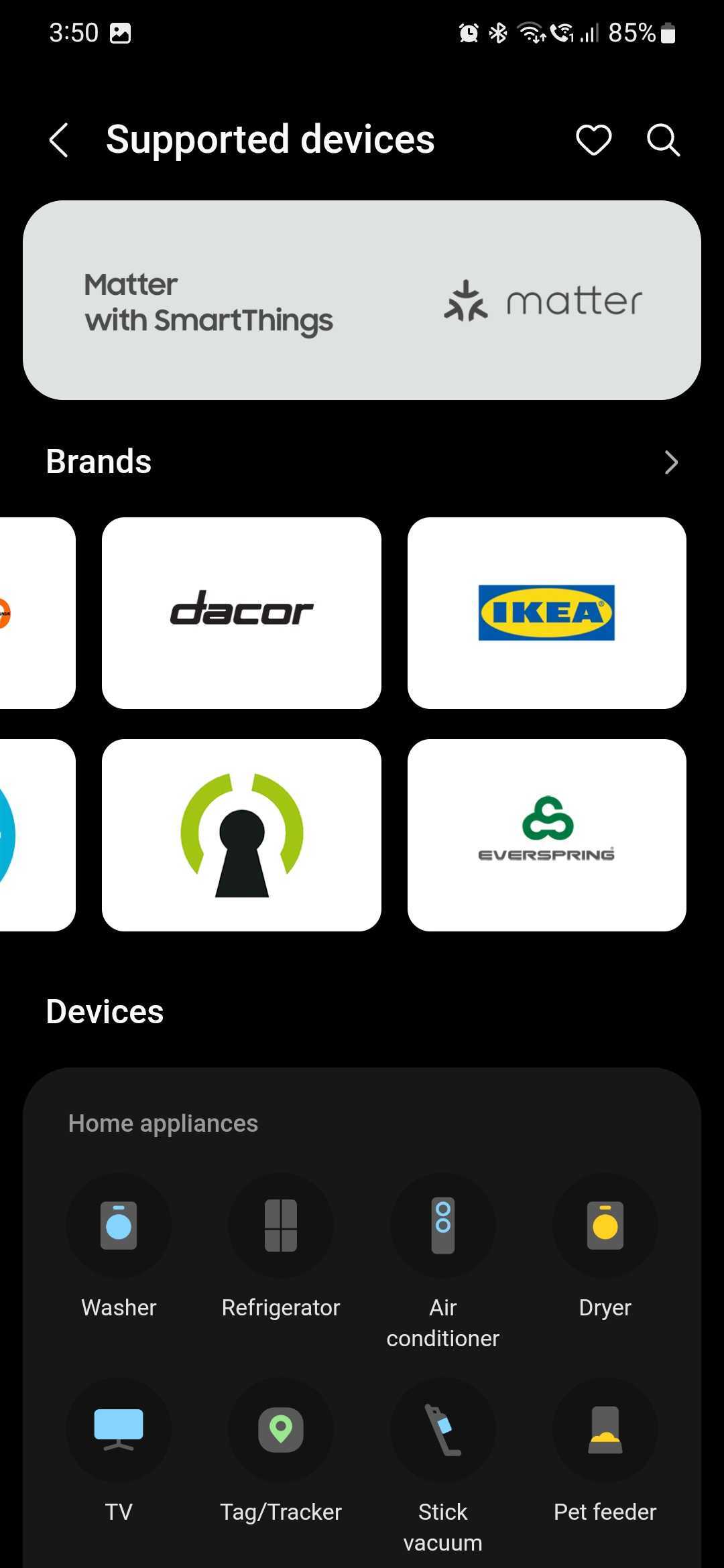
SmartThings supports the Matter standard for more interoperability and flexibility. Using the SmartThings app, you can control any Matter devices from any brands as long as you have a SmartThings Hub V3 or a compatible Samsung Smart TV or Family Hub refrigerator. Other supported standards are Zigbee, Z-Wave, and cloud-connected devices.
In theory, if you want to add a new device to your smart home SmartThings network, all you need to do is make sure that it supports Matter, Zigbee, or Z-Wave, and you should be all set.
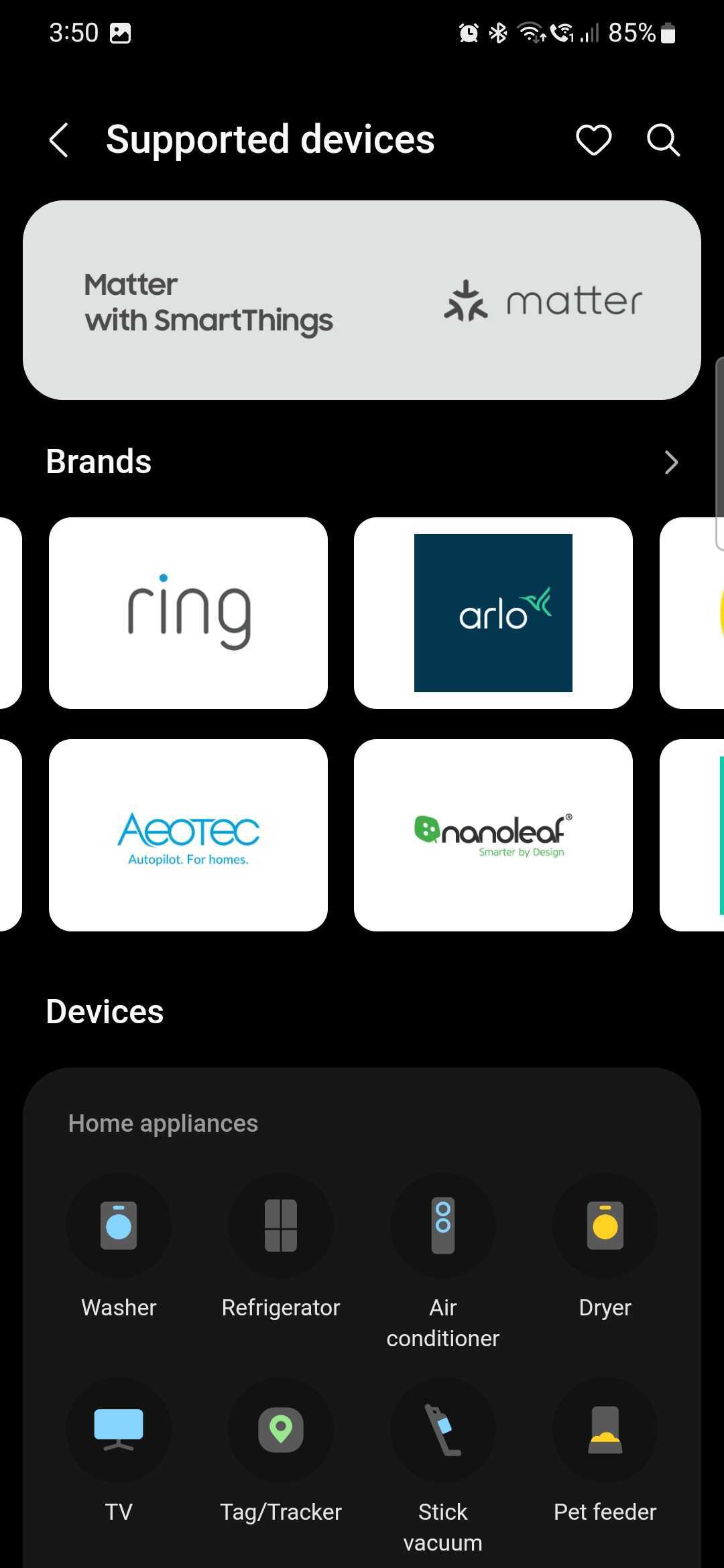
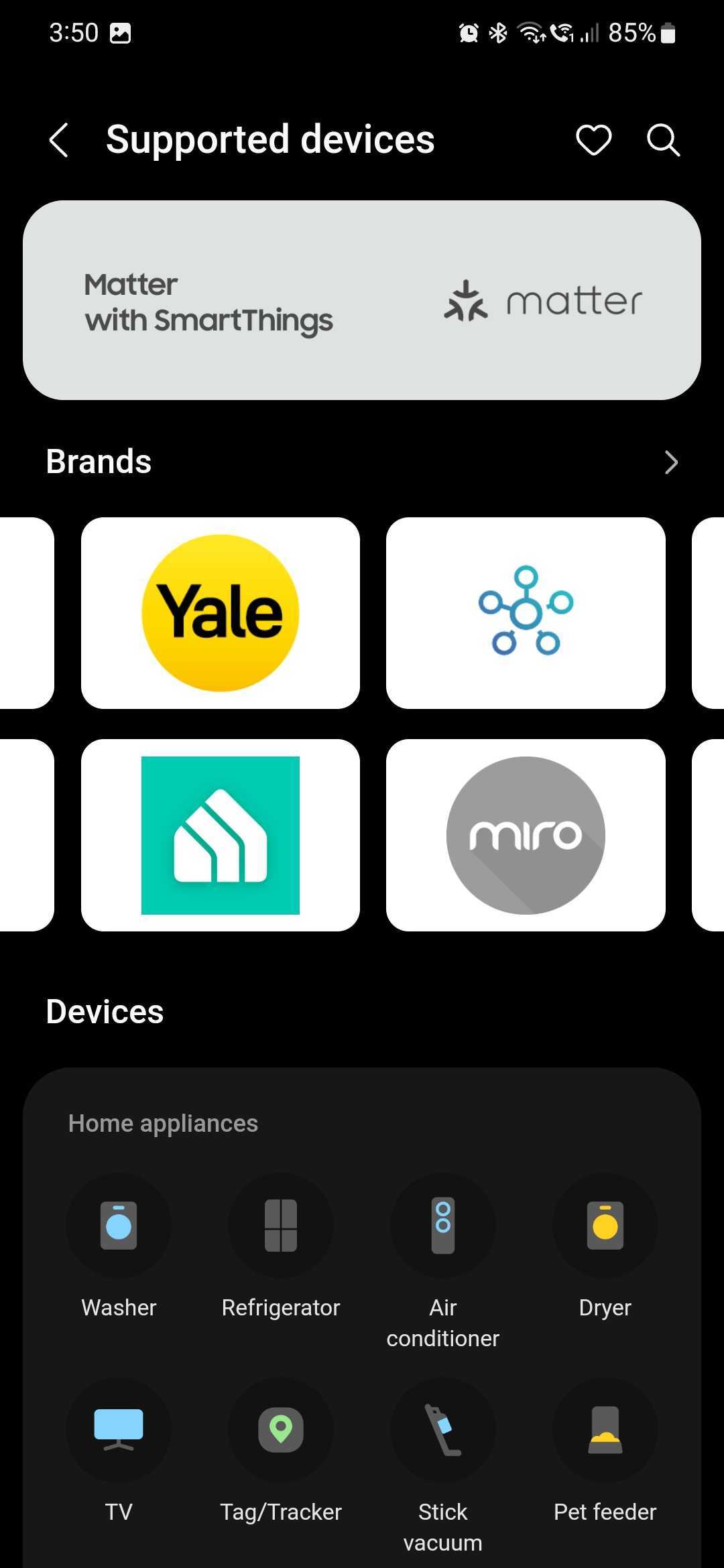
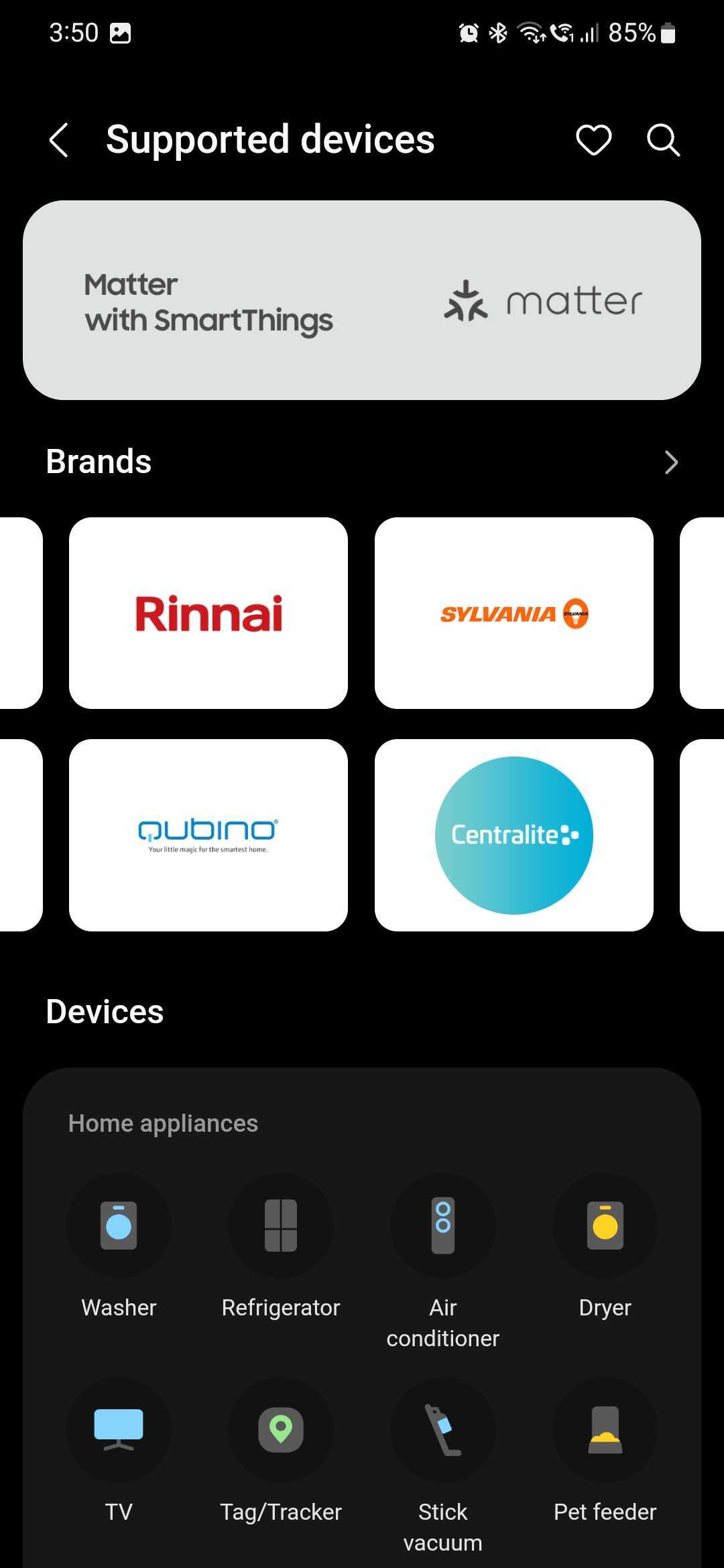
As for supported brands, besides Samsung smart devices, the SmartThings platform is compatible with IoT products from:
The SmartThings app is divided into five categories: Favorites, Devices, Life, Routines, and Menu. Most of these categories are self-explanatory.
For example, the Favorites page lets you control your favorite smart home / IoT devices. And the Devices category is where you will find all your wearable and SmartThings-compatible devices.
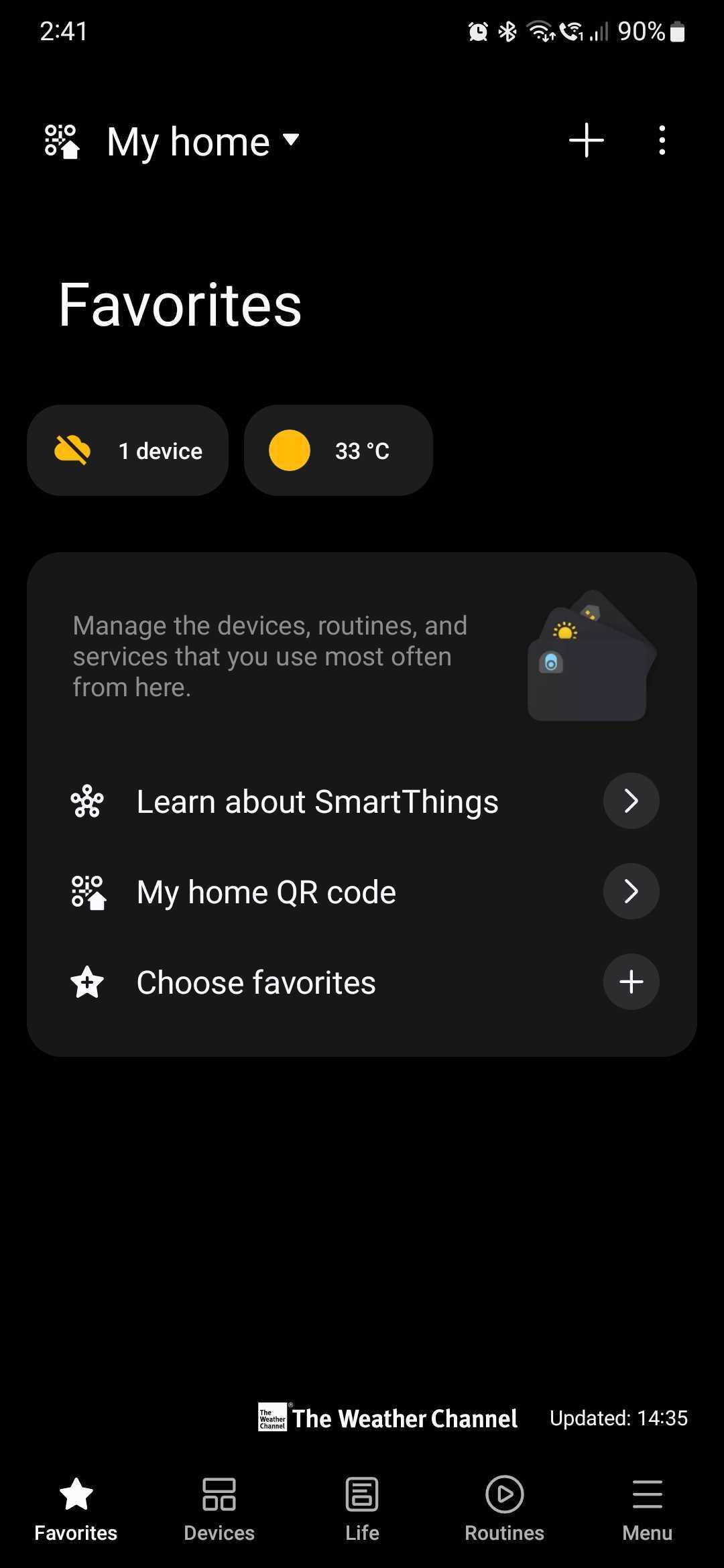
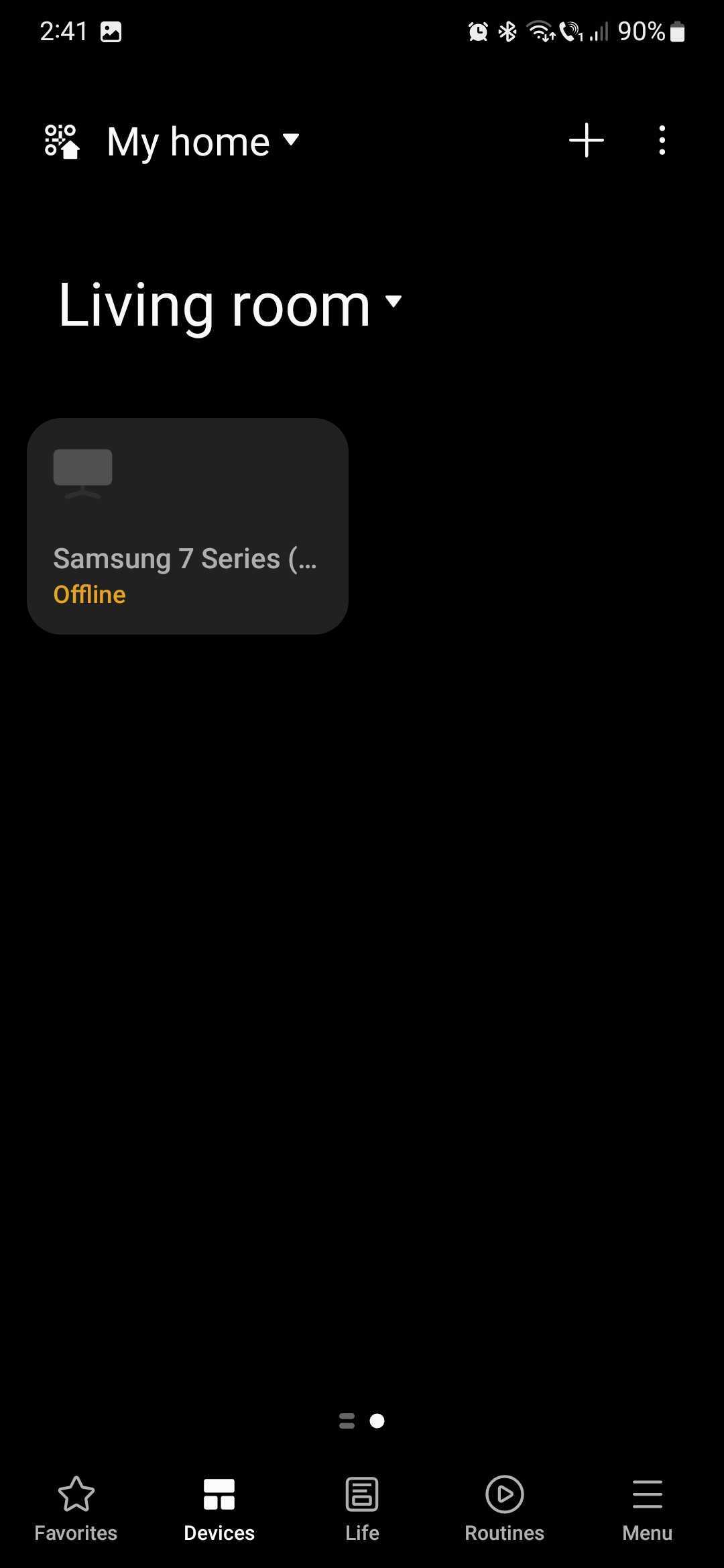
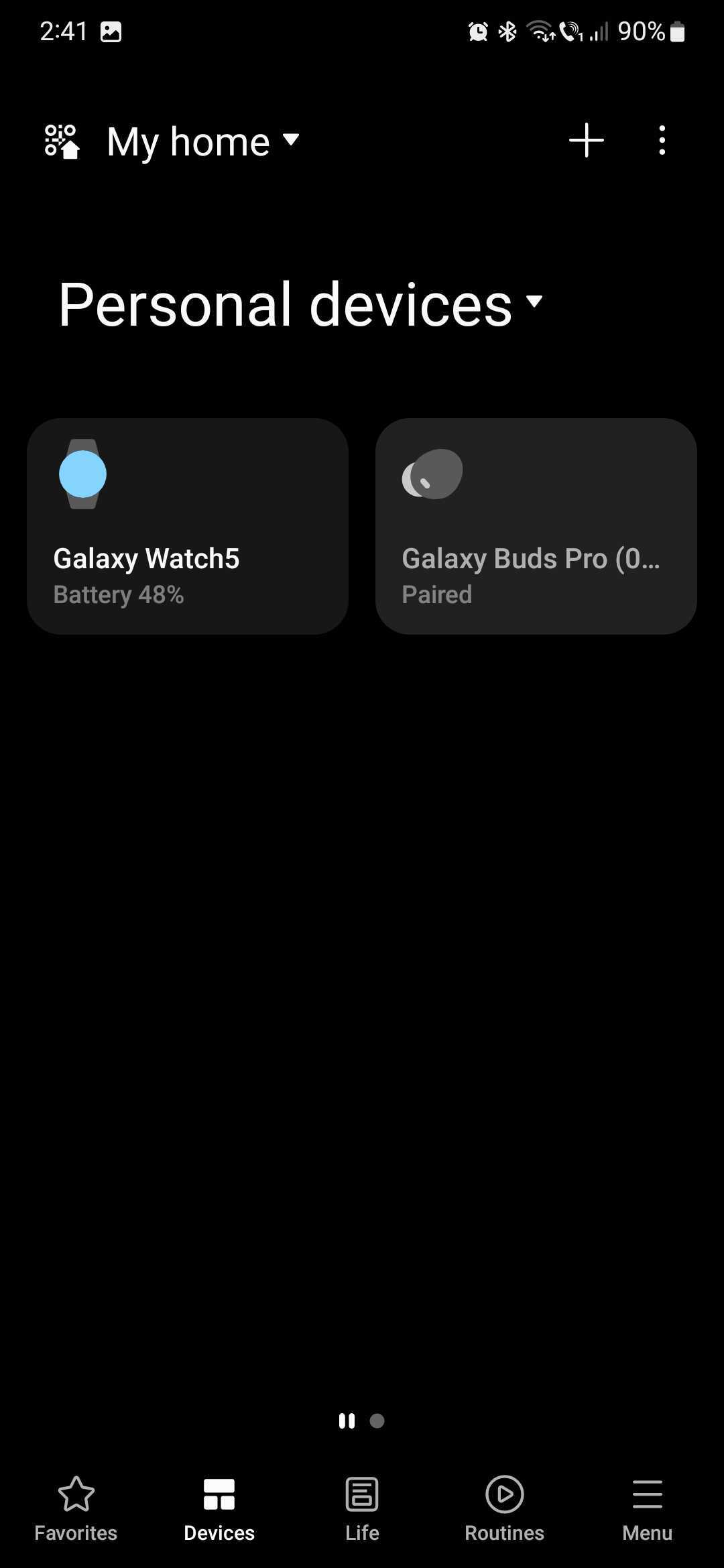
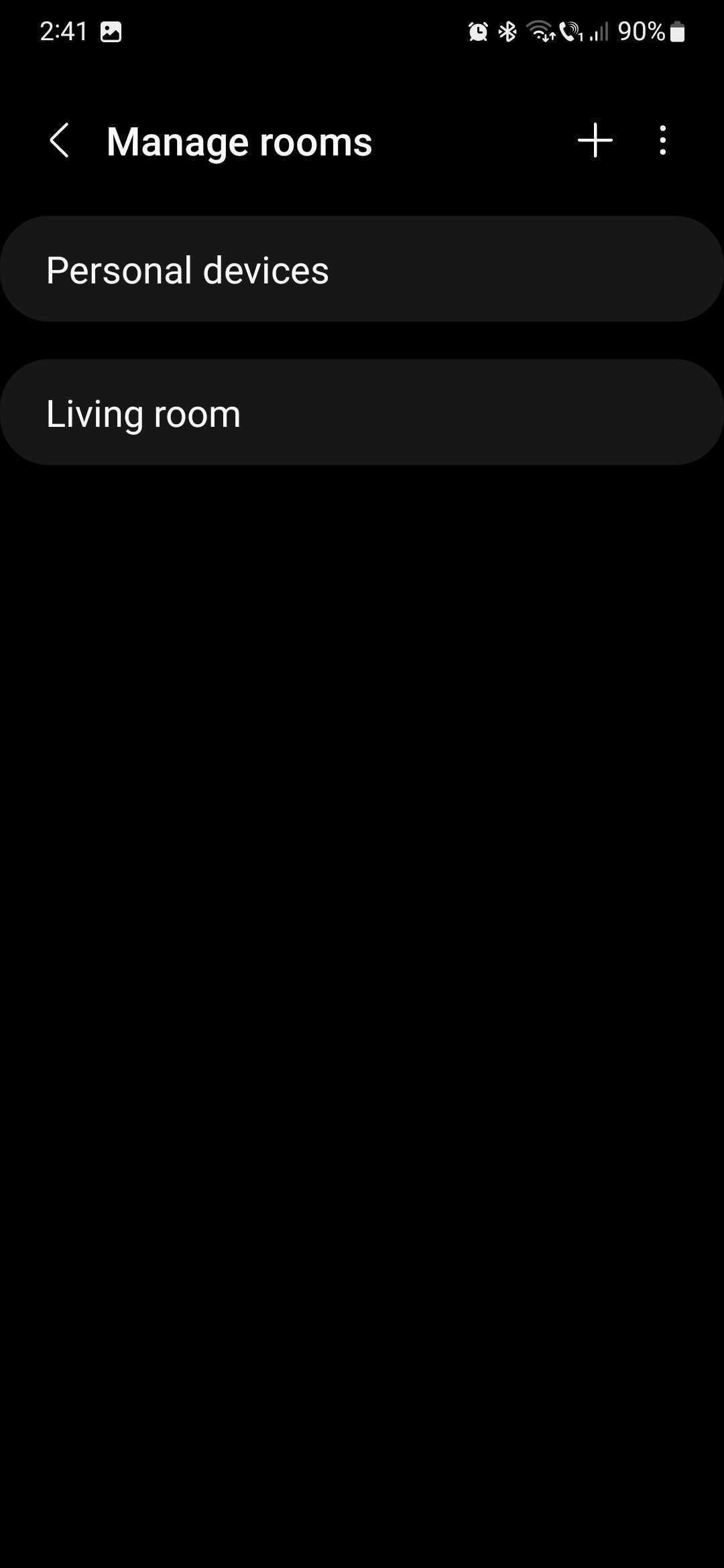
From these two sections in the SmartThings UI, you can add new locations, organize your devices by room, and control devices remotely using your mobile phone or tablet. You can even turn ON/OFF and control your TV using your phone's touchscreen.
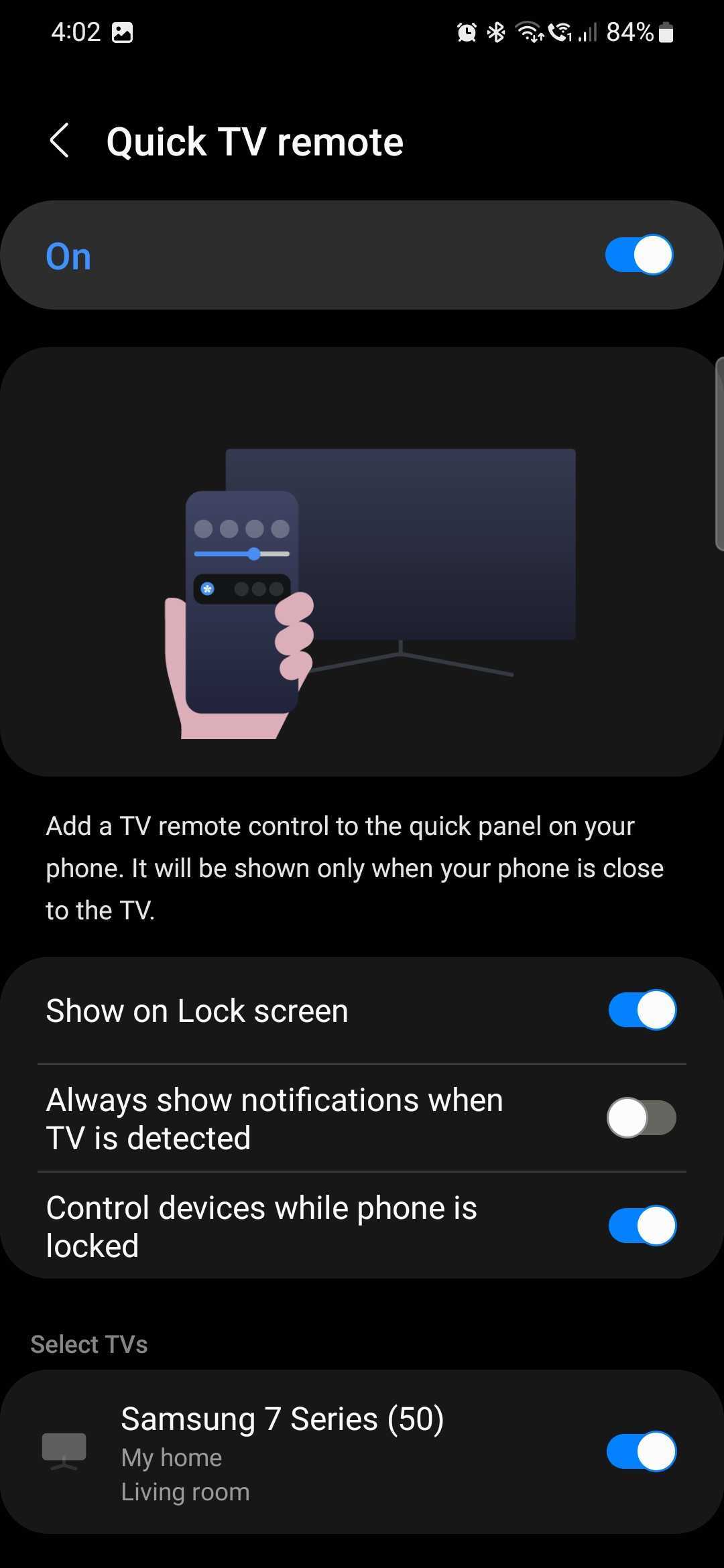
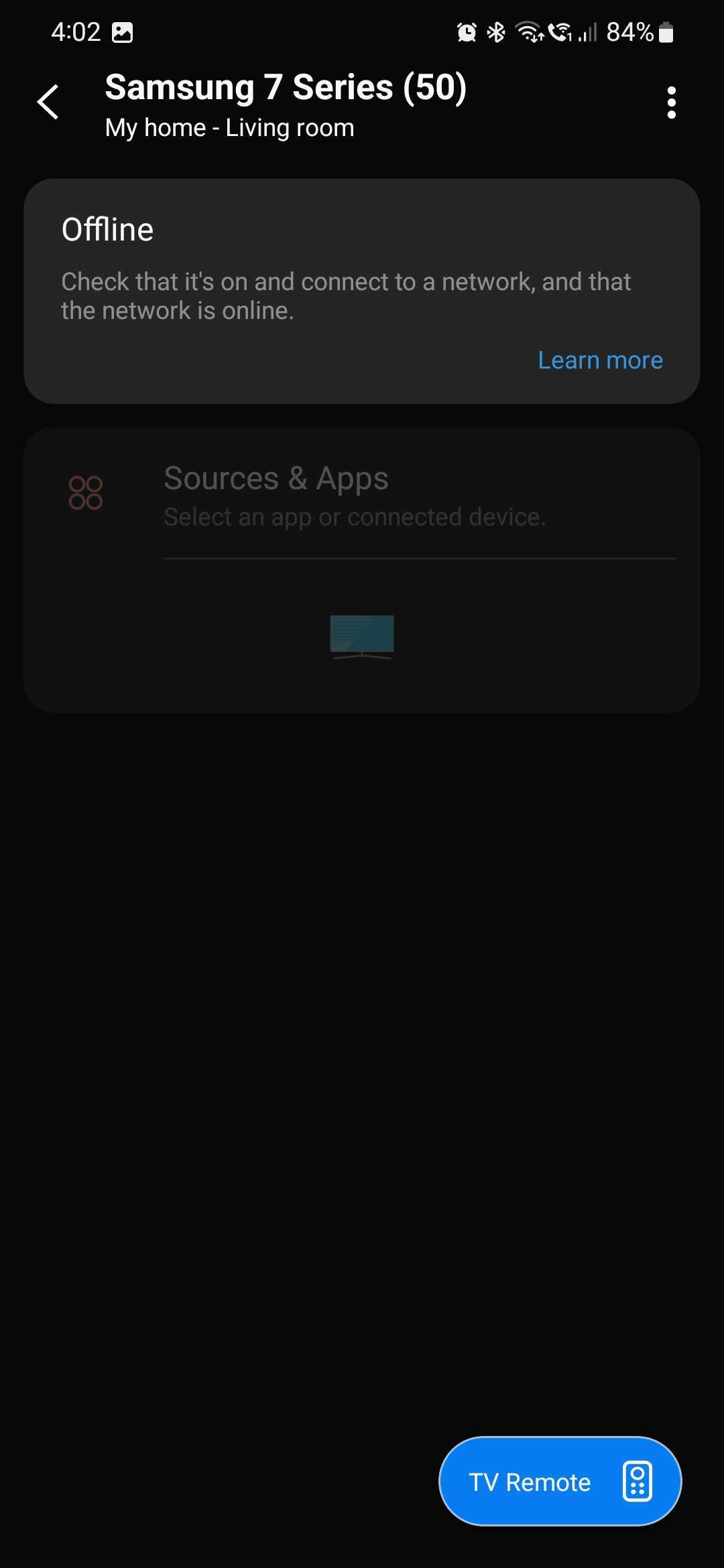
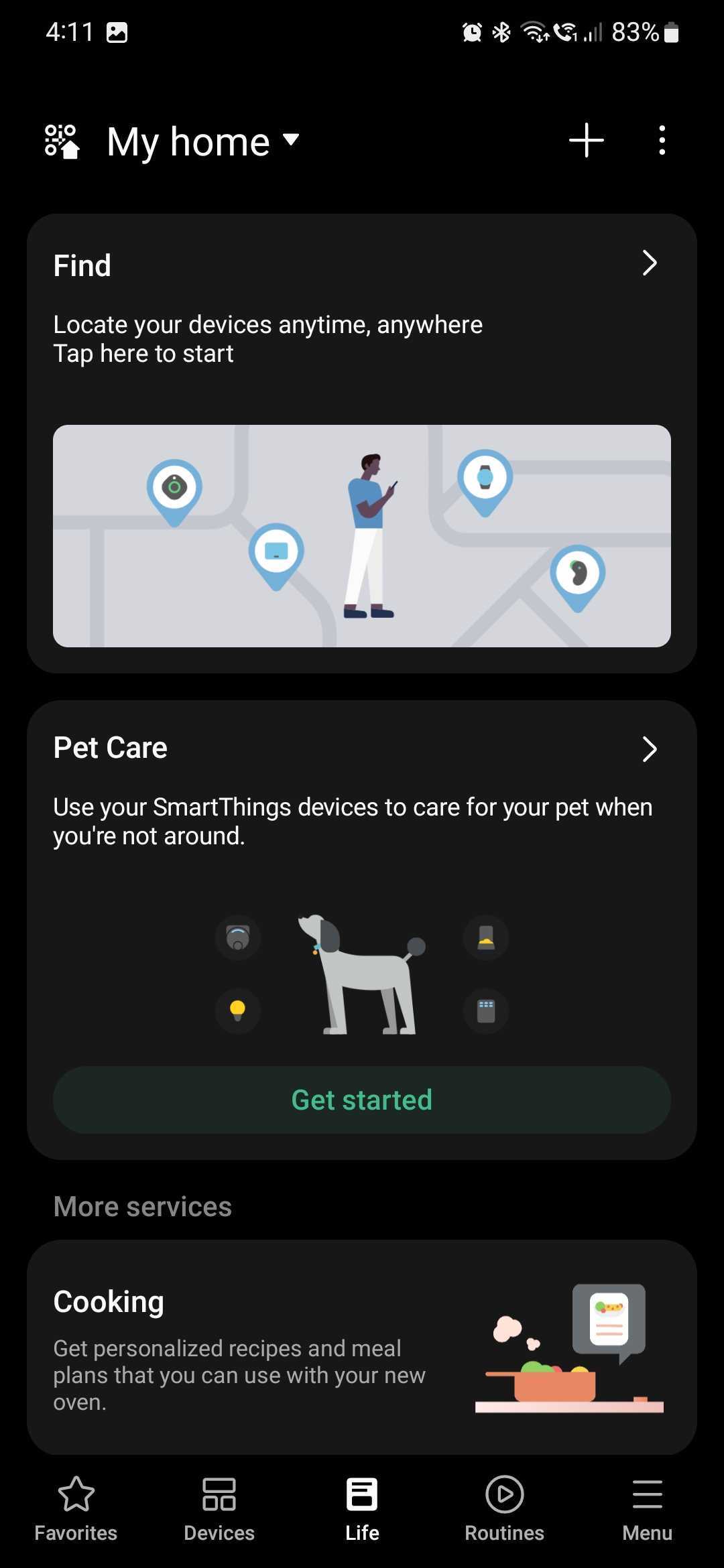
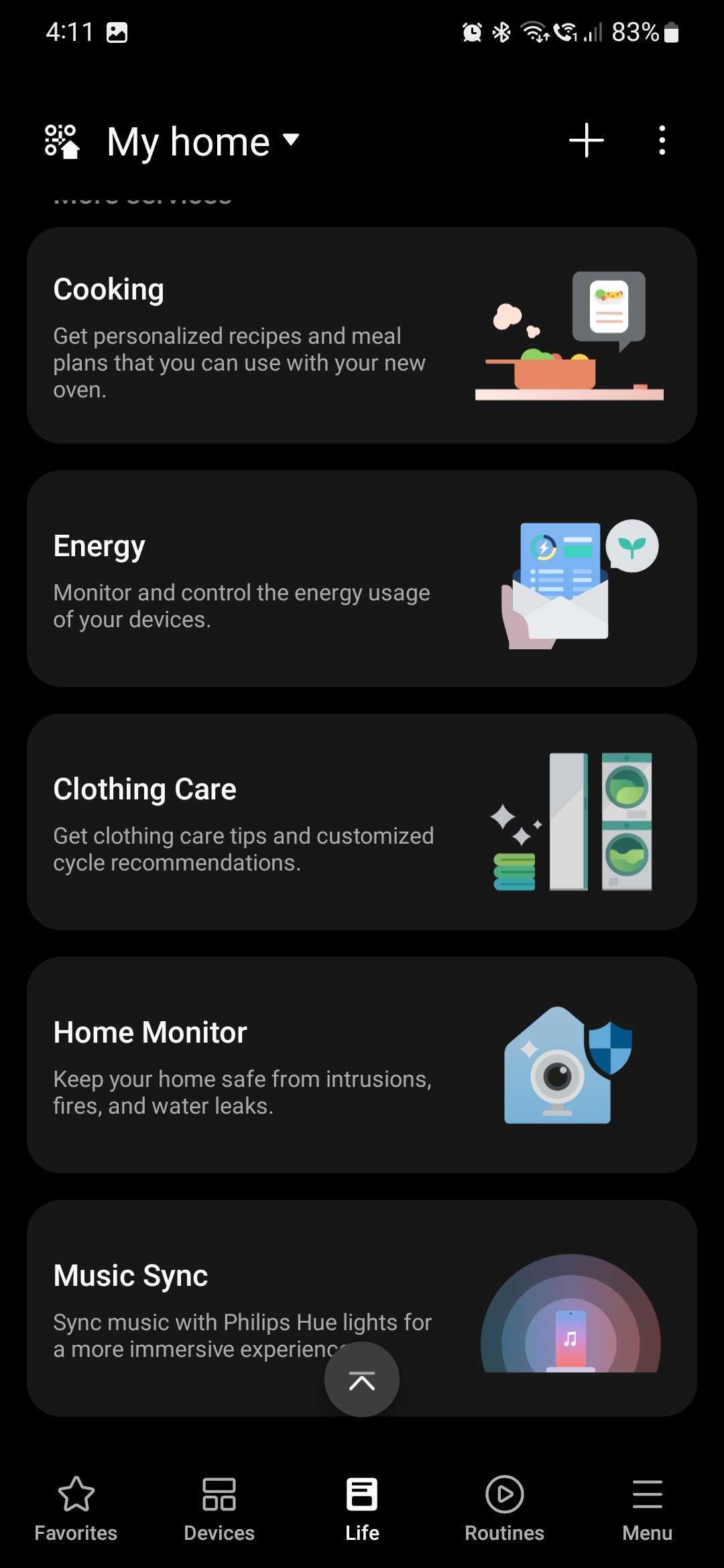
Aside from the Menu category — which offers way more diverse information than your usual settings screen — you'll also be interested in exploring the Life and Routines categories. They sit at the center of the SmartThings experience. Using the Life tab in the mobile app, SmartThings users can:
And last but not least, the Routines section is all about automating your smart home using IFTTT (If This Then That) principles. If you have used Modes and Routines (previously Bixby Routines) before, you should be familiar with the concept, i.e., you create scripted actions for your devices using well-defined rule sets. For example:
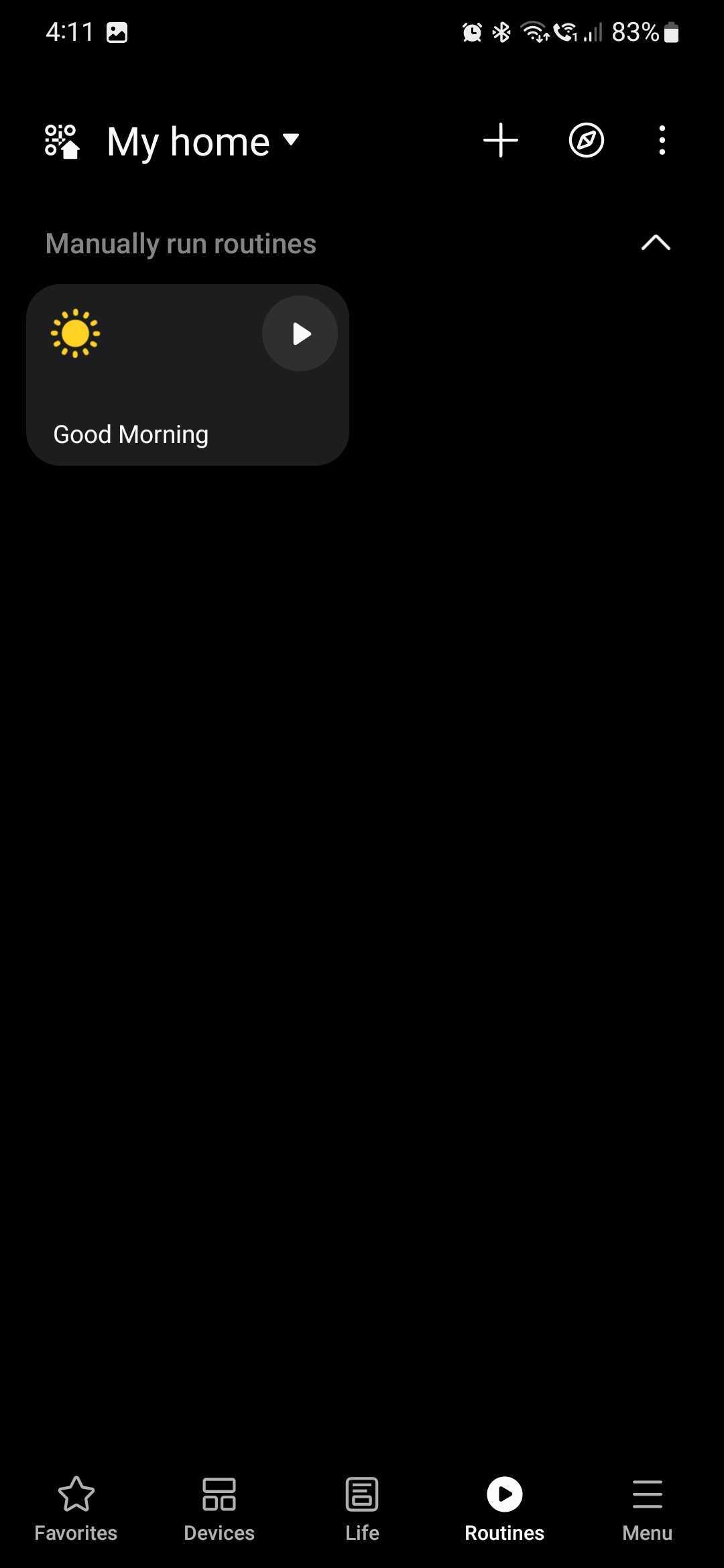
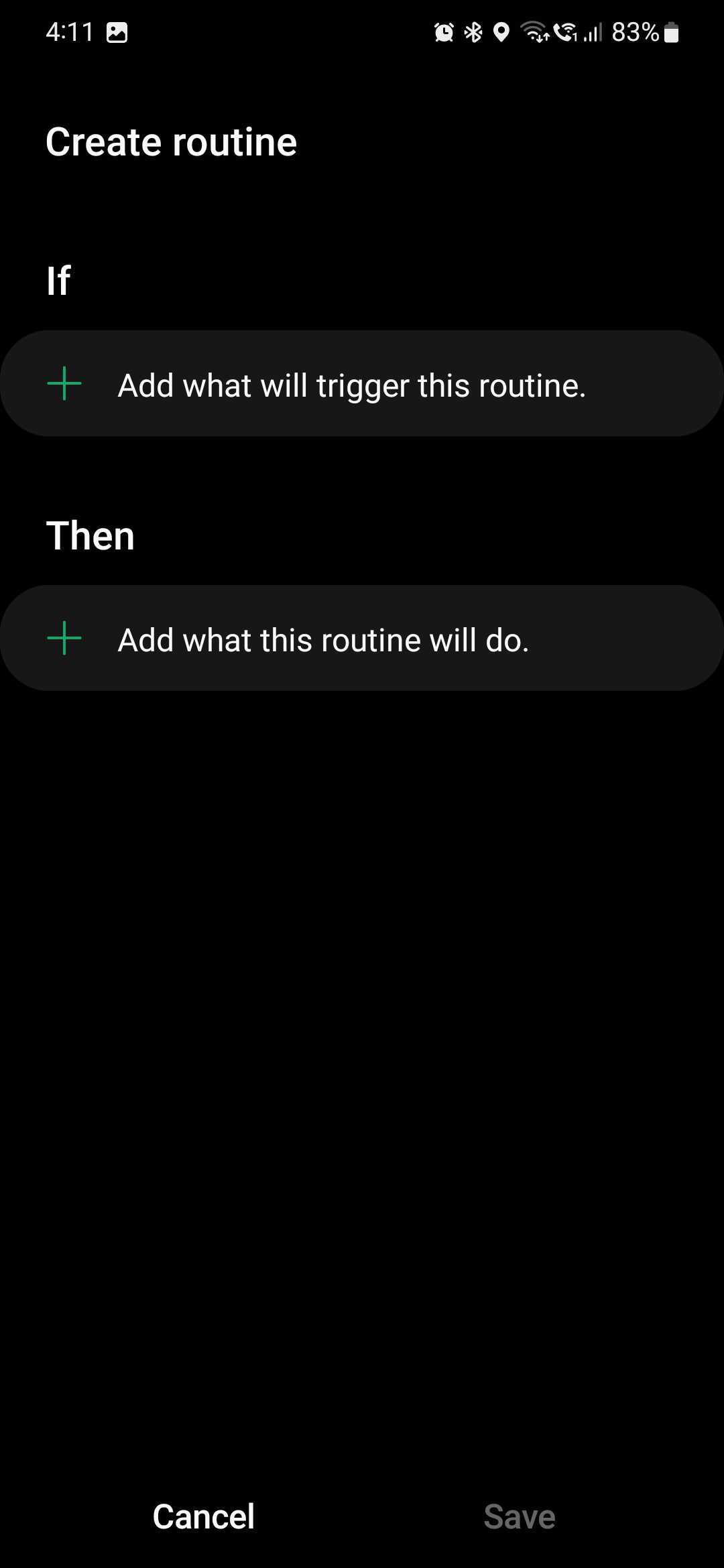
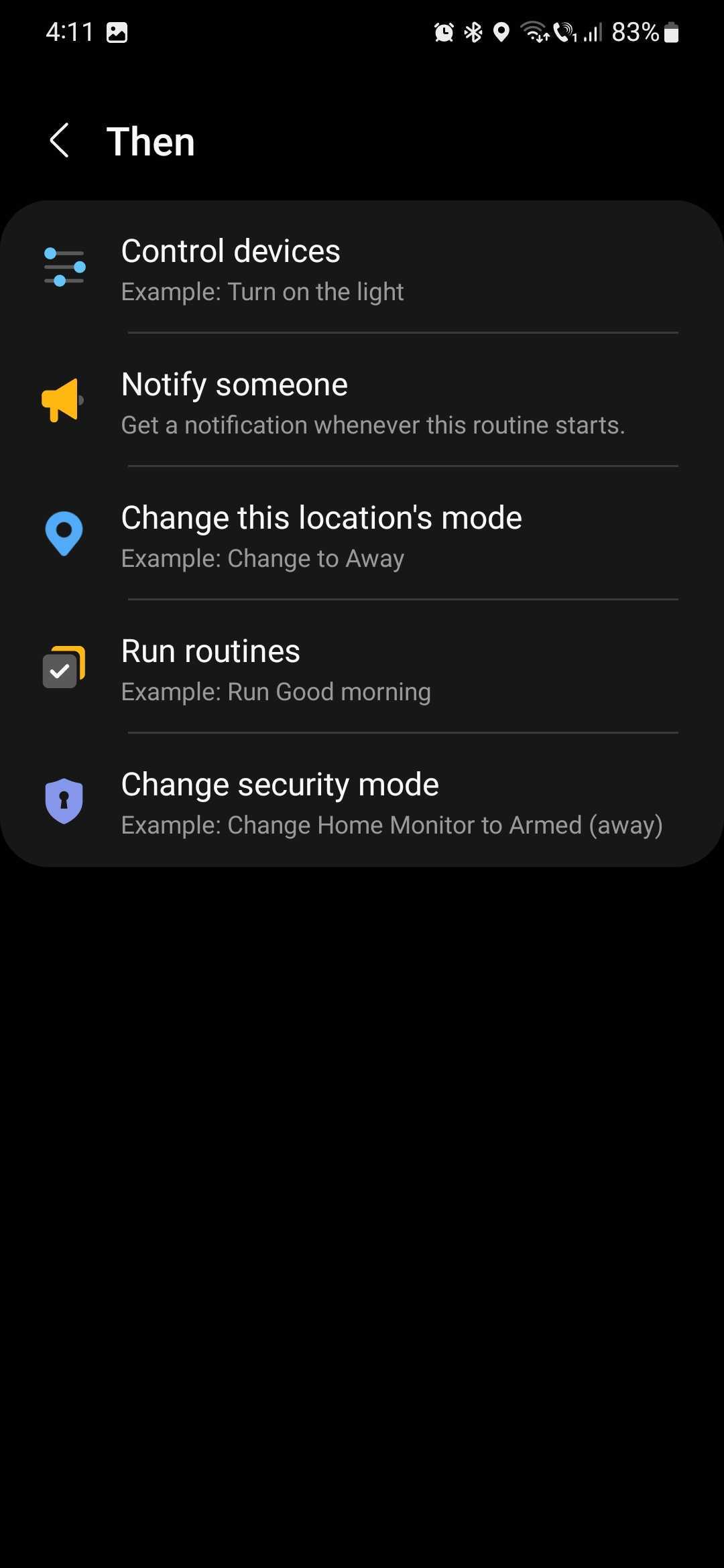
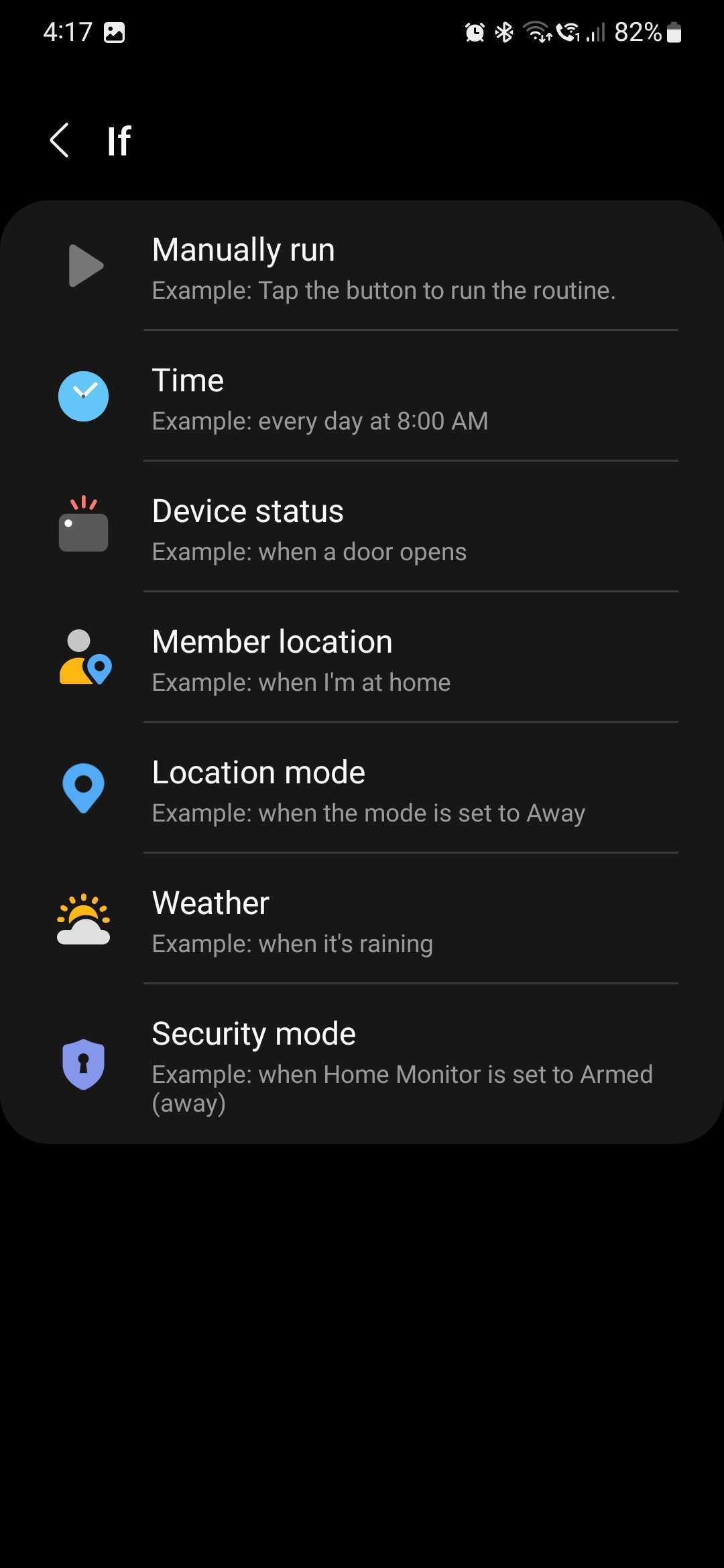
It's key to understand that there is a difference between this Routines tool in SmartThings and the standard Modes and Routines feature in One UI. Namely, in SmartThings Routines, Samsung makes things a whole lot easier for users by giving them “If” and “Then” arguments that work specifically with smart home and IoT devices. There's little-to-no guesswork. The experience is streamlined and purpose-built, whereas the standard Modes and Routines One UI component is more experimental and kind of like a sandbox.
This concludes our overview of the clever Samsung SmartThings app, but join us tomorrow for SmartThings Week Part 2, and we will dive deeper into these home automation features.

Mihai is a blogger and column writer at SamMobile. His first Samsung phone was an A800 which took a lot of beating, and a part of him still misses the novelty of the clamshell design. In his free time, he enjoys watching shows, documentaries, and stand-up comedy; listening to music, taking walks, and occasionally playing old(er) video games.












