Last updated: August 18th, 2023 at 14:26 UTC+02:00
SamMobile has affiliate and sponsored partnerships, we may earn a commission.
Reading time: 3 minutes
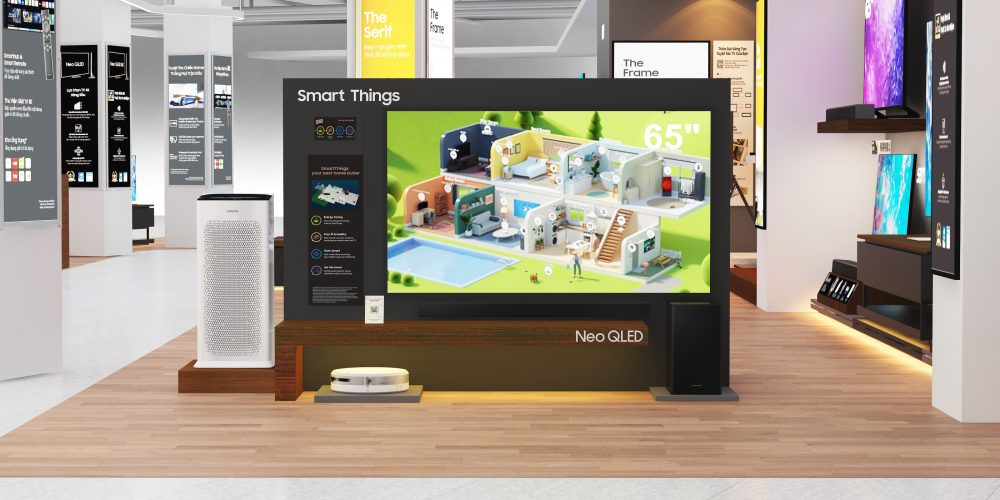
In truth, although SmartThings has evolved in many ways over the years, this might remain the weakest point of the platform: It doesn't offer a very robust and well-integrated backup/restore system for your smart devices, particularly third-party ones.
You can't back up settings offline. And last time we checked, per-smart device custom settings can't be backed up and restored through SmartThings. This may also be limited by the smart home device's capabilities. If you use a hub that doesn't support backup and restore, the SmartThings mobile app won't do anything about it. In any case, a cloud-based Samsung account syncing feature does exist, and it can come in handy to some degree.
Here's all you need to know, but before we move on, feel free to explore our week's summary below if you missed out and want to learn more about the mobile app.
Story continues after the video
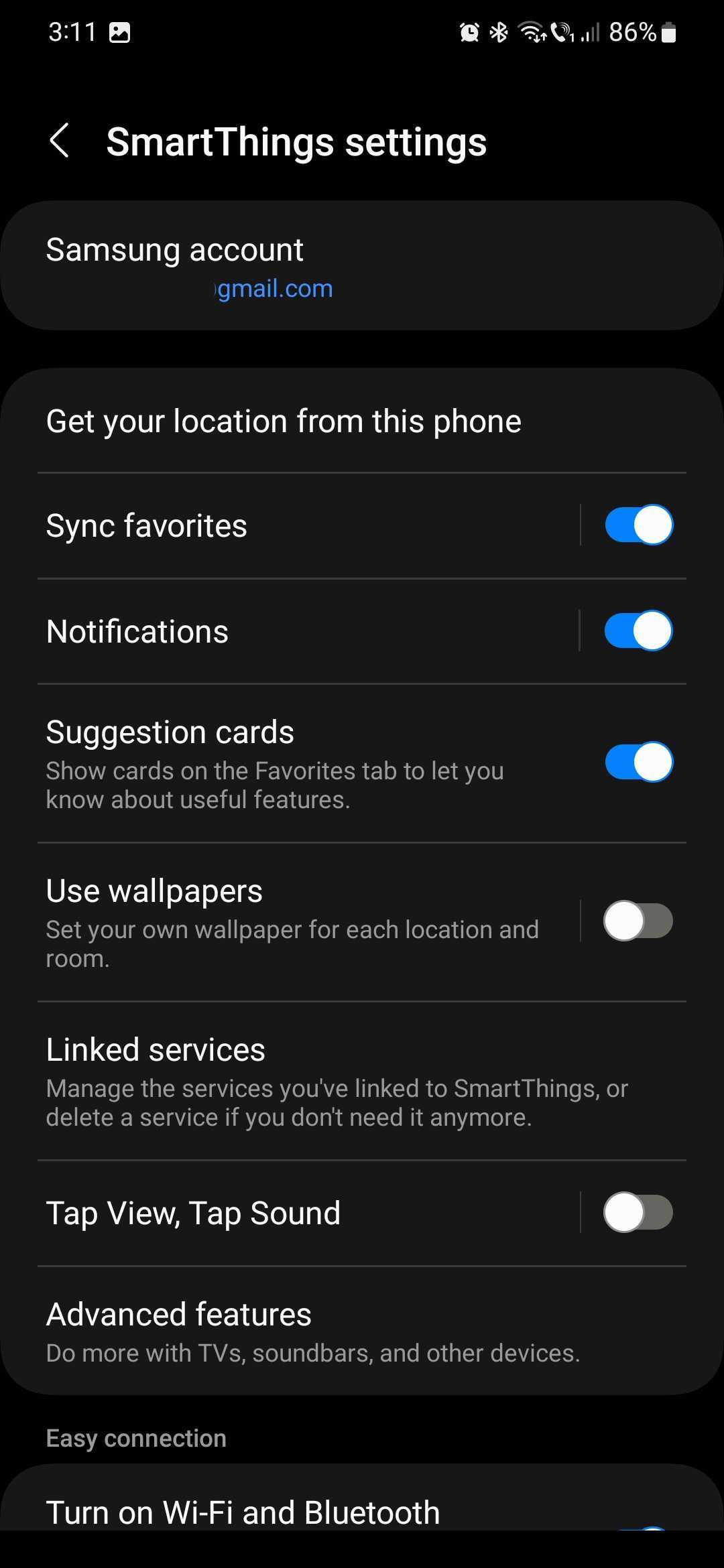
The type of data you can sync with your Samsung account includes your favorites list, Routines, SmartThings services, and custom locations and rooms.
The benefit of syncing your SmartThings data with your Samsung account is that you get a similar experience across your Galaxy mobile devices. For example, if you set up a Routine in SmartThings on your phone, you can access it on your Galaxy tablet and vice versa. Same with device networks and locations, favorites list, and services.
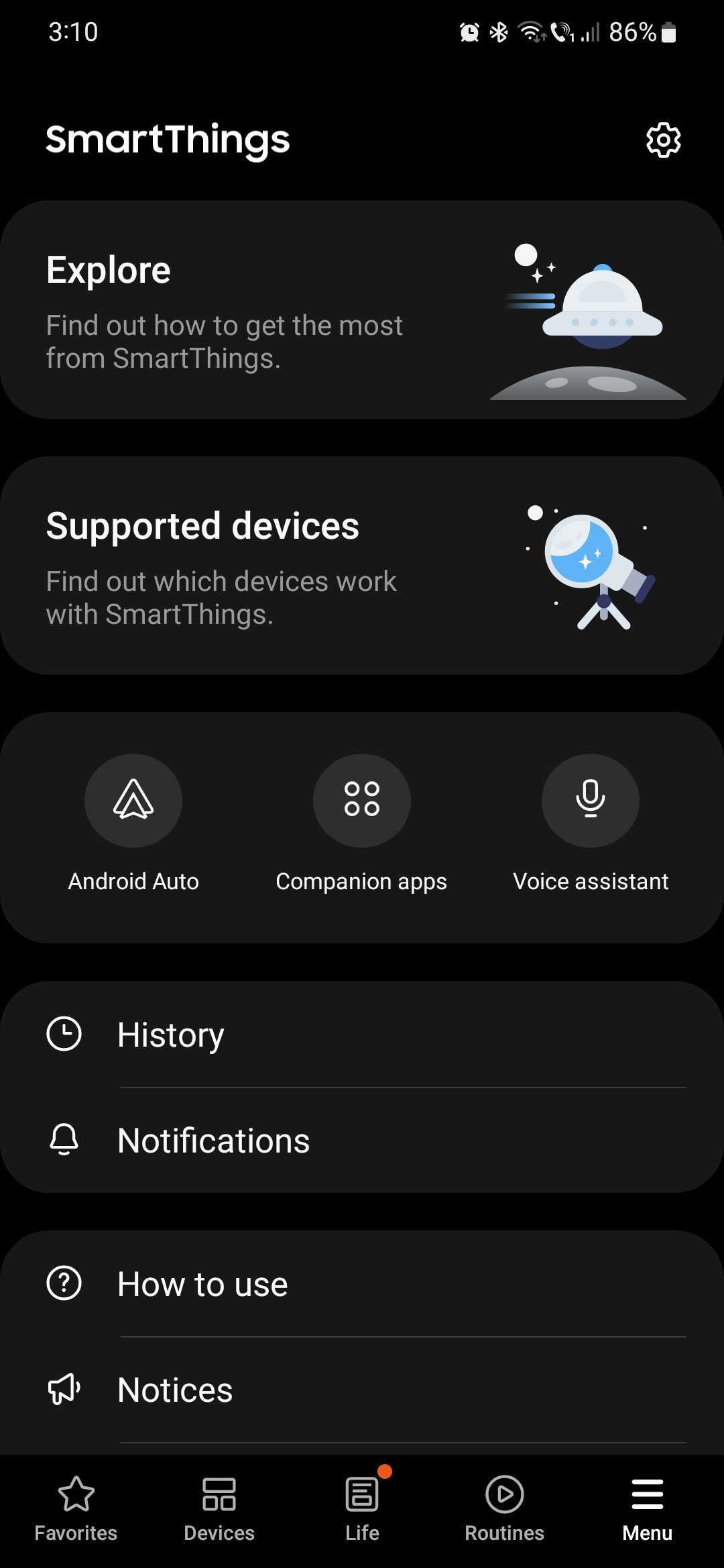
To sync your SmartThings data with your Samsung account, open the app, access the Menu tab, and tap the Settings icon at the top. Make sure you're signed in with your Samsung account at the top, and optionally, enable the “Sync favorites” option.
That's it. You're all set for a unified SmartThings experience across your Samsung mobile devices. This concludes our SamMobile SmartThings Week, but join us again on Monday for a new in-depth look at another Samsung app and/or service.
Image credit: Samsung

Mihai is a blogger and column writer at SamMobile. His first Samsung phone was an A800 which took a lot of beating, and a part of him still misses the novelty of the clamshell design. In his free time, he enjoys watching shows, documentaries, and stand-up comedy; listening to music, taking walks, and occasionally playing old(er) video games.













