Last updated: December 23rd, 2024 at 04:06 UTC+01:00
SamMobile has affiliate and sponsored partnerships, we may earn a commission.
Reading time: 2 minutes
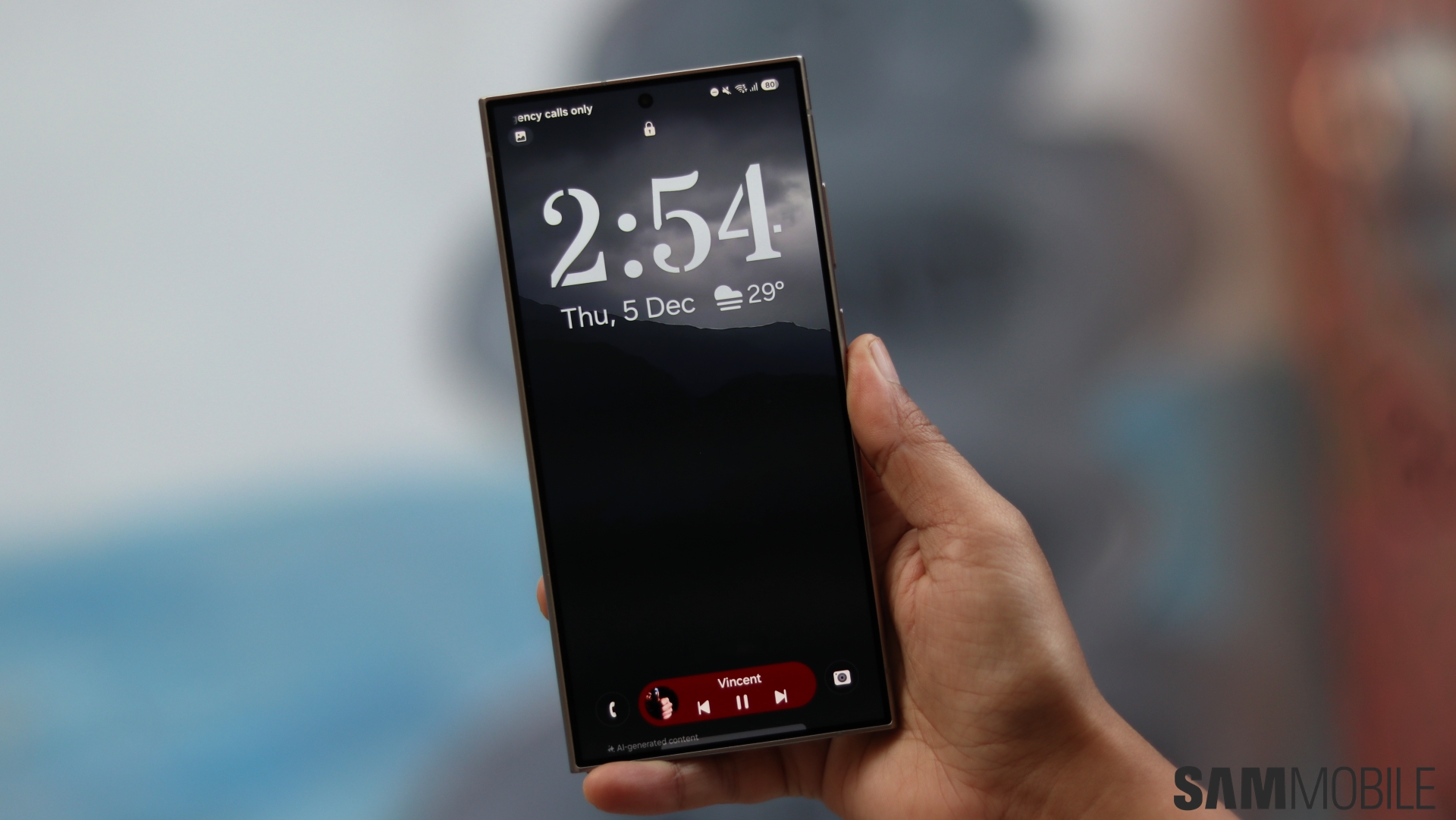
On previous versions of One UI, registering your face is as simple as looking directly at the camera for a few seconds. On One UI 7, the device first scans the front of your face. Then, it asks you to slightly tilt your head up and tilt it back down again.
Samsung doesn't allow screen recordings of the actual registration process for security purposes, but the GIF file below should give you a good idea of how the new face registration method works.
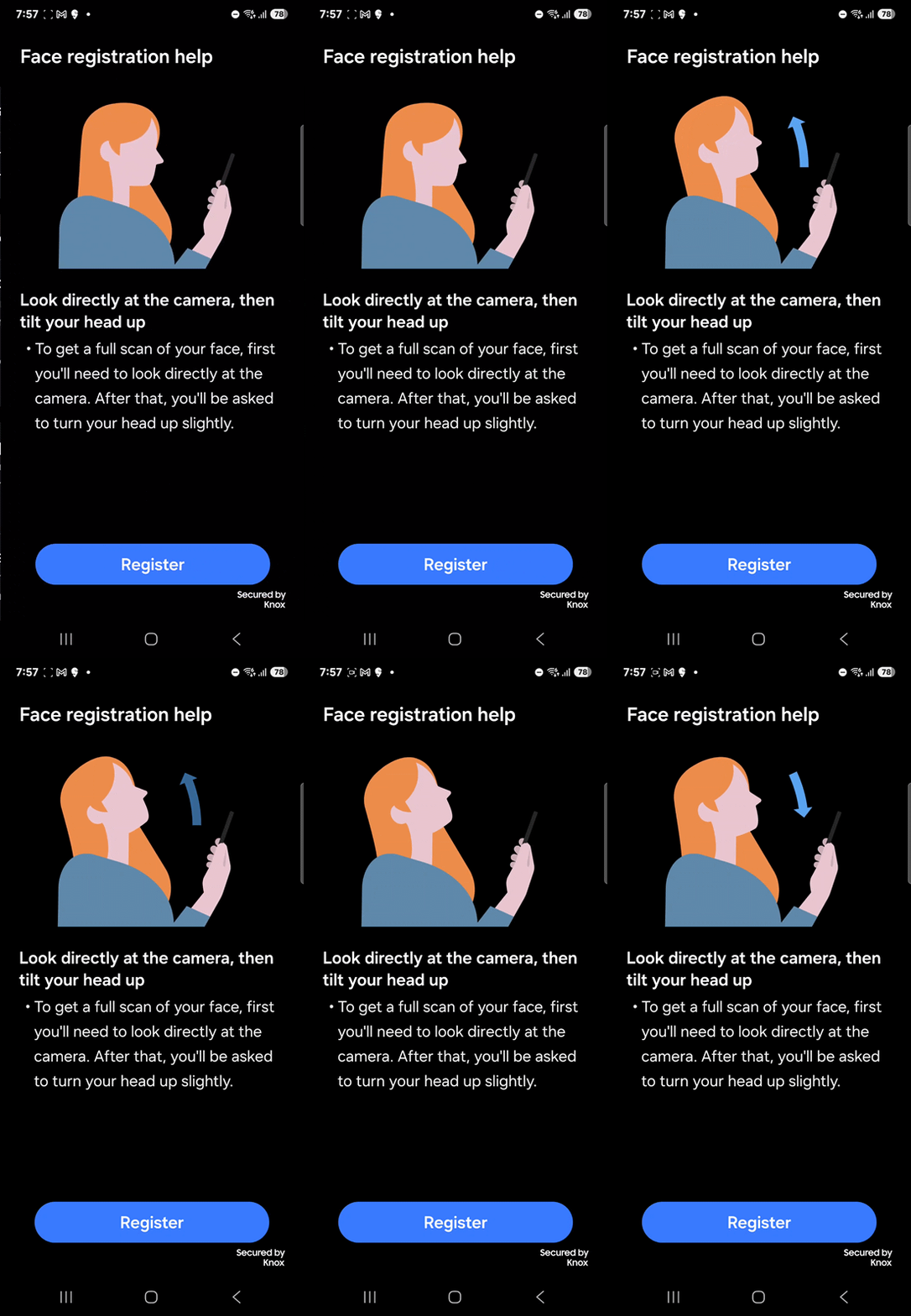
And that's all there is to it. The other options in the face recognition menu remain the same as before. You can add an alternative appearance to further increase recognition speed and accuracy, set the device to recognize your face only when your eyes are open, and have the screen brightness go up temporarily to have your face be recognized in the dark.
You can set up face recognition and other biometrics from your phone or tablet's Settings » Security and privacy » Screen lock and biometrics menu.

Abhijeet's writing career started with guides for custom firmware for Samsung devices (including the original Galaxy S), and he moved to SamMobile in mid-2013 and worked up the ranks to Editor-in-chief. In addition to phones and mobile devices, his interests include gaming on both PC and console, PC hardware, and spending countless hours on YouTube watching videos on tech, movies, games, politics, and internet dramas.












