Last updated: November 24th, 2023 at 13:19 UTC+01:00
SamMobile has affiliate and sponsored partnerships, we may earn a commission.
Reading time: 2 minutes
Samsung's relatively new Enhance-X app offers the easiest way for Galaxy phone and Camera app users to improve their photos. The app uses advanced AI to help you get the best out of your photos with just a few taps of the screen.
Here's all you need to know. But before we take a look at the Enhance-X app, check out this week's recap:
Enhance-X can fix shadows, reflections, contrast, portraits, HDR, lens distortion, blur, and more with just a few taps of the screen.
Upon opening the app, Enhance-X asks users to select a photo. Then, users can switch between different tabs (some of which might be grayed out, depending on the type of photo used) and choose which effects they want to apply.

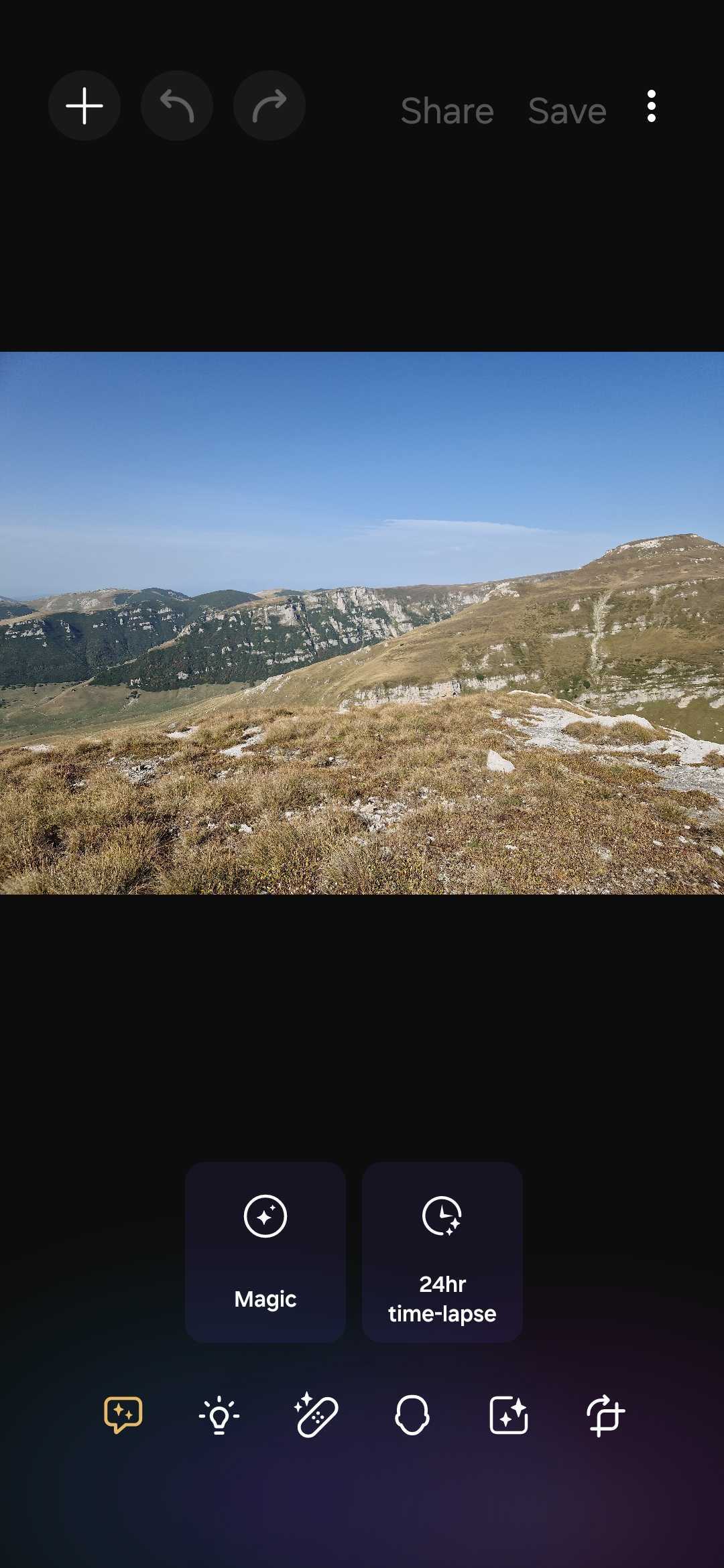

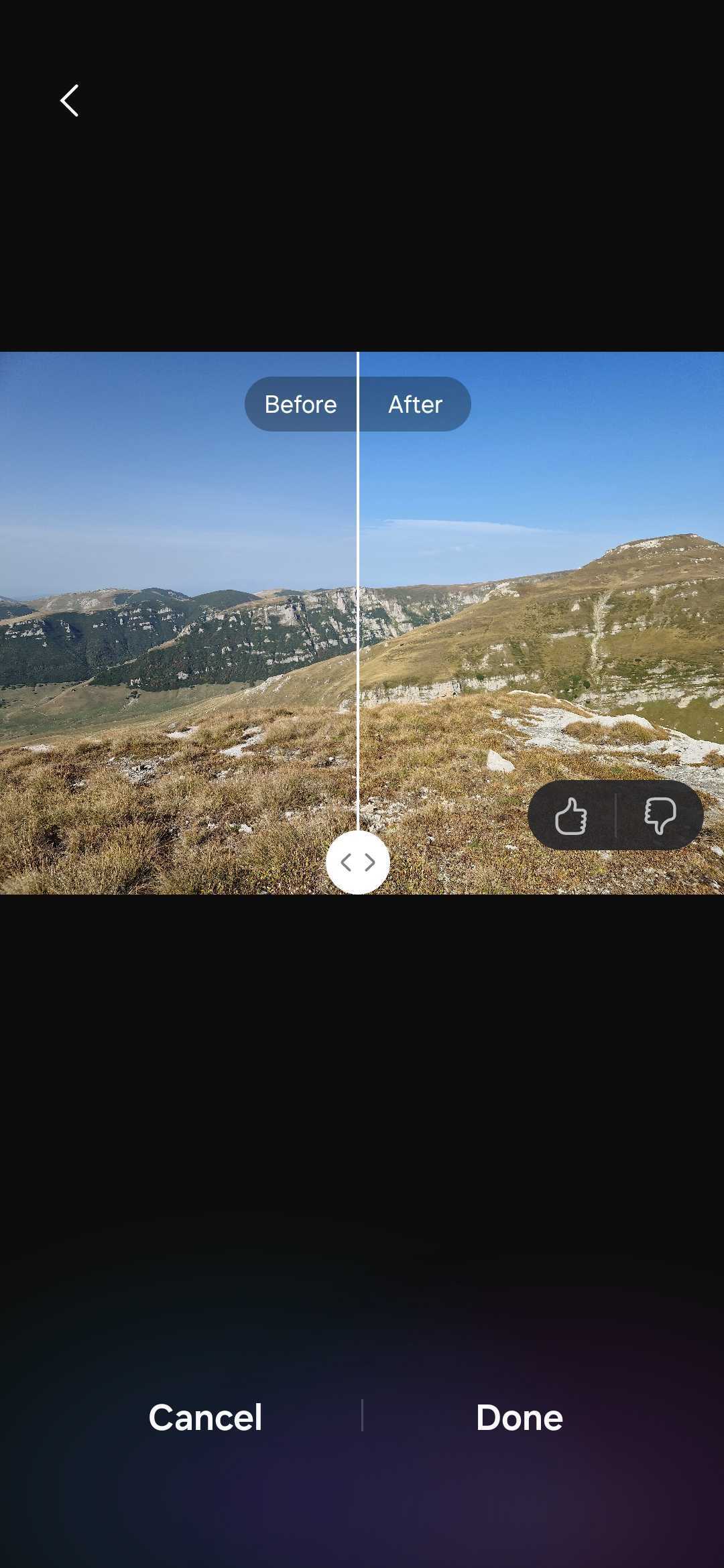
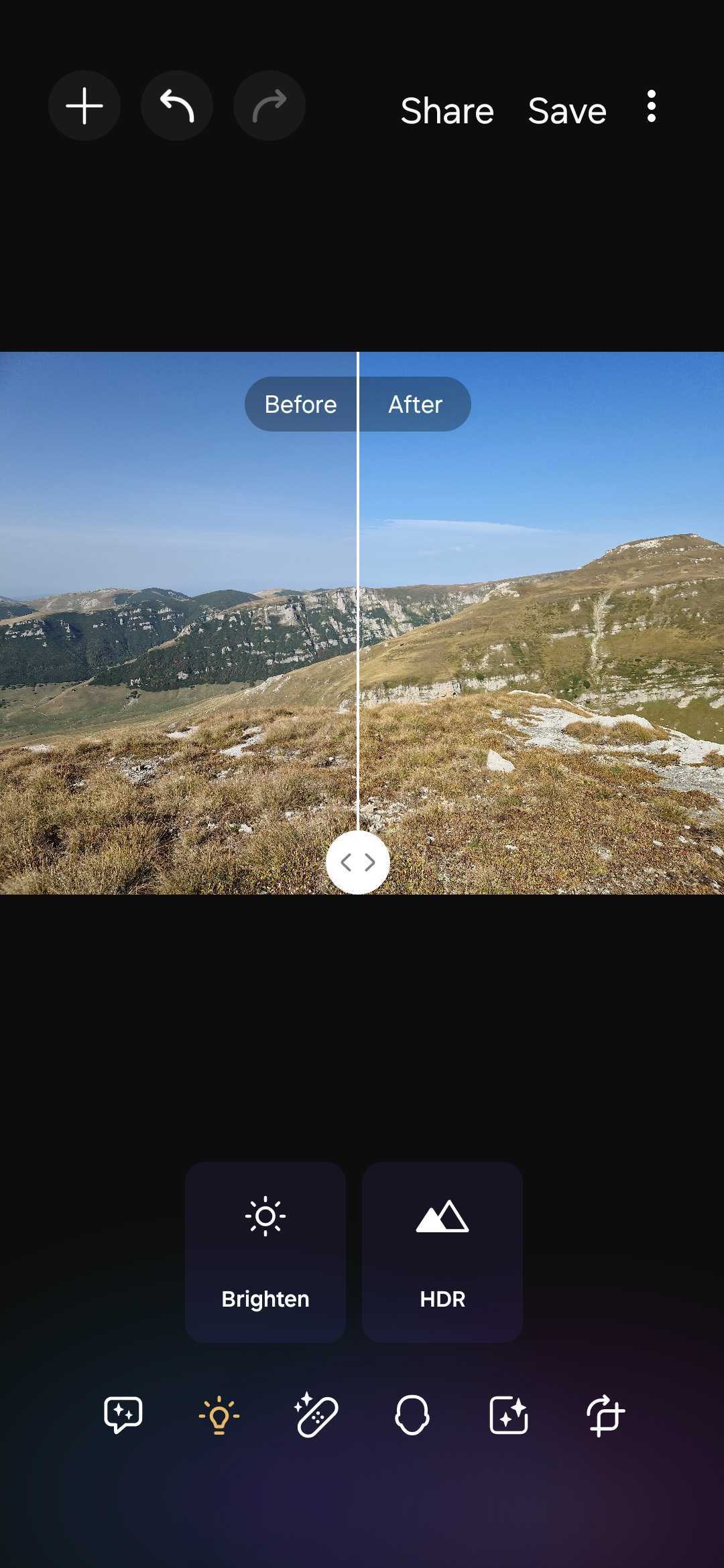
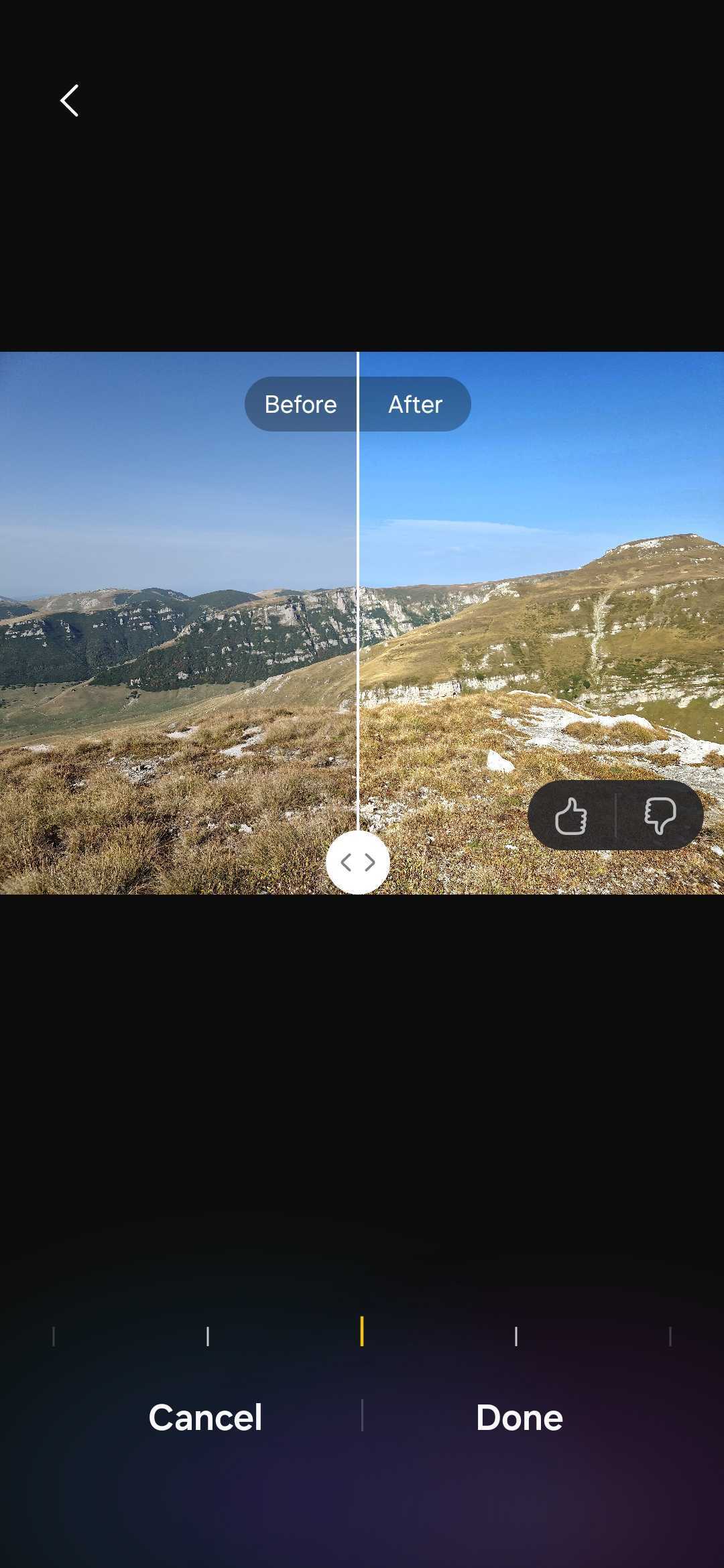
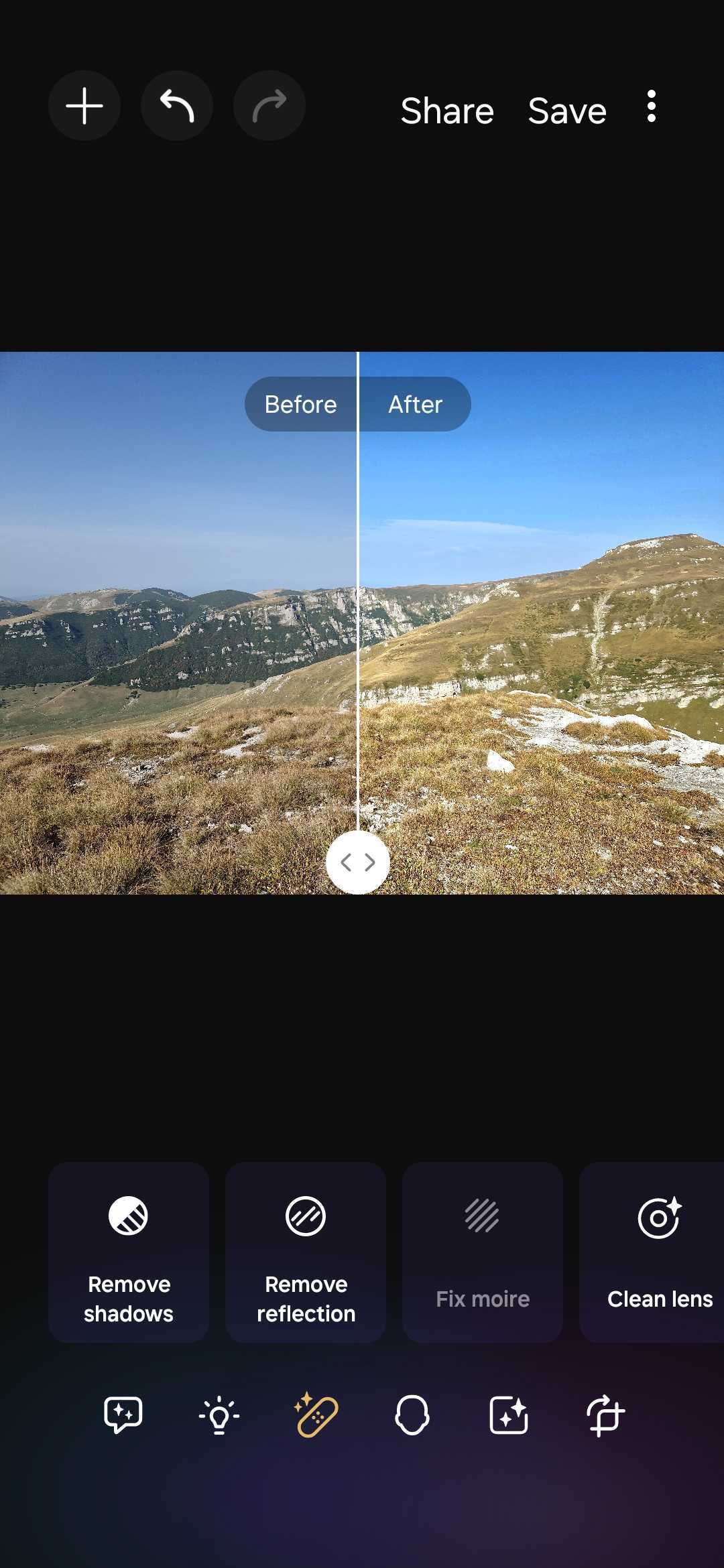
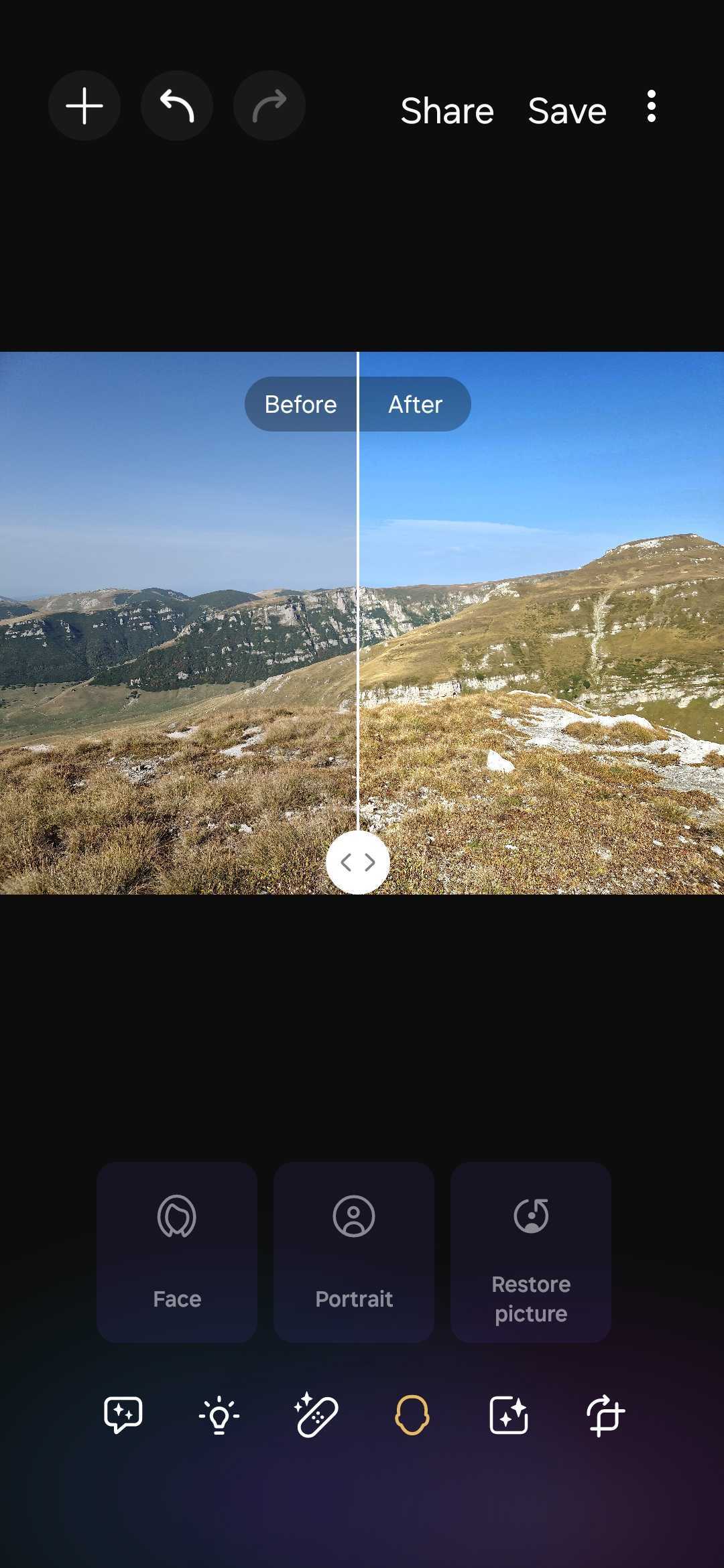
Enhance-X Users don't need advanced photo-editing knowledge to improve their photos, and they always get a “before” and “after” preview before they can choose to undo the edit or save the photo.
Because of its simplicity and advanced AI capabilities, Enhance-X is the most user-friendly photo-editing app for your Galaxy phone. As of this writing, availability is limited to higher-end devices, but Samsung intends to bring the app to more phones. Keep an eye on our news section and we'll let you know as soon as we find out more.
In the meantime, if your Galaxy device supports the Enhance-X app, you can download it from the Galaxy Store.
Join us next week for another deep dive into Samsung's apps and services.

Mihai is a blogger and column writer at SamMobile. His first Samsung phone was an A800 which took a lot of beating, and a part of him still misses the novelty of the clamshell design. In his free time, he enjoys watching shows, documentaries, and stand-up comedy; listening to music, taking walks, and occasionally playing old(er) video games.












