Cyber week deals! Galaxy Watch8 Classic, Fold 7, S25 Ultra. Follow us on YouTube, TikTok, or Instagram
Last updated: April 19th, 2023 at 19:15 UTC+02:00
SamMobile has affiliate and sponsored partnerships, we may earn a commission.
Reading time: 2 minutes
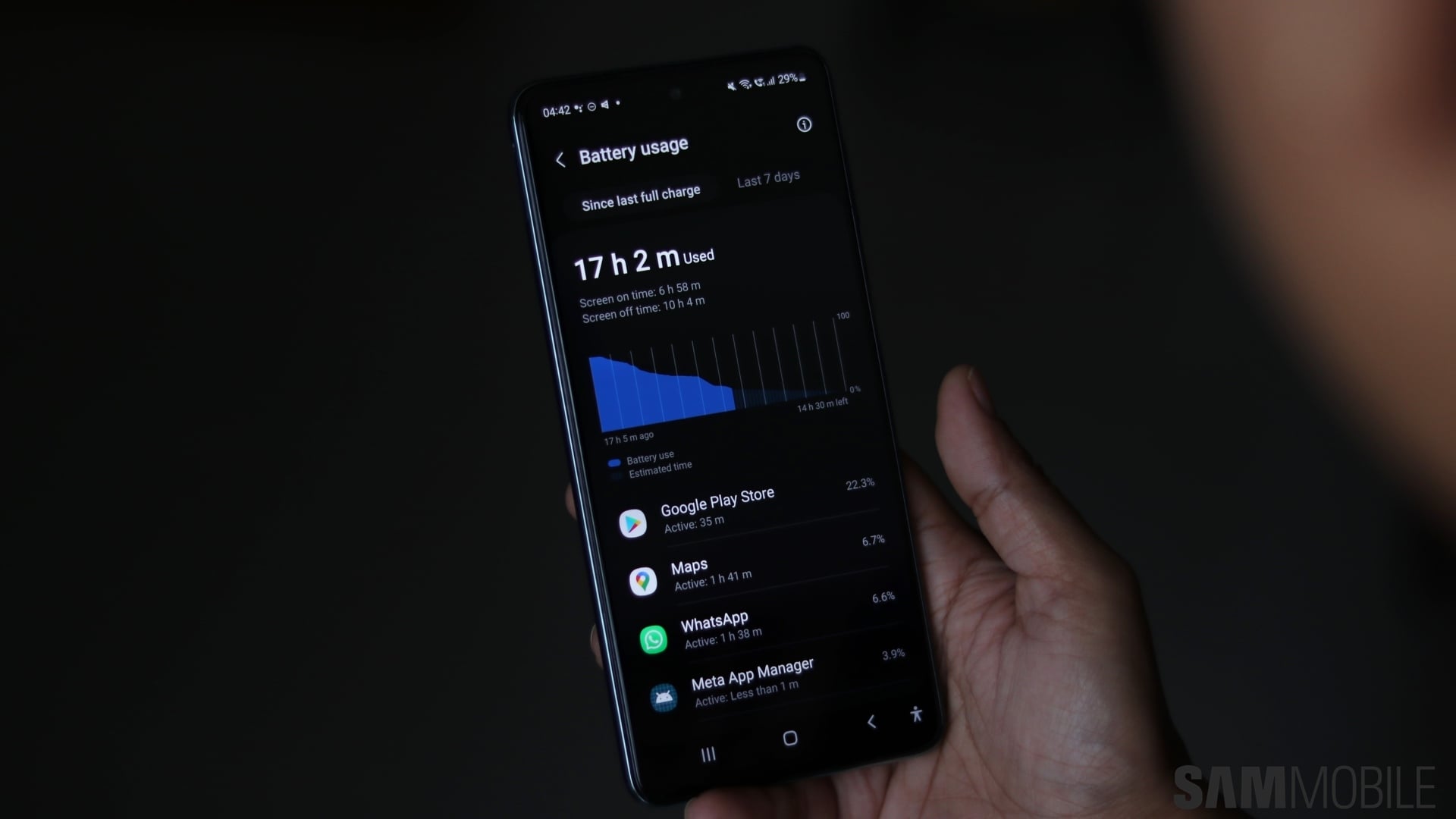
And the longer a smartphone is used, battery health becomes exponentially worse and so does battery life. To counter those effects and increase the lifespan of a Galaxy device's battery, Samsung introduced a feature called Protect battery to its tablets, and back in 2021, the feature made its way to Galaxy phones as well, starting with the Galaxy Z Fold 3 and the Galaxy Z Flip 3.
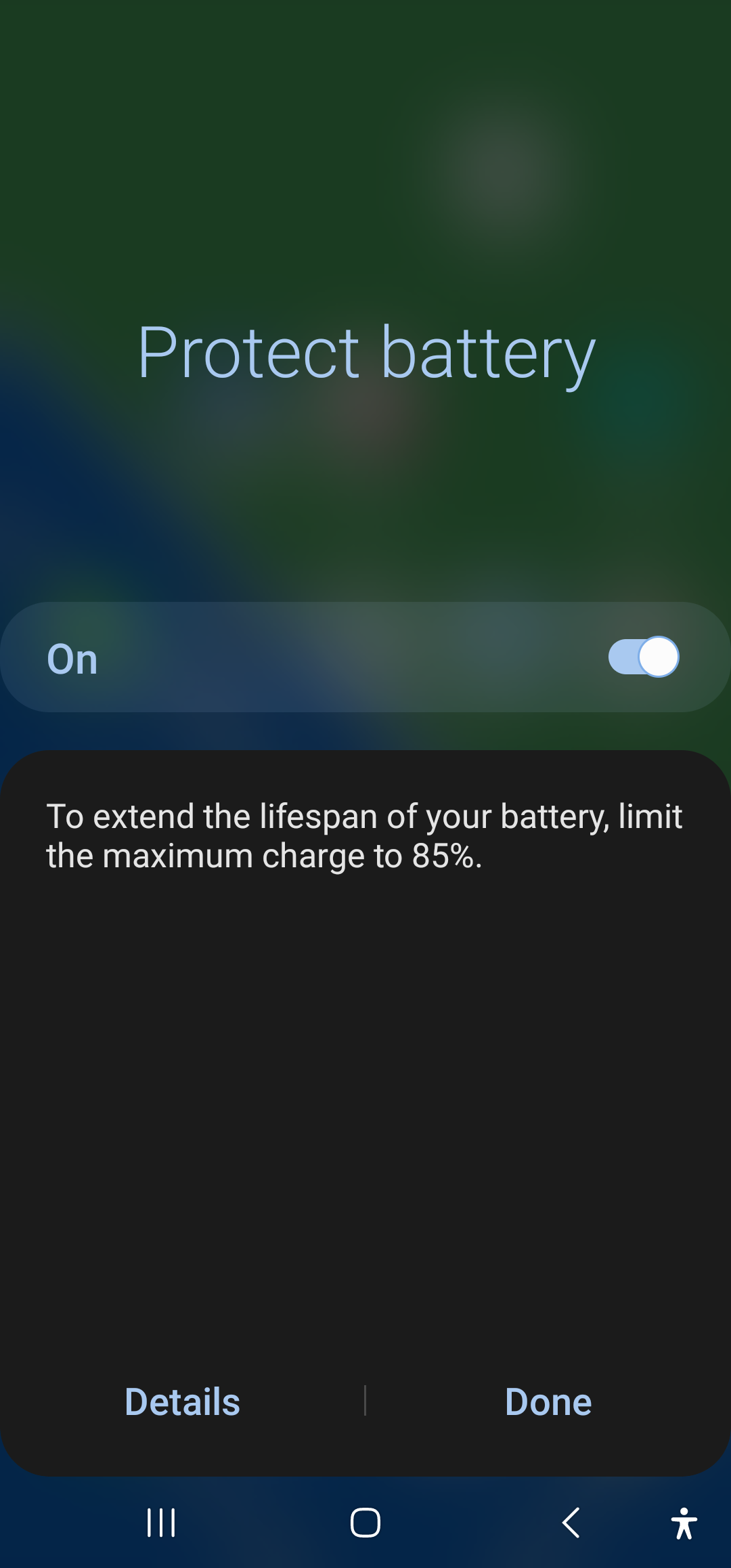
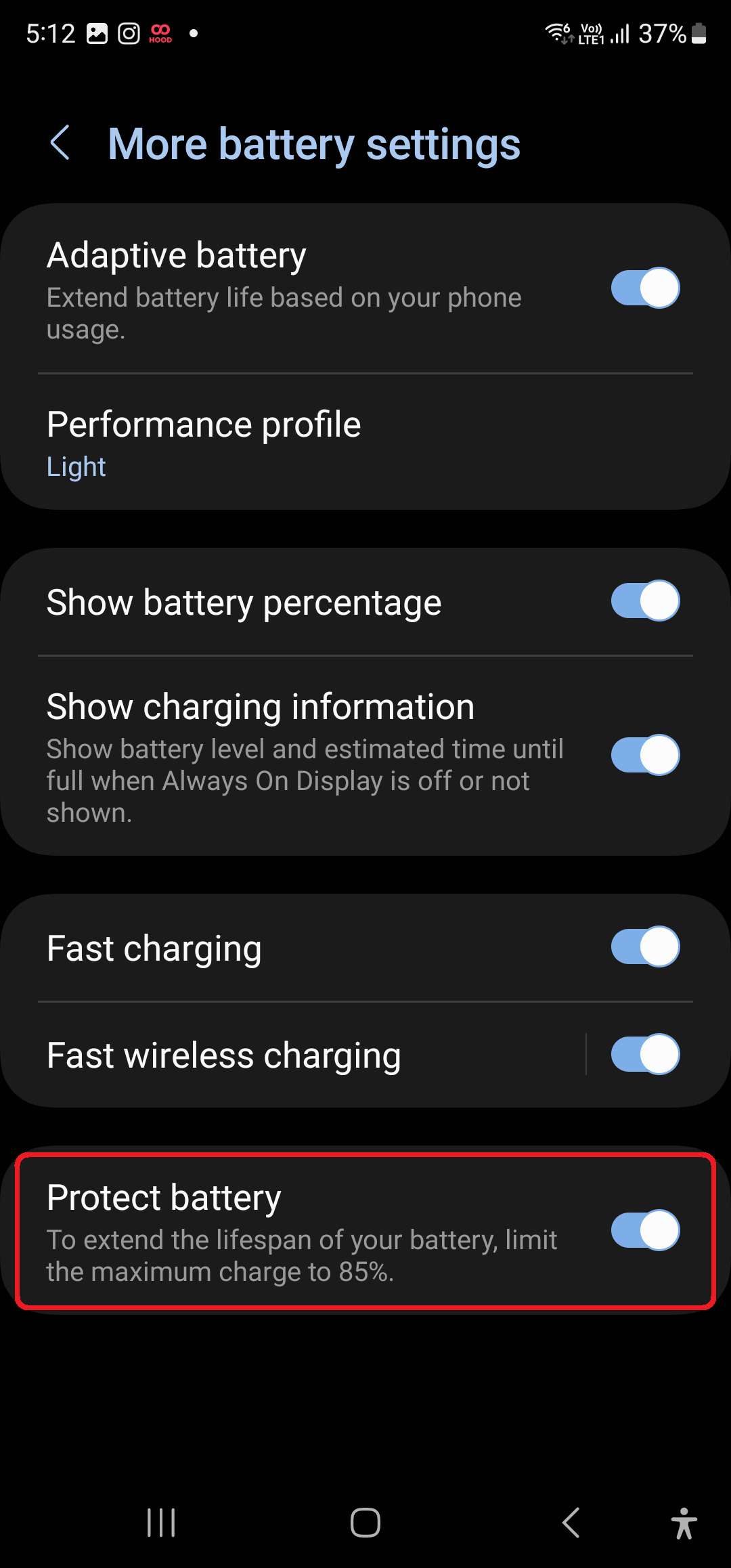
The Protect battery feature works by limiting the maximum charge to 85%, as regularly charging lithium batteries to 100% is one of the biggest factors that result in a shorter lifespain. So if you're someone who doesn't upgrade their smartphone very often, Protect battery is a very useful feature.
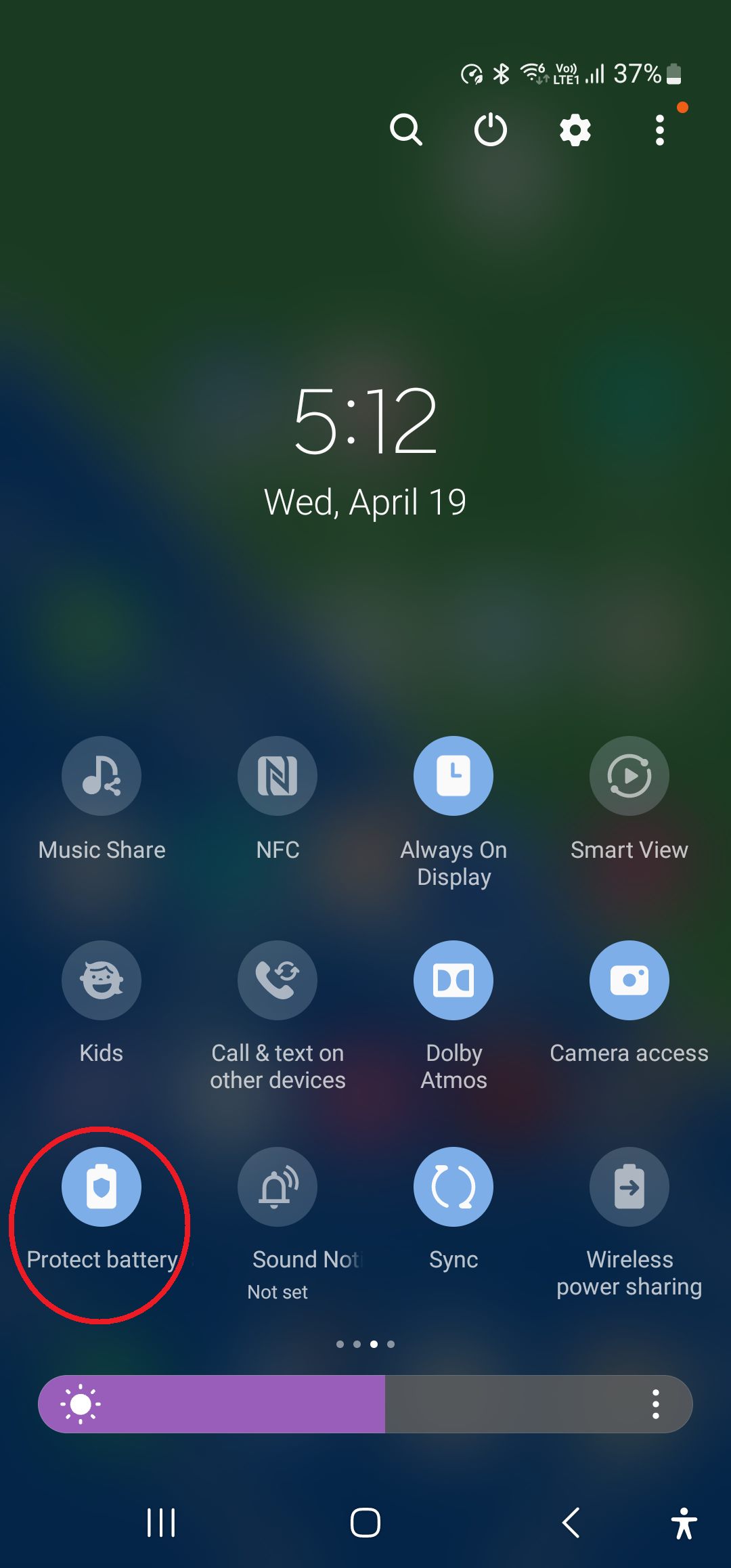
The Protect battery feature can be found on most Galaxy smartphones that run One UI version 4.0 and Android 12 or higher, and the quickest way to enable it is through the dedicated toggle found in the quick toggles section.
If you don't see the Protect battery option in there, you can tap the three dots button above the quick toggles, hit the edit button, and drag the Protect battery toggle from the Available buttons section in the upper half of the screen to the lower half of the screen.
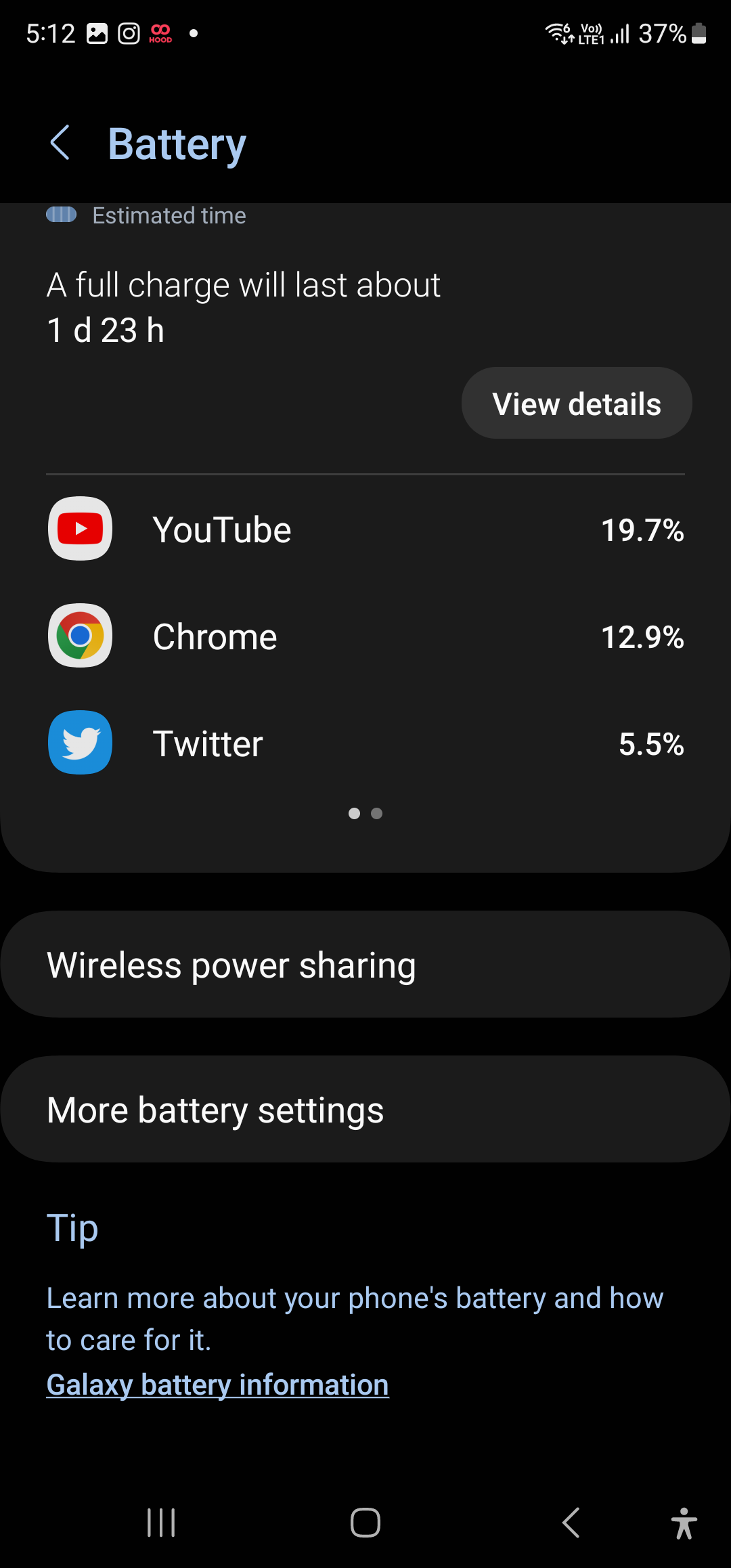
The battery protection feature on Galaxy devices can also be enabled from the settings menu. Simply open the Settings app on your phone or tablet, select Battery and device care, and tap on the Battery option, where you will find a toggle for Protect battery at the bottom.
Abhijeet's writing career started with guides for custom firmware for Samsung devices (including the original Galaxy S), and he moved to SamMobile in mid-2013 and worked up the ranks to Editor-in-chief. In addition to phones and mobile devices, his interests include gaming on both PC and console, PC hardware, and spending countless hours on YouTube watching videos on tech, movies, games, politics, and internet dramas.