Last updated: December 7th, 2020 at 18:37 UTC+01:00
SamMobile has affiliate and sponsored partnerships, we may earn a commission.
Reading time: 2 minutes
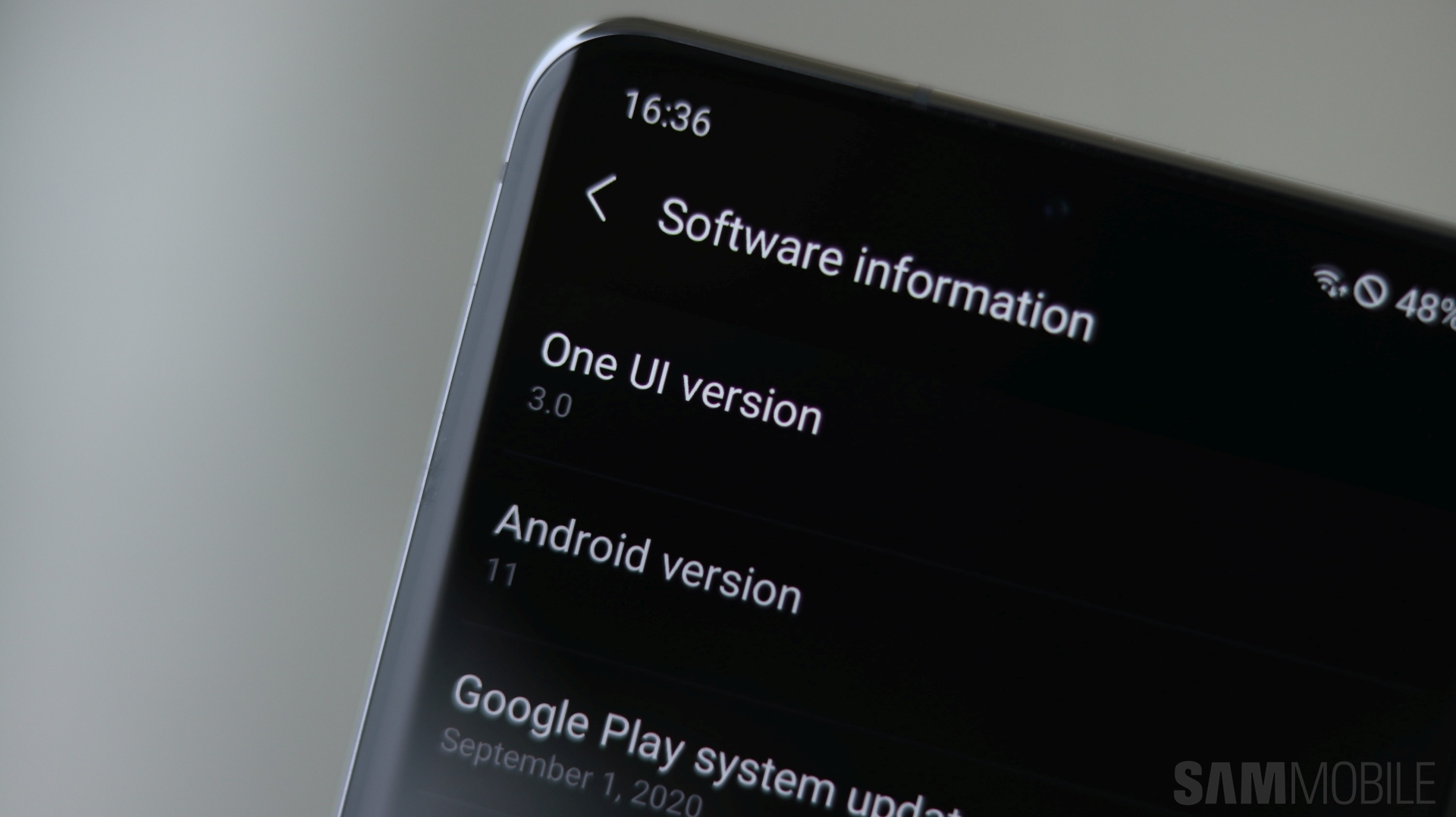
With One UI 3.0, Galaxy smartphone owners will no longer get a copy of the original photo upon editing, unless specified. This is a somewhat hidden but major change to the way Samsung's Gallery app handles photo editing after the latest update. Previous versions of One UI automatically generate a separate file, leaving both the original and the edited image accessible from the Gallery's home screen.
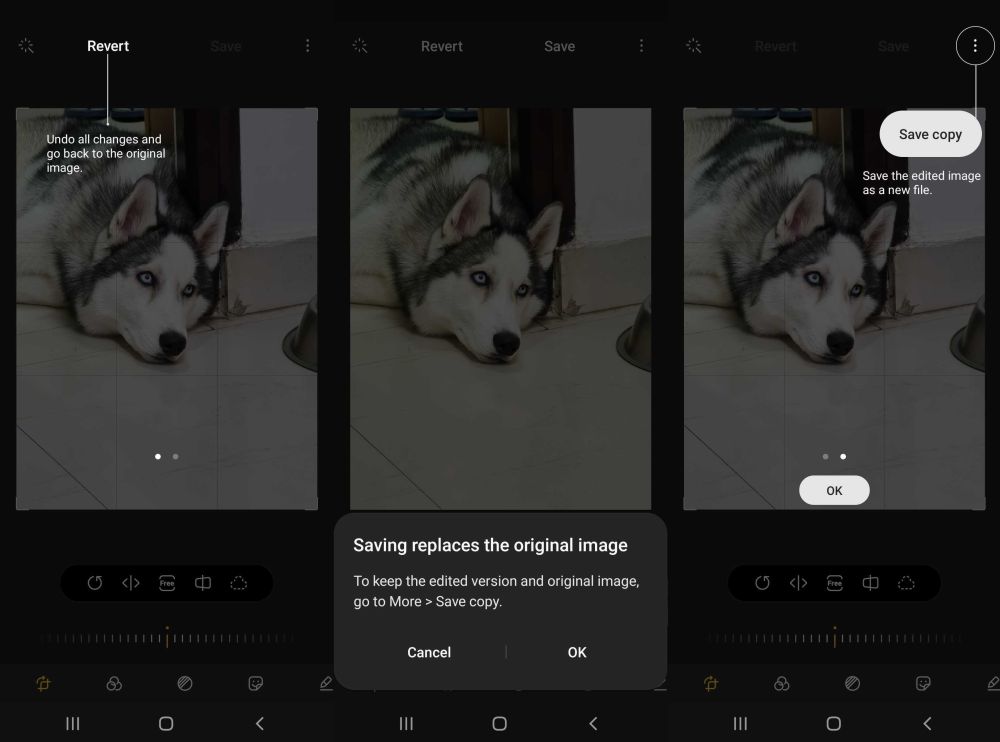
In contrast, One UI 3.0 replaces the original photo with the edited version upon saving, and users no longer see two versions of the same photo inside the Gallery. However, the new editing tools allow you to revert back to the original image with just a few taps of the screen.
In essence, this means that you have the same options as before but with the added benefit of the Gallery app looking less cluttered. And in case you didn't mind the original files staying inside your Gallery app, you can always save a copy of the original photo by tapping the three-dot button and selecting Save copy.
One UI 3.0 is rolling out now for the Galaxy S20 series in numerous markets and Samsung is working on bringing the update to the Galaxy S10, Note 10, Note 20, and foldable series as soon as possible. Do you like this change to the Gallery in One UI 3.0? Let us know in the comment section below.

Mihai is a blogger and column writer at SamMobile. His first Samsung phone was an A800 which took a lot of beating, and a part of him still misses the novelty of the clamshell design. In his free time, he enjoys watching shows, documentaries, and stand-up comedy; listening to music, taking walks, and occasionally playing old(er) video games.














