Last updated: March 24th, 2024 at 00:00 UTC+01:00
SamMobile has affiliate and sponsored partnerships, we may earn a commission.
Reading time: 3 minutes
The Galaxy S23, S23+, S23 Ultra, S23 FE, Galaxy Z Fold 5, Galaxy Z Flip 5, and Galaxy Tab S9 will be the first devices to get One UI 6.1, and they will exclusively get all of One UI 6.1 AI features that Galaxy S24 buyers have access to. But what about features that are not AI-based?
When you remove AI from the equation, One UI 6.1 becomes rather unexciting. It's not that there isn't any interesting non-AI functionality on the Galaxy S24 series, but that Samsung has chosen not to bring some of it to older devices, even flagship ones.
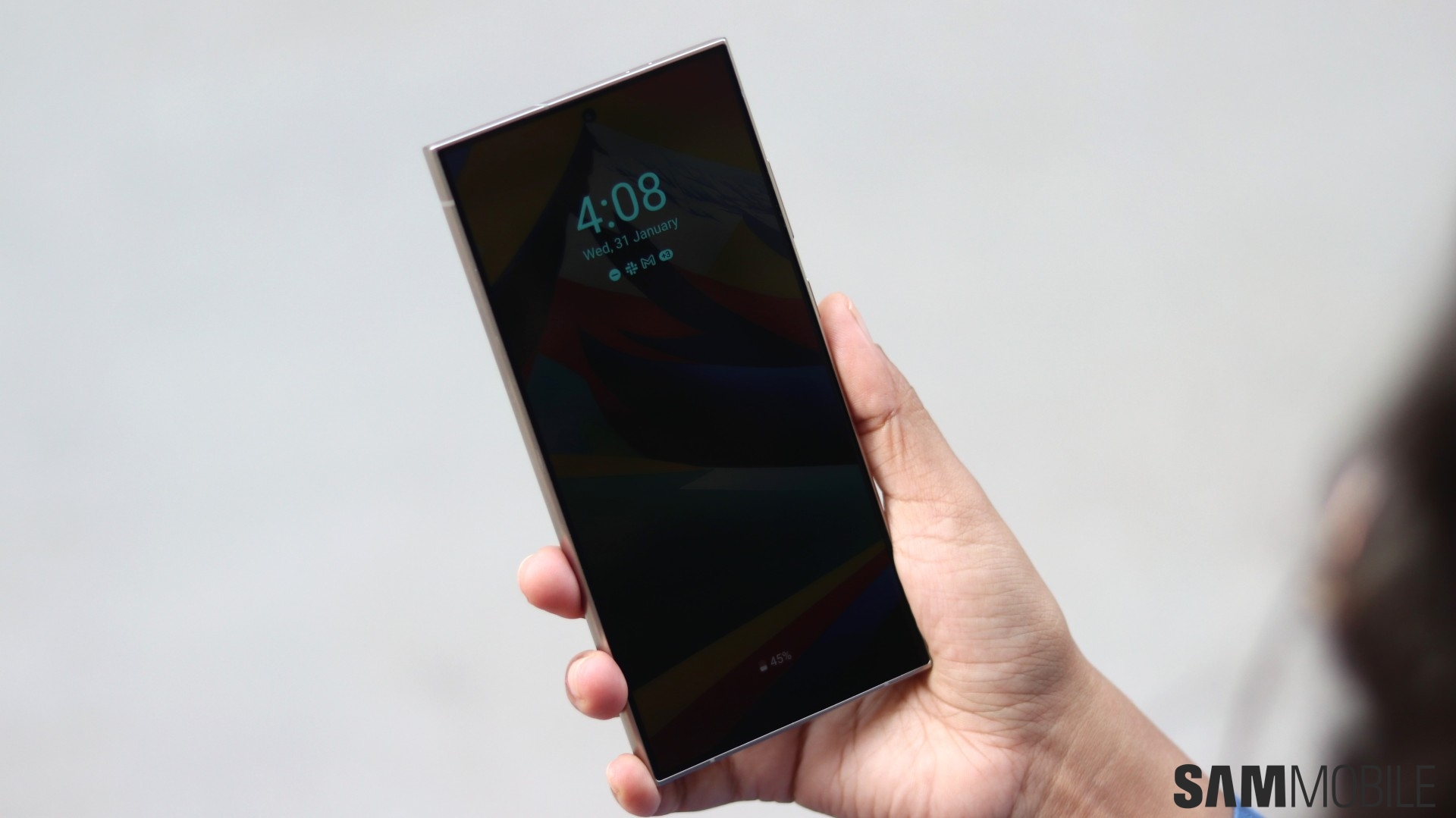
One such feature is Always On Display wallpapers, or the option to display a full-screen image when AOD is active. When the Galaxy S24 lineup was launched in January, we exclusively confirmed that AOD wallpaper support will not be coming to any existing smartphone.
In addition to larger batteries, the Galaxy S24, S24+, and S24 Ultra come with upgraded displays that are more efficient than displays on any previous Galaxy device, making them suitable for a feature that puts a full-screen image on the screen even when the device is idle.
There is also the issue of burn-in. Burn-in is a side effect of continuously displaying an image on OLED screens that results in the image leaving a mark that doesn't go away. Modern OLED displays are much better protected against burn-in, but they still aren't 100% burn-in-proof.
But efficiency is the main reason for why the feature is not coming to older devices, according to our sources. Providing further confirmation on the matter is a popular Twitter leakster, who listed a bunch of One UI 6.1/Galaxy S24 features that aren't available on a Galaxy S23 Ultra running the newest version of One UI.
While the Galaxy S23 series will get all of the Galaxy S24's AI features, it will miss out on AOD wallpapers, improved camera algorithms, Super HDR, and the Galaxy S24's new screen vividness adjustment option. The same limitations will undoubtedly apply to the other 2023 flagships as well.
However, you're not completely locked out from display pictures and images on Always On Display if you own a device that isn't a Galaxy S24, S24+, or S24 Ultra. You can set any image stored on your device as the AOD wallpaper (open the image in the Gallery app, tap the More/three-dot button, tap Set as wallpaper, and select Always On Display), but the image will be shown in a tiny window instead of using the entire screen.

Abhijeet's writing career started with guides for custom firmware for Samsung devices (including the original Galaxy S), and he moved to SamMobile in mid-2013 and worked up the ranks to Editor-in-chief. In addition to phones and mobile devices, his interests include gaming on both PC and console, PC hardware, and spending countless hours on YouTube watching videos on tech, movies, games, politics, and internet dramas.













