Last updated: October 19th, 2022 at 10:10 UTC+02:00
SamMobile has affiliate and sponsored partnerships, we may earn a commission.
Reading time: 2 minutes
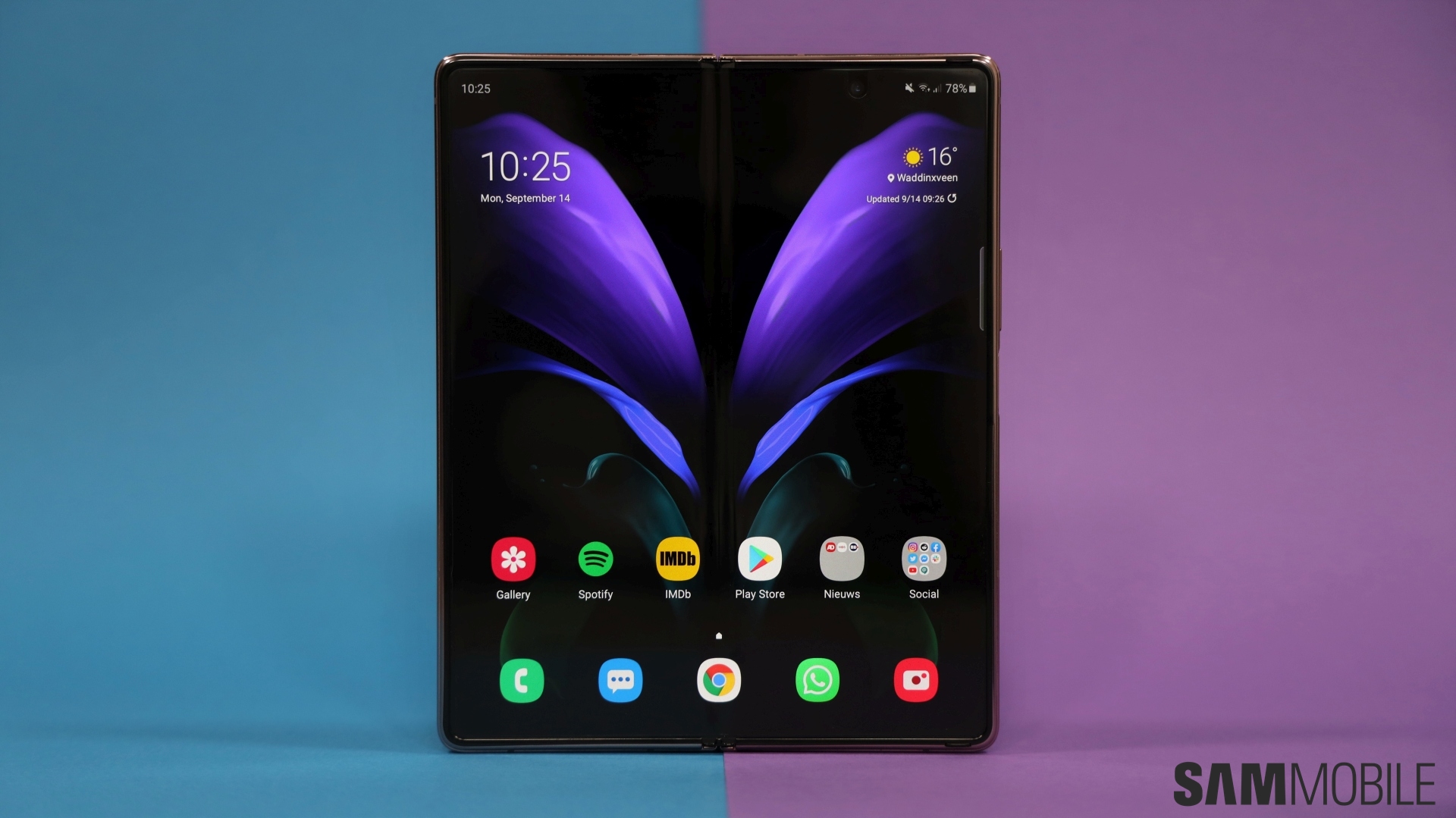
Samsung has kicked off the One UI 5.0 beta program for the Galaxy Z Fold 2. It is live in South Korea at this time, but more markets, such as the USA, should be getting it in the coming days. Interested Galaxy Z Fold 2 customers can sign up for the beta program by clicking the One UI 5 beta program banner in the Samsung Members app and following instructions.
Once enrolled, the first Galaxy Z Fold 2 One UI 5.0 beta update should be available for download over the air a few minutes later from the Settings » Software update menu. Should you decide to install the beta, do keep in mind that there will be some bugs and issues that are part and parcel of unfinished software. Also, if you decide to move back to Android 12 (which can be done using Samsung's Smart Switch app), your device will have to be factory reset, so backing up your important data is recommended.
Android 13/One UI 5.0, which will be the last major upgrade for the Galaxy Z Fold 2, brings a slew of new features, including some extensive lock screen customization options. We've taken multiple deep dives into One UI 5.0 on our YouTube channel, and the videos embedded below should give you a good sense of everything you can expect with the update.

Abhijeet's writing career started with guides for custom firmware for Samsung devices (including the original Galaxy S), and he moved to SamMobile in mid-2013 and worked up the ranks to Editor-in-chief. In addition to phones and mobile devices, his interests include gaming on both PC and console, PC hardware, and spending countless hours on YouTube watching videos on tech, movies, games, politics, and internet dramas.













