












Latest opinions
-
 I missed this old Galaxy Watch feature on holiday
 -
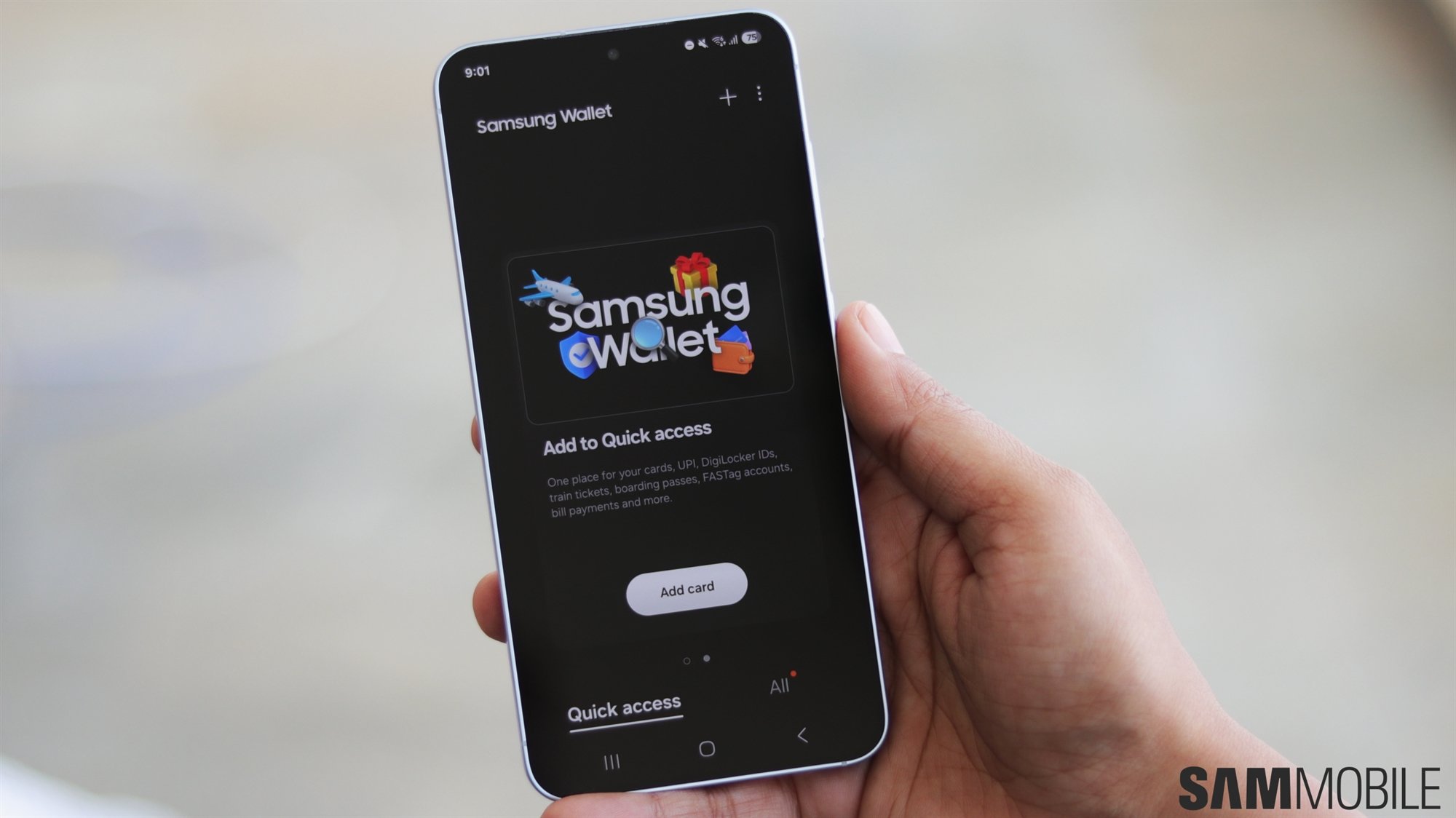 How Samsung Wallet is quietly becoming irreplaceable for millions of US Galaxy owners
 -
 Apple CEO said the iPhone Duo redefines foldables, but that's not really accurate
 -
 Symmetry vs asymmetry: How the Galaxy Z Fold 8 beats the iPhone Duo
 -
 Galaxy Z Fold 8 is the wobbliest phone I've ever used, and the solution looks painfully obvious
 -
 The Galaxy Z Fold 8’s 53g advantage over the iPhone Duo is more than a number
 -
 I’m not convinced Apple’s matte iPhone Duo display is the better solution
 -
 Apple has no answer to the Galaxy Z Fold 8 Ultra, and Samsung should pounce on it
 -
 Meta just showed Samsung what Galaxy Glasses don't need to become



