Last updated: July 6th, 2022 at 08:55 UTC+02:00
SamMobile has affiliate and sponsored partnerships, we may earn a commission.
Reading time: 2 minutes
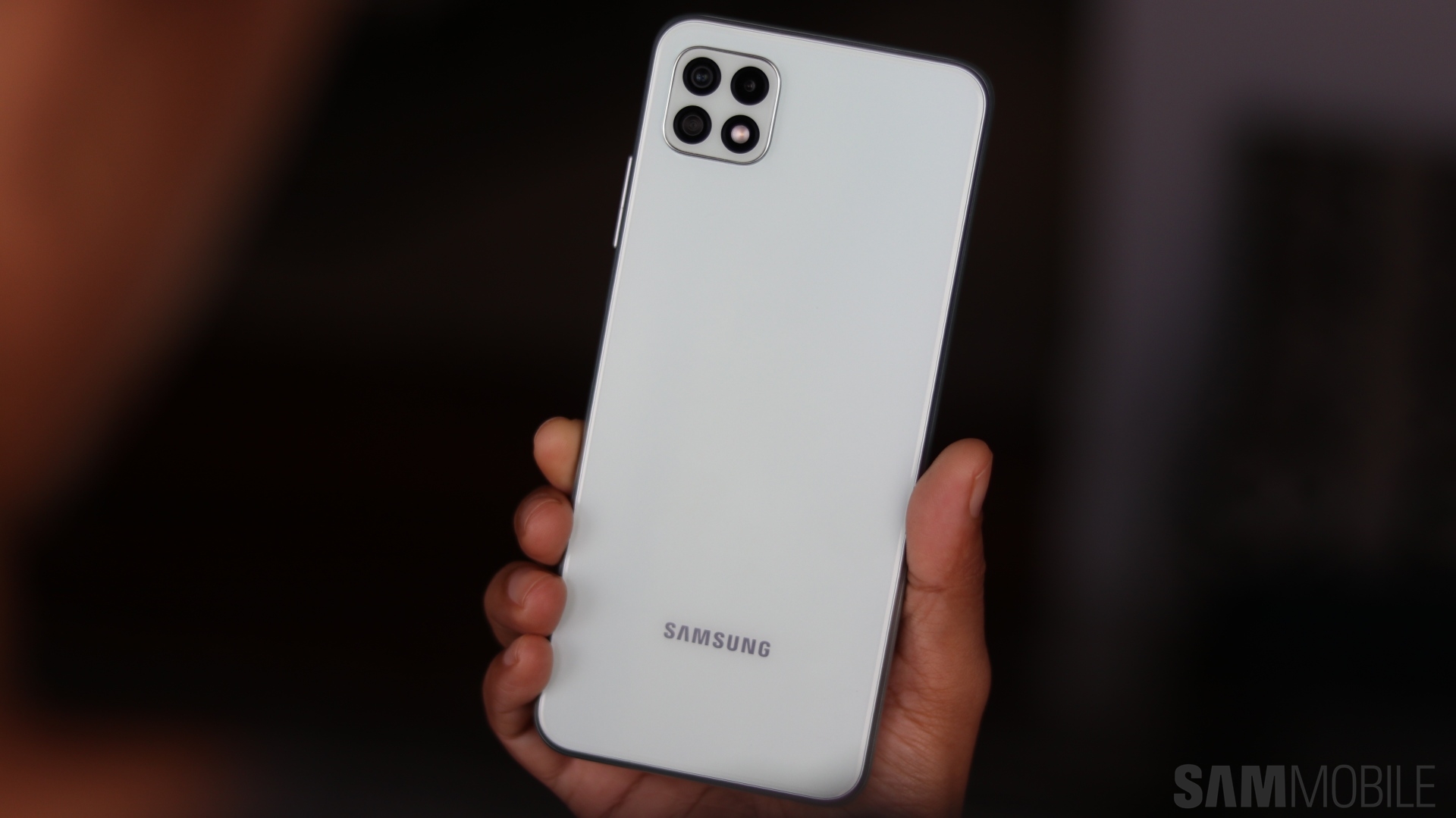
The Android 12 update for the Galaxy A22 5G comes with firmware version A226BXXU4BVF7. The phone was launched in June 2021 with Android 11 on board. It will get at least one more update sometime next year.
You can install the Android 12 update on the Galaxy A22 5G by heading to Settings » Software update and clicking on Download and install. You can also the new update by downloading the firmware file from our database and flashing it manually.
It brings One UI 4.1 along with June 2022 security patch. The update brings a revamped UI design to the phone, complete with the Material You-based Color Palette feature. It also gets better Dark Mode, more lockscreen widgets, new widget designs, and thicker sliders for screen brightness and volume.
Samsung has also updated all the stock apps, including Camera, Gallery, My Files, Samsung Internet, and Samsung Keyboard. The camera app has received a slightly cleaner design, and the video recording starts as soon as the finger touches the shutter button. The image editor features editing history and the option to remaster blurry shots.
The sharing menu has been cleaned up a bit. You can even edit it according to your preferred apps and contacts. You can remove an image's date, location, and time while sharing them. Samsung Keyboard now features Grammarly-powered writing suggestions and faster access to stickers and animated emoji mashups.
Samsung Internet has better anti-tracking measures, a new widget for searching the internet from the home screen, and the option to start the web browser directly in the Secret Mode. Edge Panels, Picture-in-Picture mode, and accessibility features have been improved.
The Galaxy A22 5G has also received better privacy and security measures through a Privacy Dashboard, quick setting toggles to enable/disable camera and microphone, and privacy indicators for camera and microphone usage. The Device Care section has also received an updated design.
Join SamMobile's Telegram group and subscribe to our YouTube channel to get instant news updates and in-depth reviews of Samsung devices. You can also subscribe to get updates from us on Google News and follow us on Twitter.
[modelinfo model=”SM-A226B”]

Asif is a computer engineer turned technology journalist. He has been using Samsung phones since 2004, and his current smartphone is the Galaxy S23 Ultra. He loves headphones, mechanical keyboards, and PC hardware. When not writing about technology, he likes watching crime and science fiction movies and TV shows.












