Last updated: February 12th, 2023 at 15:52 UTC+01:00
SamMobile has affiliate and sponsored partnerships, we may earn a commission.
Reading time: 3 minutes
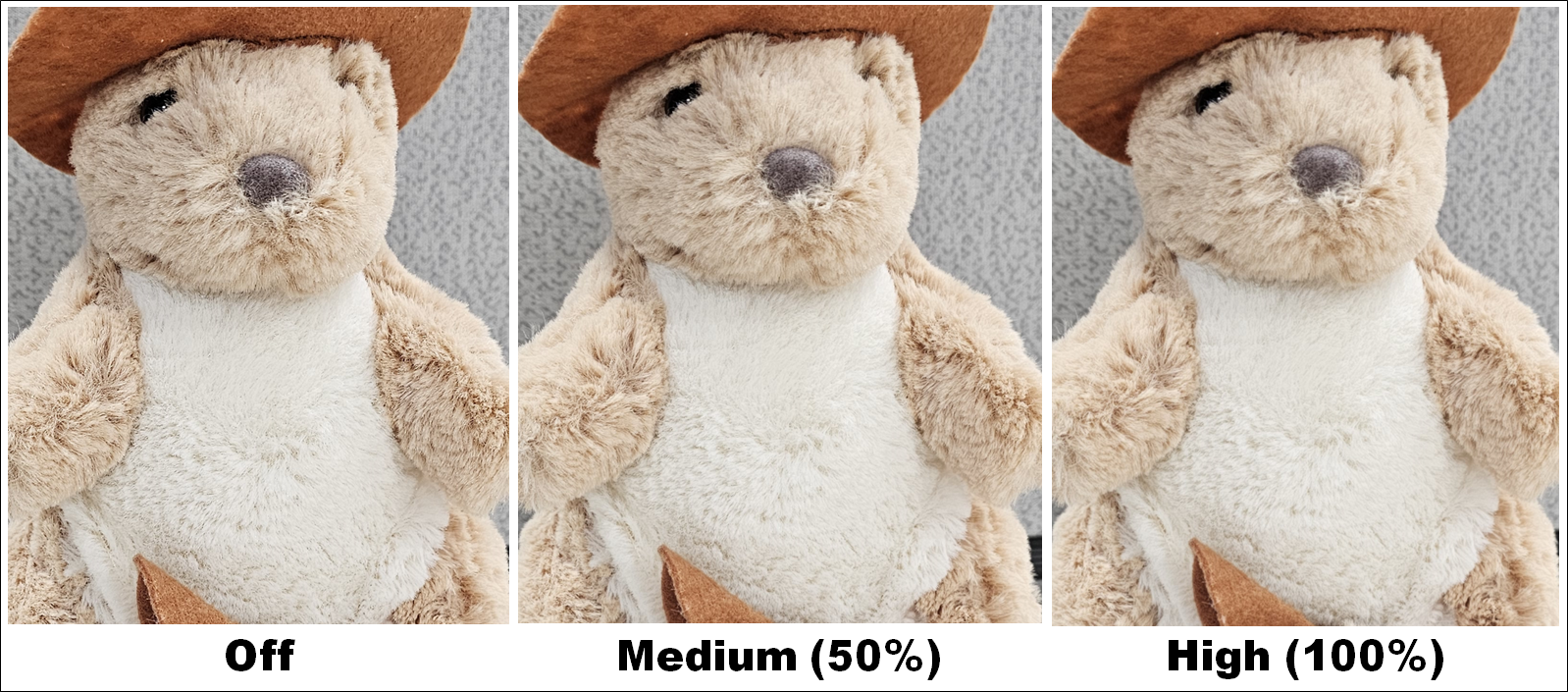
The Camera Assistant is bringing more features soon, including granular controls over image sharpening, image capture speed, and timer. Samsung announced in its official forum that the upcoming version of the Camera Assistant app will have three options for picture softening: Off, Medium (50%), and High (100%). The app will also bring the option to improve the shutter tap speed. You can set the camera app to activate the shutter as soon as your finger touches the shutter button rather than when you release it. You can capture a series of burst images, a GIF, or a video by holding or sliding the on-screen shutter button.
Many people complain about slow shutter or shutter lag on Galaxy smartphones. You can improve that by using the improved Camera Assistant app. It offers three settings: Speed Priority, Balanced, and Quality Priority. Speed priority will snap a photo as fast as possible at the expense of image quality. You can turn off the Auto HDR option to further improve shutter lag.
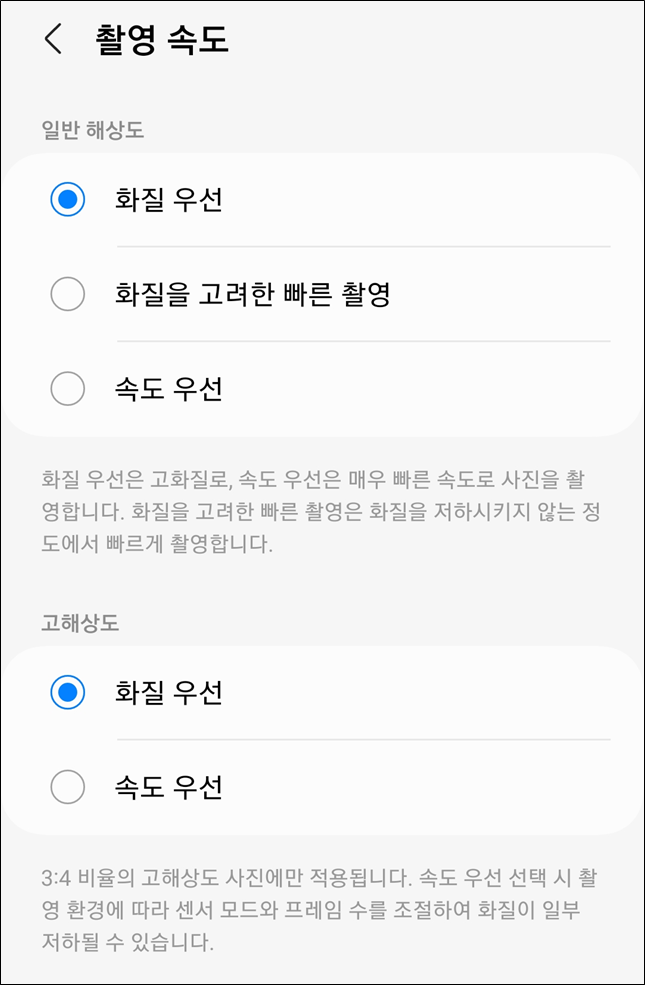
Samsung Camera Assistant App – Shutter Speed Priority
Samsung is also adding more options for the timer function via the Camera Assistant app. You now get options to shoot an image every 1 second, 1.5 seconds, 2 seconds, 2.5 seconds, and 3 seconds. Sometimes, the phone can heat up when using the camera continuously, and that's due to high screen brightness and heavy processing. You can help the phone be cool by choosing the screen to dim down with the Camera Assistant app. You can select it for video recording that's longer than 1 minute (or 10 minutes).
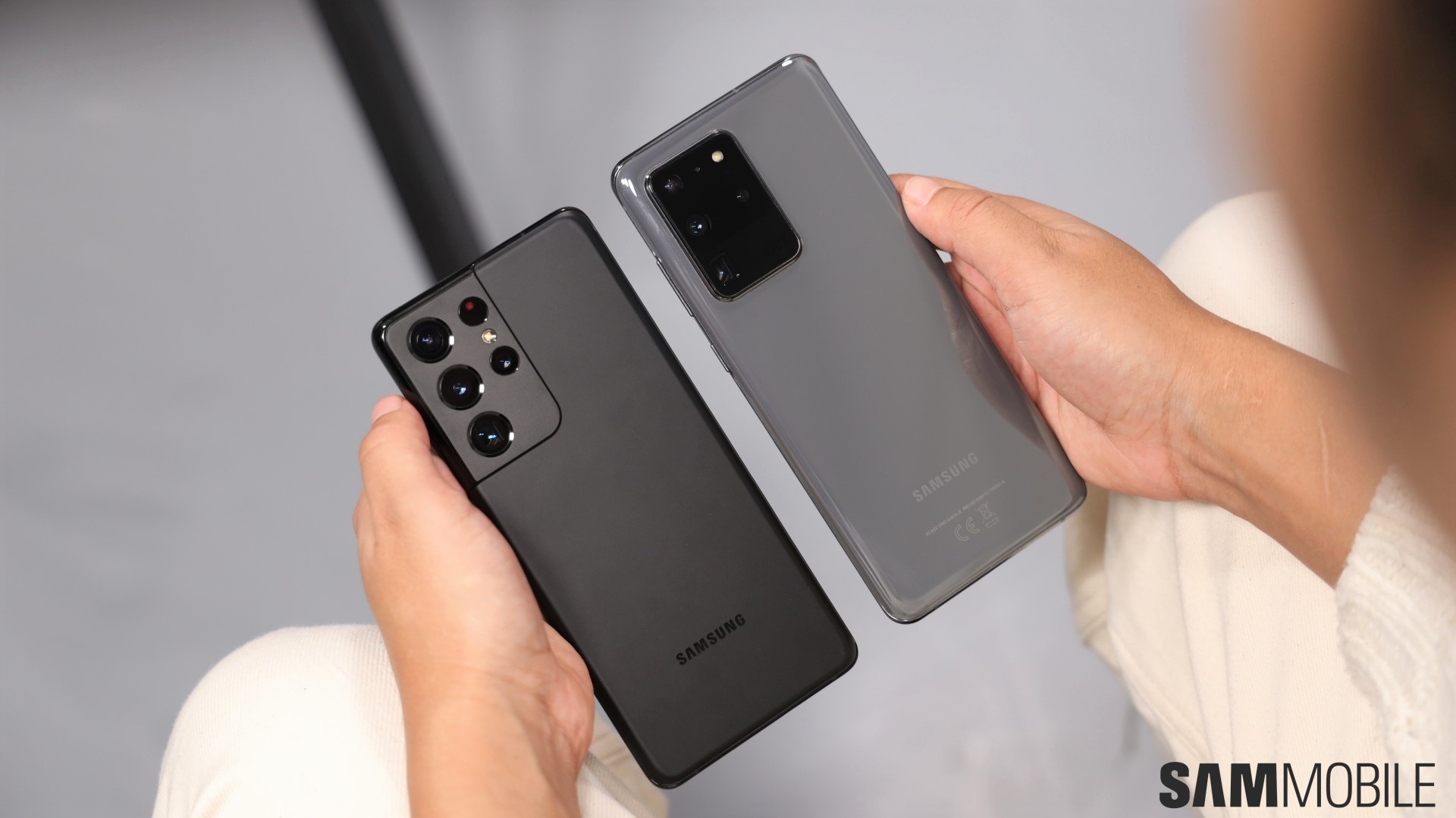
Samsung also announced that the Camera Assistant app would be released to a lot more high-end Galaxy smartphones. All Galaxy S series phones starting the Galaxy S20 series and Galaxy Note 20 series will get the app. It will also be available on foldable phones, starting with the Galaxy Z Flip 3 and the Galaxy Z Fold 2. Here is the complete list:
[modelinfo model=”SM-F711B”]
[modelinfo model=”SM-F916B”]
[modelinfo model=”SM-N986B”]
[modelinfo model=”SM-G980F”]
[modelinfo model=”SM-G991B”]
[modelinfo model=”SM-S908B”]

Asif is a computer engineer turned technology journalist. He has been using Samsung phones since 2004, and his current smartphone is the Galaxy S23 Ultra. He loves headphones, mechanical keyboards, and PC hardware. When not writing about technology, he likes watching crime and science fiction movies and TV shows.












