Last updated: March 7th, 2024 at 12:47 UTC+01:00
SamMobile has affiliate and sponsored partnerships, we may earn a commission.
Reading time: 3 minutes
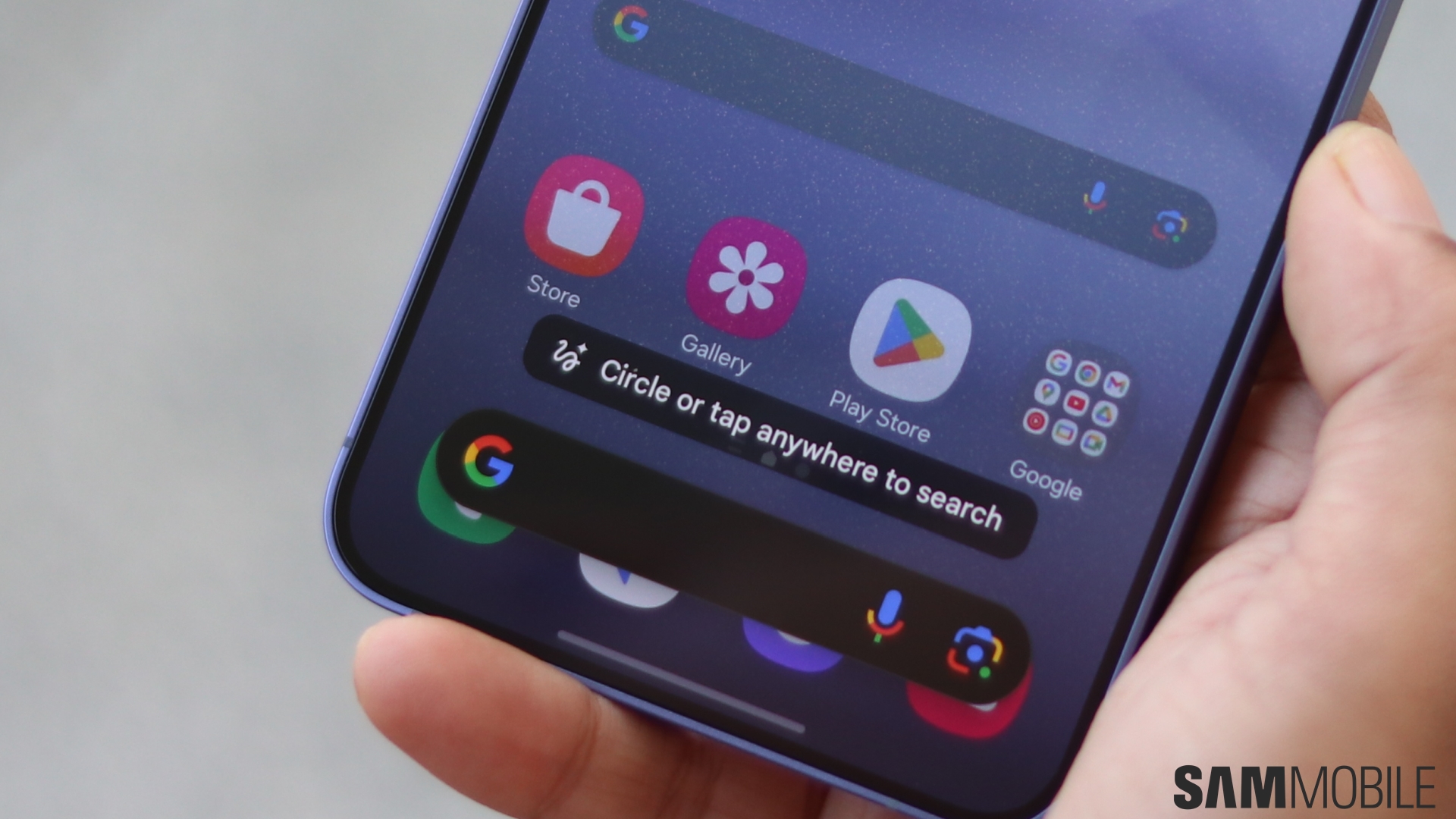
Regardless of future updates, you don't have to feel left out. In fact, you might be surprised to learn that you can experience the power of Circle to Search on your Galaxy S22 or Galaxy S23 right now. Well, sort of.
You see, all the underlying technology powering Circle to Search is already accessible on your phone, just a few taps away. That is, as long as you have the Google Chrome mobile browser app installed on your Galaxy S22 or S23.
Circle to Search debuted with the Galaxy S24 series, but the technology that makes it work comes from Google. In essence, Circle to Search is a perfect One UI implementation of an existing Google Chrome feature called Lens. You may have heard of it.
Using Google Lens on your Galaxy S22 or Galaxy S23, you can achieve similar results to Circle to Search on the Galaxy S24. It's just not as fast and seamless as the One UI 6.1 implementation.
You can use Google's clever image-based search engine that powers Circle to Search by opening the Chrome browser on your Galaxy S22 or S23 and tapping the camera icon in the “Search or type URL” field.
Google Lens may ask you for storage and camera permissions. Once you grant them, you can search by image in two ways: by capturing photos with your Galaxy S22 or Galaxy S23 camera or by uploading an image from your Gallery.
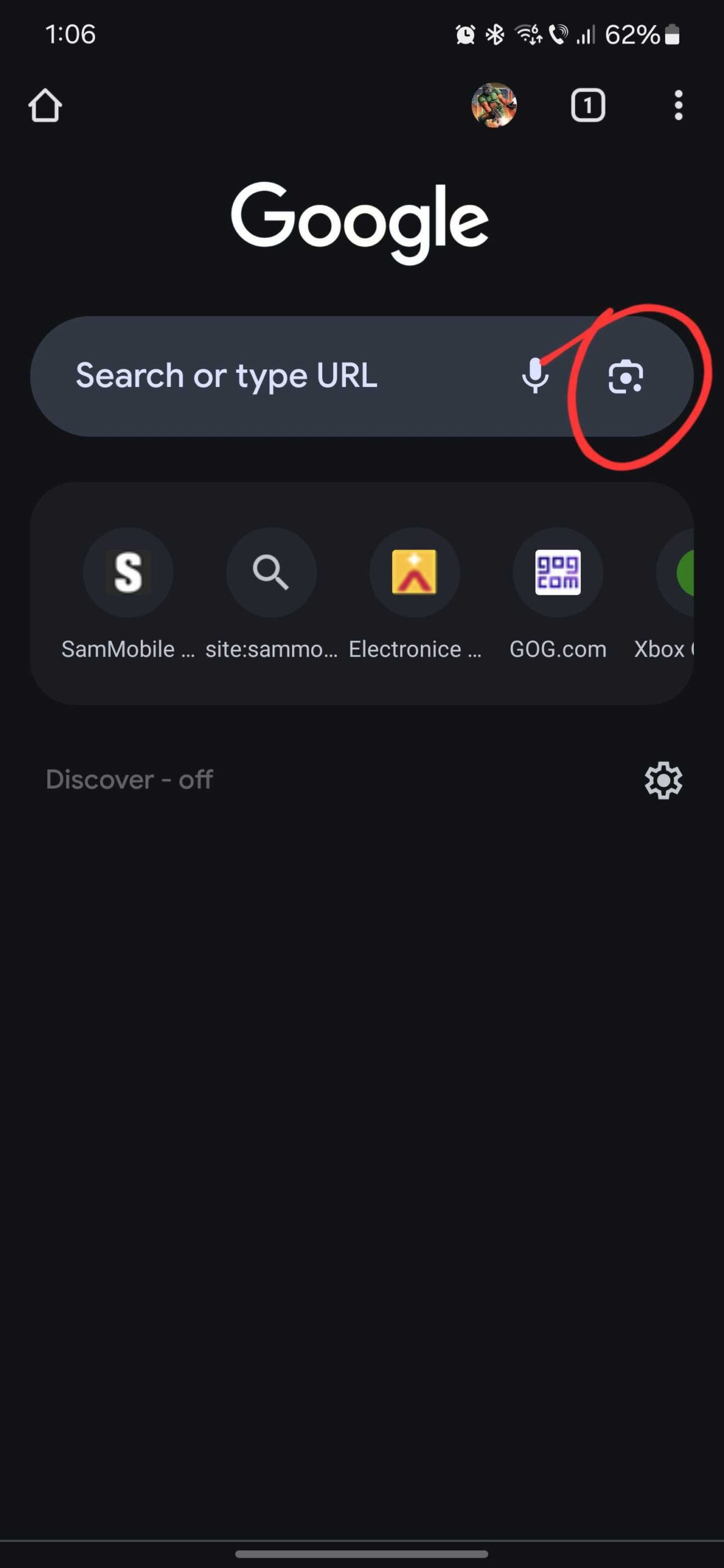
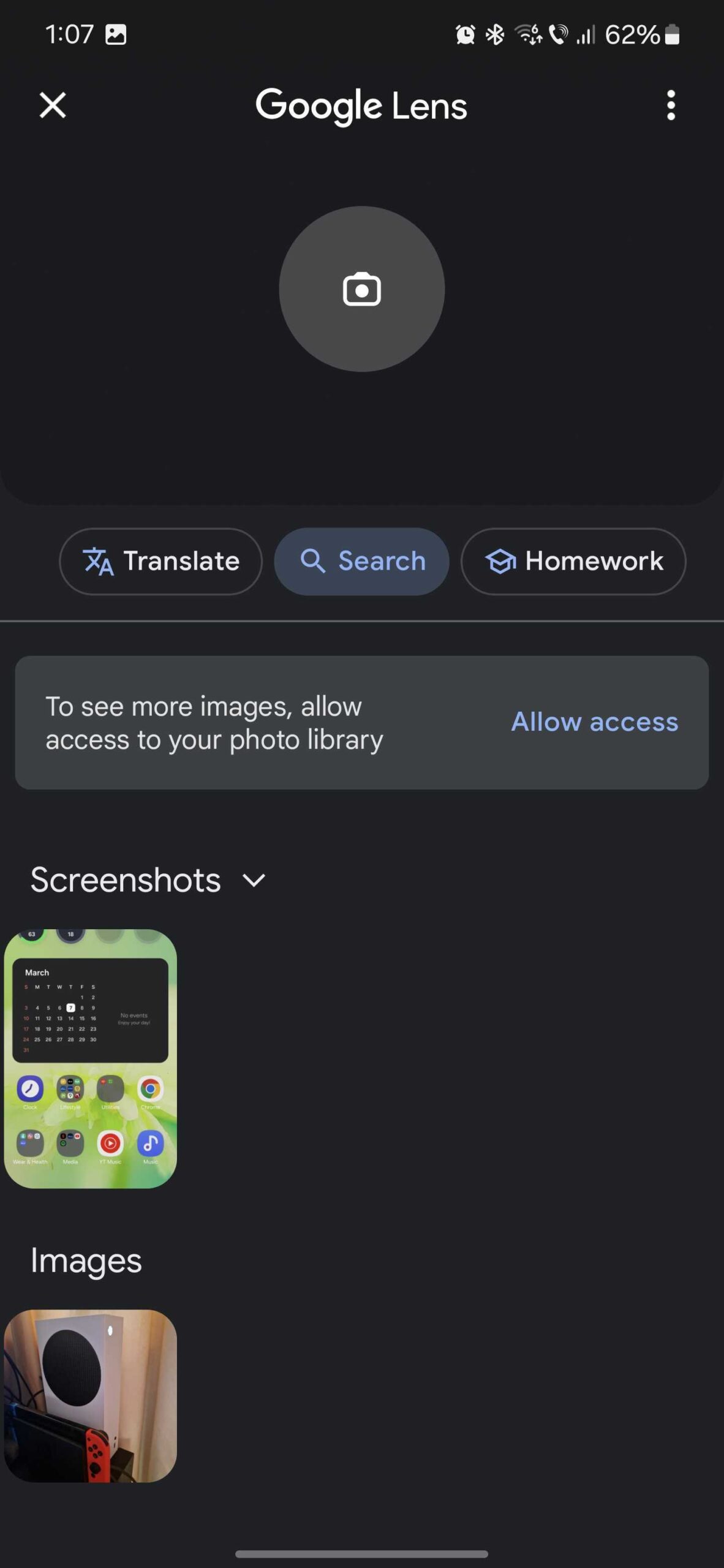
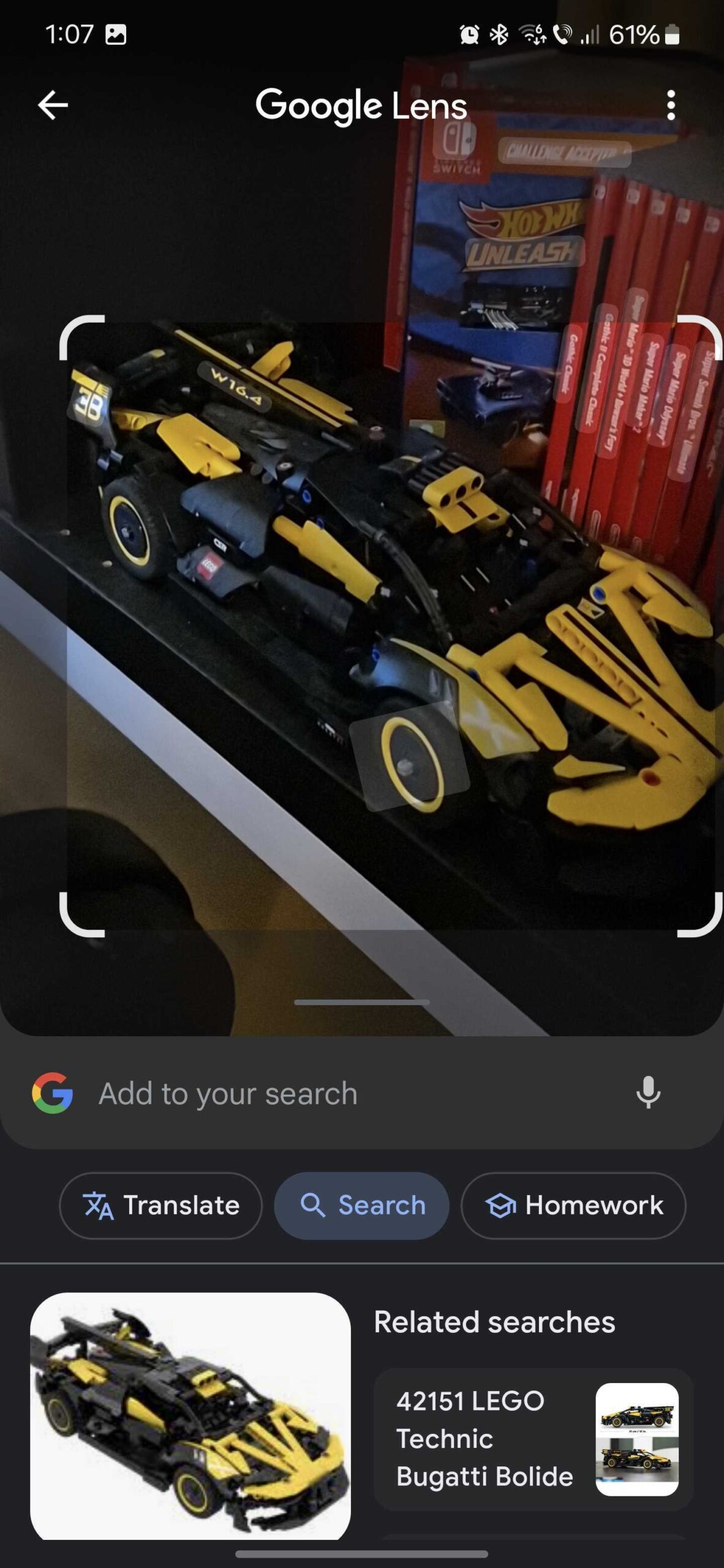
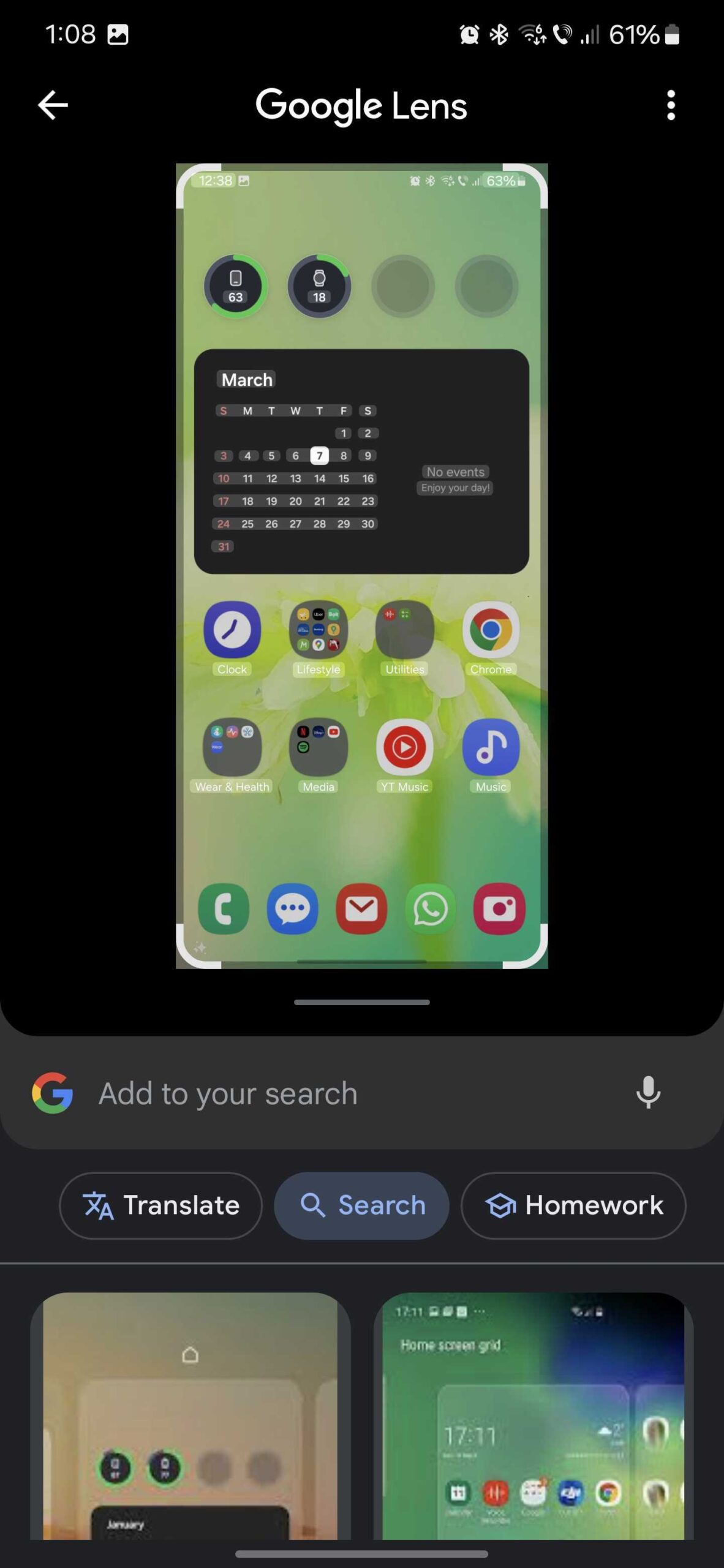
Unlike Circle to Search, which works seamlessly on virtually any screen, Google Lens in Chrome works only with photos captured by your camera or already on your phone's storage. But you can emulate the Circle to Search experience a little better by tricking Lens into searching almost anything you want.
You can make Lens image-search almost anything you see on your Galaxy S22 or Galaxy S23's screen by taking a screenshot first. You can then feed the screen grab to Lens and let Google's AI work its magic.
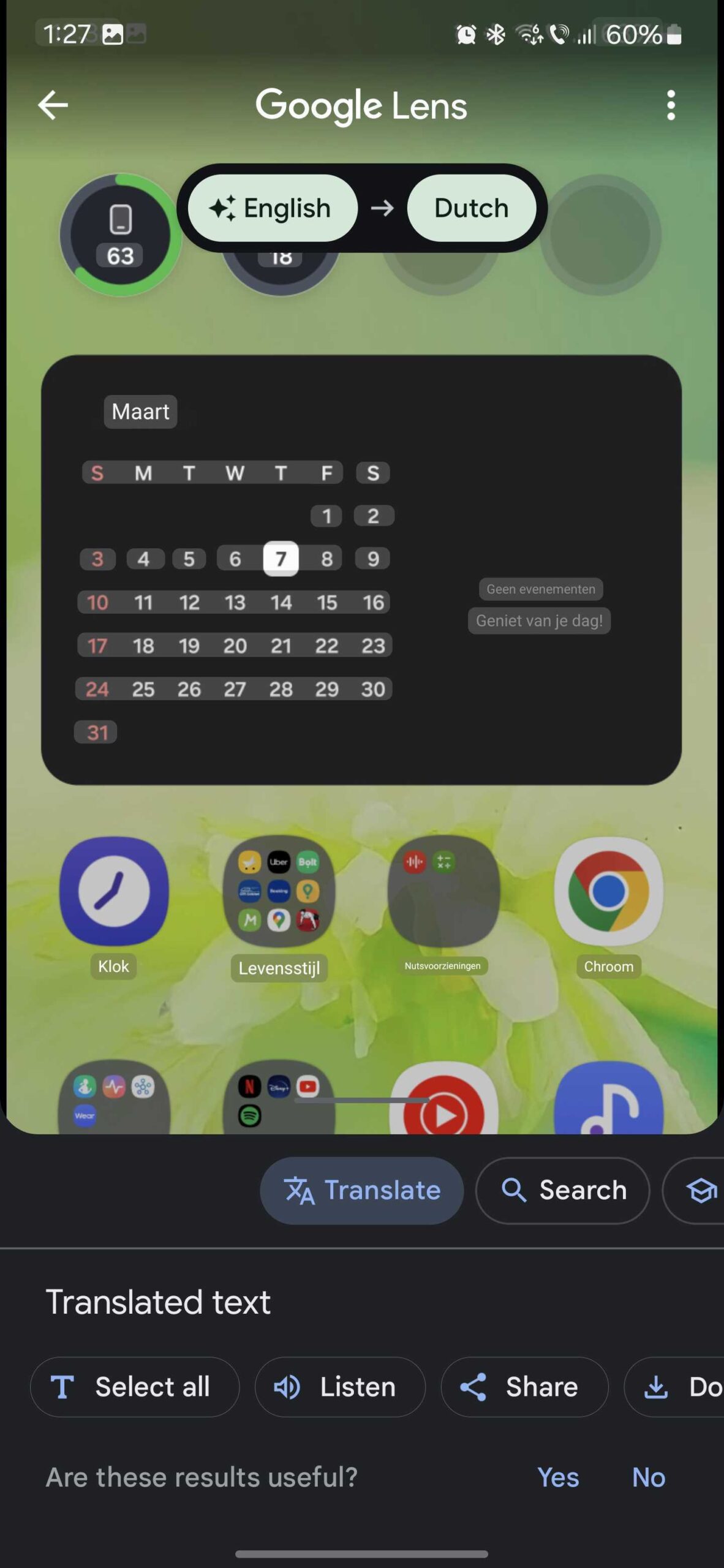
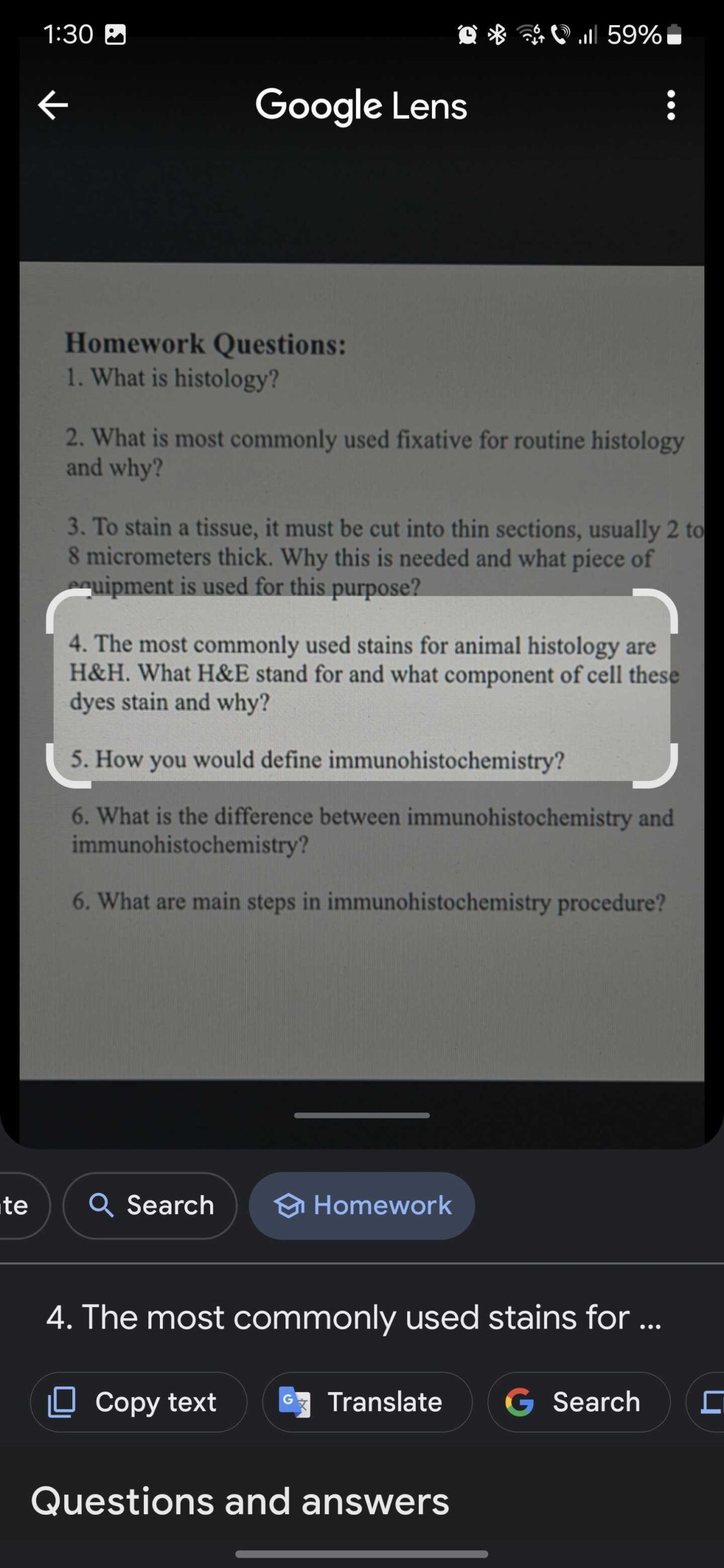
In addition to searching by image, you can also use Google Lens to translate text from the photos you capture or upload or ask for assistance for your homework by scanning questions.
In essence, you can use Lens on your Galaxy S22 and Galaxy S23 to harness the power of Circle to Search, or at least the AI underneath it. It will take a few extra steps, so it isn't as fast as the real Circle to Search feature, but the AI is already available through your phone and can be used to its full capabilities.

Mihai is a blogger and column writer at SamMobile. His first Samsung phone was an A800 which took a lot of beating, and a part of him still misses the novelty of the clamshell design. In his free time, he enjoys watching shows, documentaries, and stand-up comedy; listening to music, taking walks, and occasionally playing old(er) video games.












