Last updated: August 10th, 2019 at 16:43 UTC+02:00
SamMobile has affiliate and sponsored partnerships, we may earn a commission.
Reading time: 2 minutes
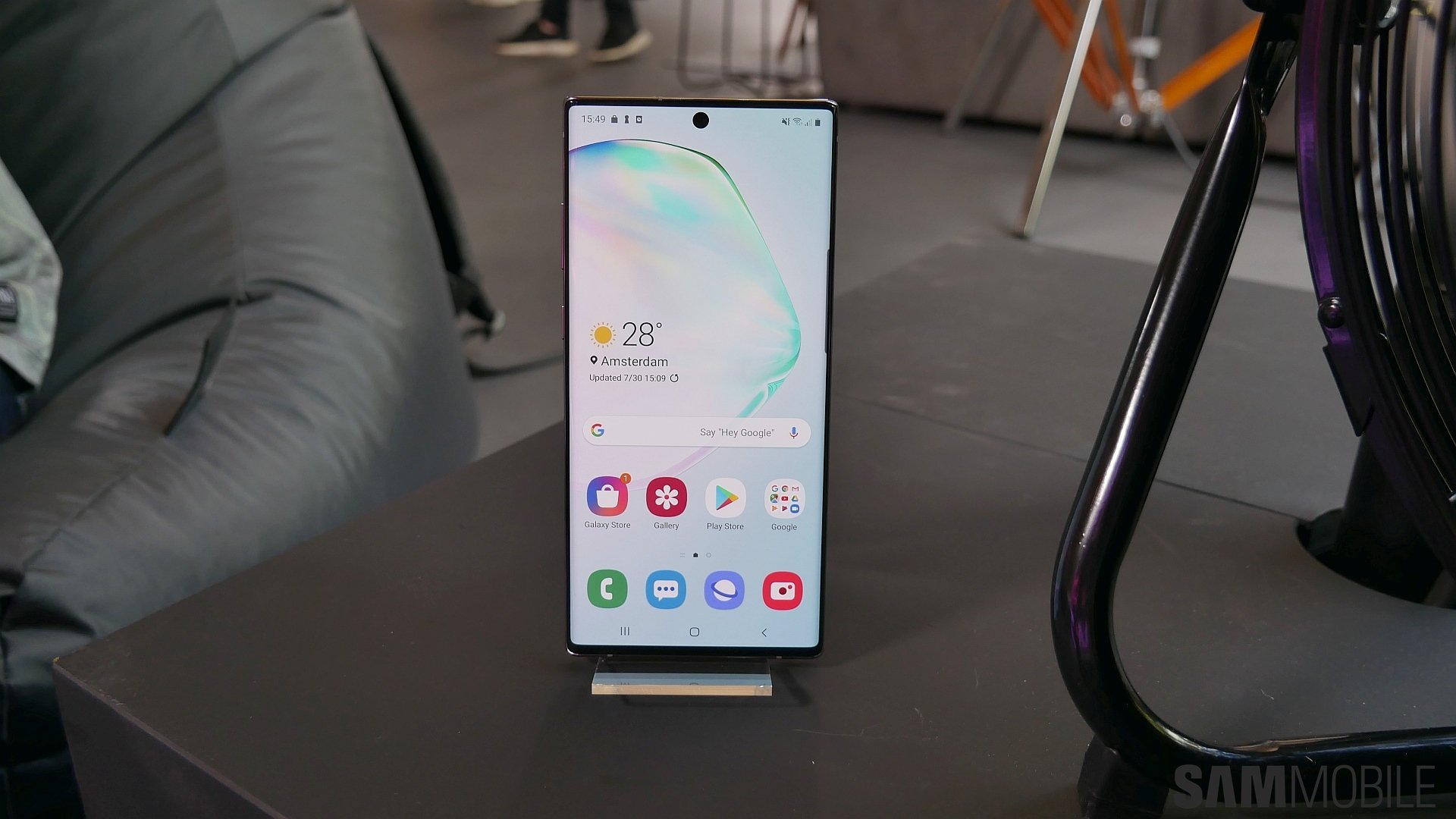
Like all live wallpapers, these can only be applied to the lockscreen on your Galaxy device. You will also need to edit the wallpapers and cut them down from 30 seconds to 15 seconds – these wallpapers are video files, and Samsung doesn't allow setting videos longer than 15 seconds as live wallpapers on its devices, including the Galaxy S10 lineup.
Download the wallpapers on your device using the links below, find them in the Gallery app (they should be in the Downloads album), open the one you want to apply, and tap the three-dot button on the top right and select Set as wallpaper. Then, tap the Edit button when prompted to trim the video down to 15 seconds, select the 15 seconds you want to use (or make it even shorter if you want), then hit the Done button. Then hit the Set as wallpaper button to finally apply the wallpaper to your lockscreen.
Download Galaxy Note 10 live wallpapers: Wallpaper 1 (Black) | Wallpaper 2 (Silver)
[modelinfo model=”SM-N970F”]
[modelinfo model=”SM-N975F”]

First Samsung device: SGH-D500
Abhijeet's writing career started with guides for custom firmware for Samsung devices (including the original Galaxy S), and he moved to SamMobile in mid-2013 and worked up the ranks to Editor-in-chief. In addition to phones and mobile devices, his interests include gaming on both PC and console, PC hardware, and spending countless hours on YouTube watching videos on tech, movies, games, politics, and internet dramas.














