Cyber week deals! Galaxy Watch8 Classic, Fold 7, S25 Ultra. Follow us on YouTube, TikTok, or LinkedIn
Last updated: March 17th, 2025 at 05:55 UTC+01:00
SamMobile has affiliate and sponsored partnerships, we may earn a commission.
Reading time: 2 minutes
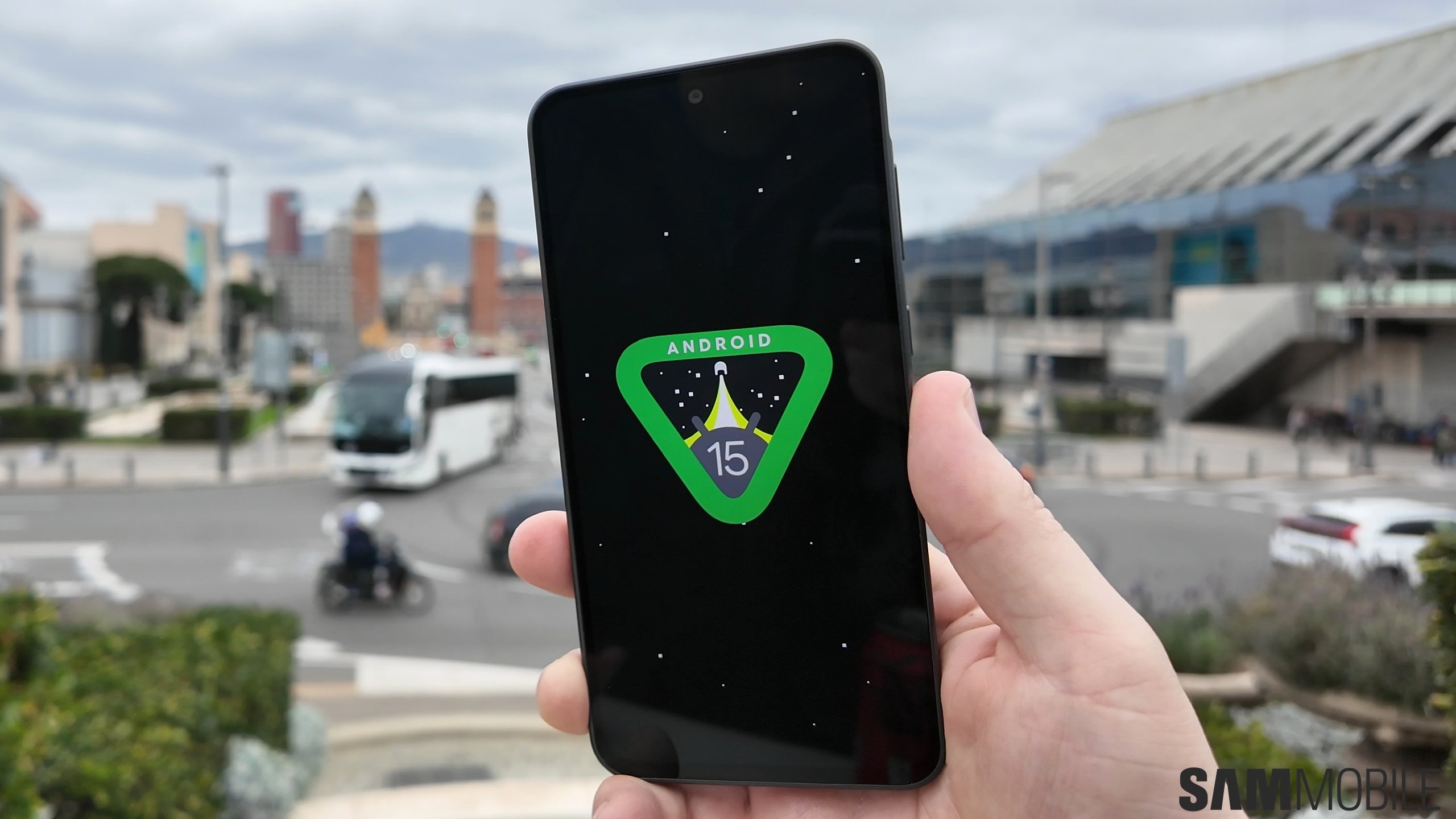
While releasing Android 16 Beta 3, Google announced that Samsung smartphones and tablets running One UI 7.0 (Android 15) will now have better support for hearing aids from select brands through Bluetooth Auracast. The same feature will come to Android devices from other brands with Android 16.
Google announced that better hearing aid support is coming to Galaxy devices with the Android 15-based One UI 7.0. This feature is based on Bluetooth LE-based Auracast protocol and is compatible with hearing aids from brands like GN Hearing and Starkey.
People with Samsung phones and tablets running One UI 7.0 and Bluetooth LE-compatible hearing aid equipment can stream Auracast broadcasts in public spaces such as airports (for announcements), tourist places (for guided tours), and more, making important announcements more accessible.
The same feature will be available on Google's Pixel devices with Android 16. Android devices from other brands will likely get Auracast support for hearing aids with the Android 16 update.
Samsung introduced support for Auracast with One UI 5.1.1, but it only let you join Auracasts. With One UI 6.1, the company added support for creating Auracast streams using Galaxy devices.
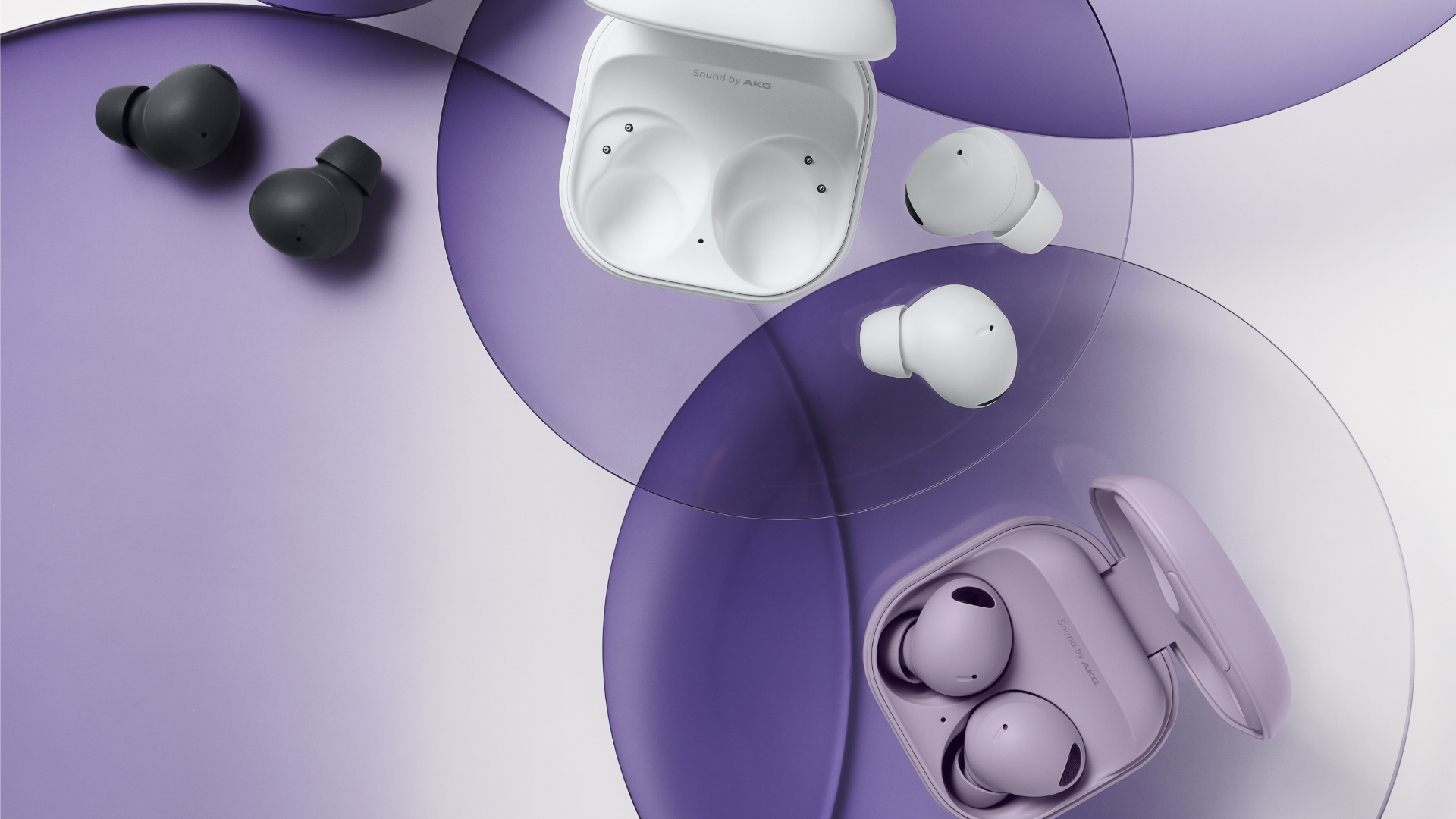
The Galaxy Buds 2 Pro and newer Galaxy Buds support Bluetooth LE Audio and Auracast. They received Auracast support with the One UI 6.1 update last year.
Bluetooth Auracast is a protocol that is based on Bluetooth LE Audio. Support for Bluetooth LE Audio and Auracast was added to Galaxy devices with One UI 6.1, and it has been improved to support LE Audio-compatible hearing equipment with One UI 7.0.
Google and Samsung have worked with Bluetooth SIG to improve Auracast support on Android through standardized QR codes for joining Auracast audio broadcasts. With those QR codes, joining an audio cast will be much easier. You can just scan those QR codes using your phone's camera rather than fumbling with settings on your phone.
Image Credits: Bluetooth SIG, Samsung
Asif is a computer engineer turned technology journalist. He has been using Samsung phones since 2004, and his current smartphone is the Galaxy S21 Ultra. He loves headphones, mechanical keyboards, and PC hardware. When not writing about technology, he likes watching crime and science fiction movies and TV shows.