Last updated: December 30th, 2018 at 23:48 UTC+01:00
SamMobile has affiliate and sponsored partnerships, we may earn a commission.
Reading time: 2 minutes
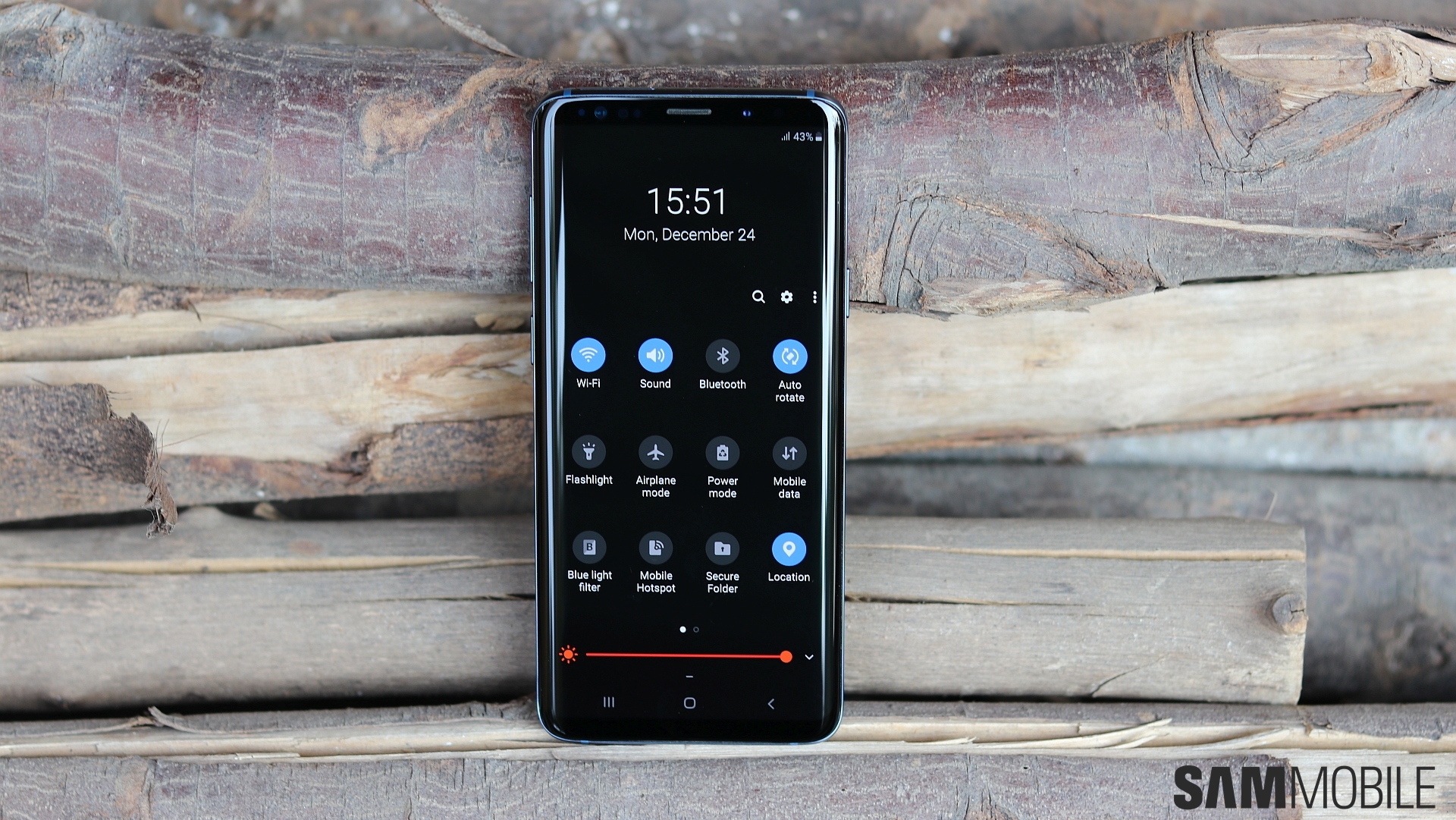
To be more precise, it's the option to have Night mode be automatically enabled and disabled based on time and location (just like blue light filter) that's missing. The leaked Pie builds and initial betas mentioned in Night mode settings that it can be enabled on a schedule, but we never actually saw the option in there at any point. And that's the case on the final Galaxy S9 Android Pie update as well, which led us to believe that Samsung may have decided to opt out of offering a schedule option.
The schedule part is listed in the user manual, though, so either Samsung will make the addition in a future update or the Galaxy S9 update that has been released in some countries isn't actually the final build. And, given how Samsung pushing out a major Android update so quickly is new territory for both the company and its consumers, we can't say which of the two it may be. It may even be that the user manual will be amended to remove the schedule part, and all we can do is wait and watch what happens.
[modelinfo model=”SM-G960F”]
[modelinfo model=”SM-G965F”]

Abhijeet's writing career started with guides for custom firmware for Samsung devices (including the original Galaxy S), and he moved to SamMobile in mid-2013 and worked up the ranks to Editor-in-chief. In addition to phones and mobile devices, his interests include gaming on both PC and console, PC hardware, and spending countless hours on YouTube watching videos on tech, movies, games, politics, and internet dramas.













