Exceptional gifting. Our Samsung Galaxy gift guide features smartphones and wearables.
Last updated: April 17th, 2024 at 16:50 UTC+02:00
SamMobile has affiliate and sponsored partnerships, we may earn a commission.
Reading time: 1 minutes
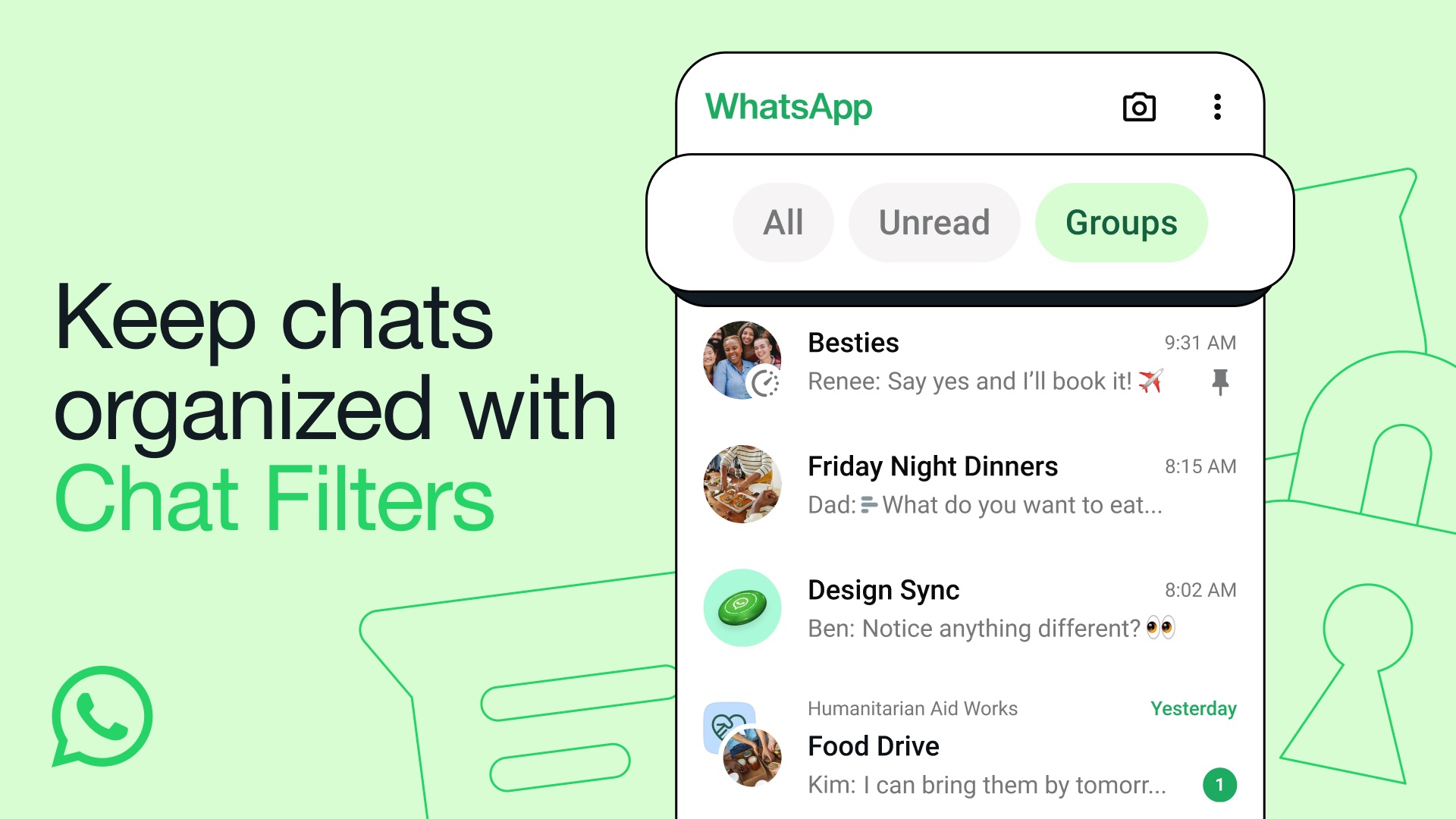
WhatsApp has a search bar that allows you to search for contacts, chats, messages, and files. But what if you want to see the list of unread chats or group chats? Unfortunately, the messaging platform doesn’t give you an option to filter chats. Fortunately, that’s changing today.
Meta has introduced Chat Filters in WhatsApp which allows you to filter chats by type as well as organize chats. The new feature gives you three filters, All, Unread, and Groups, which appear right above your chats. Clicking on All will show all your chats, selecting the Unread option will display all the chats that have unread messages or chats that you have marked unread, and tapping on Groups will bring up all the group chats.
The messaging platform is rolling out Chat Filters with an update to WhatsApp for Android and iOS. So, update the app from the App Store or Play Store to enjoy the new and useful feature. It’s worth mentioning that the new feature is live on our Galaxy S23 and Galaxy S24+ in India.
I’m a computer science engineer living in Hyderabad, India, who has a keen interest in automobiles and consumer electronics. My journalism career kicked off in 2017 with MySmartPrice where I wrote news, features, buying guides, and explanatory articles about technology among other things, and reviewed many products, including smartphones, tablets, laptops, PC components, smartwatches, audio devices, wearables, and smart home products. Since then, I have worked for 91Mobiles, Apple, and Onsitego, before finally landing on SamMobile.