Last updated: January 16th, 2024 at 11:58 UTC+01:00
SamMobile has affiliate and sponsored partnerships, we may earn a commission.
Reading time: 2 minutes
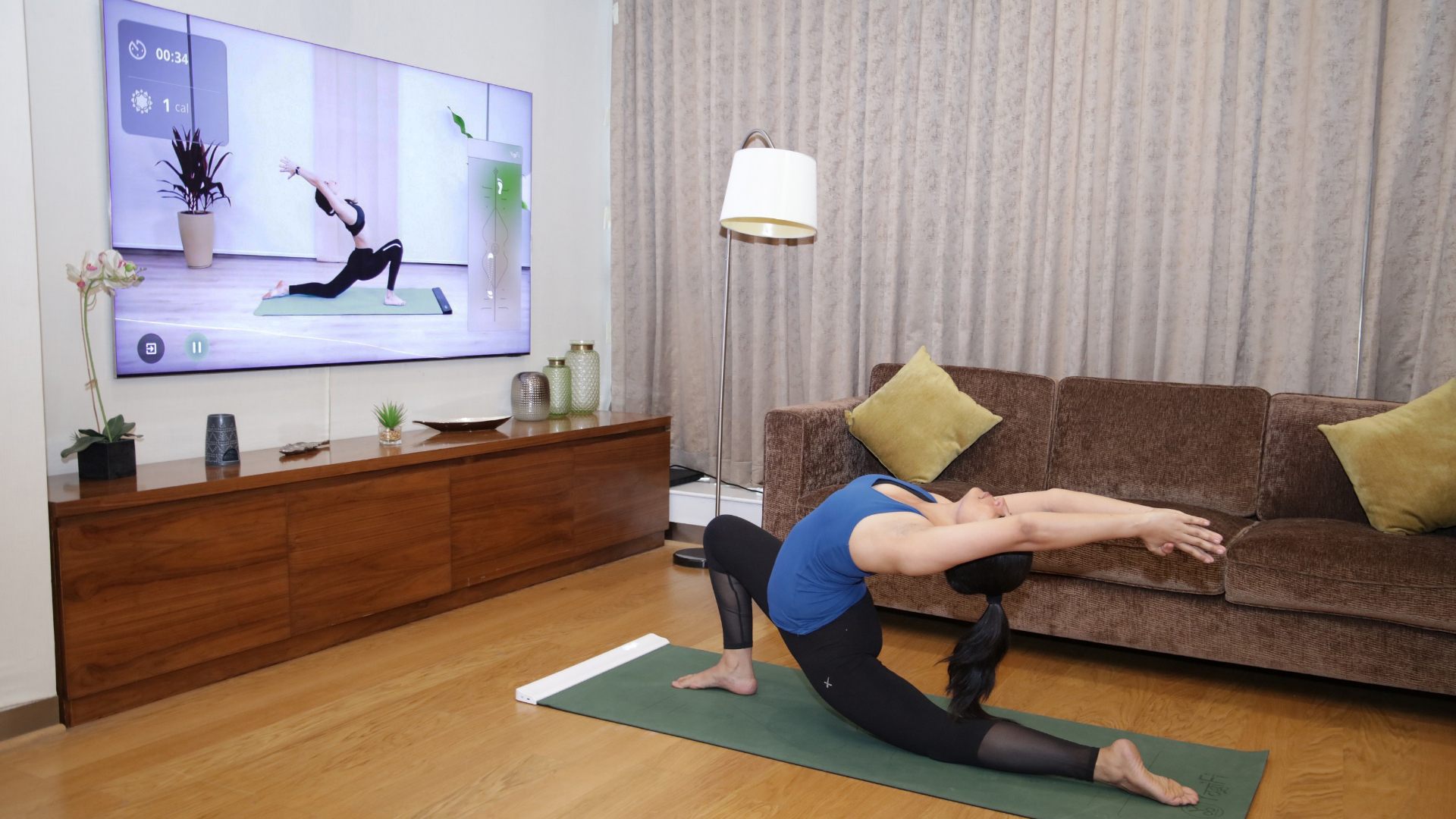
Well, you have a couple of options. You could connect a USB camera to your Samsung TV if you have one. But of course, Samsung has come up with another ingenious solution that doesn't require you to spend more money on a USB camera if you don't already have one.
Specifically, Samsung TV users can connect their Galaxy phones or tablets to their TVs and use the cameras on these mobile devices as TV webcams for specific TV apps — for example, the pre-loaded Google Meet and Workout apps. Here's all you need to know.
Before you can use this feature, you need to make sure your TV is added to the SmartThings mobile app on your Galaxy phone or tablet.
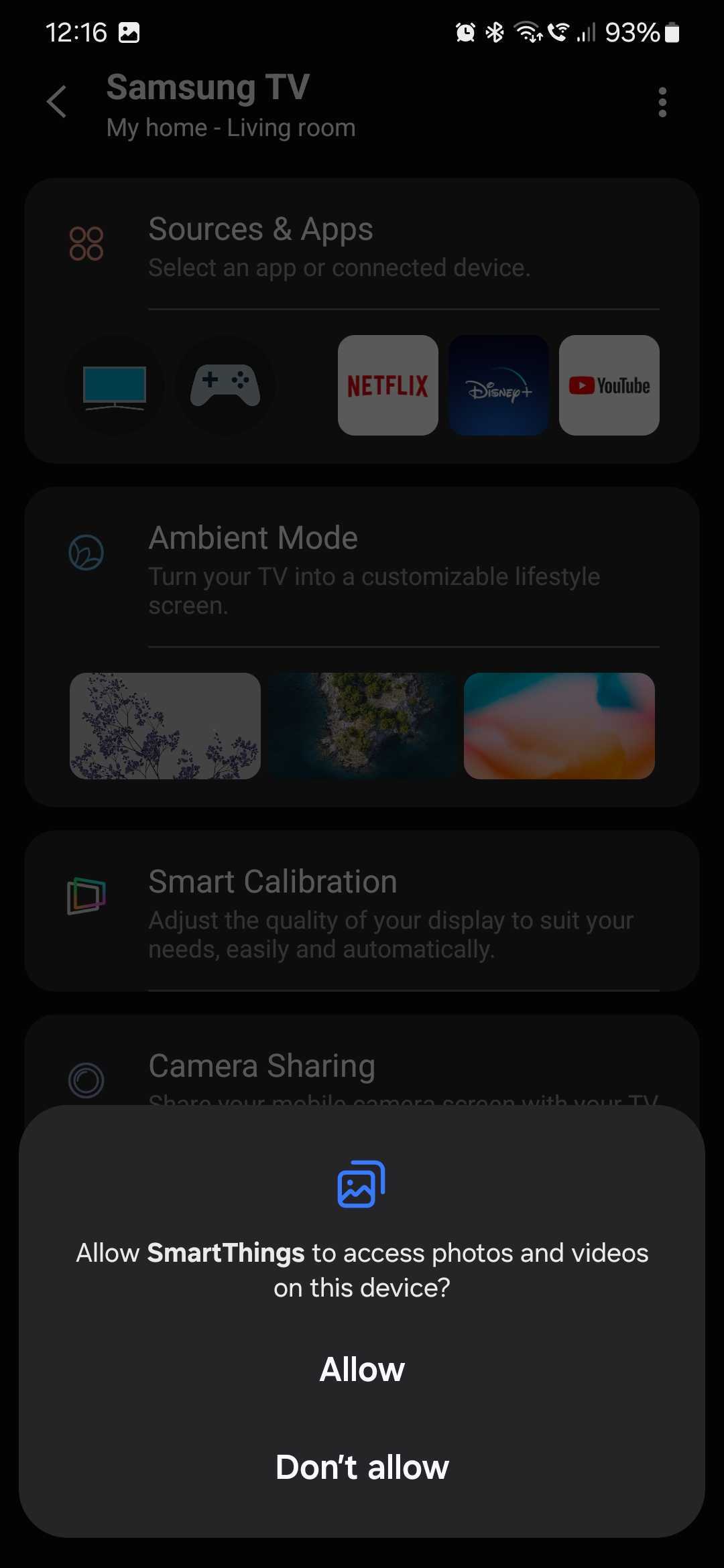
Launch the SmartThings mobile app and select your TV. If necessary, use the SmartThings remote to turn the TV ON. Then go to “Camera Sharing” and tap “Allow” when asked if you want SmartThings to access photos and videos on your device.
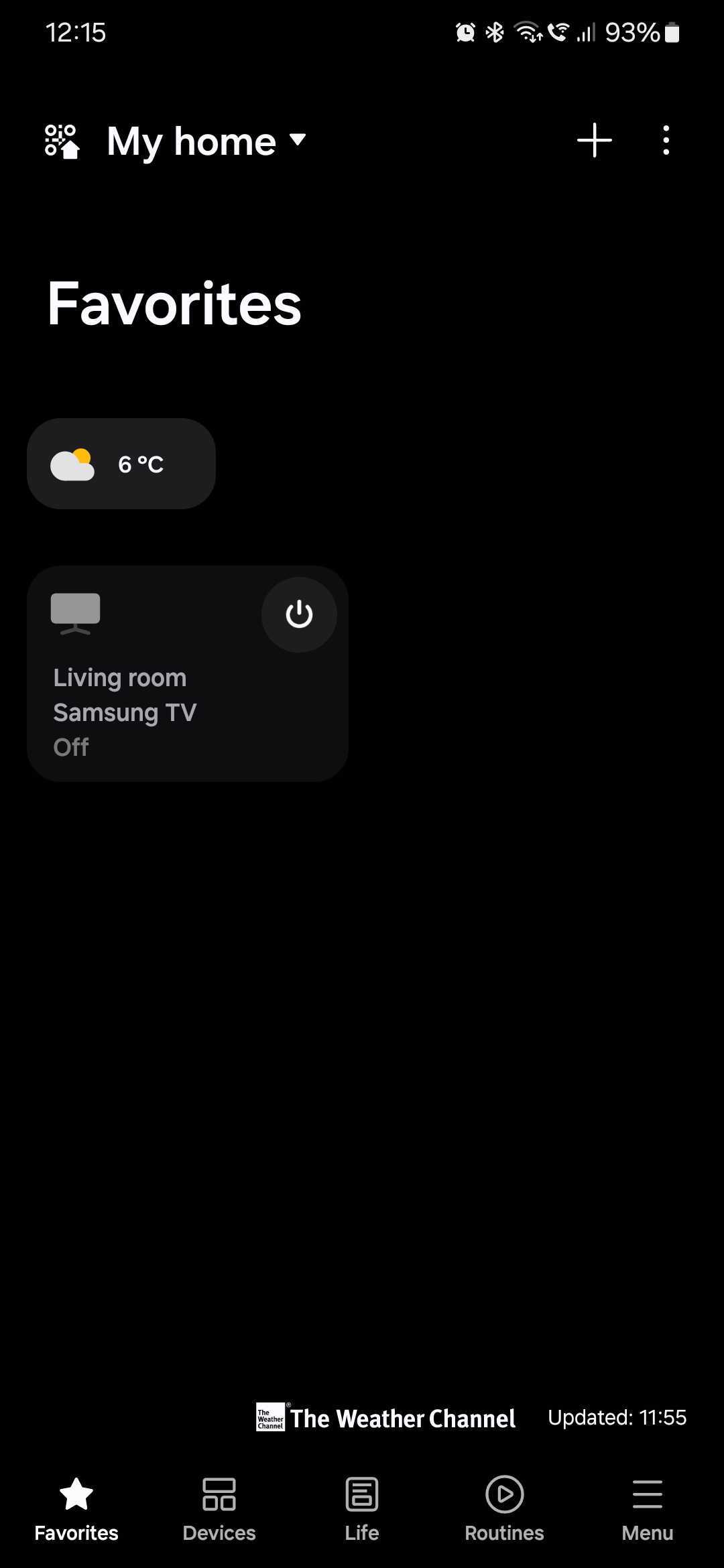
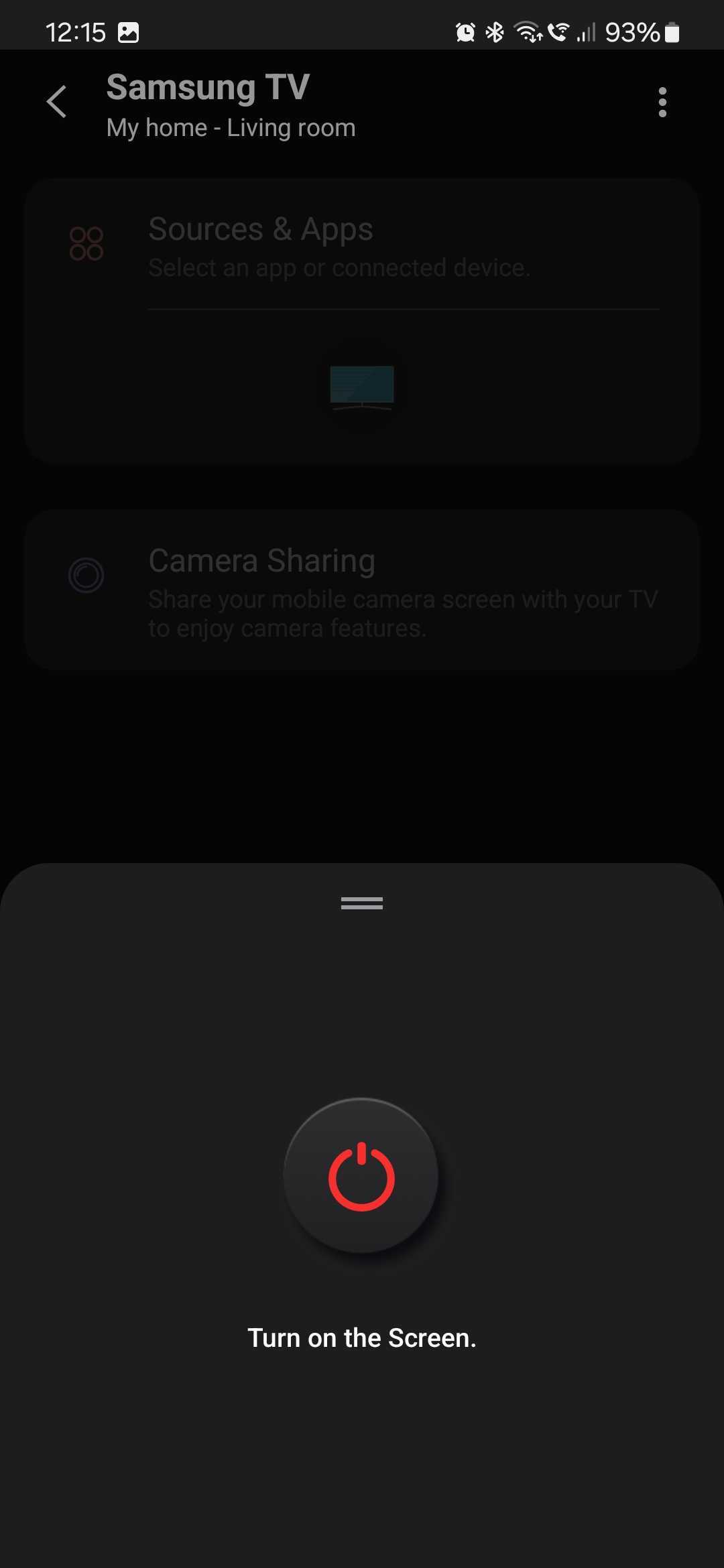
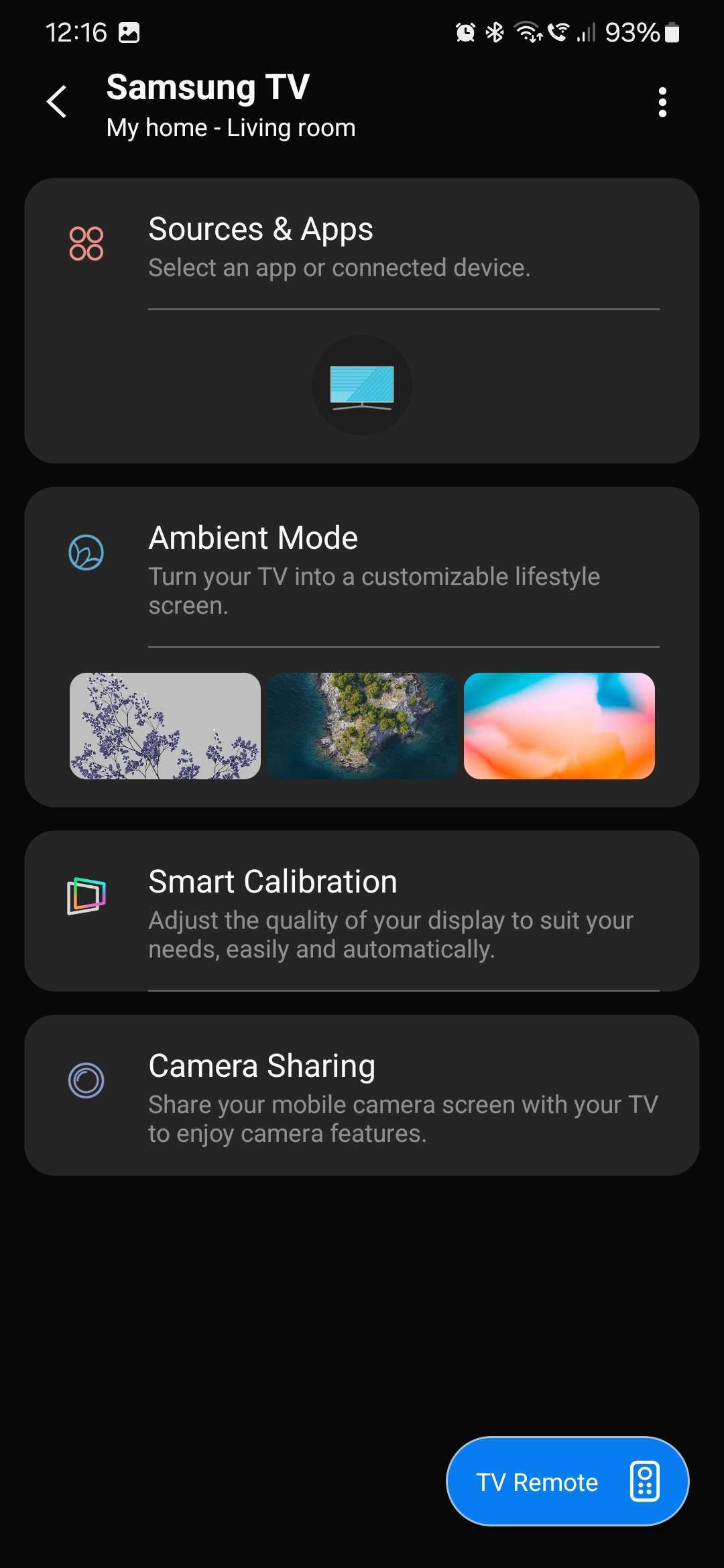
Now, switch to your Samsung smart TV and allow it to make a connection with your Galaxy mobile device. Then, go to “Sources” or “Connected devices” (depending on the TV model and Tizen OS version) and access “Camera Experience.”
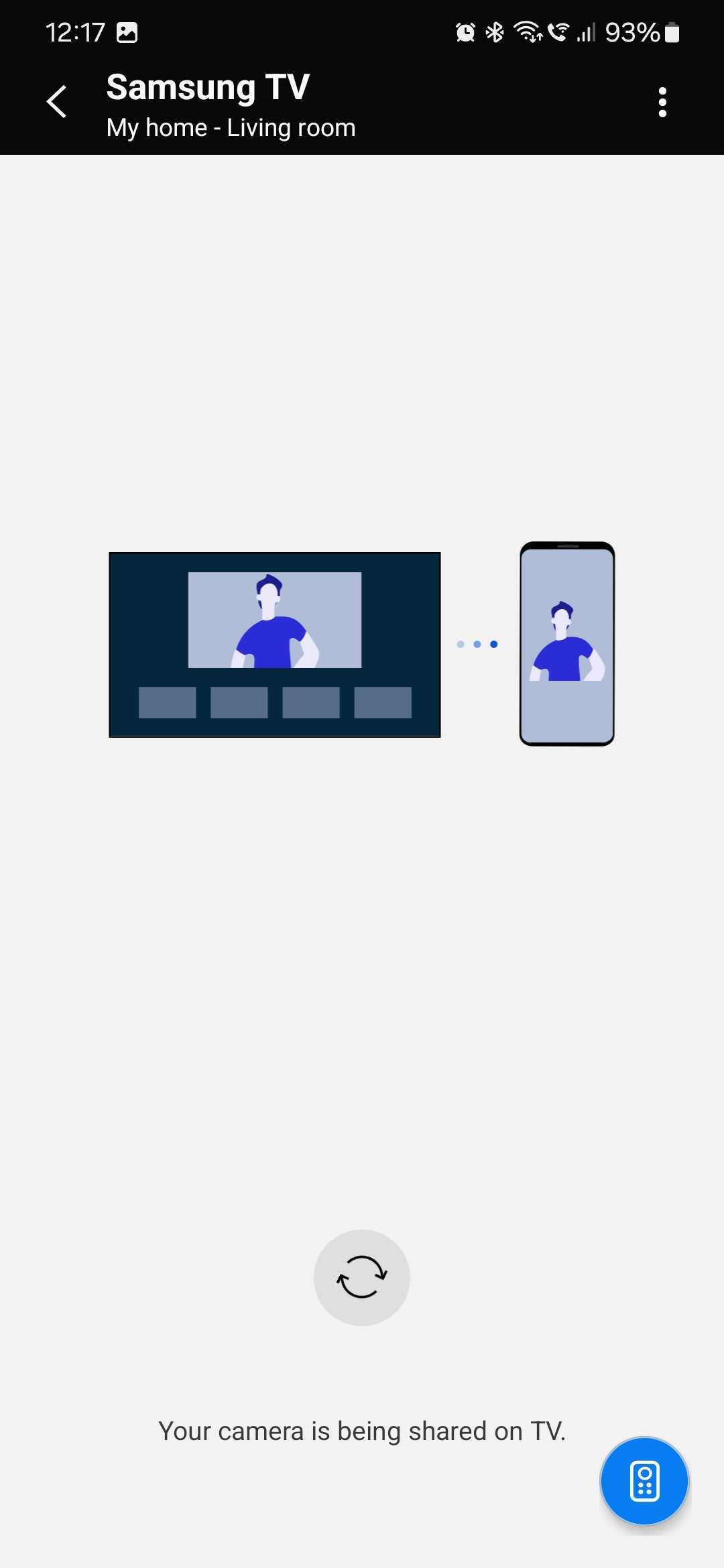
Your Galaxy phone or tablet is now connected to the Samsung smart TV and functions as a webcam. You can now use apps like Workout and Google Meet on your TV, and you can use the UI on your mobile device to switch between its front and rear cameras.

Mihai is a blogger and column writer at SamMobile. His first Samsung phone was an A800 which took a lot of beating, and a part of him still misses the novelty of the clamshell design. In his free time, he enjoys watching shows, documentaries, and stand-up comedy; listening to music, taking walks, and occasionally playing old(er) video games.












