Last updated: January 20th, 2023 at 13:27 UTC+01:00
SamMobile has affiliate and sponsored partnerships, we may earn a commission.
Reading time: 2 minutes
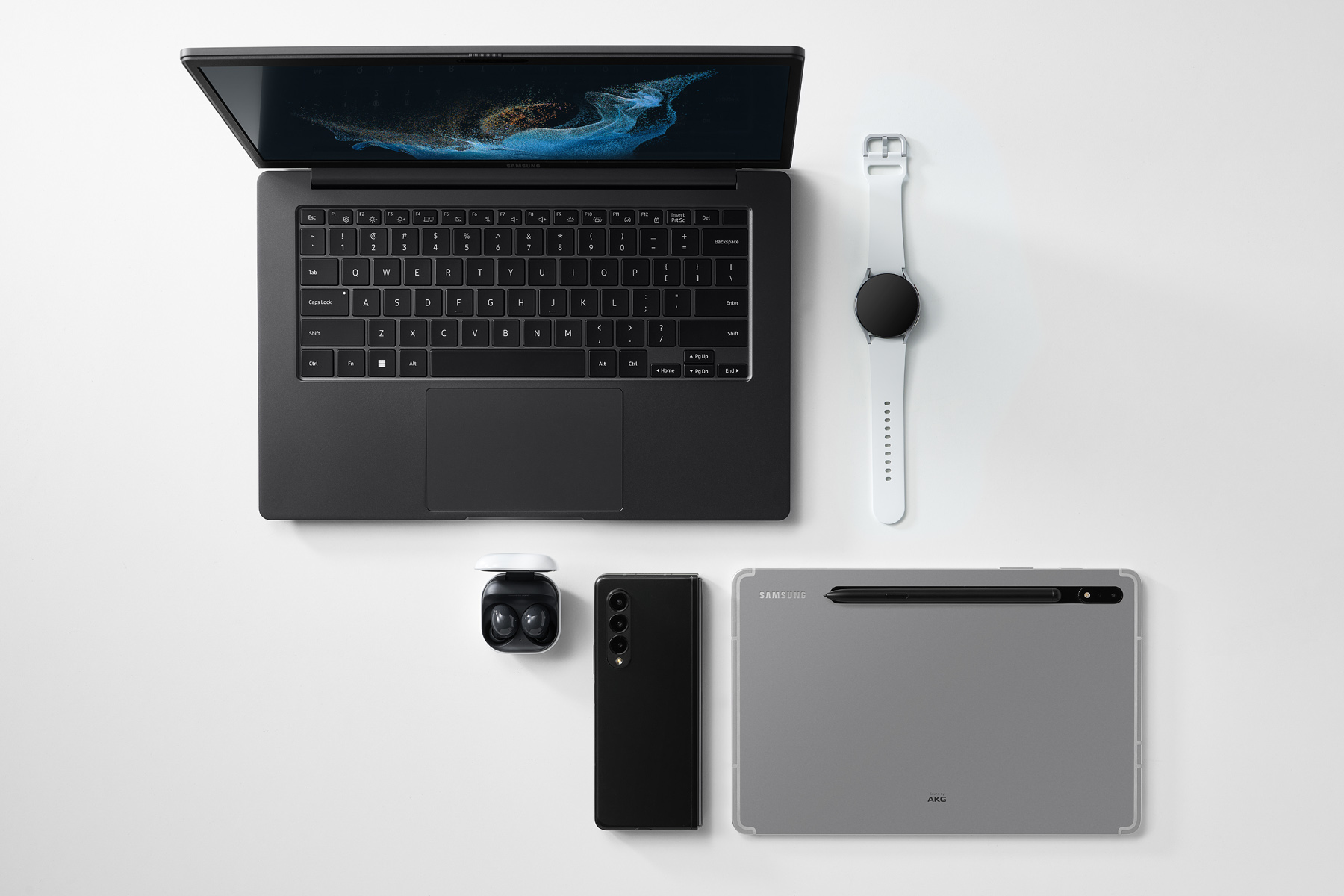
Samsung's new Recent Websites feature allows you to easily continue web browsing sessions from your Galaxy smartphone to a PC (running Windows 10 or Windows 11). The company says that the whole process is very seamless and responsive. You need to link your Galaxy smartphone to the Galaxy Book through Microsoft's Link To Windows app. Once the pairing is done, the Microsoft Phone Link app on your PC or laptop will display a list of websites you recently opened on your Galaxy phone. Clicking those links will open them in a web browser window straight away.
With this feature, you don't need to open a web browser, go through the synced history section, find the webpage link, and open it. The list of recently browsed websites will also be available through a flyout menu on a Windows PC from the bottom right corner of the taskbar. The company notes that only Galaxy phones running One UI 3.1.1 (or newer) and Windows 10 (20H1) can use this feature. You need to install the Link to Windows Service (2.3 or newer).
Samsung also recommends using the same Wi-Fi network to connect the Galaxy smartphone and the Windows PC to use the Recent Websites feature. The feature might still work when the phone is on a cellular network with internet connectivity. The new feature will roll out soon via the Windows Phone Link app. It will also be supported on Samsung's new Galaxy Book 3 series of laptops that will go official on February 1 alongside the Galaxy S23.

Asif is a computer engineer turned technology journalist. He has been using Samsung phones since 2004, and his current smartphone is the Galaxy S23 Ultra. He loves headphones, mechanical keyboards, and PC hardware. When not writing about technology, he likes watching crime and science fiction movies and TV shows.












