Last updated: July 8th, 2022 at 18:13 UTC+02:00
SamMobile has affiliate and sponsored partnerships, we may earn a commission.
Reading time: 2 minutes
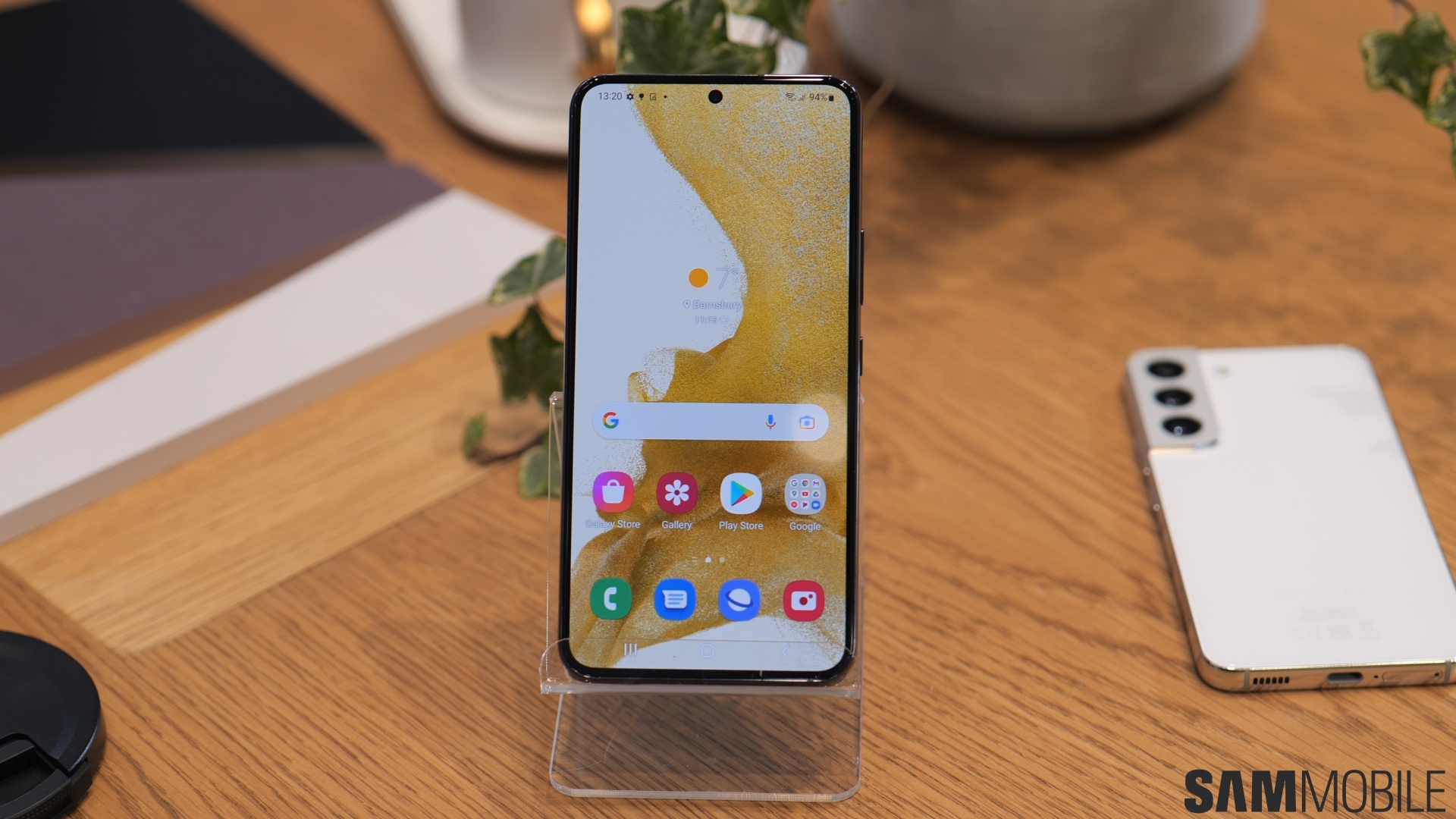
Using multi-window on small-screen devices is a bit more cumbersome. However, with recent versions of One UI, Samsung has tried making multi-window more usable on smaller screens through a “Labs” feature that allows Galaxy smartphone users to maximize the display area. Here's all you need to know.
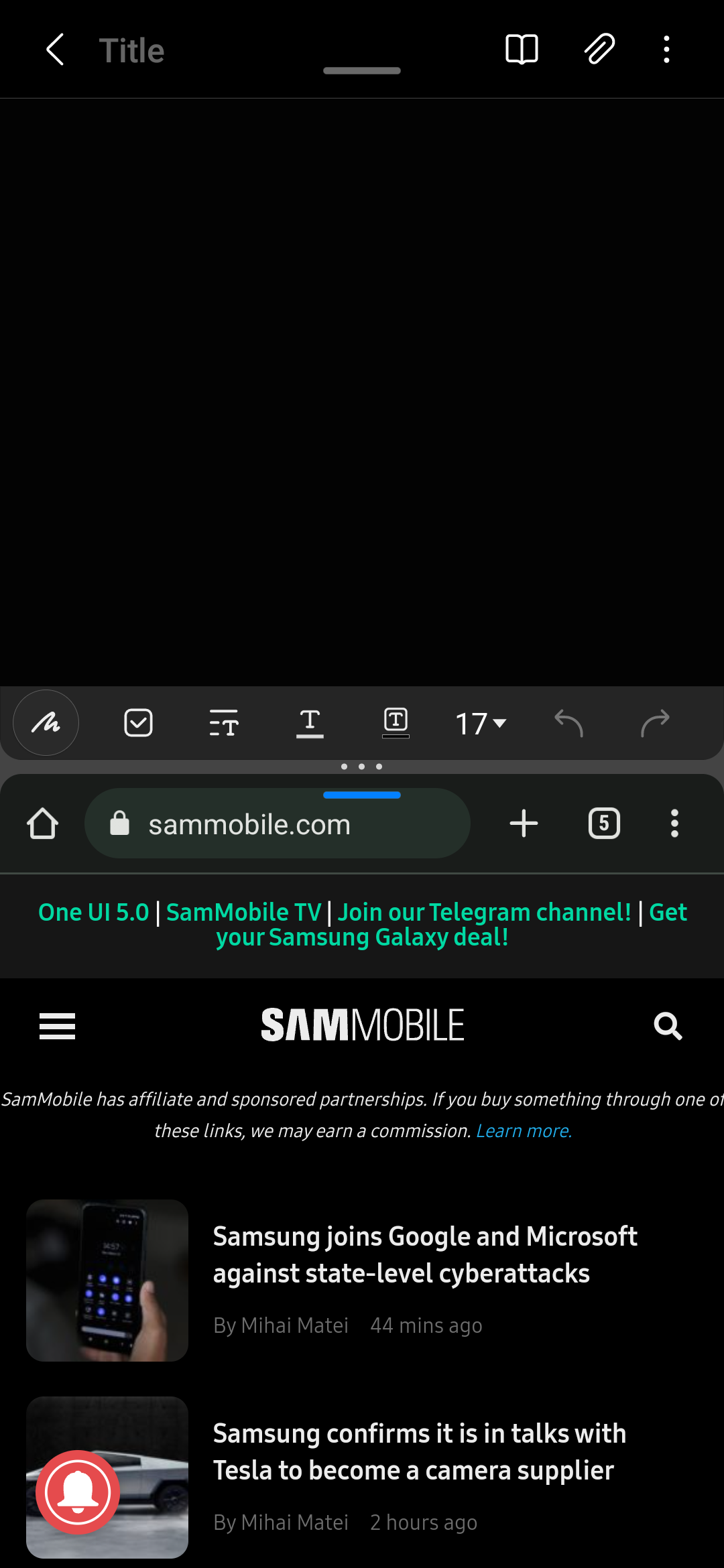
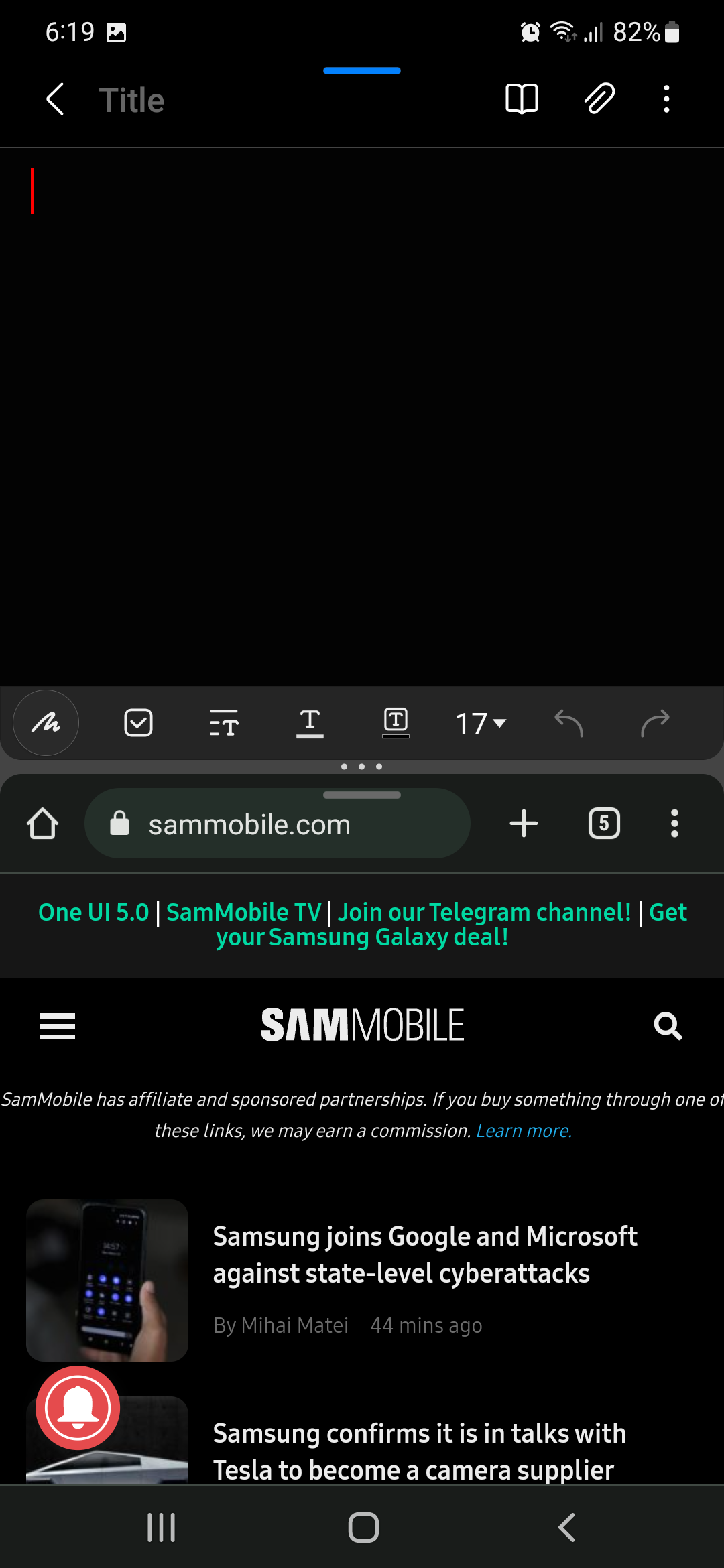
You can enter full-screen mode and hide the status bar at the top and the navigation bar at the bottom when you use apps in multi-window mode. Doing so allows said apps to occupy a larger display area and become friendlier to use on smaller screens.
The result is similar to Samsung's Game Launcher hiding these UI elements when playing mobile games. Here is a side-by-side example of multi-window mode with the full-screen feature ON and OFF:
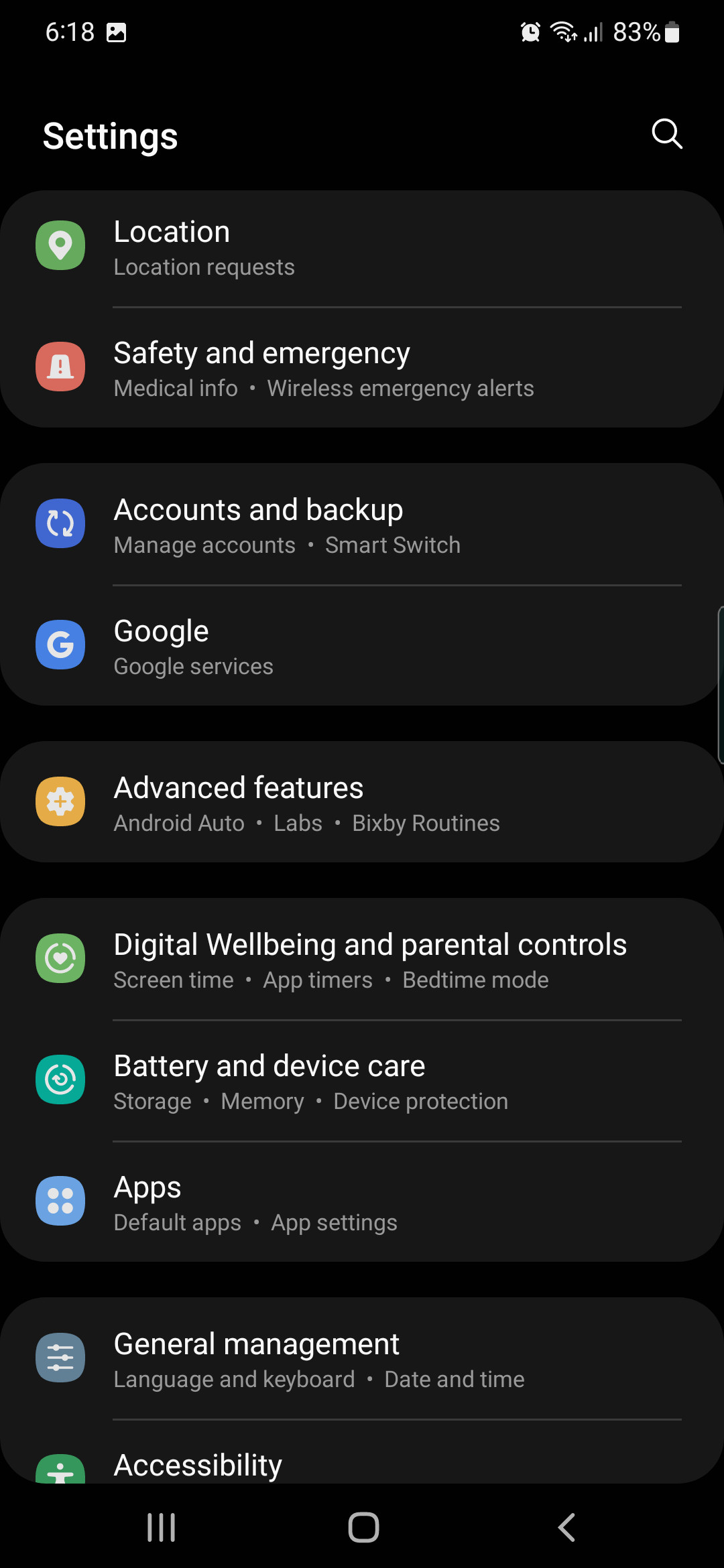
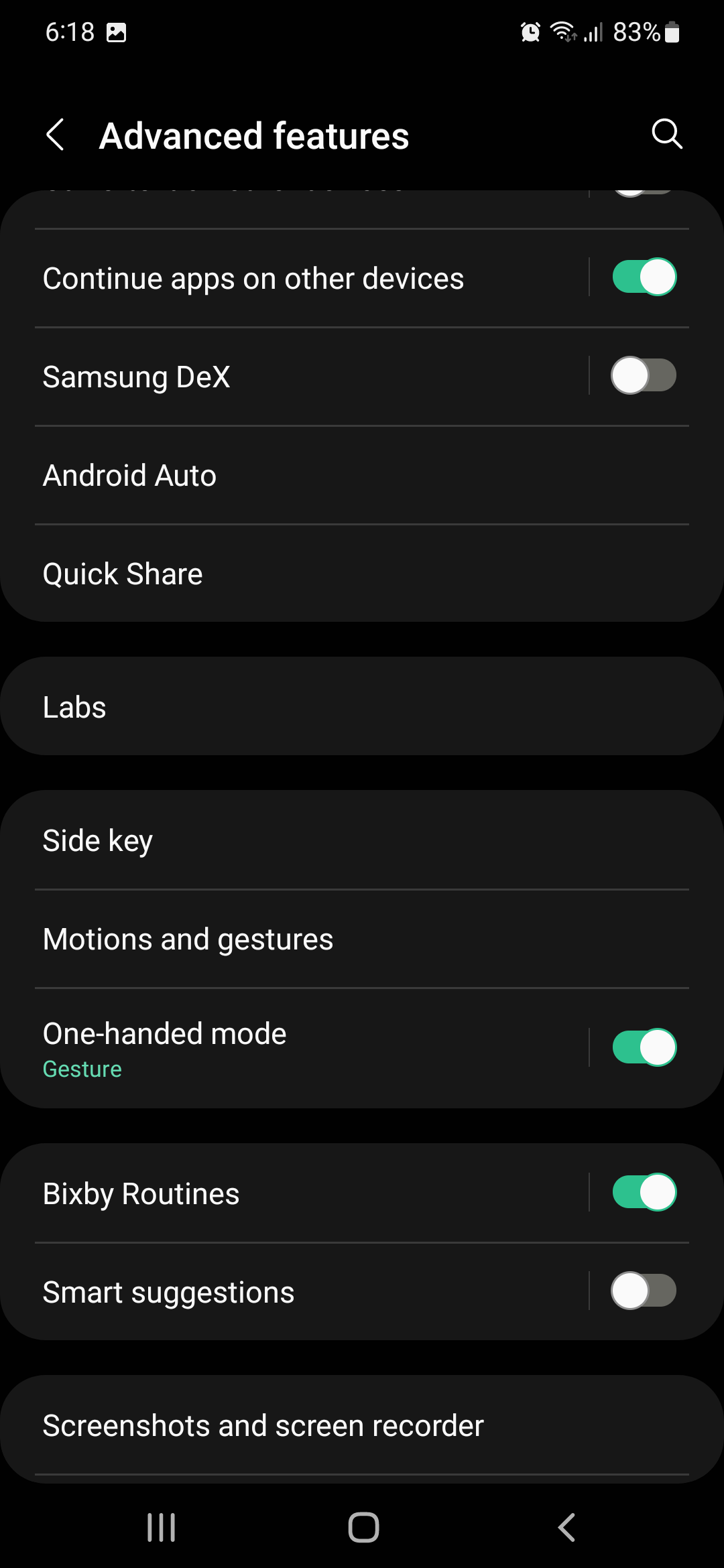
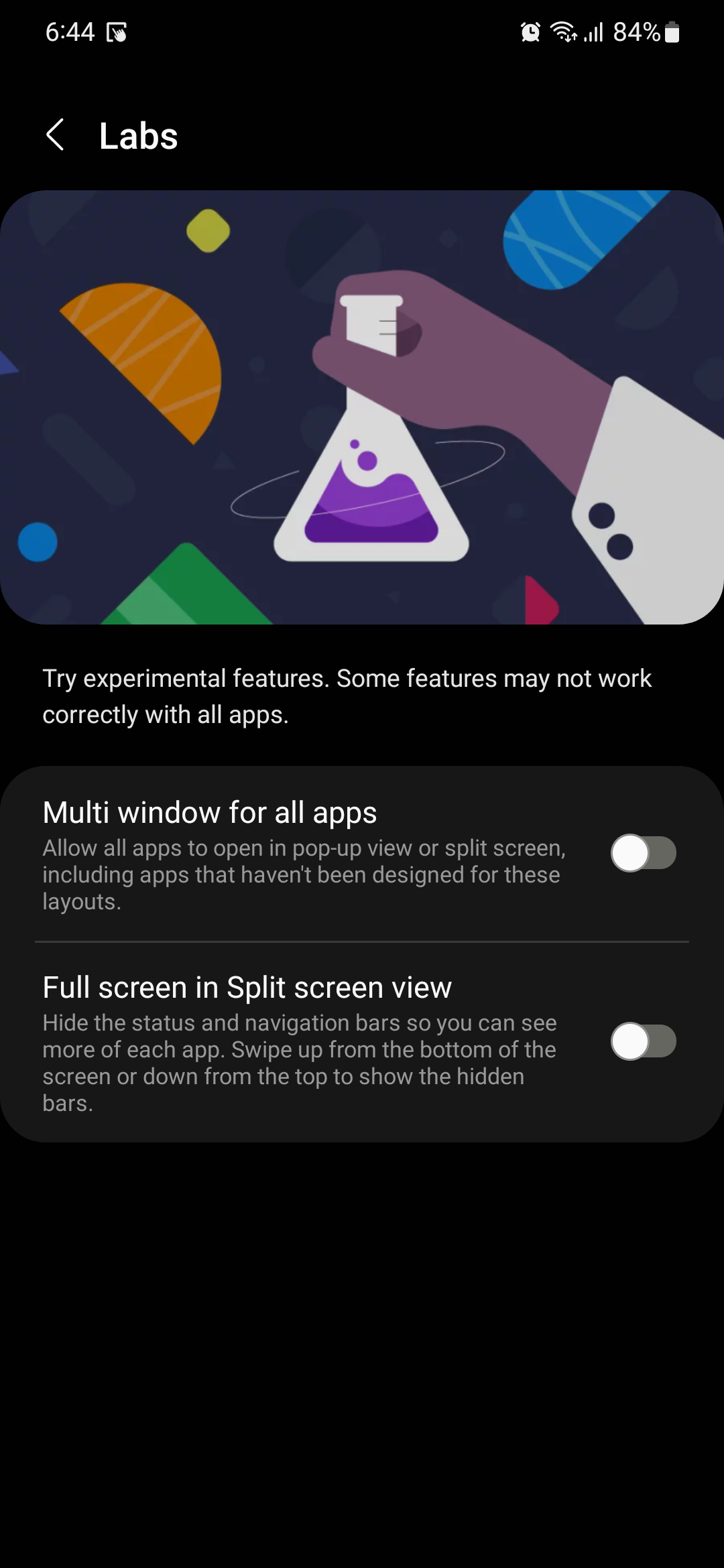
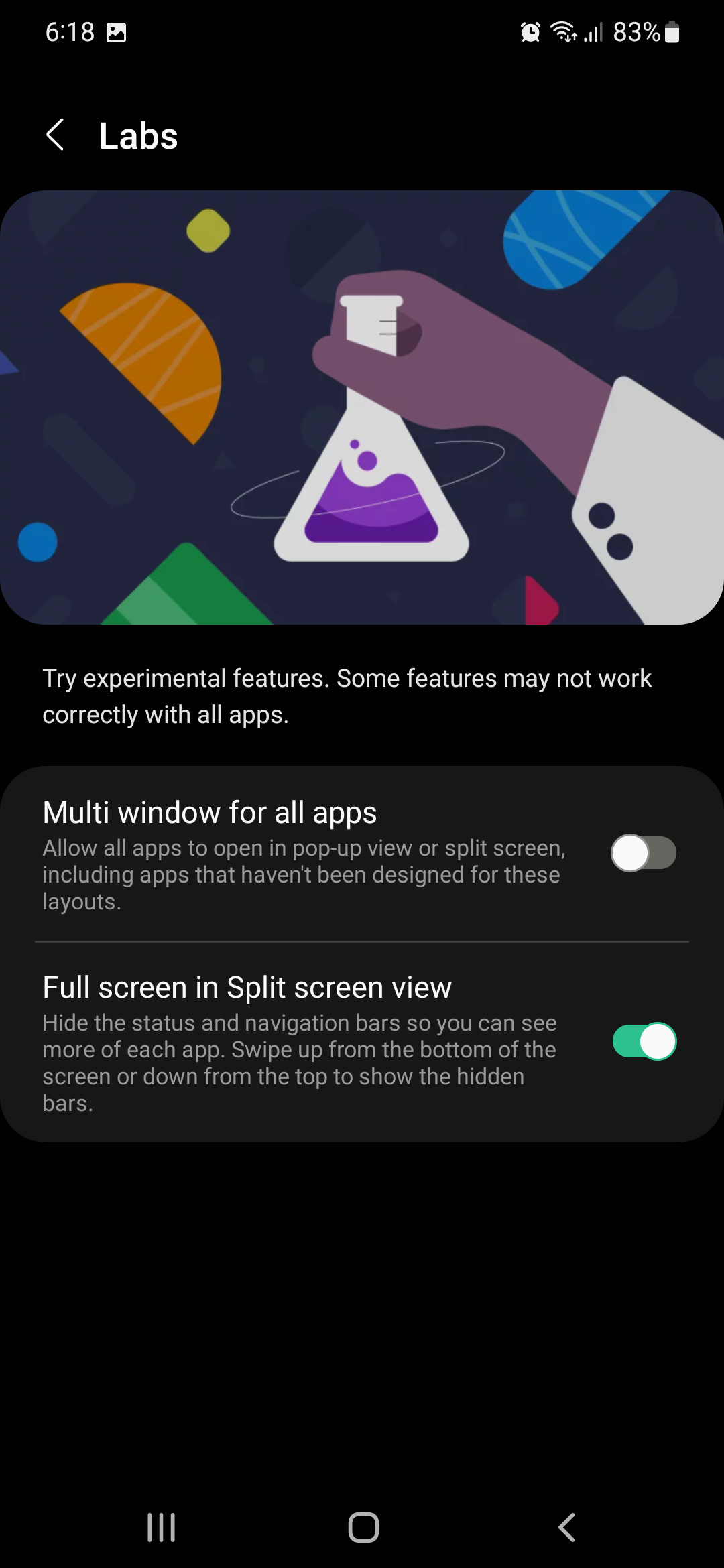
To enable full-screen for multi-window mode, first, open the Settings app. Then, access “Advanced features,” followed by “Labs,” and turn the “Full screen in Split screen view” toggle ON.
To make the status and navigation bars visible while using multi-window, swipe up or down from the bottom or top edges of the screen.
Because this mode hides both the status bar and the navigation bar, it can save screen real-estate even when using One UI navigation gestures instead of the old navigation bar.
Join SamMobile’s Telegram group and subscribe to our YouTube channel to get instant news updates and in-depth reviews of Samsung devices. You can also subscribe to get updates from us on Google News and follow us on Twitter.

Mihai is a blogger and column writer at SamMobile. His first Samsung phone was an A800 which took a lot of beating, and a part of him still misses the novelty of the clamshell design. In his free time, he enjoys watching shows, documentaries, and stand-up comedy; listening to music, taking walks, and occasionally playing old(er) video games.












