Exceptional gifting. Our Samsung Galaxy gift guide features smartphones and wearables.
Last updated: April 18th, 2023 at 14:21 UTC+02:00
SamMobile has affiliate and sponsored partnerships, we may earn a commission.
Reading time: 2 minutes
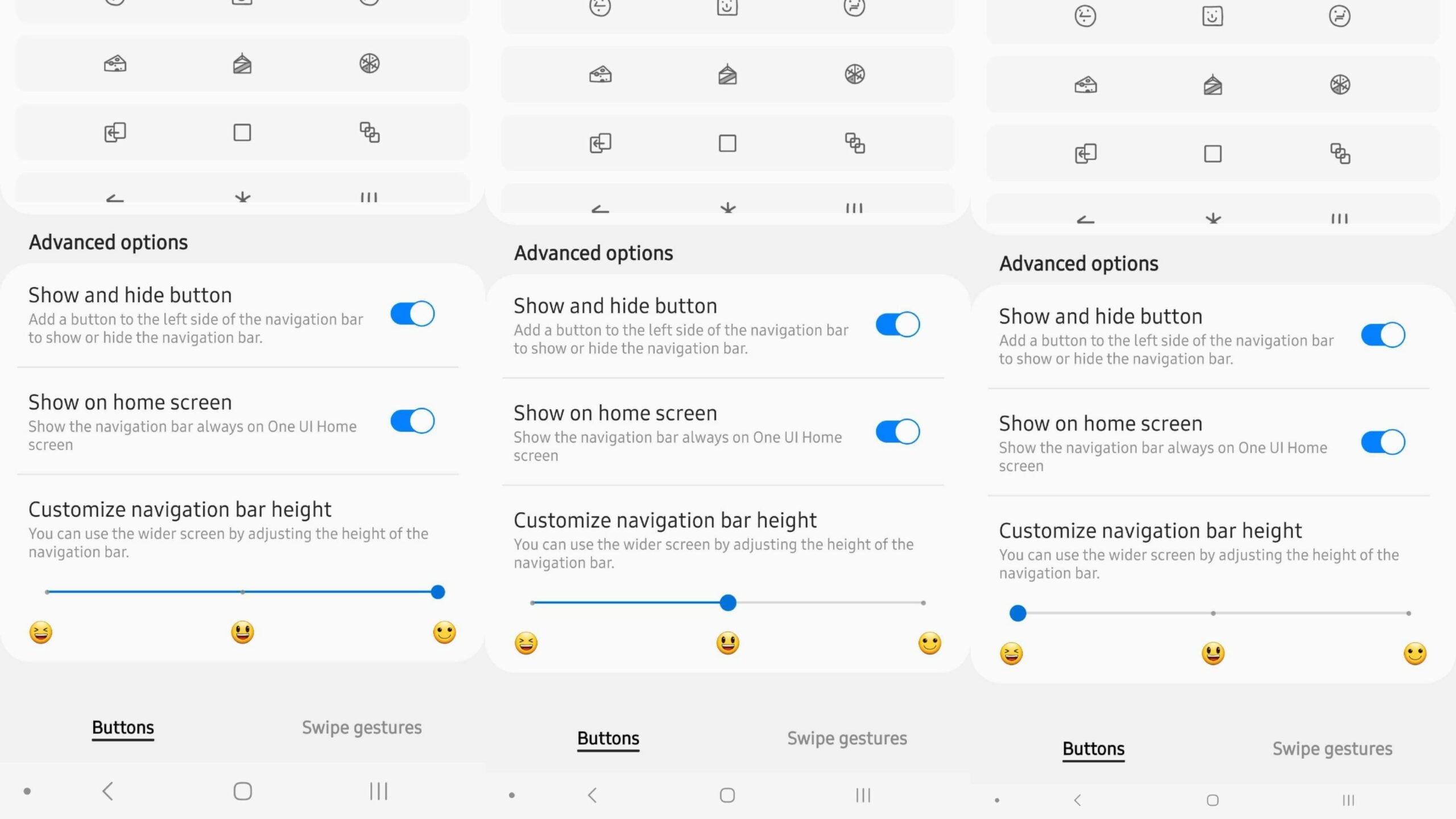
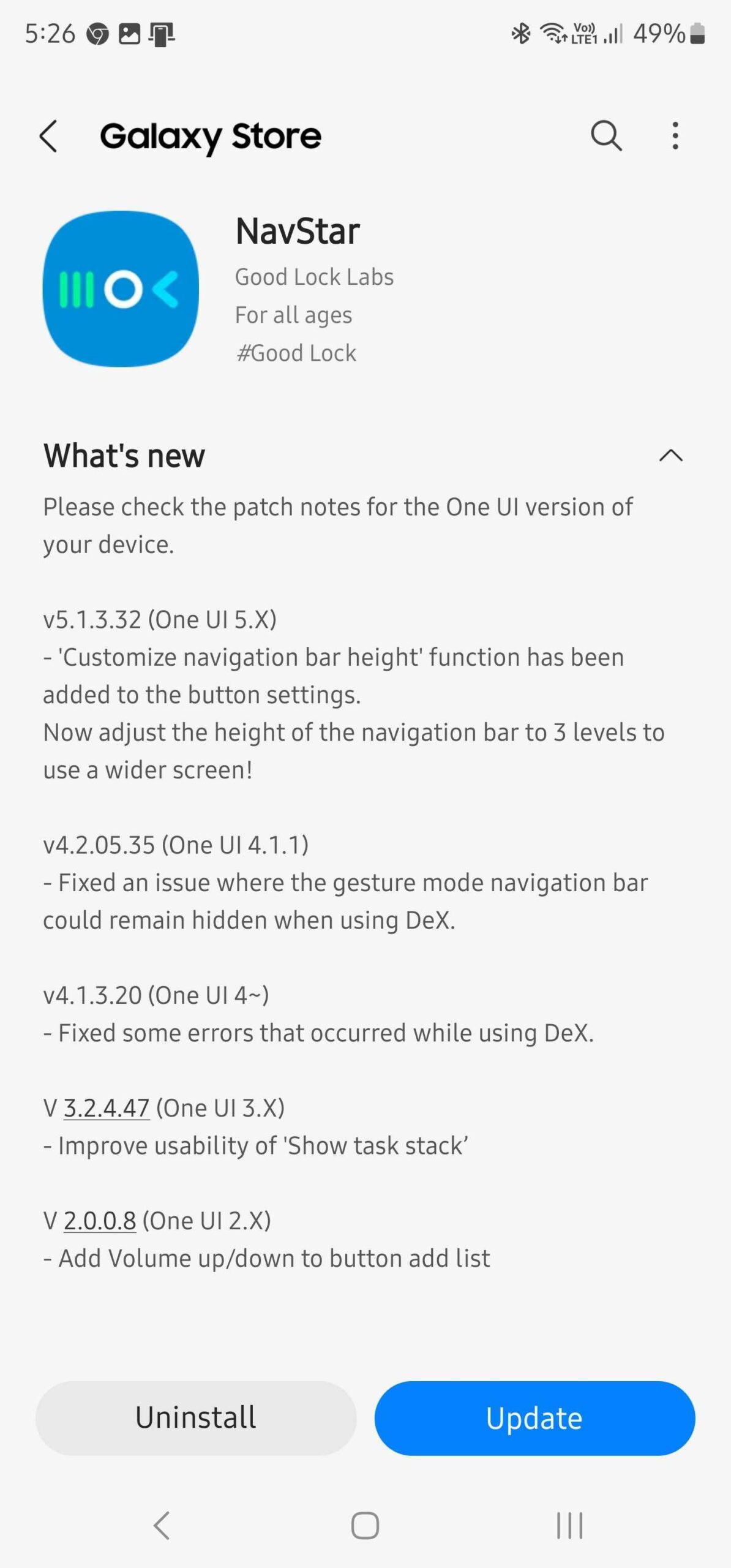
NavStar version 5.1.3.32 for One UI 5 is now rolling out through the Galaxy Store. The changelog mentions only one addition, but it is significant: users can now adjust the height (thickness) of the navigation bar by choosing one of three pre-set levels.
More specifically, NavStar users can now make the navigation bar thinner but can't enlarge it. The default option is the tallest, and using the new slider, One UI users can choose from two other navigation bar sizes that are each smaller than the default.
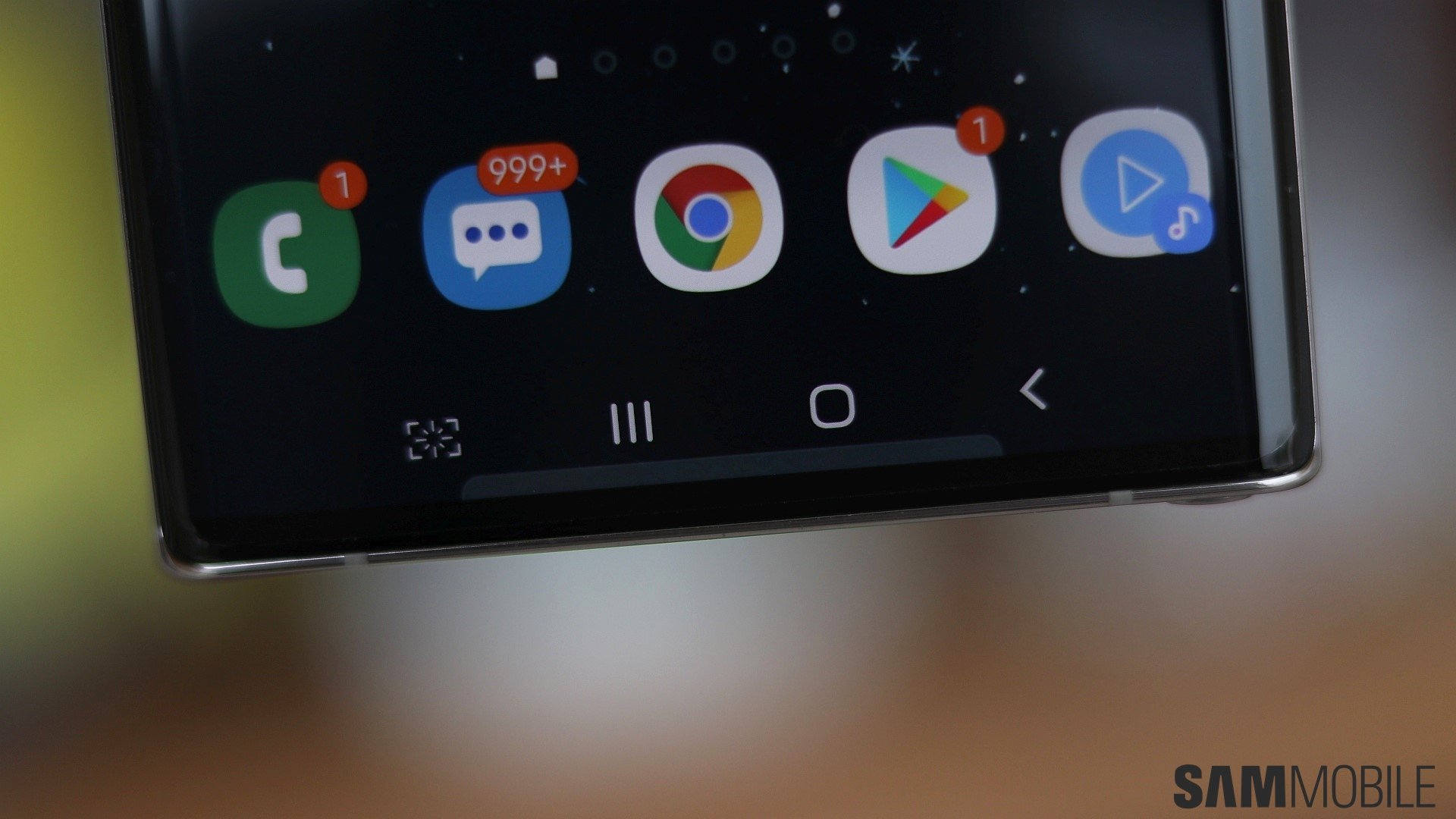
Samsung appears to have designed this new NavStar feature for One UI users that want to increase their screen viewing area but don't want to remove the navigation buttons and switch to navigation gestures. Changing the height of the navigation bar will earn them some screen real estate without losing the convenience of the nav buttons.
The new NavStar update is available through the Galaxy Store. But as always, it is only available in regions where Samsung offers its experimental platform, Good Lock. If you have access to Good Lock and use NavStar, look for version 5.1.3.32, and you'll get these two new navigation bar size options for your Galaxy device.
Mihai is a blogger and column writer at SamMobile. His first Samsung phone was an A800 which took a lot of beating, and a part of him still misses the novelty of the clamshell design. In his free time, he enjoys watching shows, documentaries, and stand-up comedy; listening to music, taking walks, and occasionally playing old(er) video games.