Last updated: October 3rd, 2023 at 17:04 UTC+02:00
SamMobile has affiliate and sponsored partnerships, we may earn a commission.
Reading time: 2 minutes
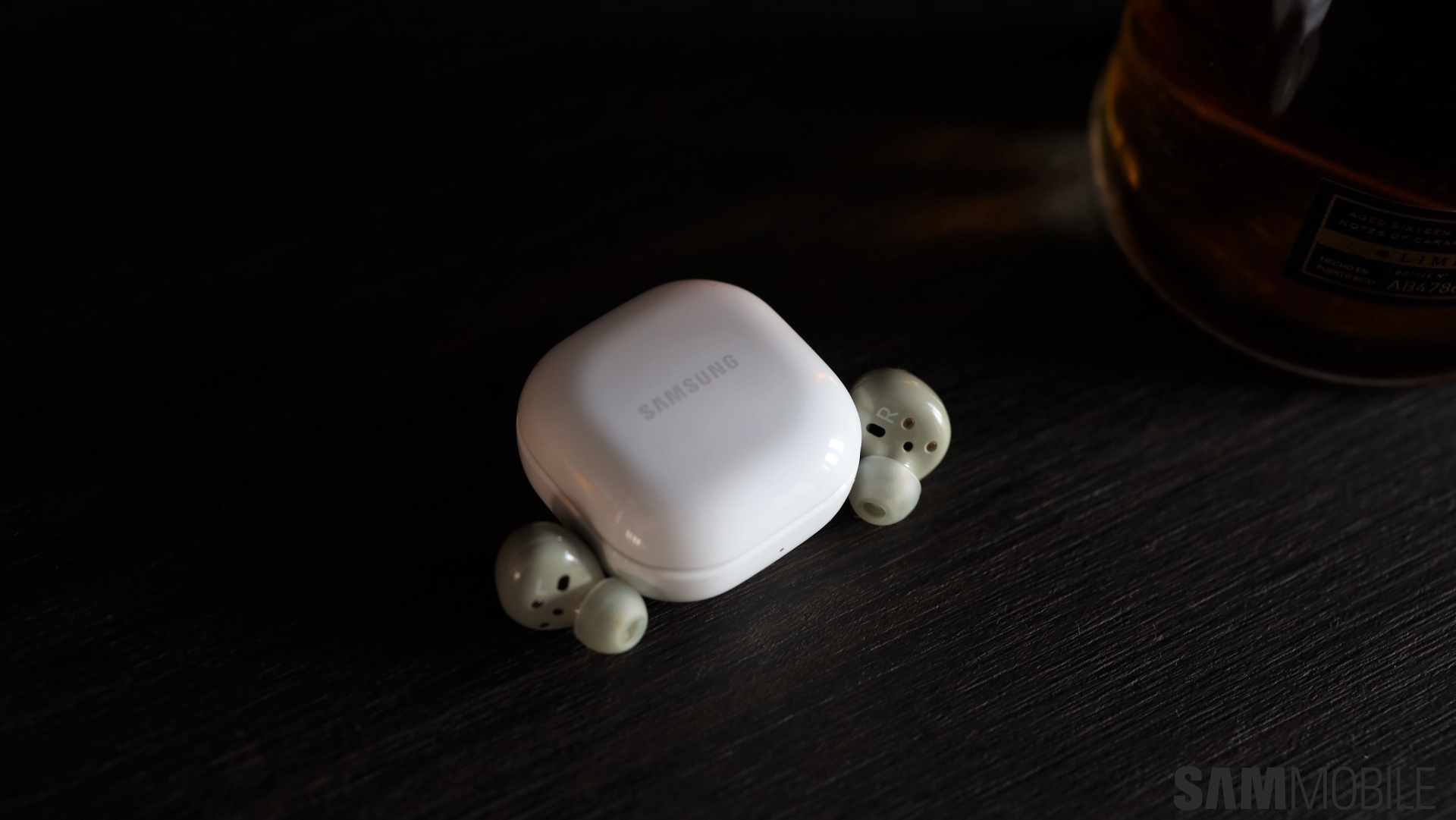
One such feature is a built-in sleep timer. It lets you play music and program the app to stop the playback after a period of time of your choosing.
Story continues after the video
To enable the sleep timer in Samsung Music, open the app on your Galaxy phone or tablet, tap the menu button in the upper-right corner, go to “Settings,” tap “Sleep timer,” and select a pre-defined time period or set a custom one.
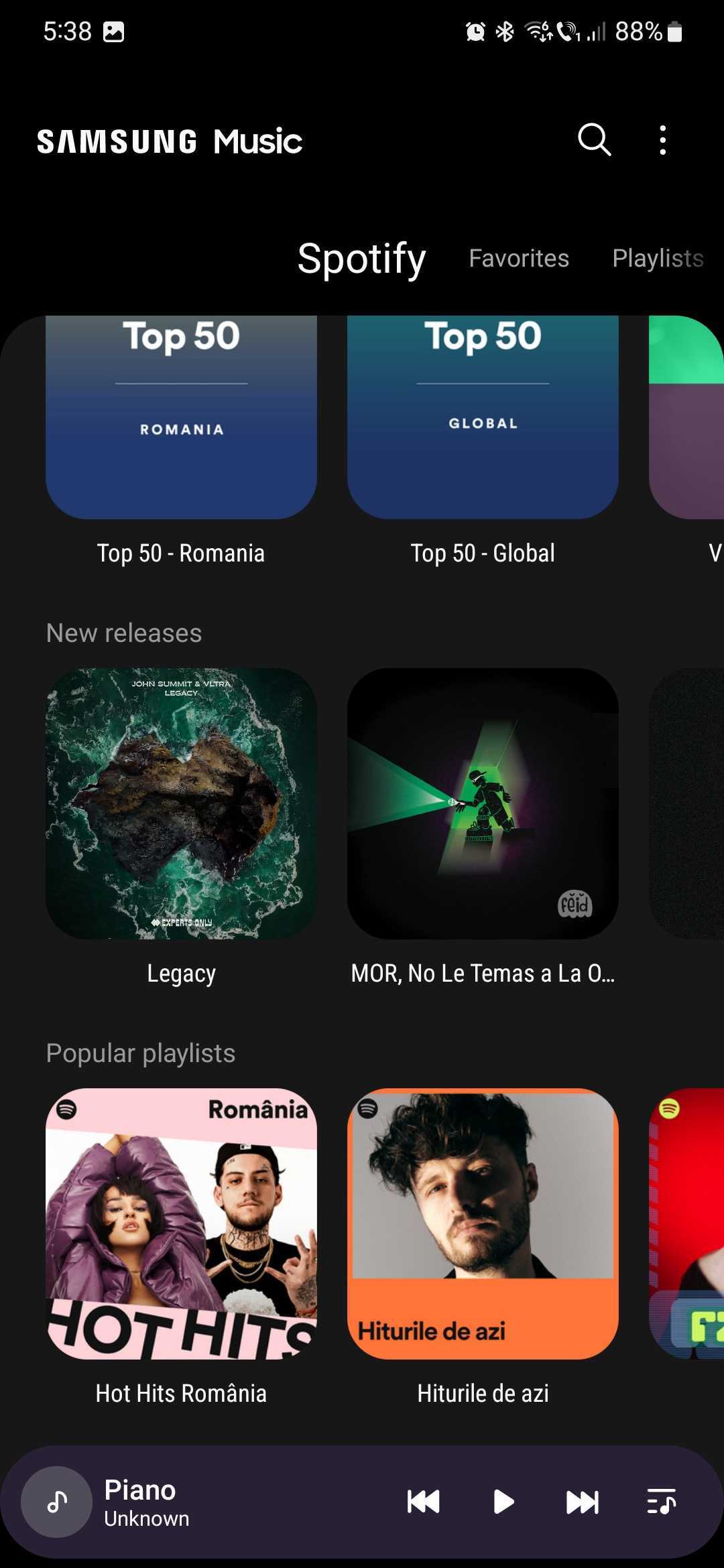
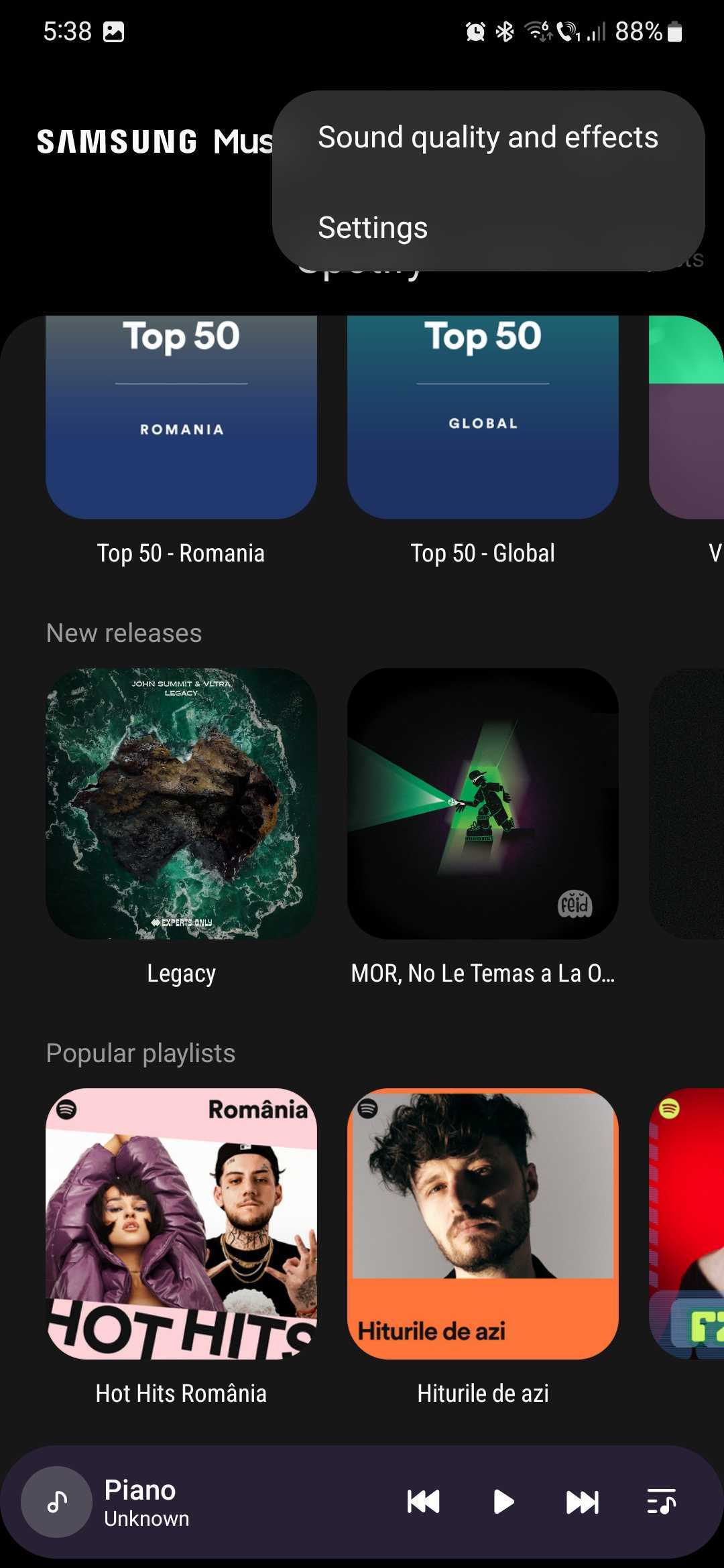
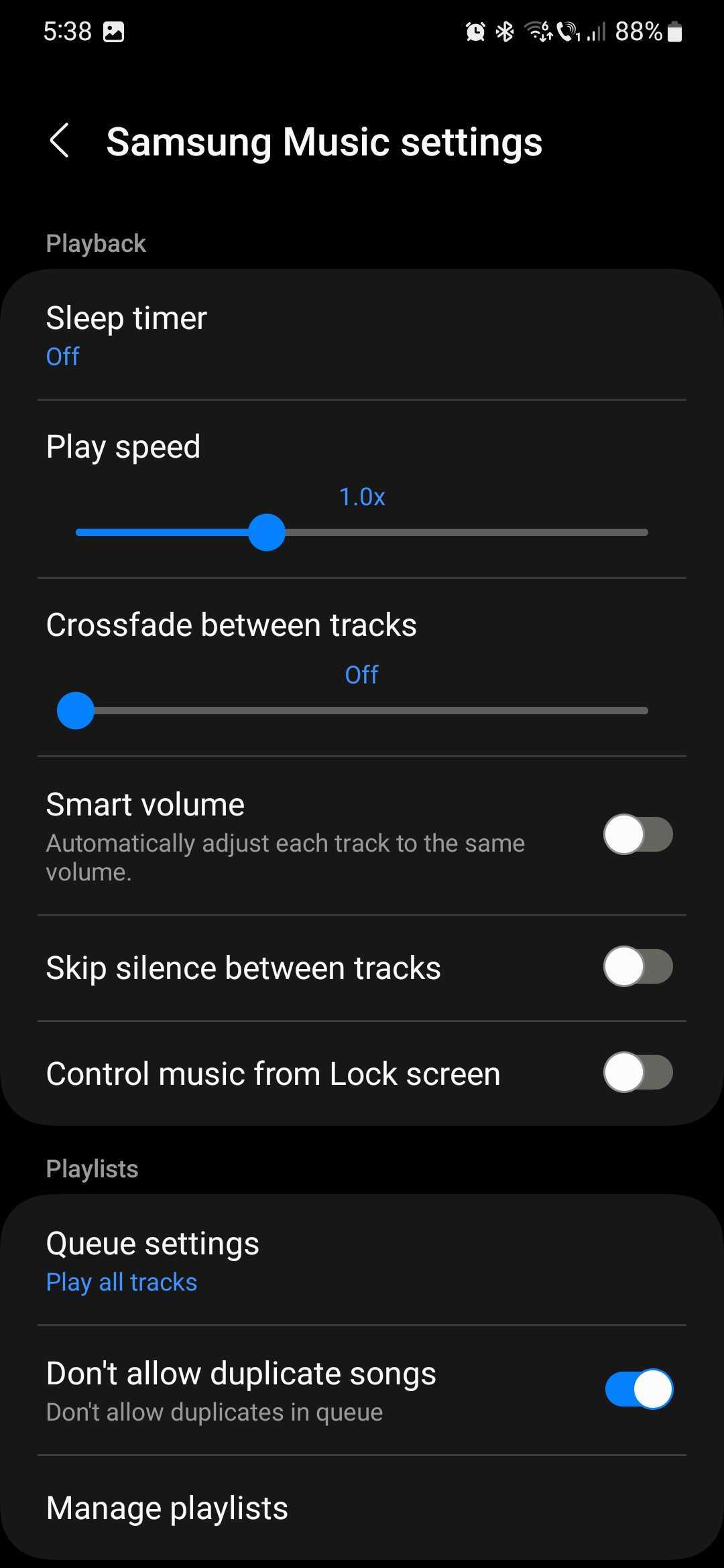
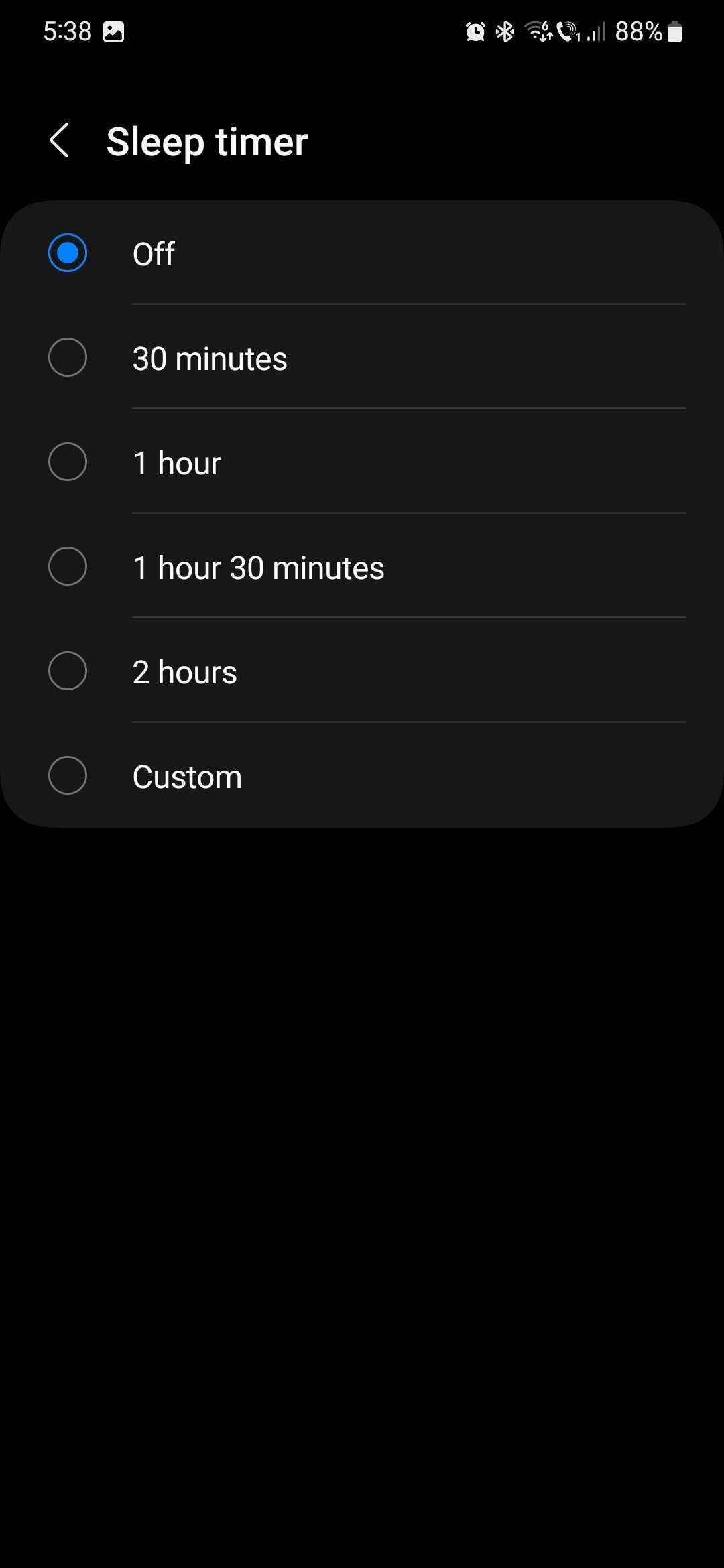
Simple as it may be, you might find this Samsung Music feature handy if you like going to sleep with music in the background but don't want it playing all night until you wake up.
Samsung Music is a first-party app developed by the Korean company. It's preloaded on Galaxy devices and distributed through the Galaxy Store and Play Store. It is exclusive to Galaxy devices and is incompatible with other Android phone and tablet brands.

Mihai is a blogger and column writer at SamMobile. His first Samsung phone was an A800 which took a lot of beating, and a part of him still misses the novelty of the clamshell design. In his free time, he enjoys watching shows, documentaries, and stand-up comedy; listening to music, taking walks, and occasionally playing old(er) video games.













