Exceptional gifting. Our Samsung Galaxy gift guide features smartphones and wearables.
Last updated: October 12th, 2023 at 14:19 UTC+02:00
SamMobile has affiliate and sponsored partnerships, we may earn a commission.
Reading time: 2 minutes
It's Samsung Internet Week, and today's topic is privacy. Here, you will find everything you need to know about the Internet app's built-in privacy features.
Story continues after the video
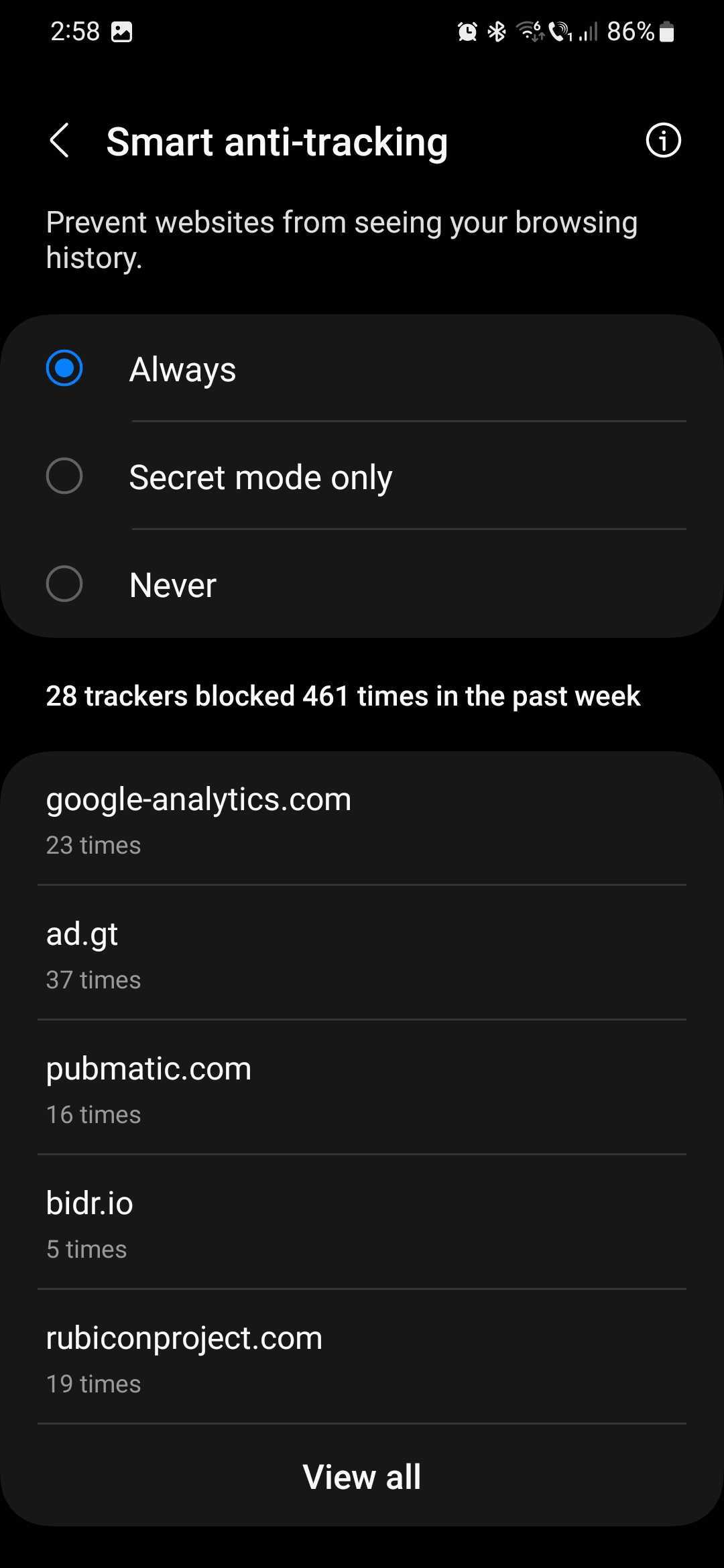
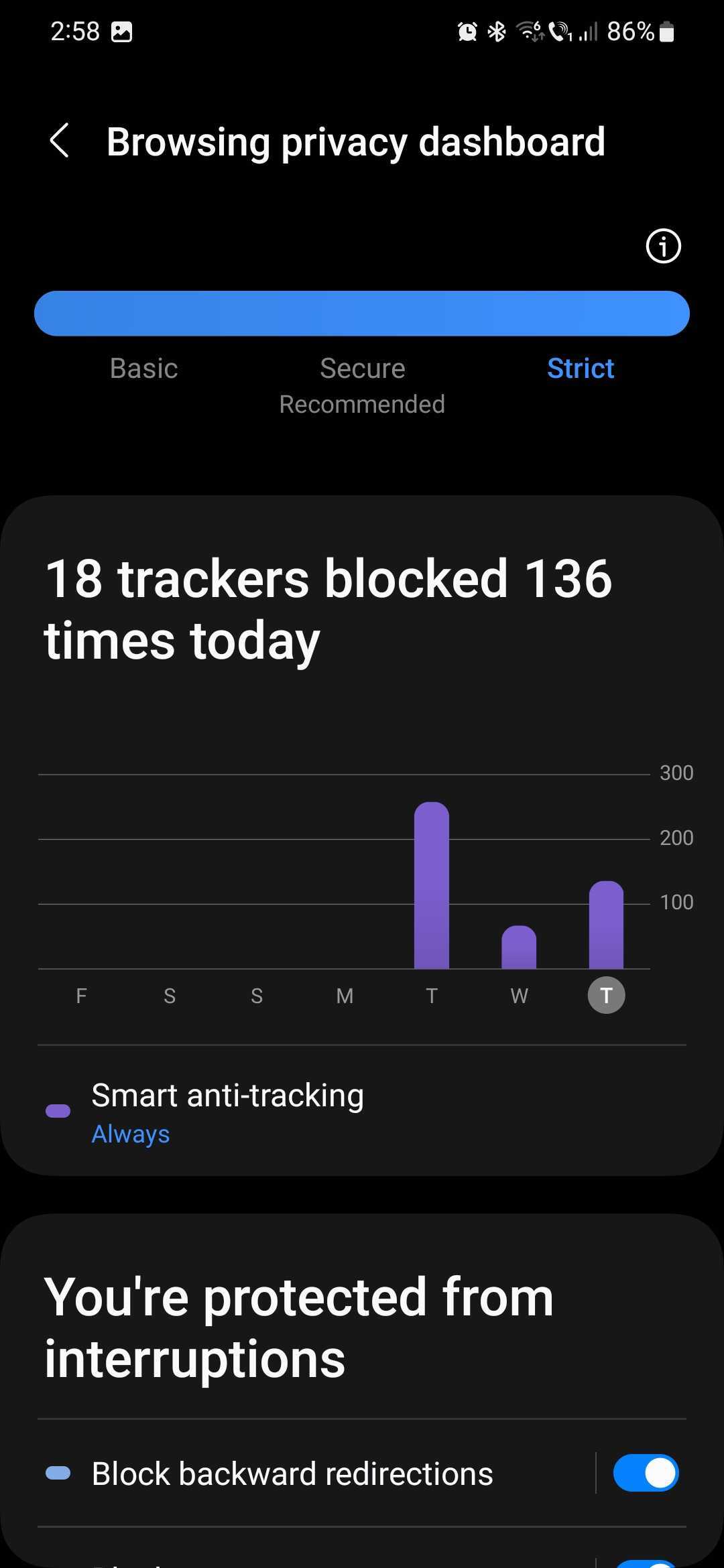
Samsung Internet comes pre-packaged with numerous privacy-centric tools, all of which can be accessed from the “browsing privacy dashboard.” Features include:
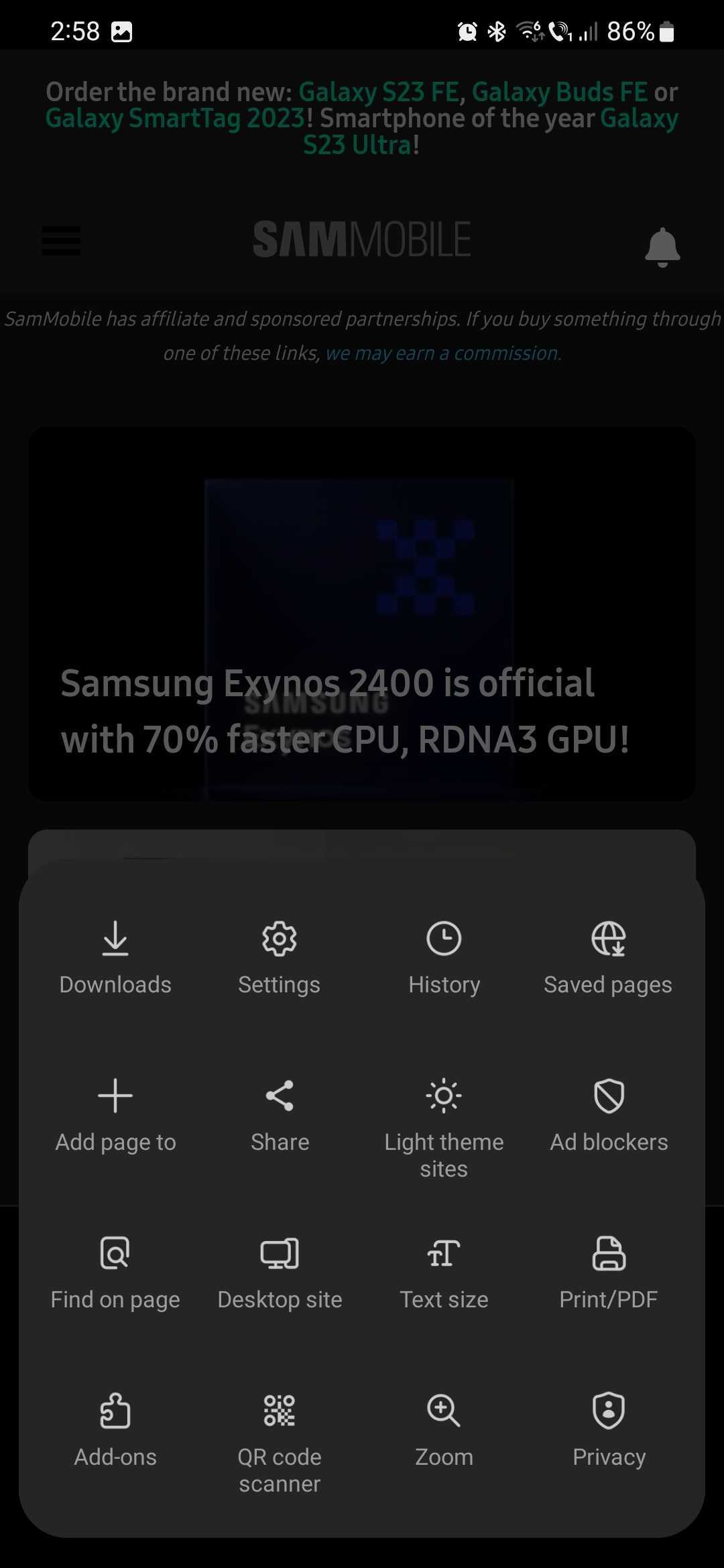
All these privacy tools offered by Samsung Internet can be turned ON or OFF individually. To access them through the browsing privacy dashboard, open Samsung Internet, tap the “Menu” button (shaped like three horizontal lines), and go to “Privacy.”
From the privacy dashboard, you can tap the toggles to enable or disable features. If you want more information, such as how many backward redirections or pop-ups Samsung Internet prevented, you can tap the name (not the ON/OFF toggle) of each privacy tool for a detailed overview.
Mihai is a blogger and column writer at SamMobile. His first Samsung phone was an A800 which took a lot of beating, and a part of him still misses the novelty of the clamshell design. In his free time, he enjoys watching shows, documentaries, and stand-up comedy; listening to music, taking walks, and occasionally playing old(er) video games.