Last updated: October 23rd, 2023 at 14:03 UTC+02:00
SamMobile has affiliate and sponsored partnerships, we may earn a commission.
Reading time: 3 minutes
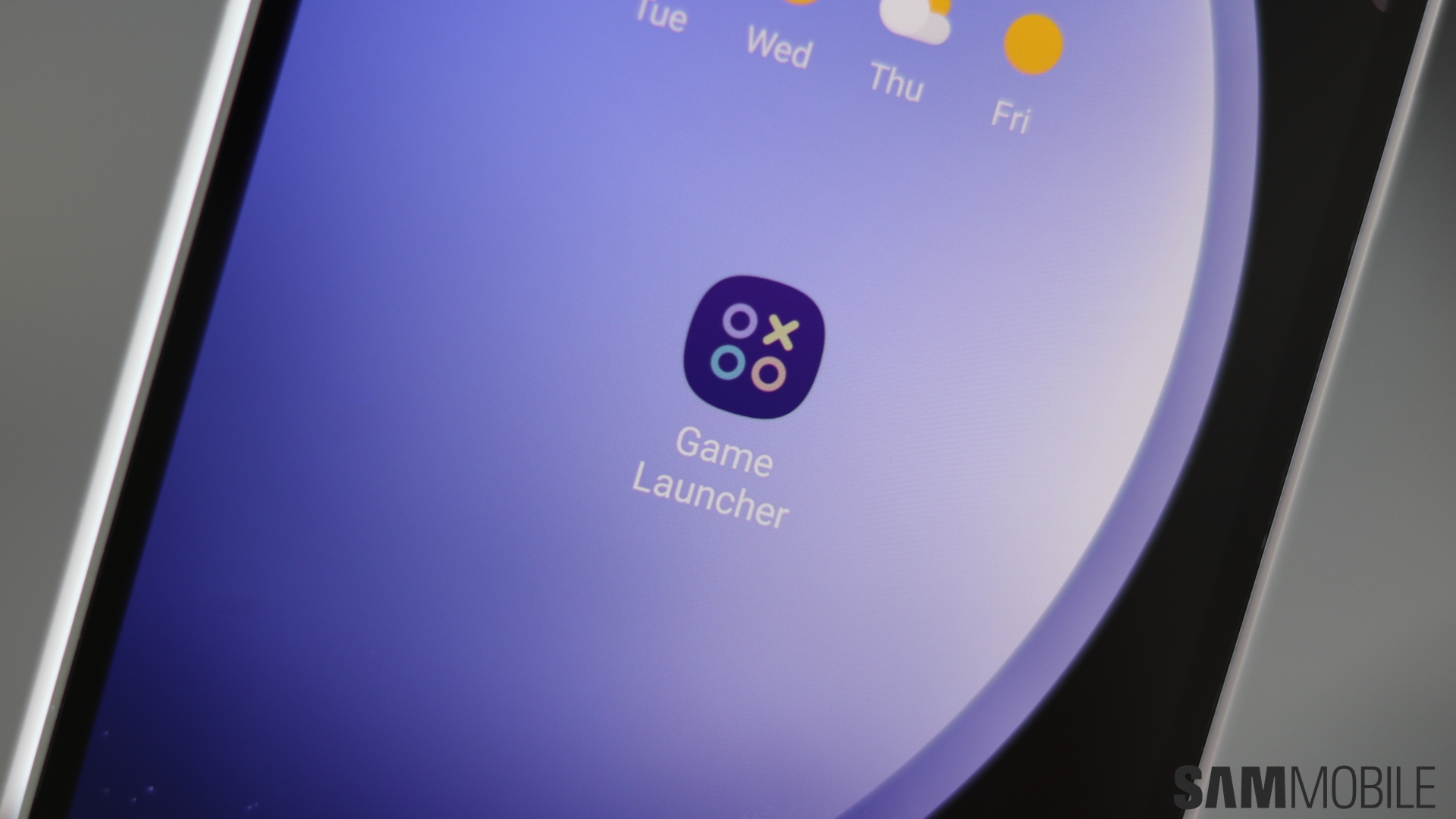
The Game Launcher will be this week's topic at SamMobile. As usual for our Samsung Week series, a new week starts with an overview of the app or service we'll be diving into over the next few days. Without further ado, here's what you need to know about Samsung's Game Launcher, and why you might end up using and loving it.
Story continues after the video
In as few words as possible, Game Launcher is an app that can hold all your game app icons. In that sense, it's analogous to a shelf for your mobile games. However, there's a lot more to it than that, as you'll learn throughout the week. For now, here's a quick overview of the Game Launcher's main features:
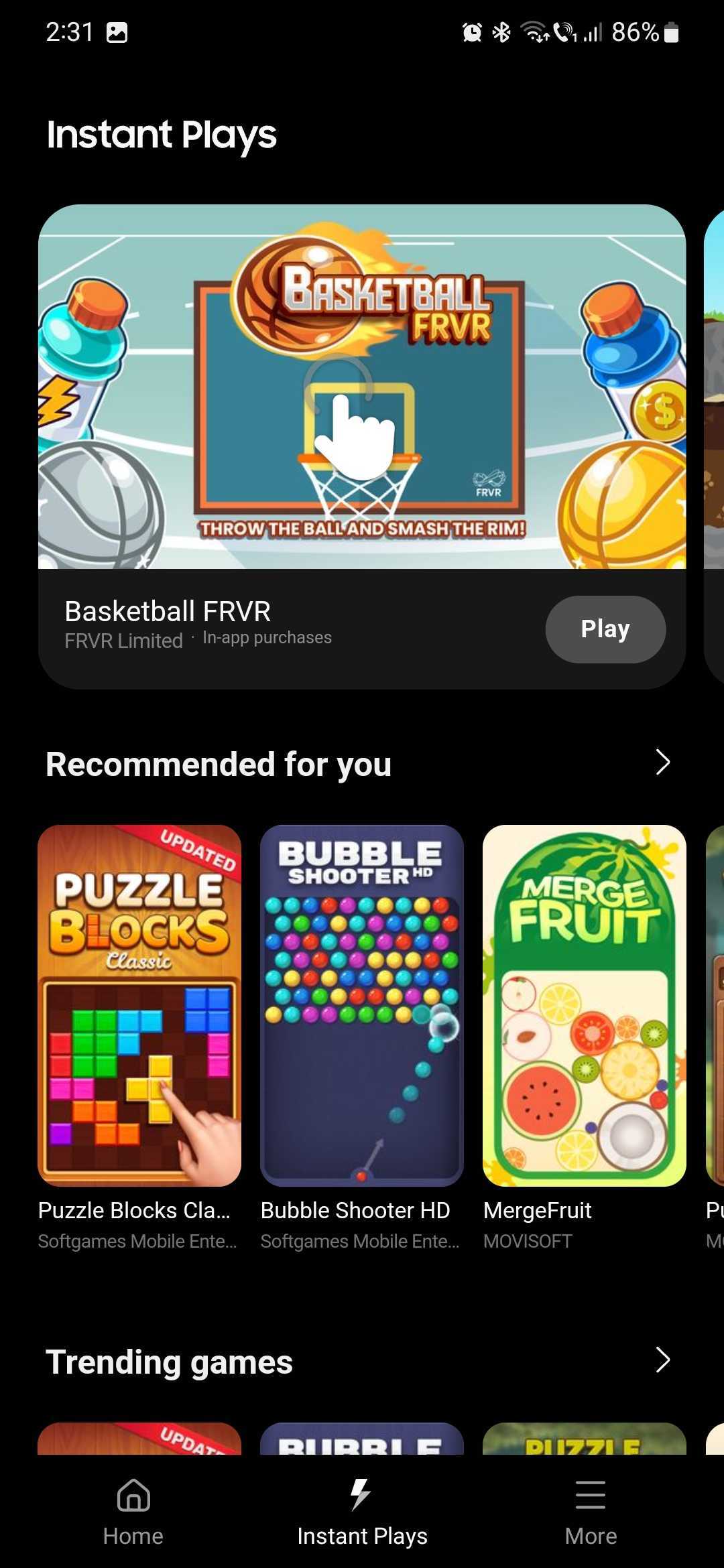
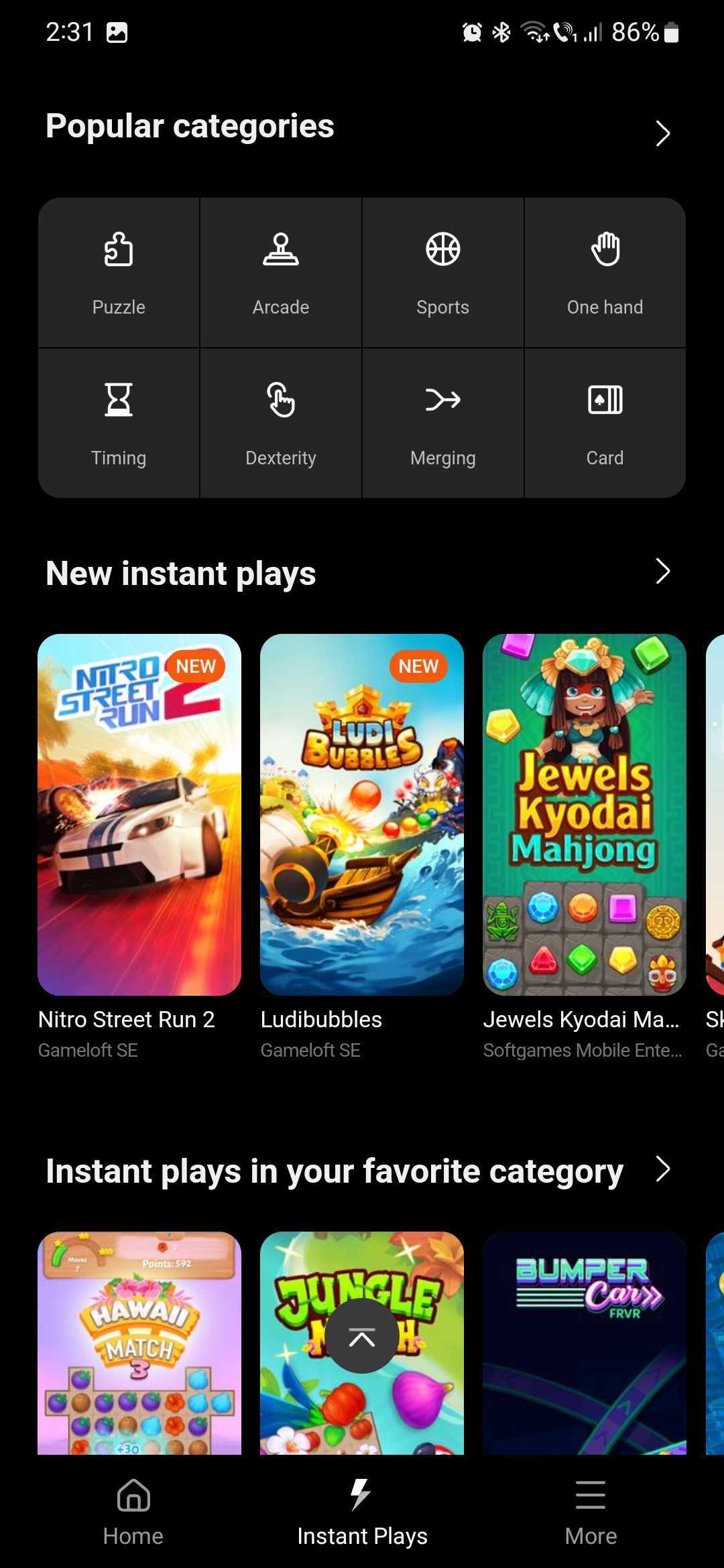
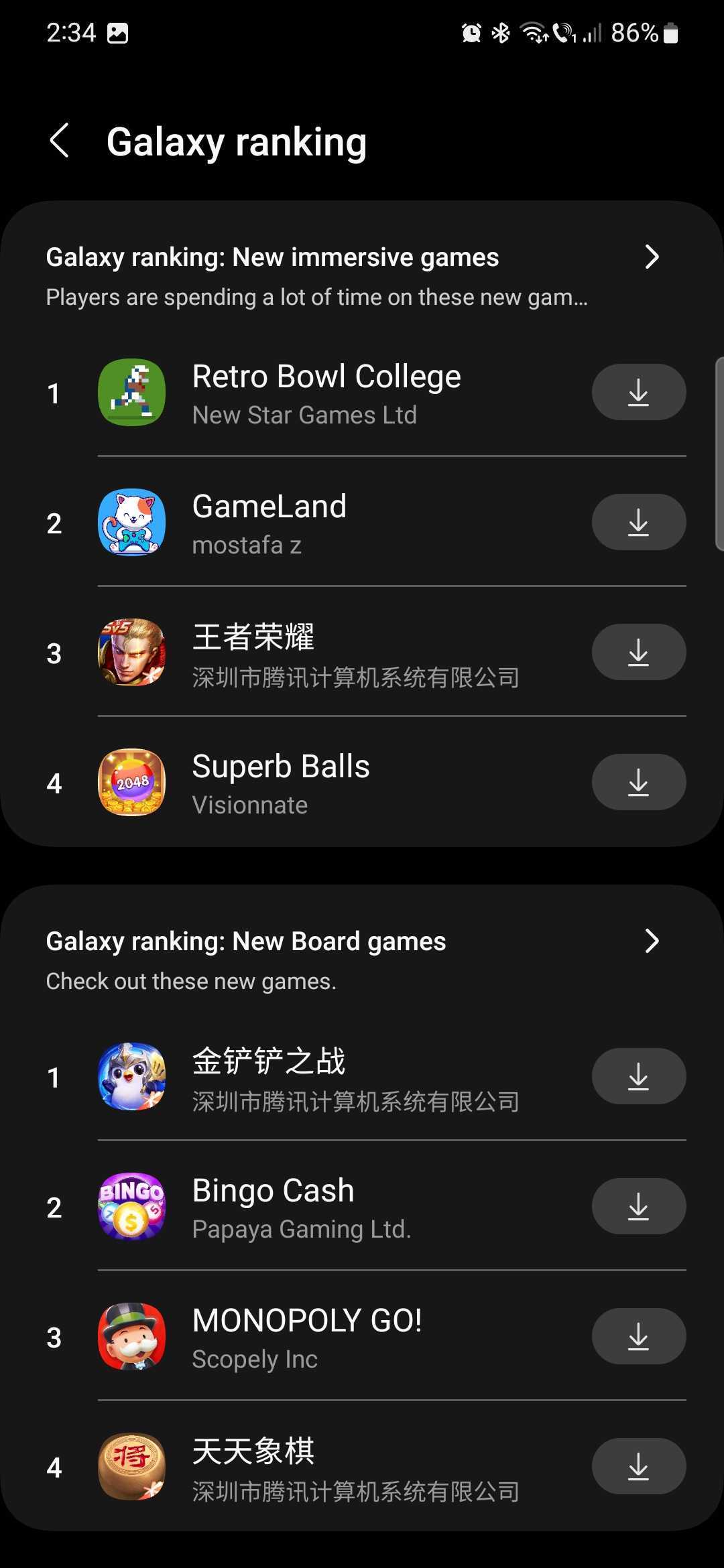
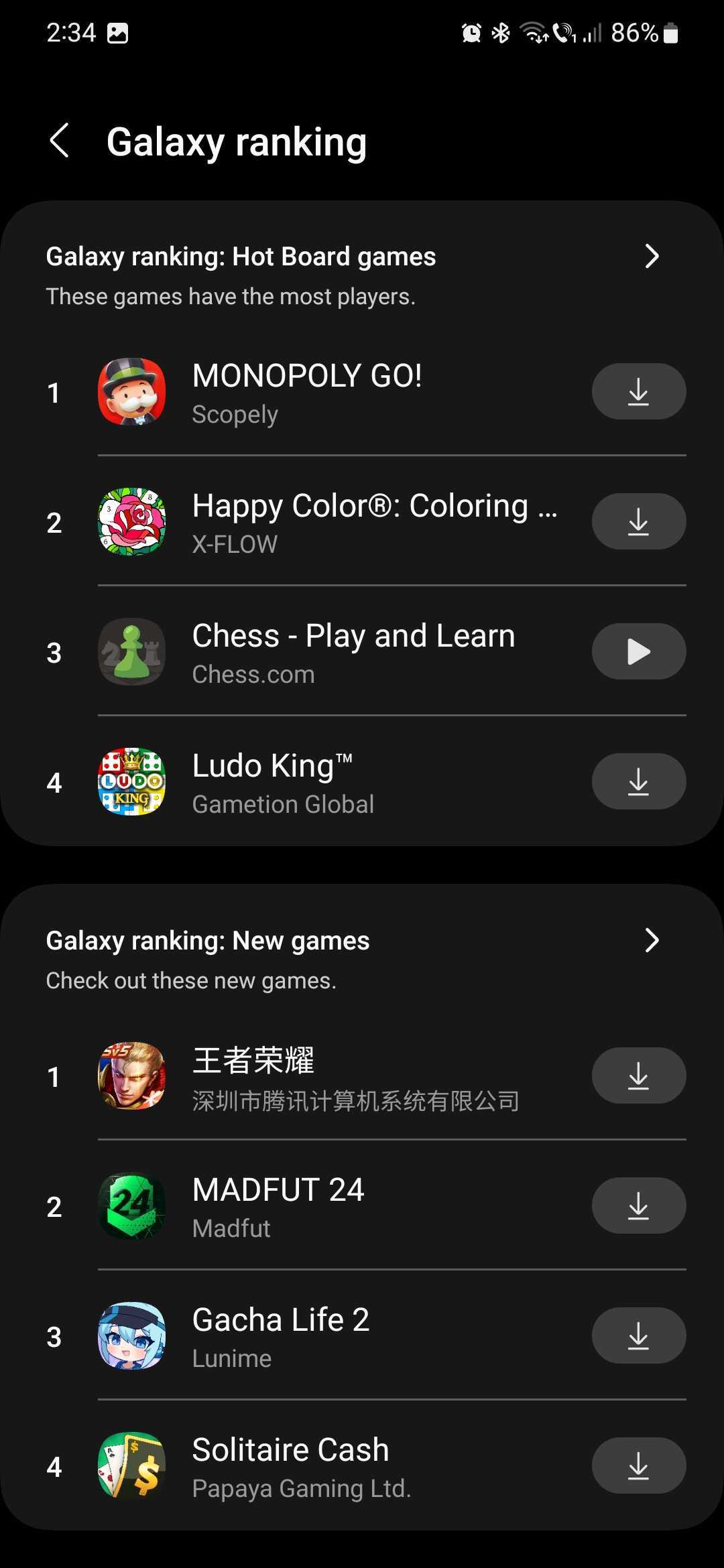
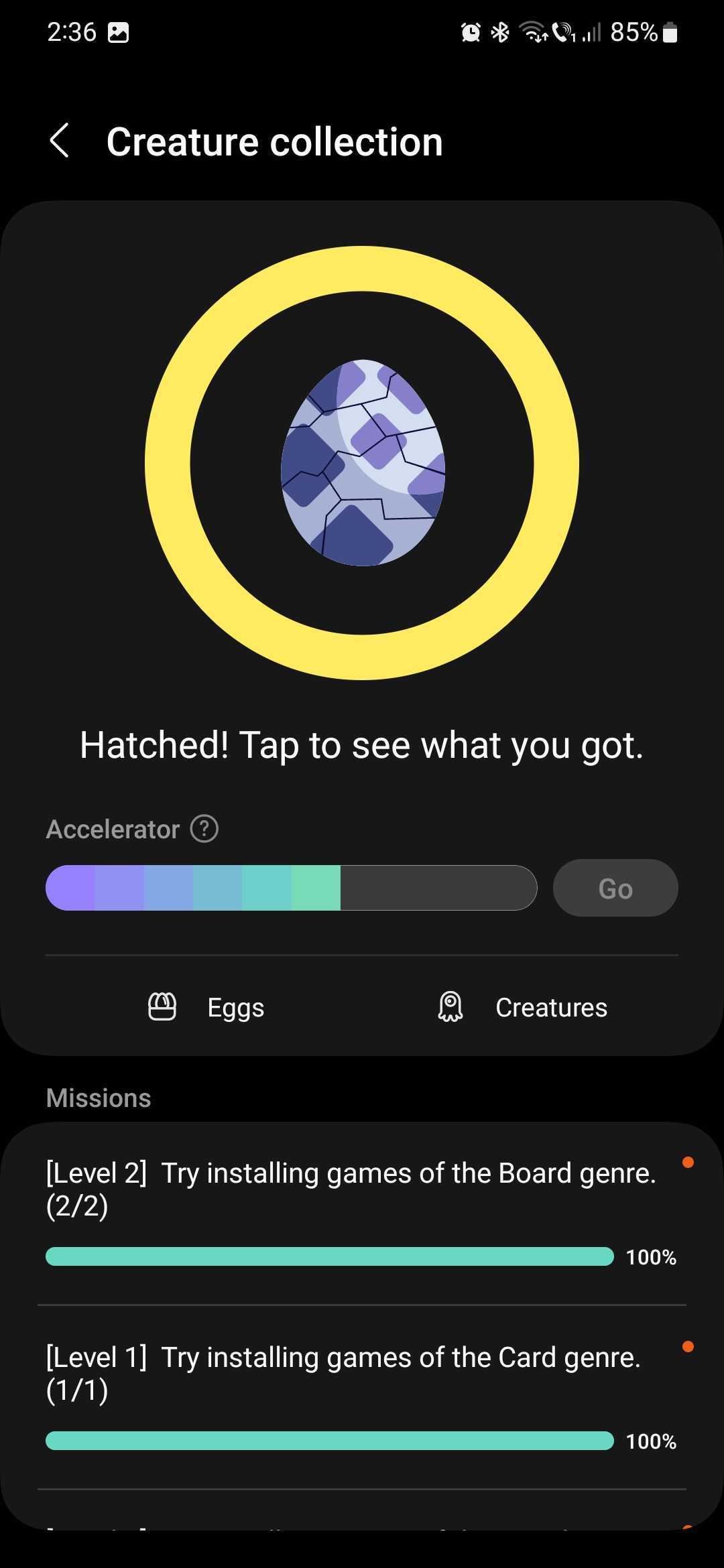
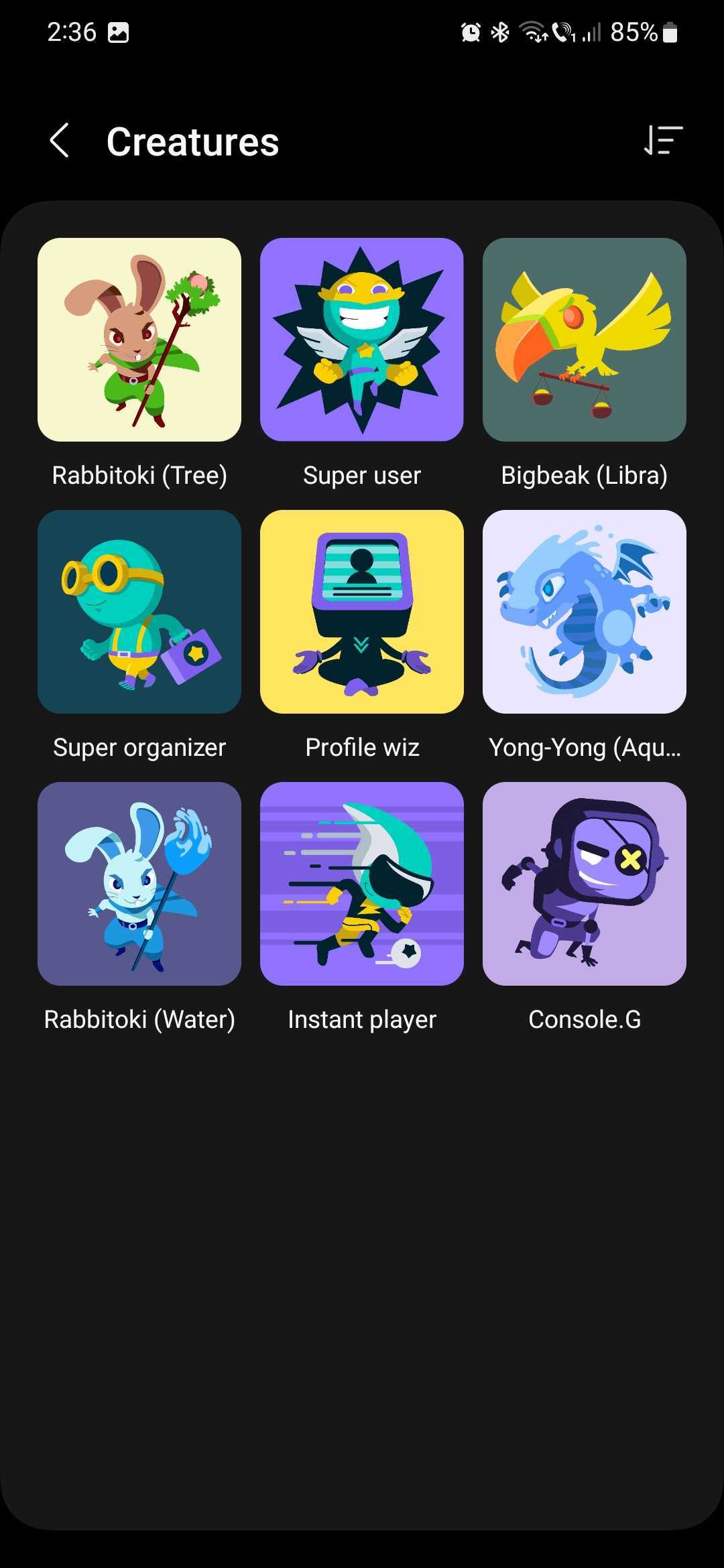
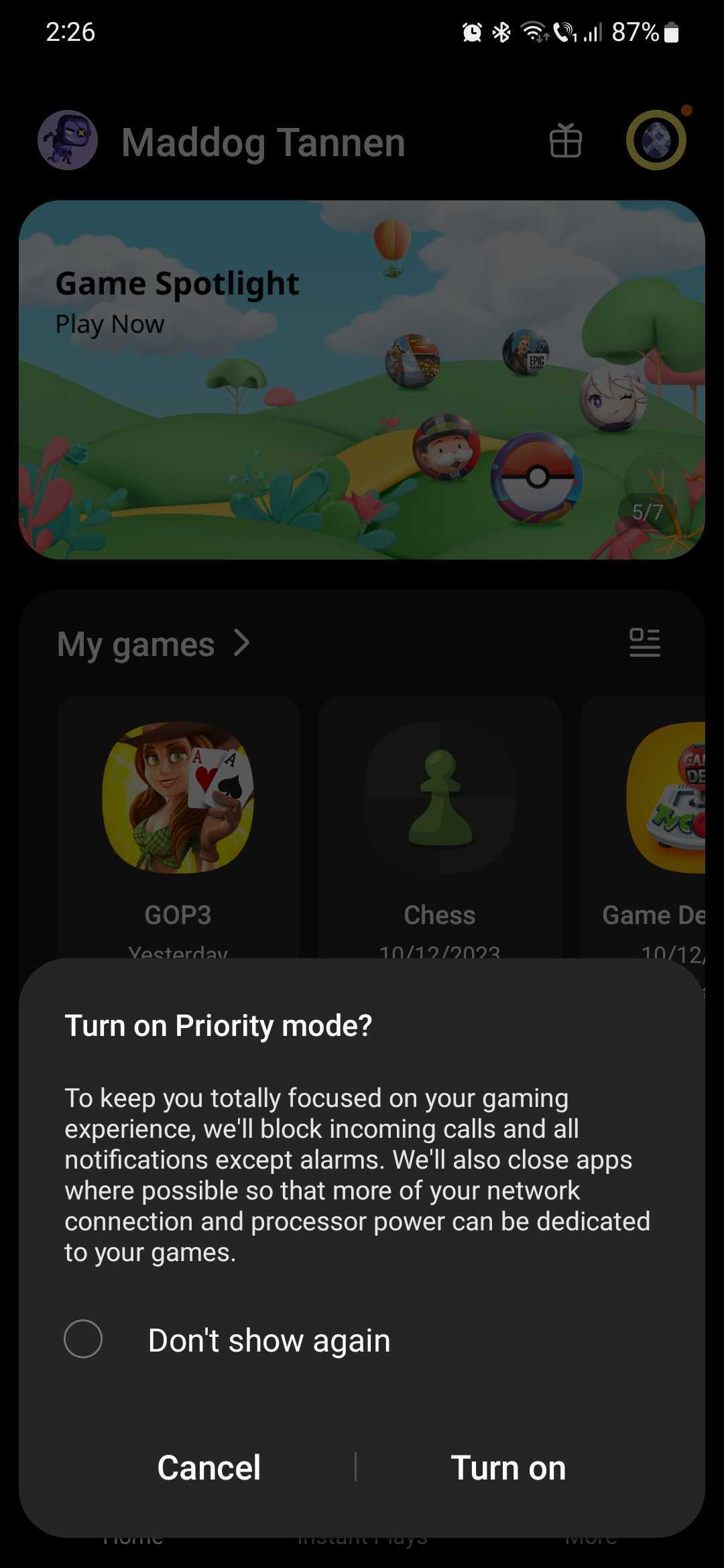
Join us throughout the next few days for Samsung Game Launcher Week, and we'll explore some of these features in greater depth and, ultimately, why you should use the Game Launcher instead of launching your mobile games from the home screen or the apps drawer.
Editor Note: Game launchers can be an annoyance more often than not, and you're likely well aware of this if you've had experience with them on the Windows platform. However, companies can sometimes get game launchers right in ways that make them useful. From personal experience with game launchers on different platforms, Samsung's Game Launcher falls in the “fun and useful” category rather than being a burden.

Mihai is a blogger and column writer at SamMobile. His first Samsung phone was an A800 which took a lot of beating, and a part of him still misses the novelty of the clamshell design. In his free time, he enjoys watching shows, documentaries, and stand-up comedy; listening to music, taking walks, and occasionally playing old(er) video games.












