Last updated: October 25th, 2023 at 14:27 UTC+02:00
SamMobile has affiliate and sponsored partnerships, we may earn a commission.
Reading time: 3 minutes
First, here's a quick recap of this week, just in case you missed out on the Launcher's egg-hatching mini-game.
Story continues after the video
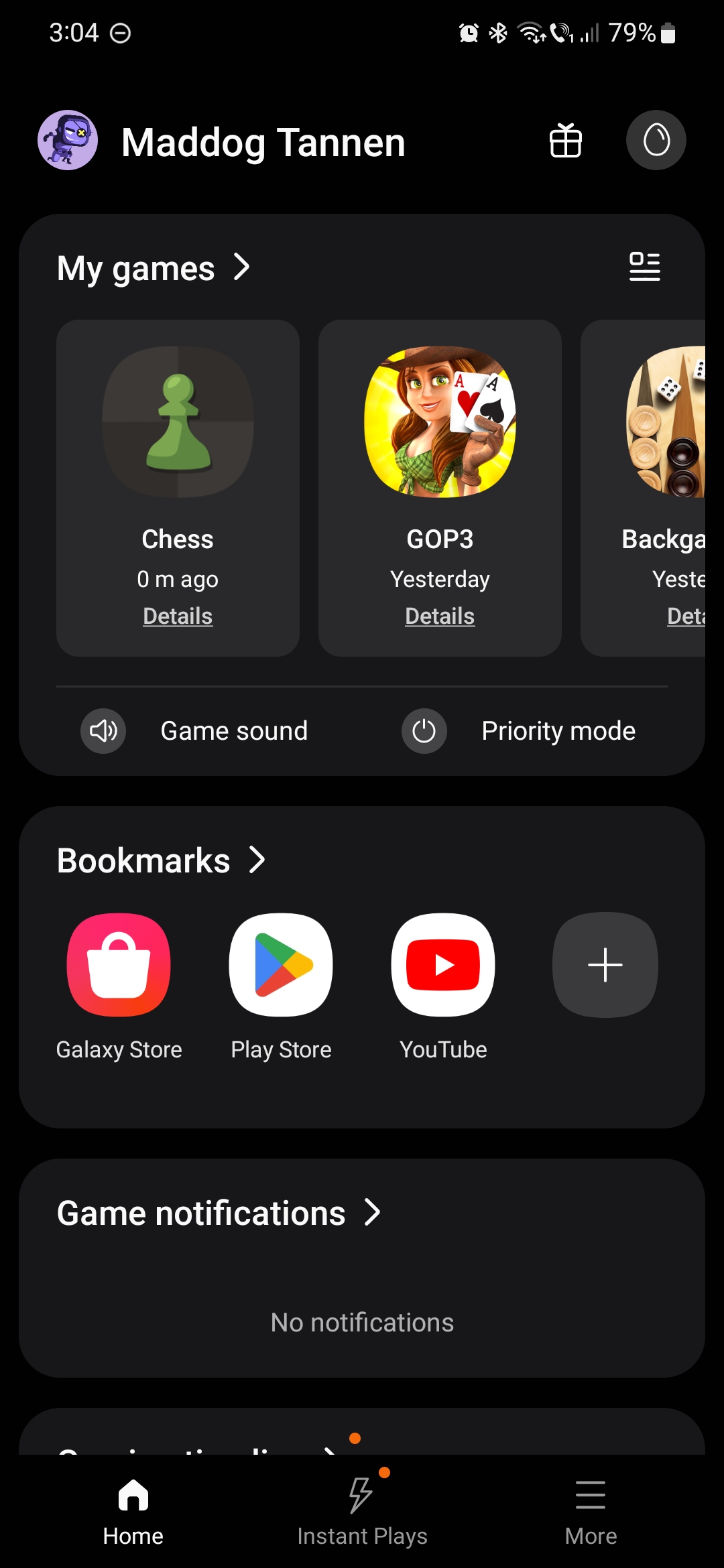
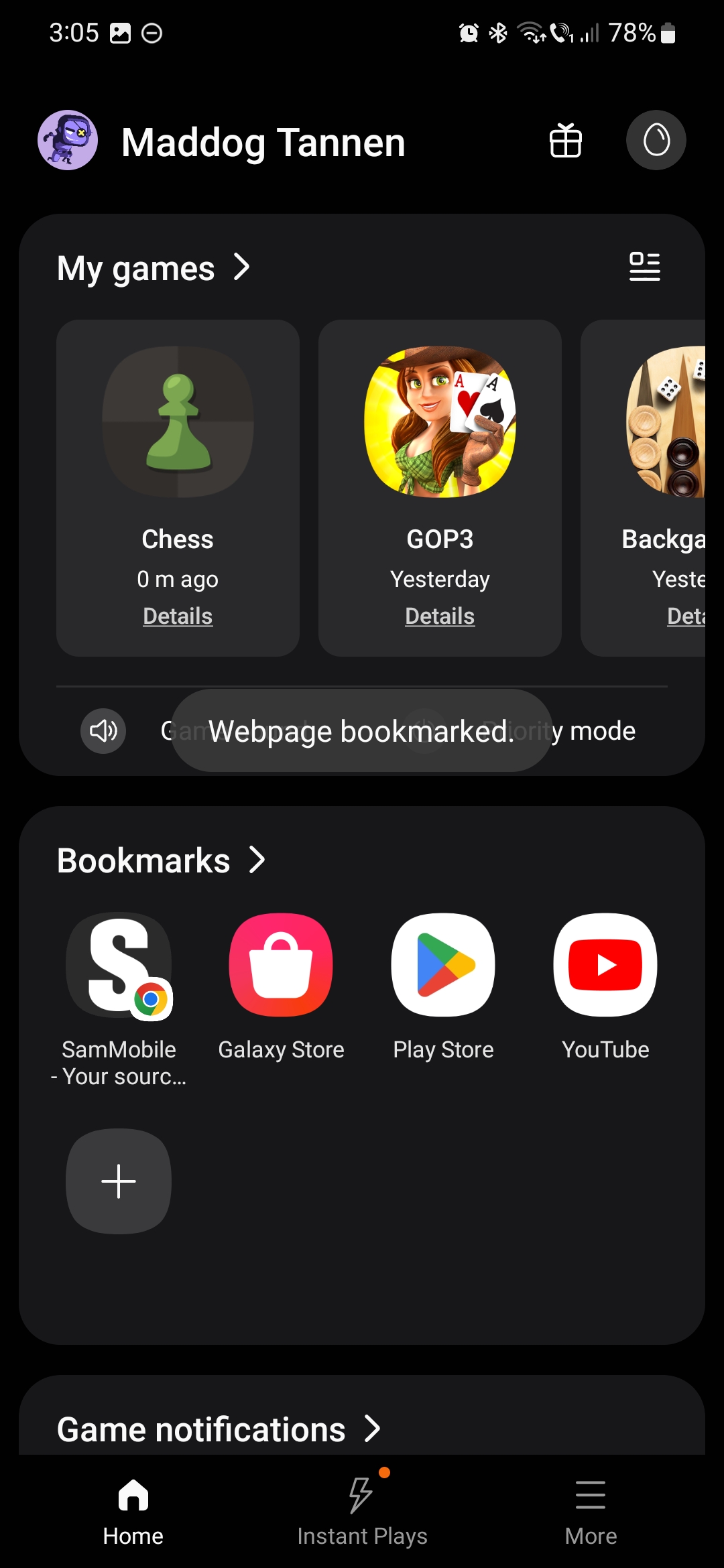
As you're probably aware, the Game Launcher automatically generates app shortcuts for installed games in its “My Games” section. Upon installing a new game, you don't have to take extra steps to have the game's shortcut ready in the Game Launcher.
This automation works exclusively for games. The Game Launcher is similar to an apps drawer for mobile games, but it doesn't add any other app shortcuts on its own.
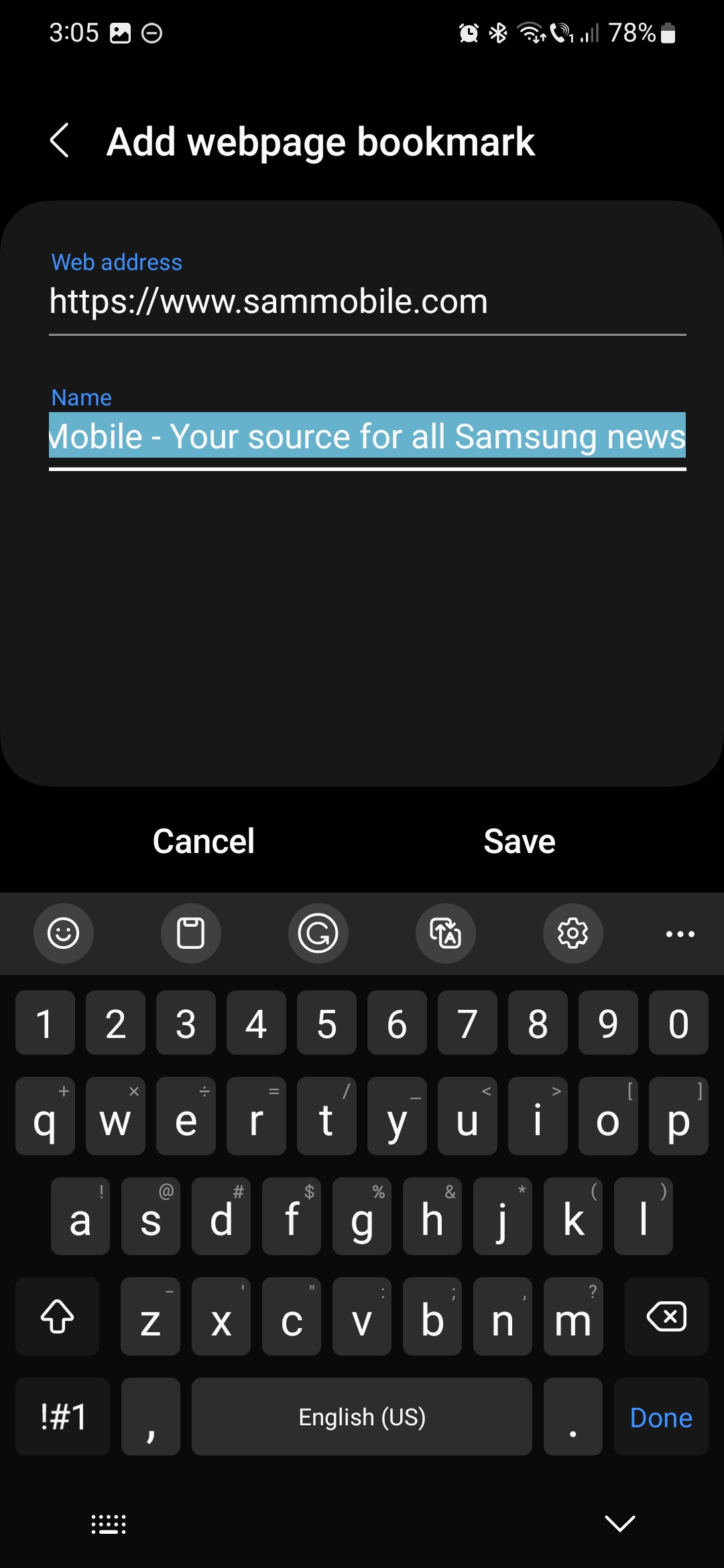
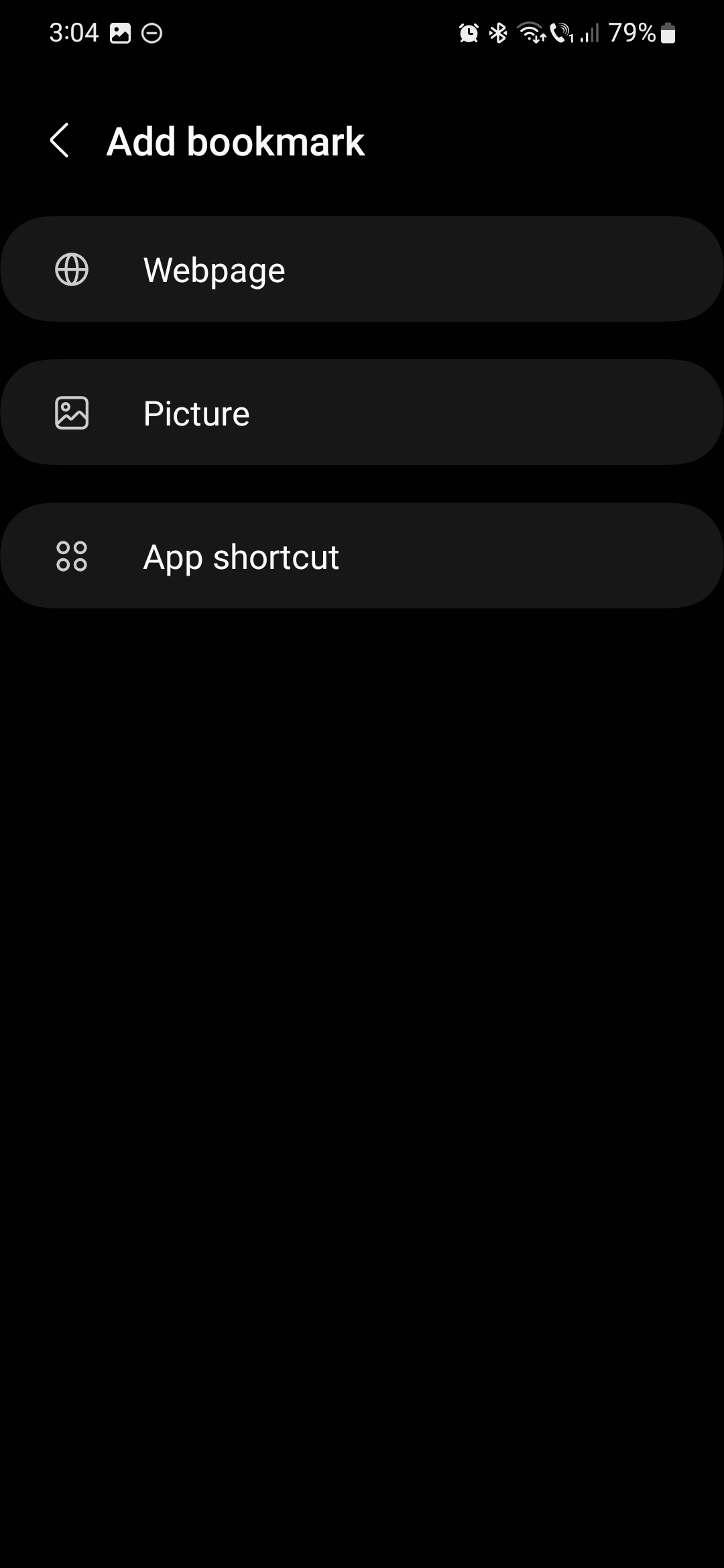
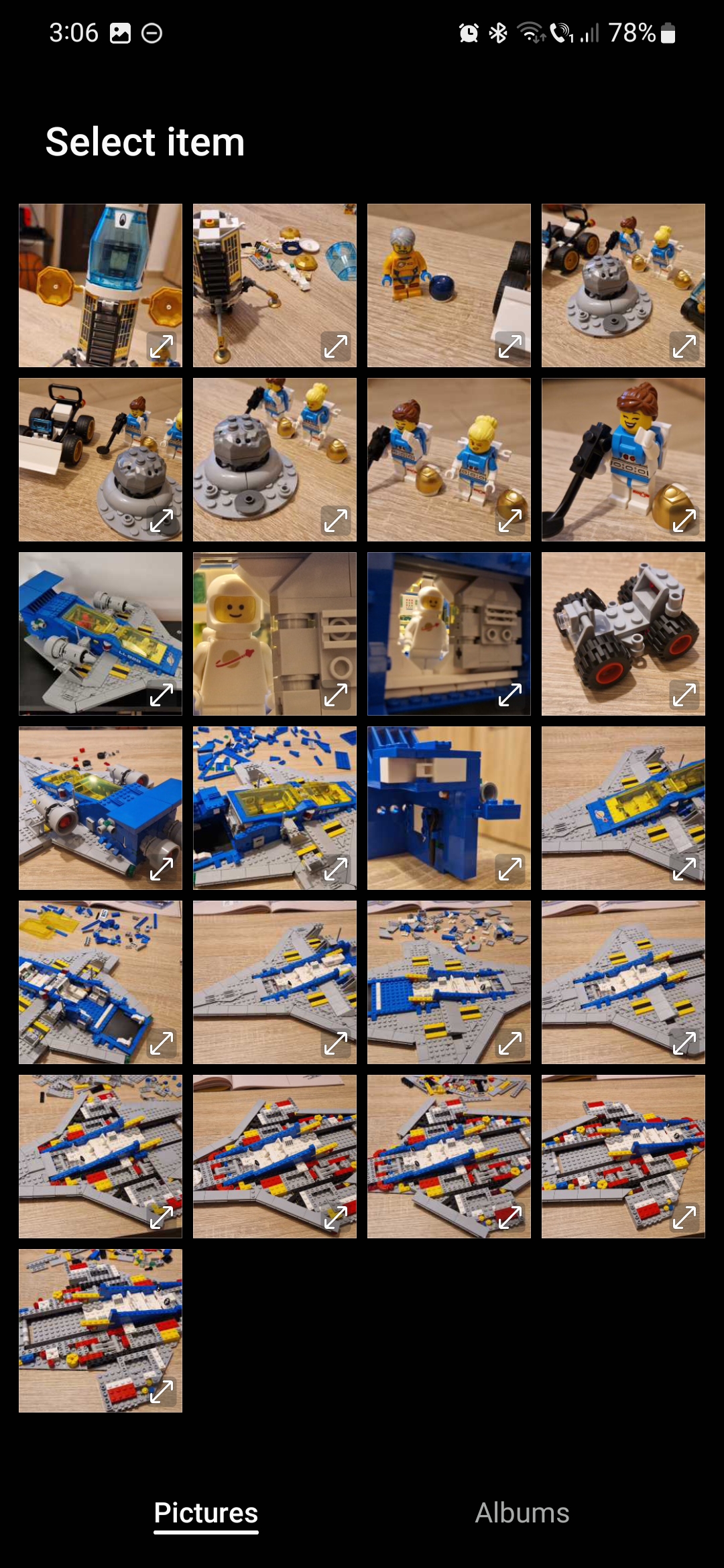
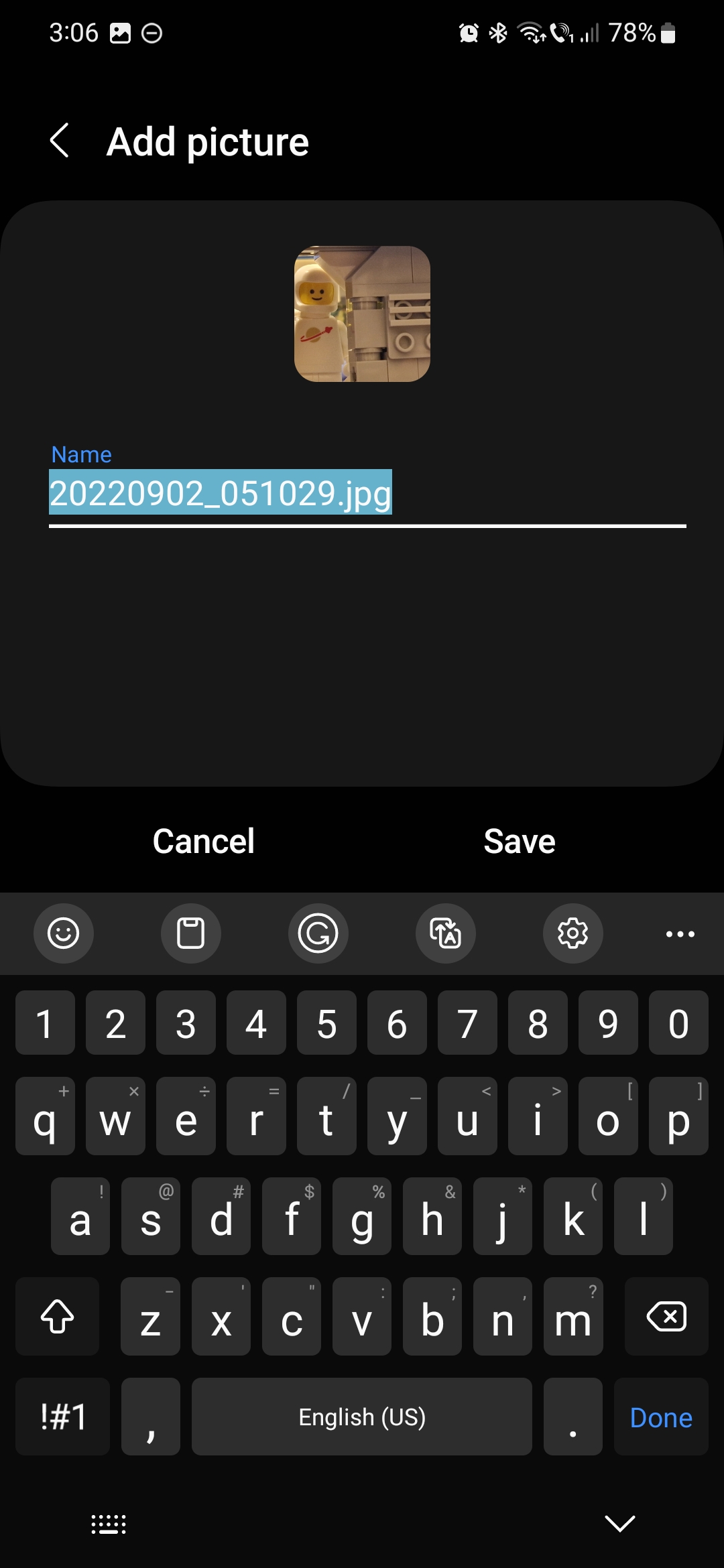
However, you can expand the functionality of the Game Launcher by manually adding bookmarks to webpages, pictures in your Gallery, or any other apps installed on your Galaxy device.
To add a custom bookmark, first access Game Launcher. Then tap the “+” button in the “Bookmarks” section.
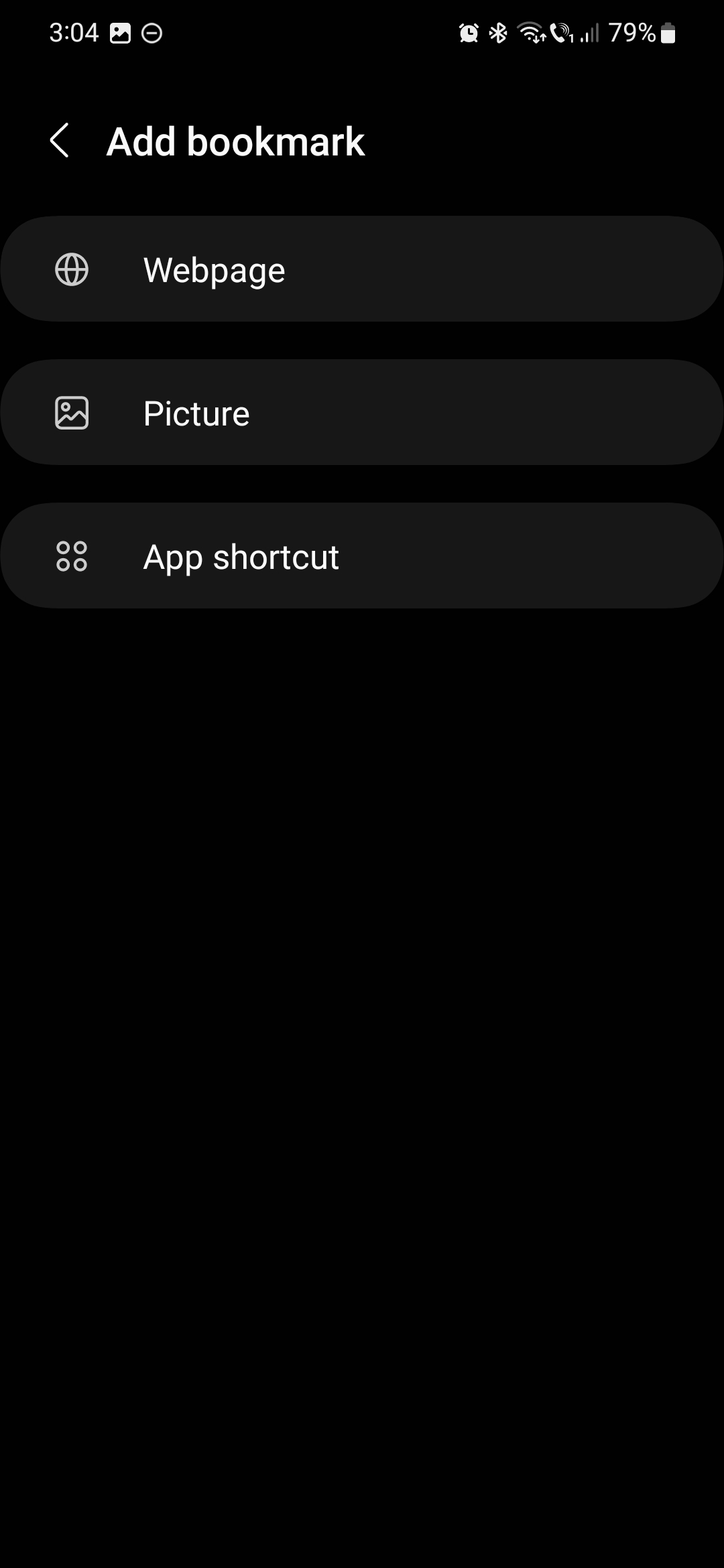
Next, you'll have three options:
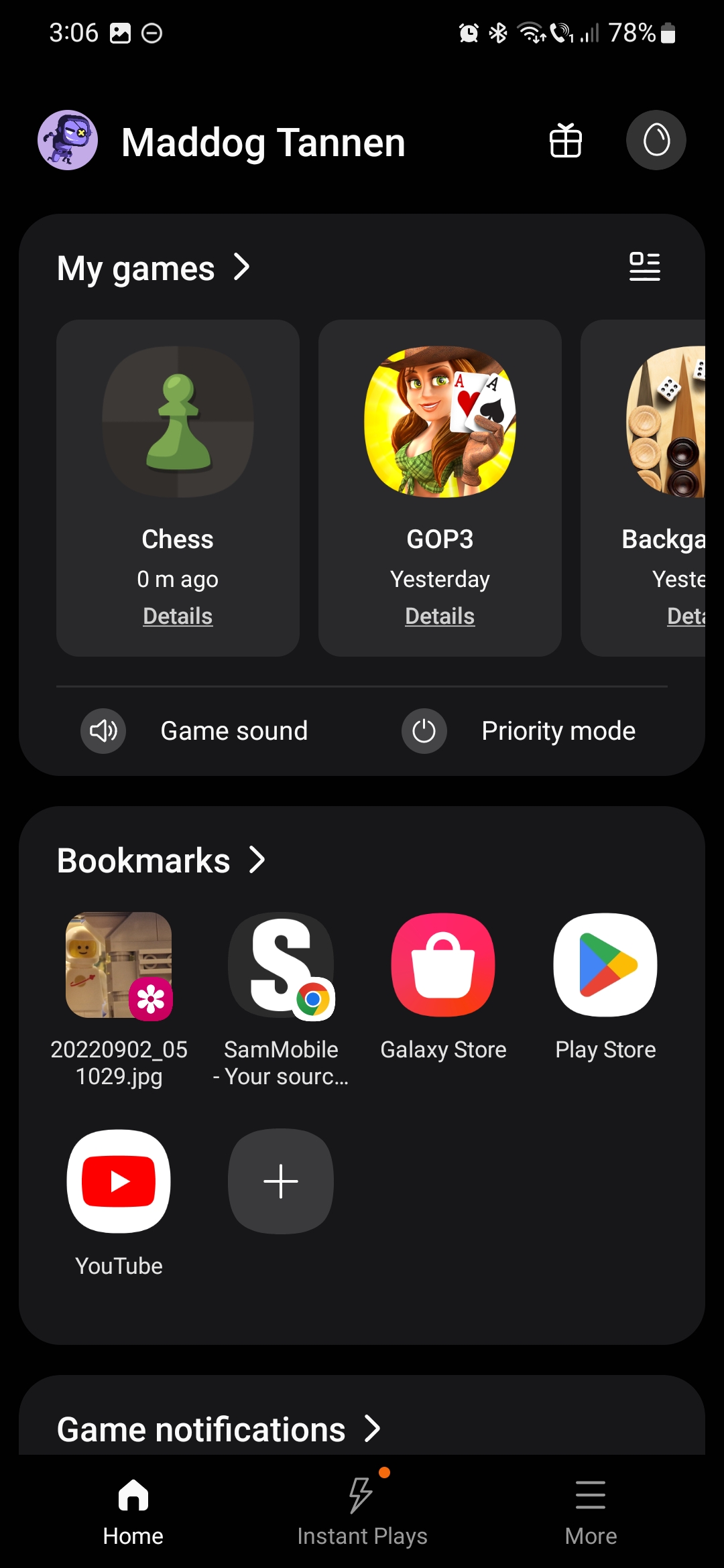
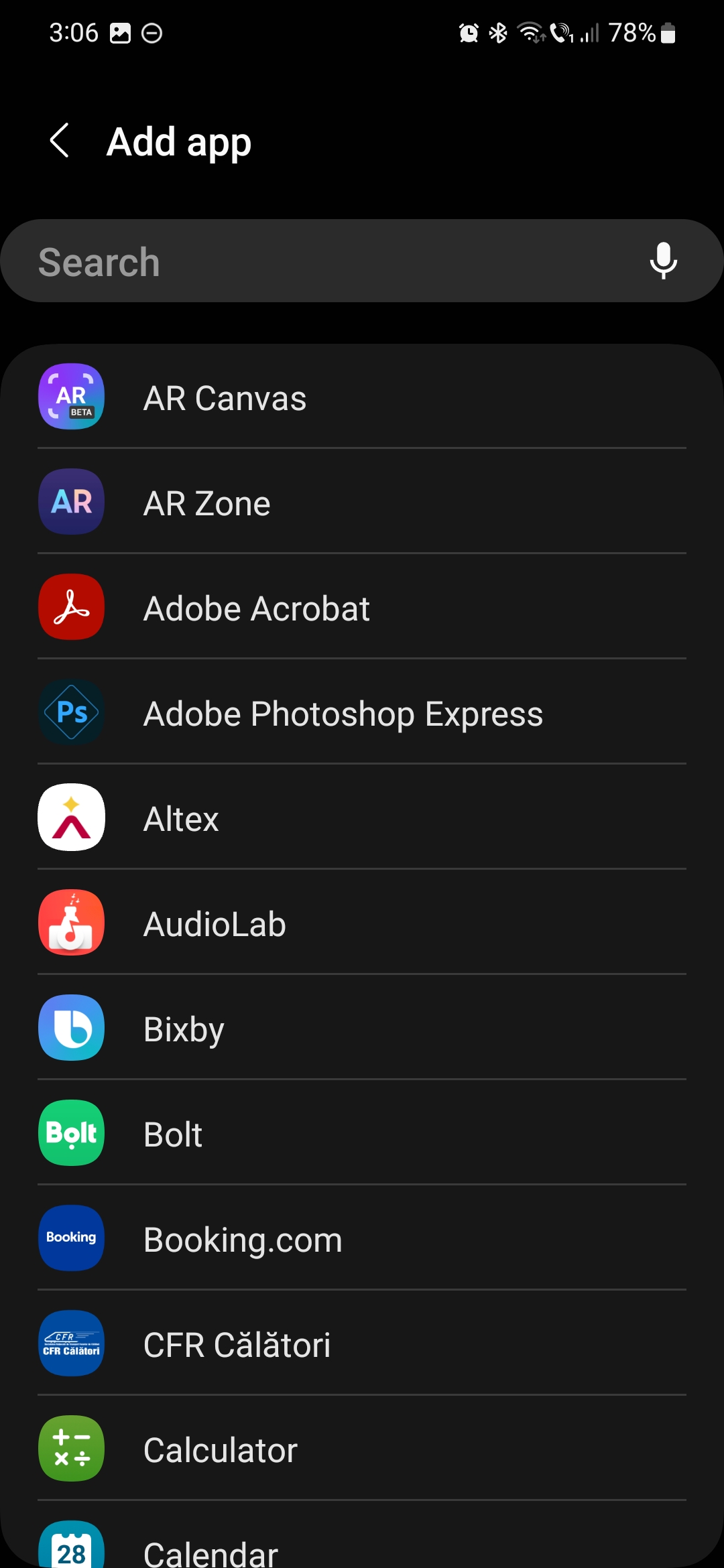
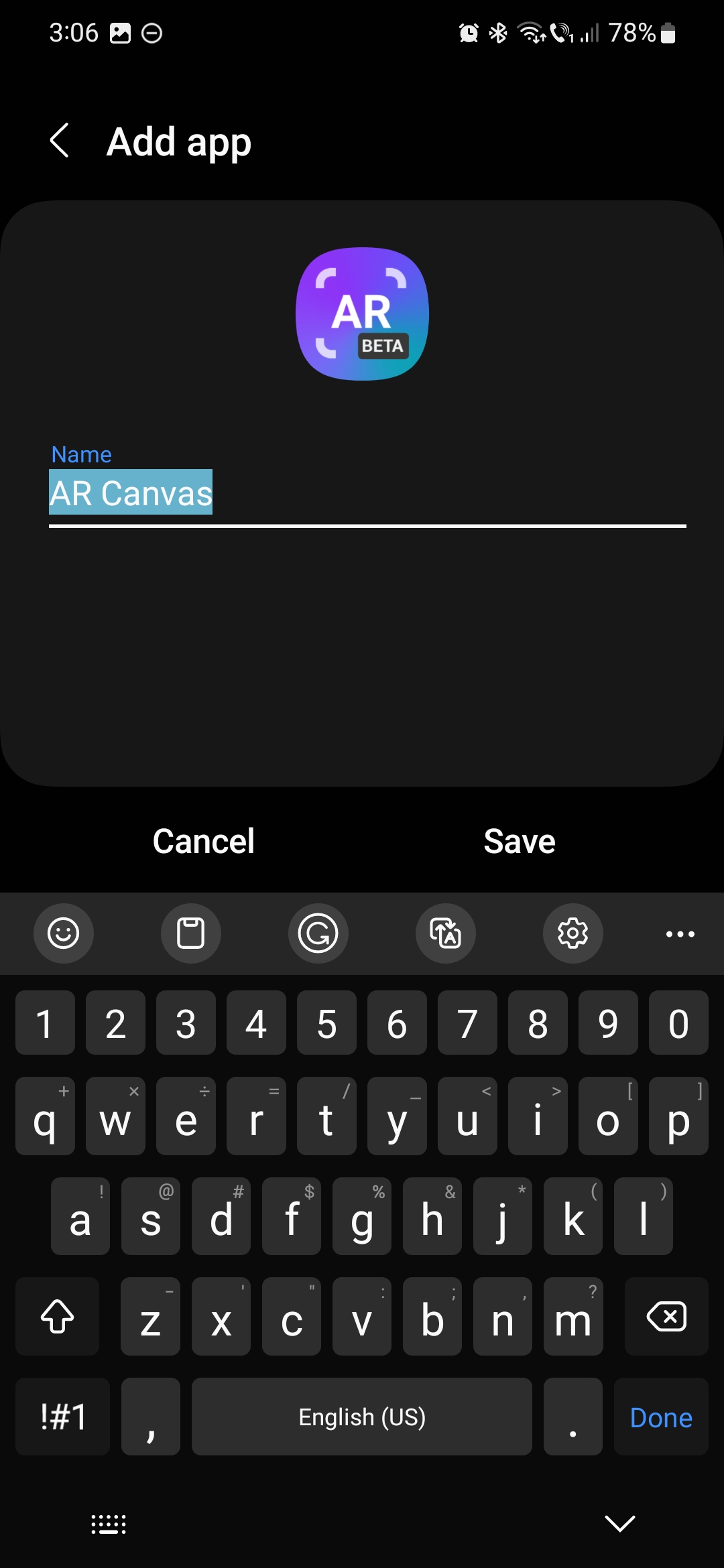
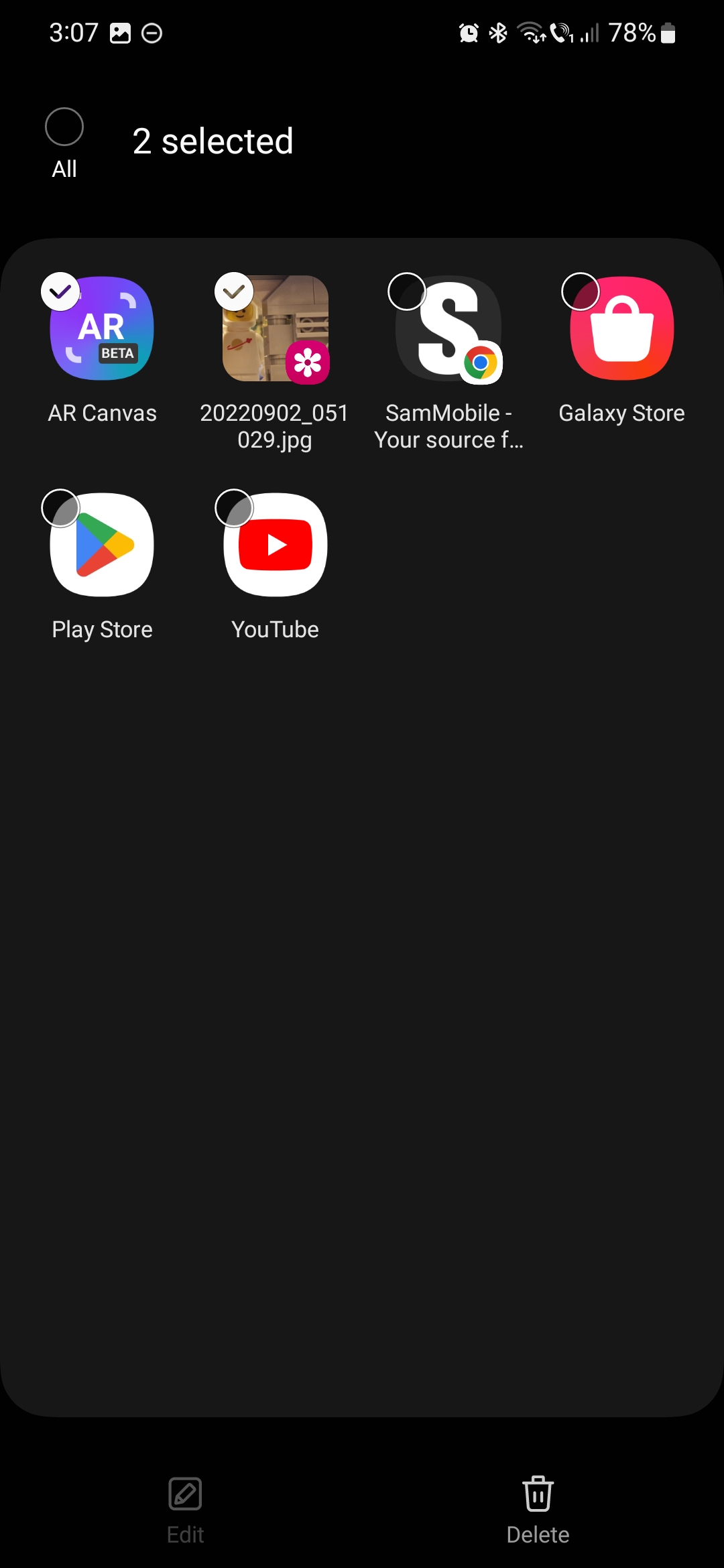
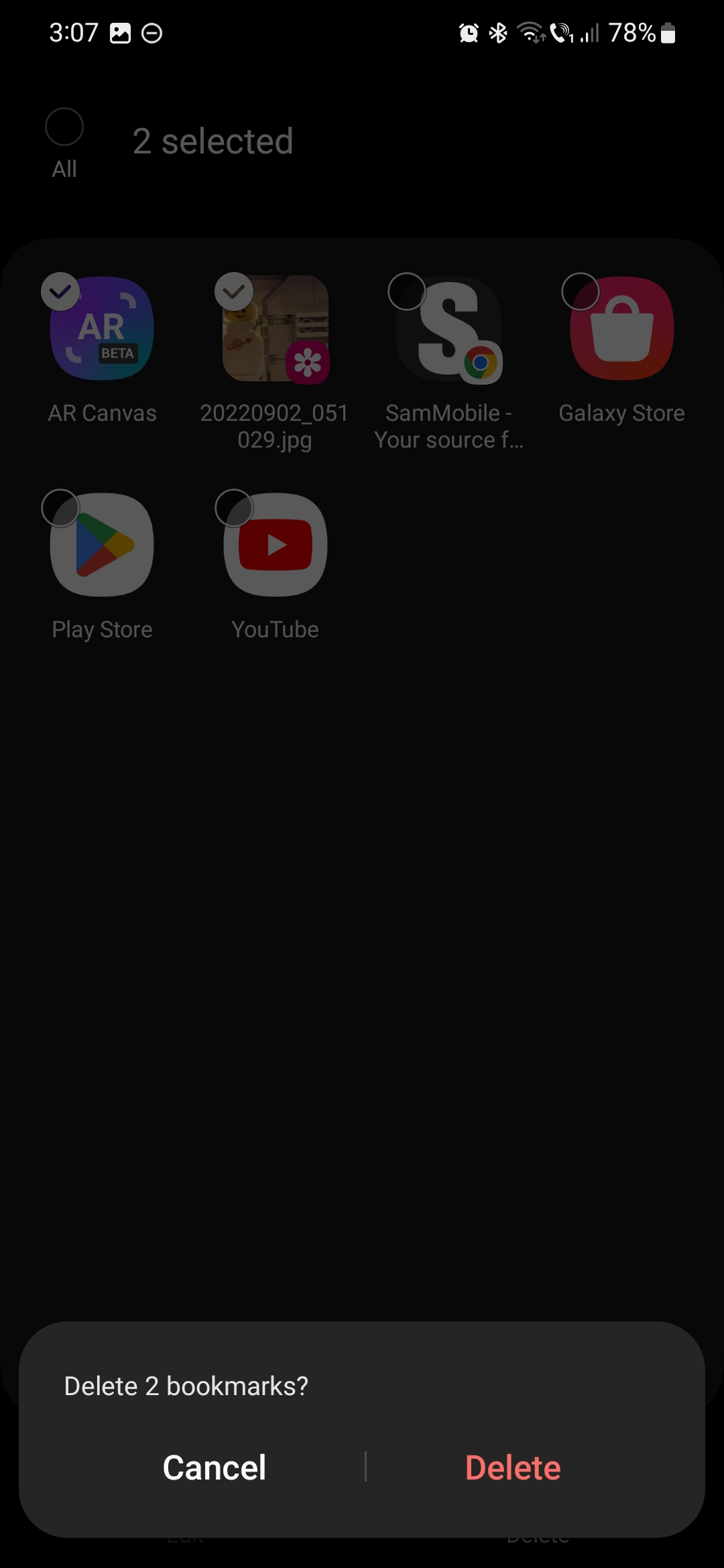
If you want to remove a bookmark, expand the “Bookmark” section by tapping the name, then tap the pencil icon to edit the list. Select the bookmark(s) you want to remove and tap “Delete.”
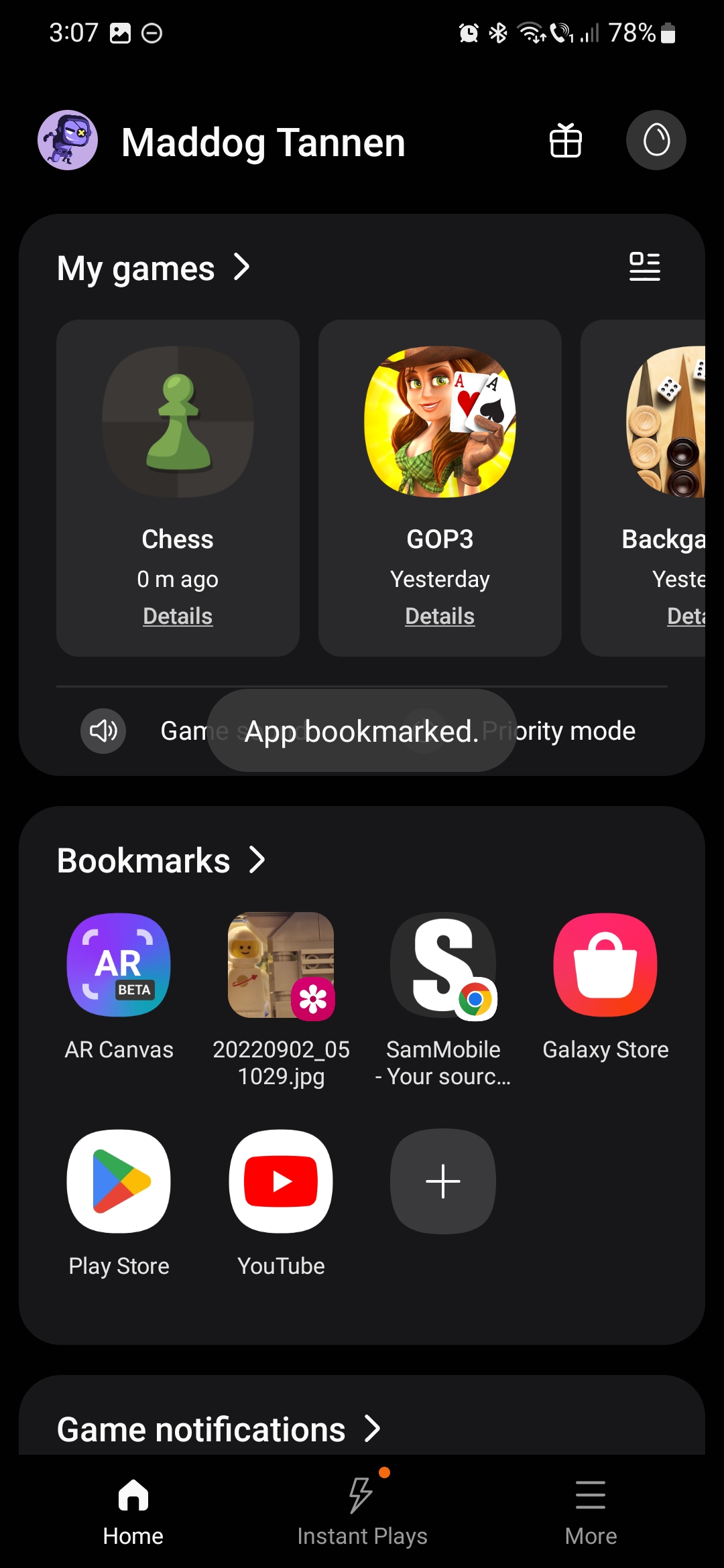
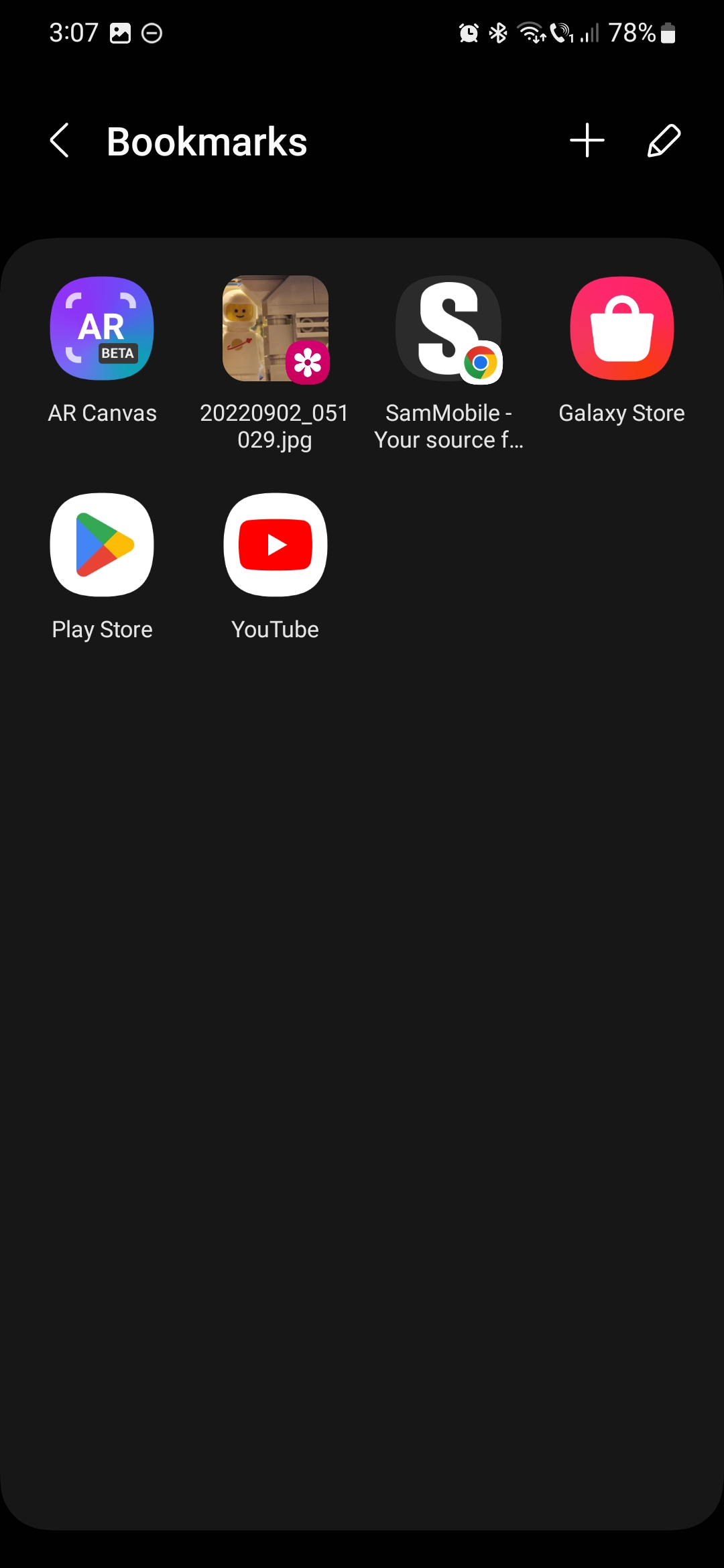
This bookmarking feature works best if you want to have quick access to webpages containing gaming guides and builds, screenshots of your games or other bits of useful in-game information, and apps that you might want to have quick access to when gaming or otherwise, such as your app stores and multimedia streaming services. Using bookmarks, you can turn the Game Launcher into more than a virtual shelf for your mobile games.

Mihai is a blogger and column writer at SamMobile. His first Samsung phone was an A800 which took a lot of beating, and a part of him still misses the novelty of the clamshell design. In his free time, he enjoys watching shows, documentaries, and stand-up comedy; listening to music, taking walks, and occasionally playing old(er) video games.












