Exceptional gifting. Our Samsung Galaxy gift guide features smartphones and wearables.
Last updated: November 9th, 2023 at 13:06 UTC+01:00
SamMobile has affiliate and sponsored partnerships, we may earn a commission.
Reading time: 2 minutes
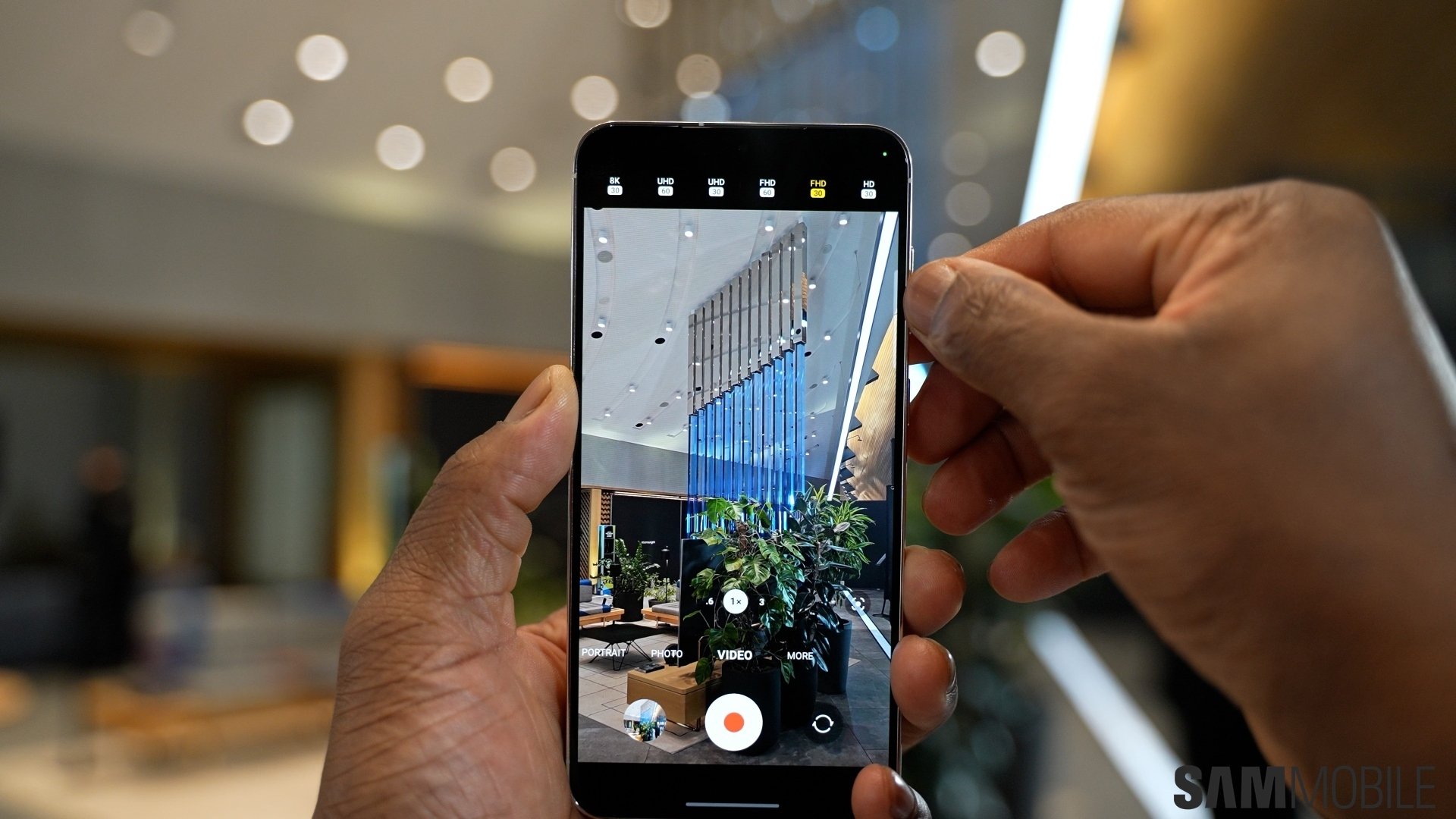
Today, we'll take a quick look at one Camera Assistant feature that, once enabled, can give users the feeling that the Camera app's shutter button is more responsive.
Story continues after the video
First, before we look into this shutter button option, here's a quick recap of Camera Assistant Week so far:
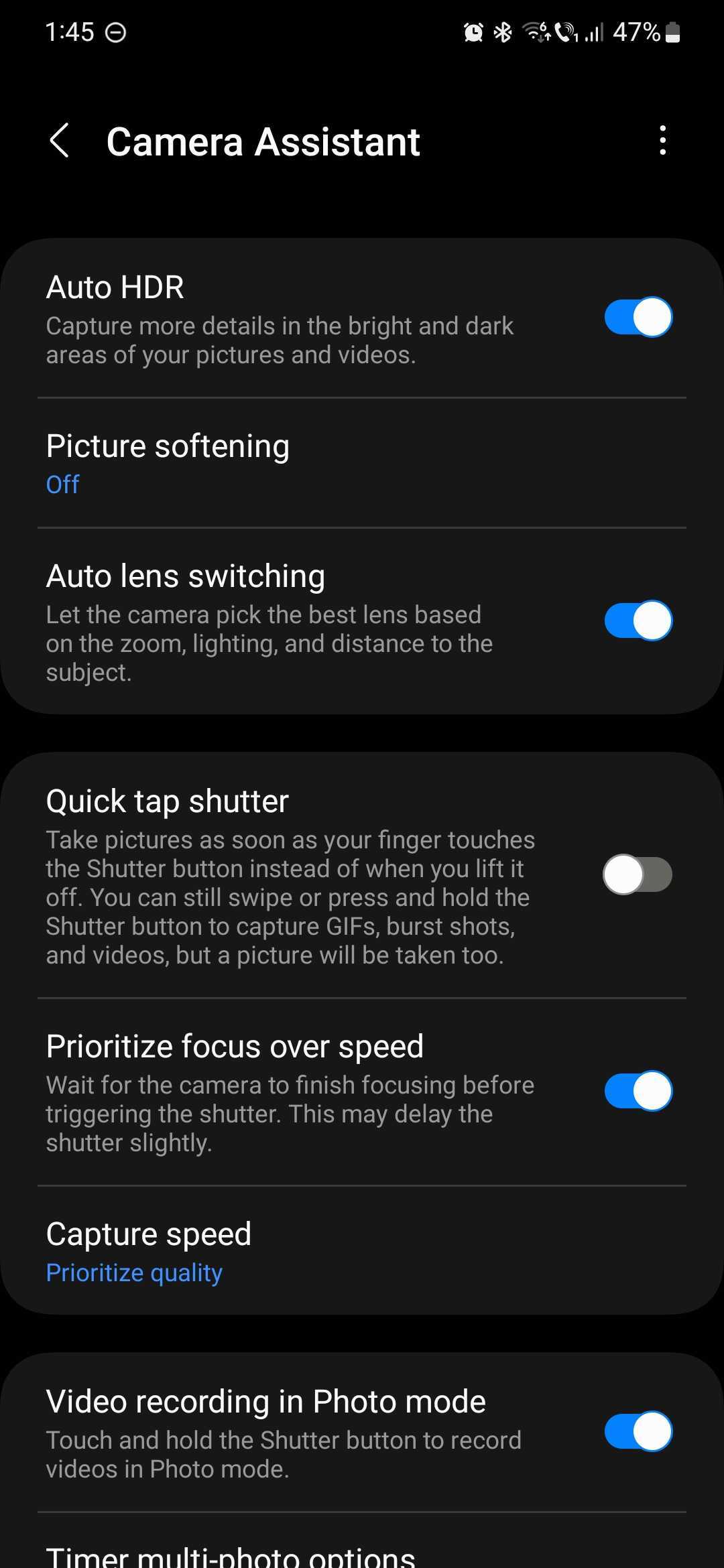
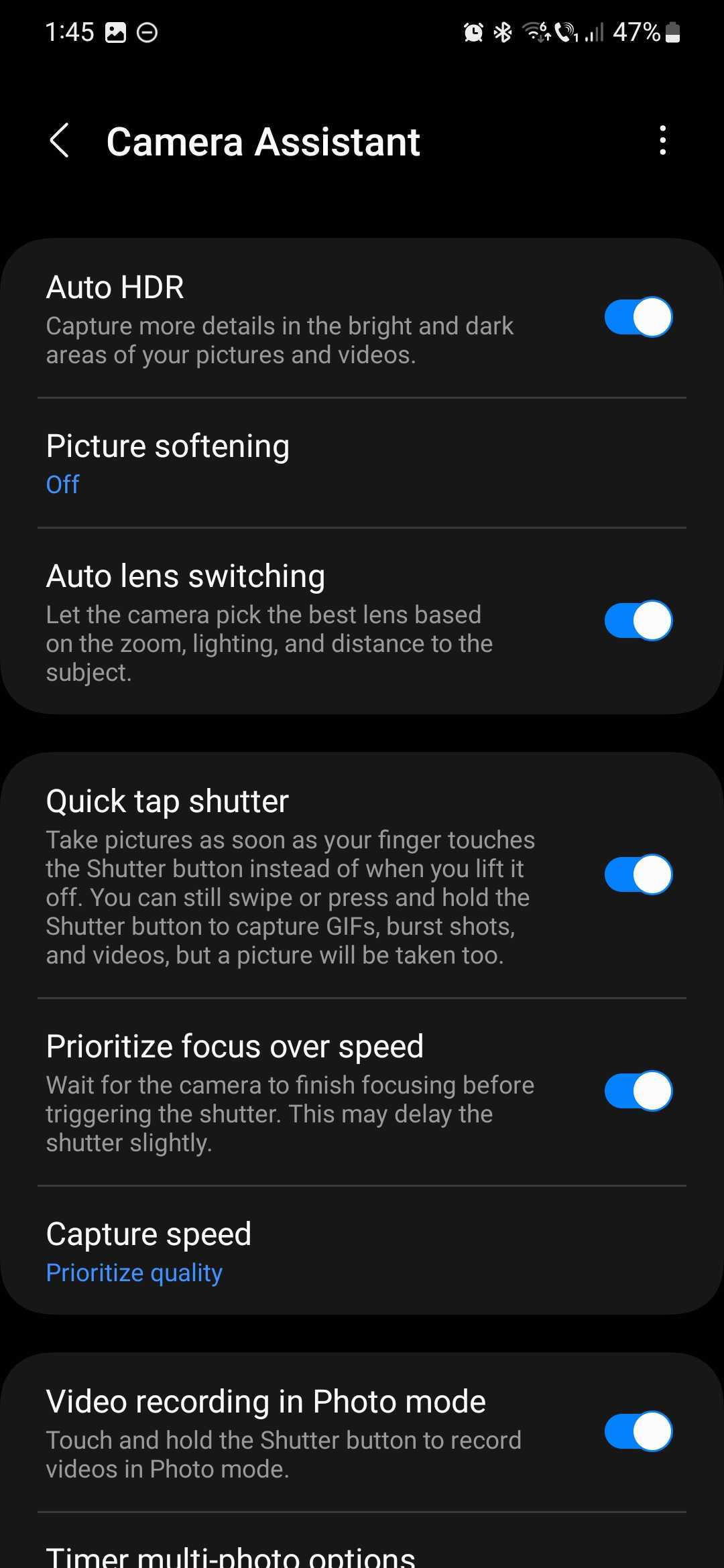
Using Samsung's clever Camera Assistant app, you can make the Camera shutter button react quicker and take photos as soon as your finger touches it instead of when you lift your finger off the shutter button.
This feature is called “quick tap shutter,” and you can enable it by opening the Camera Assistant app and tapping the corresponding toggle ON.
When the quick tap shutter option is enabled, you can still capture GIFs, burst shots, and videos when you swipe and hold the shutter button, but the Camera will also take a picture.
Mihai is a blogger and column writer at SamMobile. His first Samsung phone was an A800 which took a lot of beating, and a part of him still misses the novelty of the clamshell design. In his free time, he enjoys watching shows, documentaries, and stand-up comedy; listening to music, taking walks, and occasionally playing old(er) video games.