Last updated: August 4th, 2023 at 01:31 UTC+02:00
SamMobile has affiliate and sponsored partnerships, we may earn a commission.
Reading time: 3 minutes
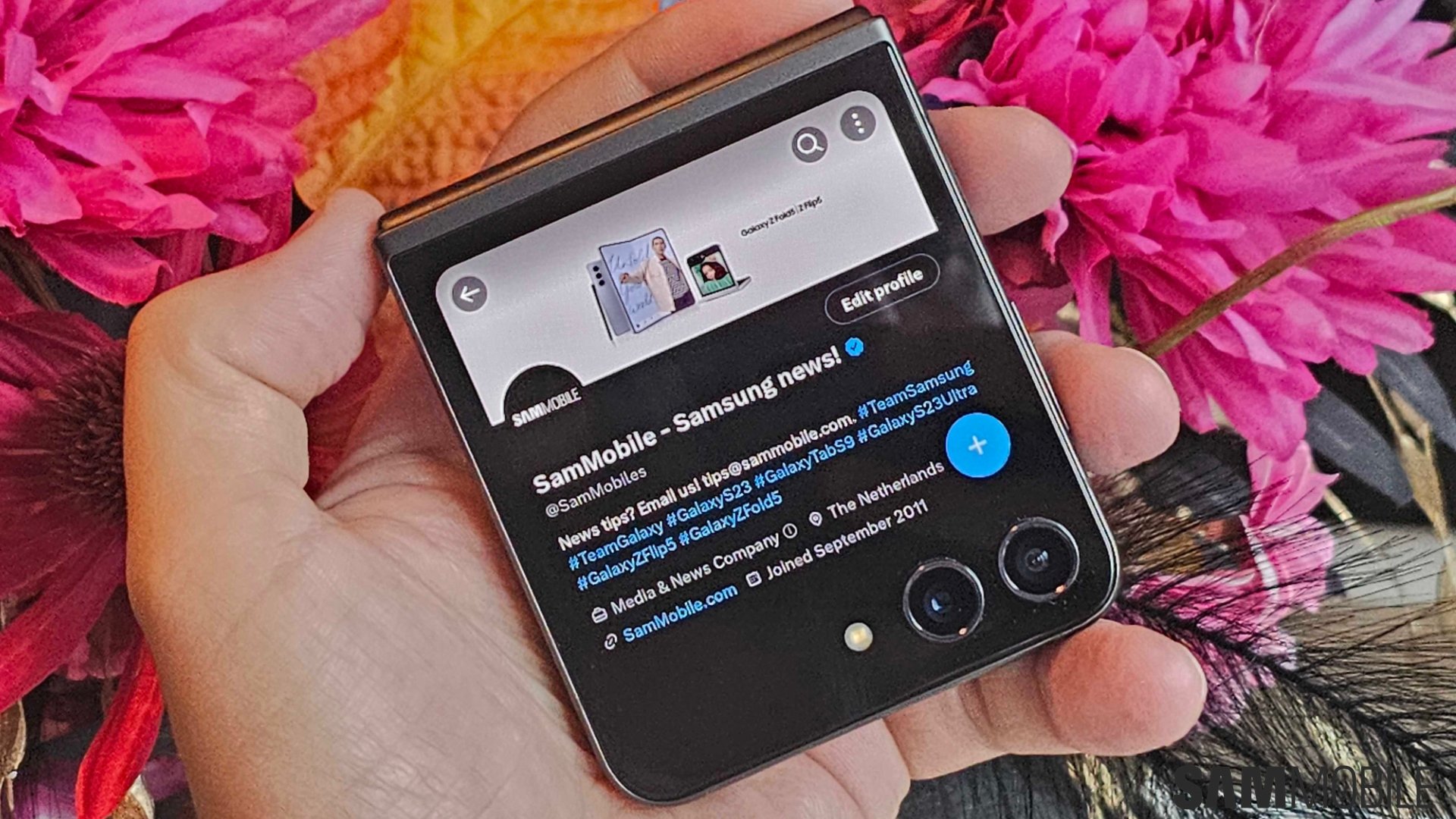
If you were thinking of running other apps on the cover screen, you can do that using Samsung's Good Lock app, at least if Good Lock is available in your country.
To run any app on the Galaxy Z Flip 5's cover screen, you must download two apps from the Galaxy Store: Good Lock and MultiStar.
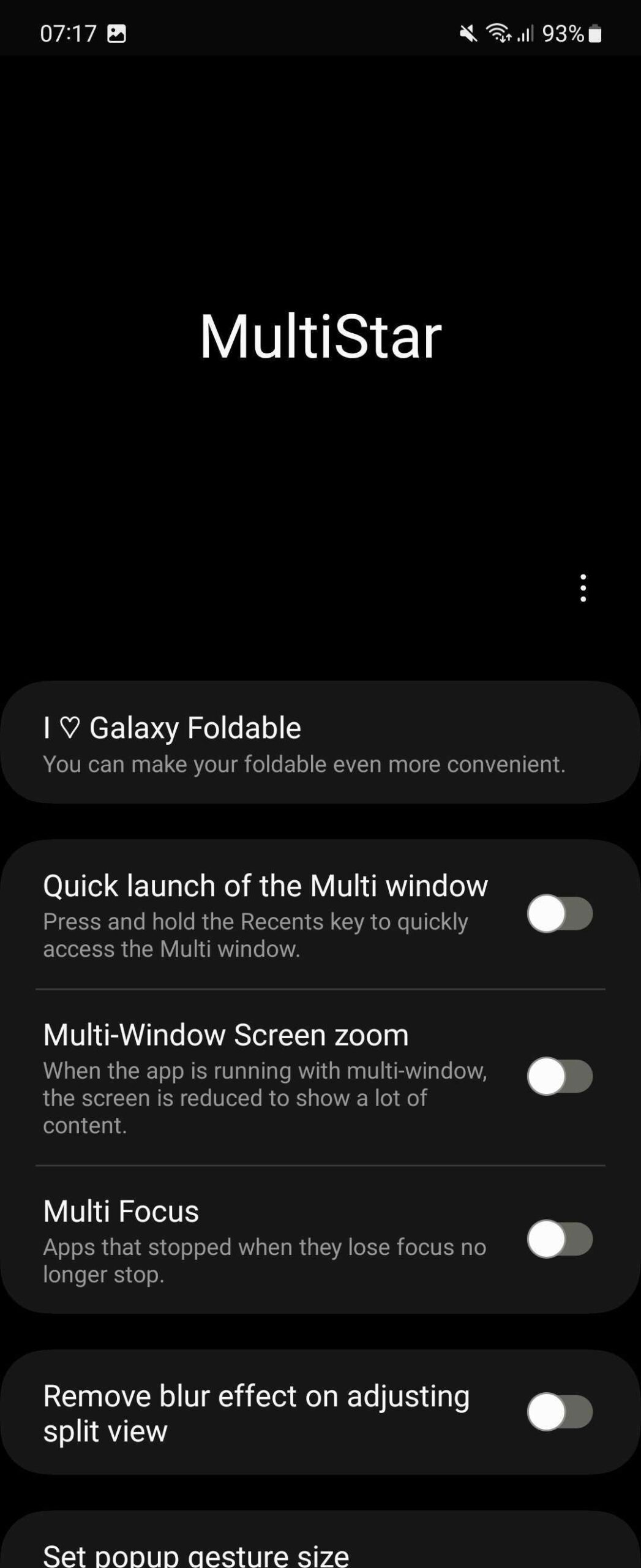
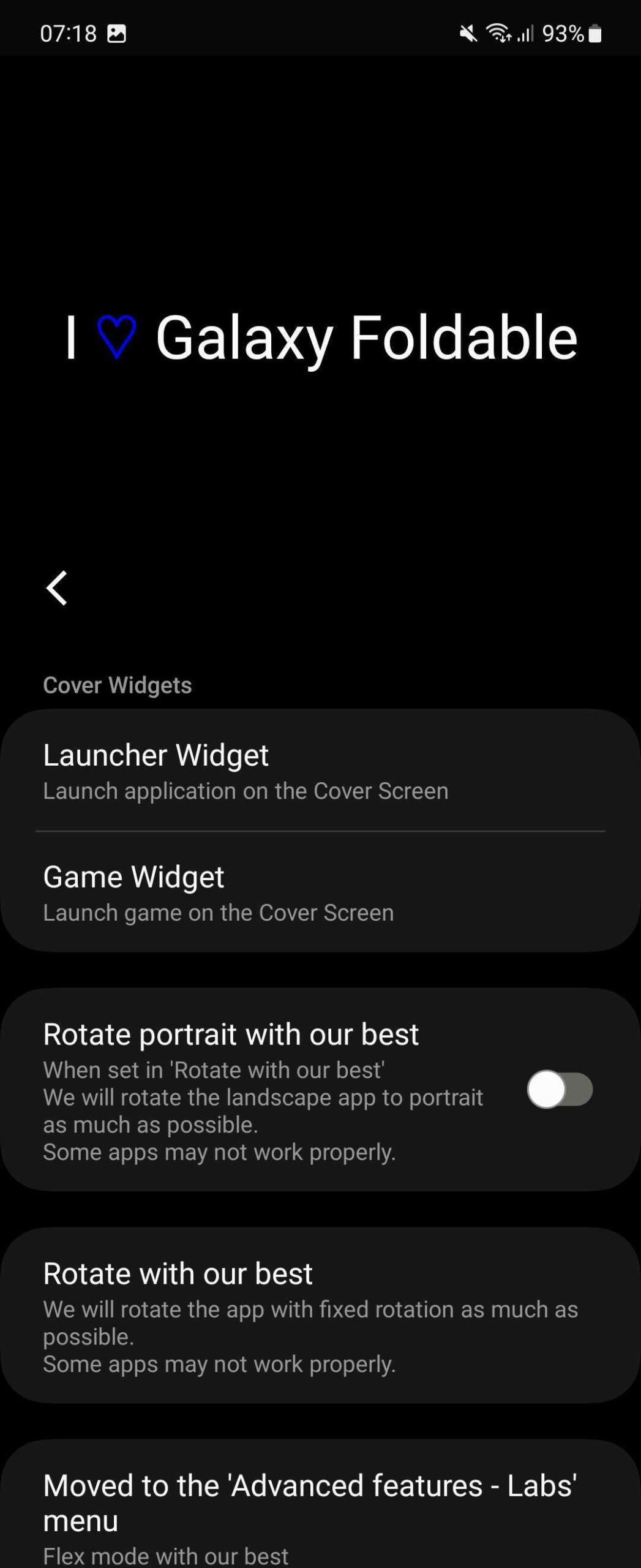
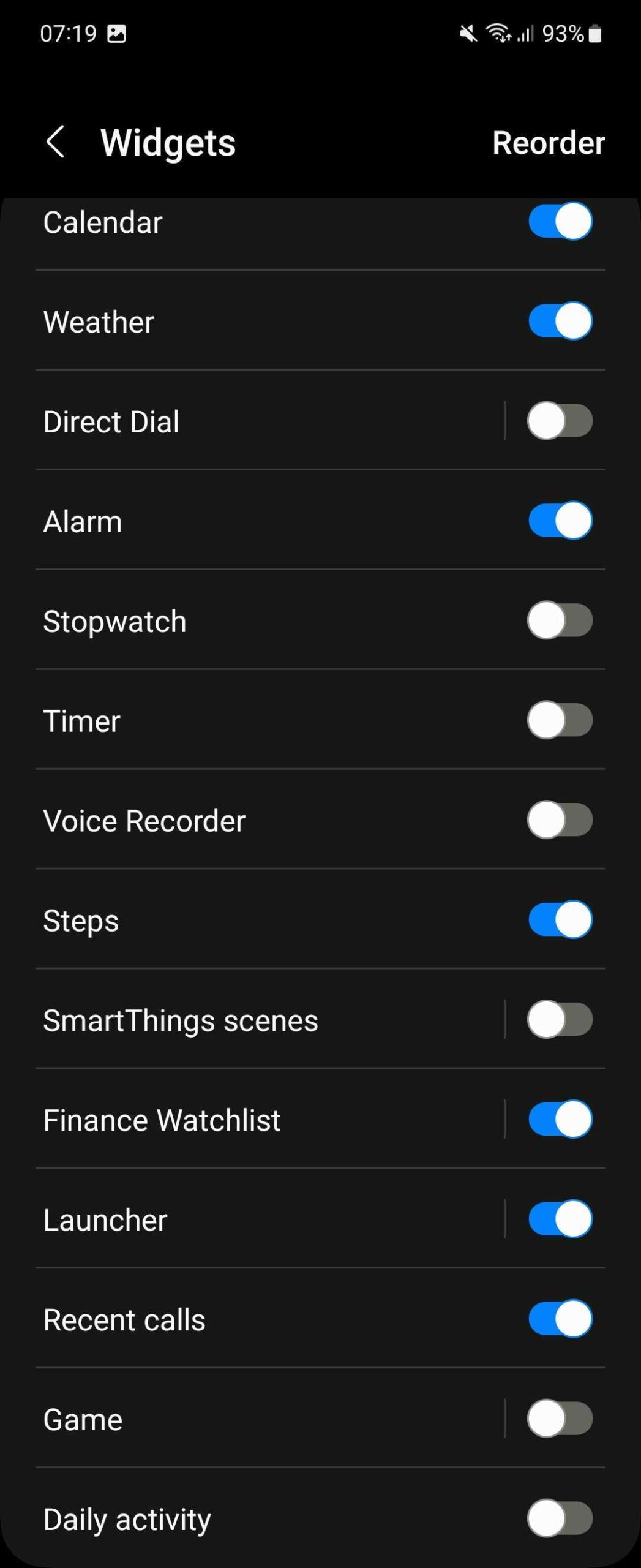
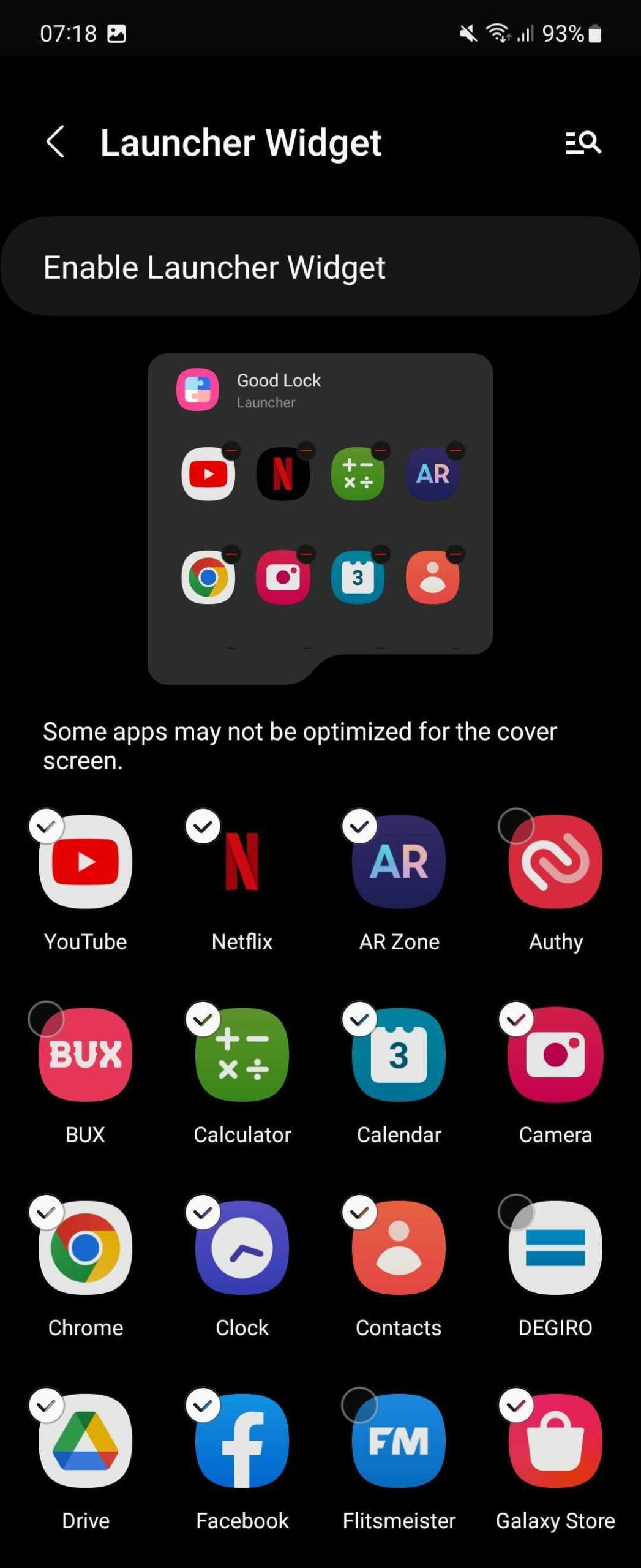
You can now open any app by tapping its icon. Remember that you can always go back to the Multistar app and add or remove apps that you want to be able to use on the cover screen.
We used several apps, including Calculator, Gallery, Instagram, Samsung Internet, and Twitter, on the Galaxy Z Flip 5's cover screen. While some apps were properly serviceable, others weren't. Either the touch targets were too small, or the on-screen keyboard consumed too much space (it's also worth mentioning that the cover screen may not support all keyboard apps).
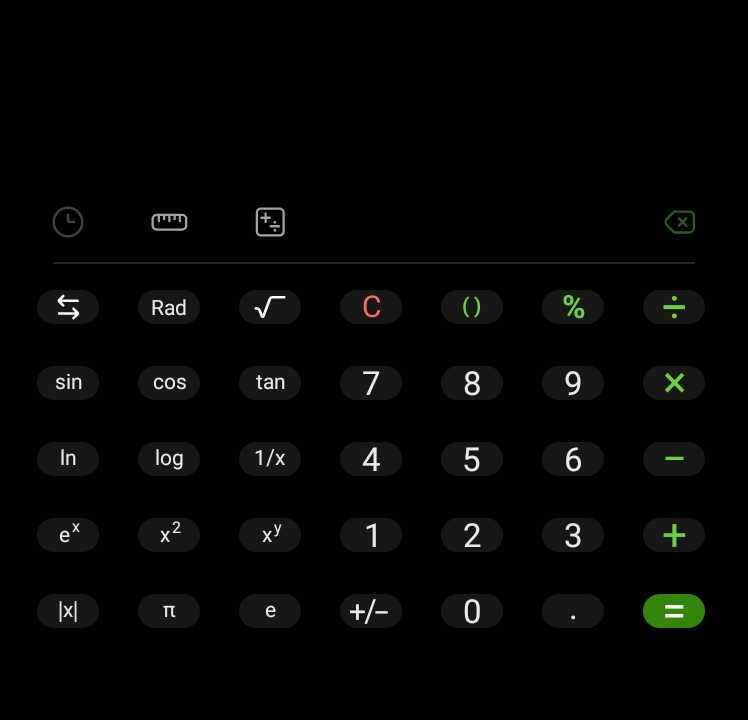
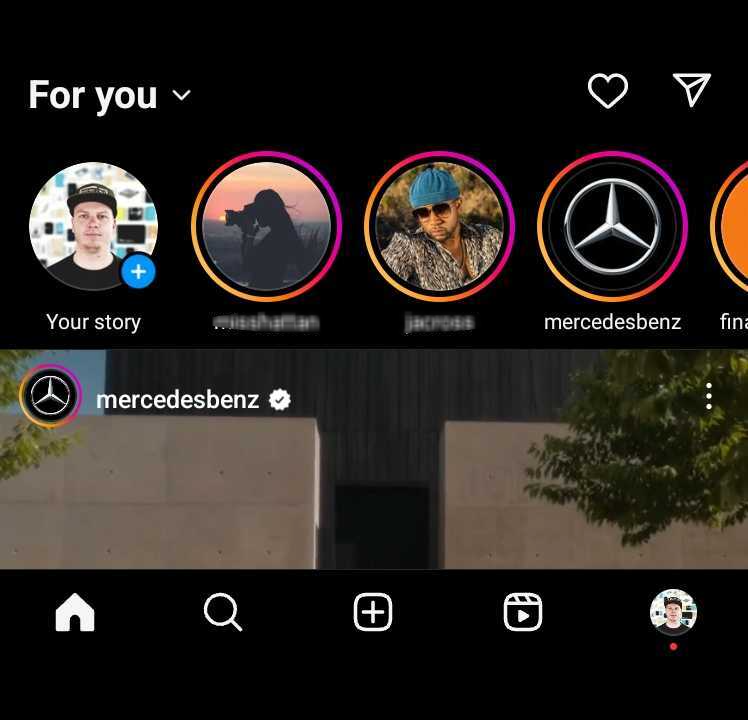

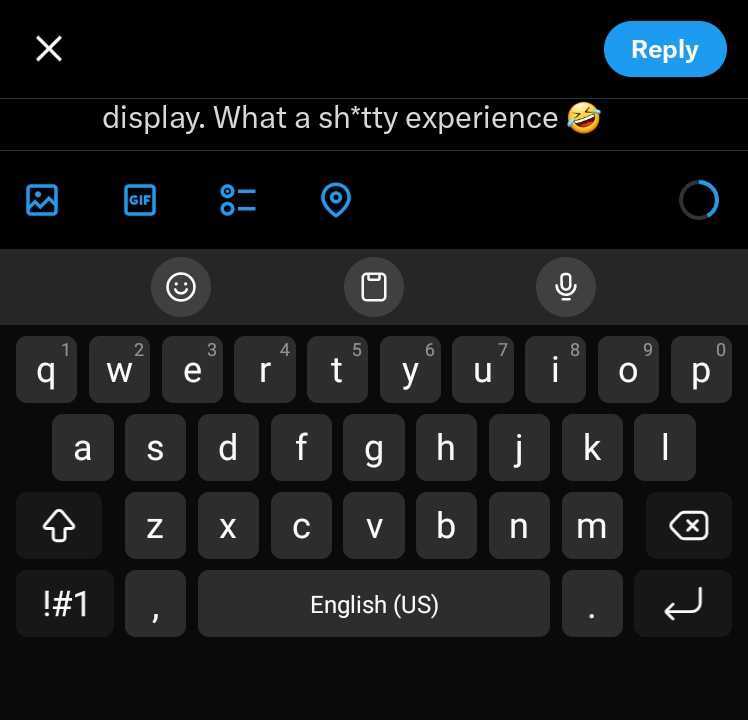
So, while apps like Google Maps for navigation or Messages for texting work well, don't expect to browse the web or social media apps for more than a few minutes without stumbling over a few issues here and there.
In our opinion, Samsung's decision to hide full-fledged apps from the cover screen is wise. Unless apps are properly optimized to run on the small landscape-oriented screen, most people will find it hard to use them regularly.

Asif is a computer engineer turned technology journalist. He has been using Samsung phones since 2004, and his current smartphone is the Galaxy S23 Ultra. He loves headphones, mechanical keyboards, and PC hardware. When not writing about technology, he likes watching crime and science fiction movies and TV shows.













