Last updated: January 5th, 2020 at 22:02 UTC+01:00
SamMobile has affiliate and sponsored partnerships, we may earn a commission.
Reading time: 2 minutes
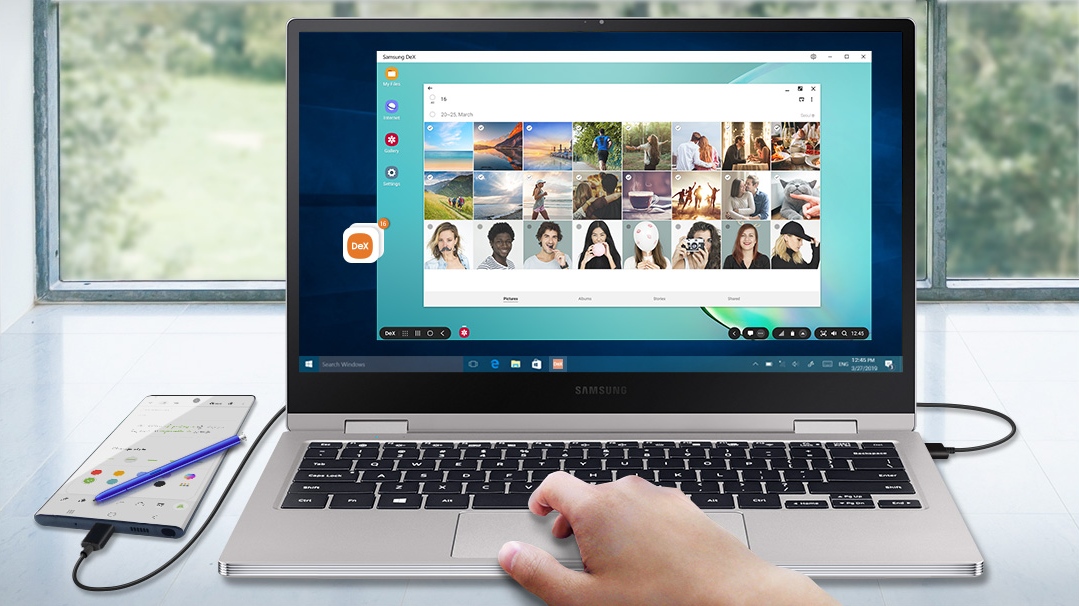
DeX for PC is quite the useful tool – it's great for getting work done on documents stored on your phone, playing mobile games with a keyboard and mouse for more accurate control, and dragging and dropping files from your computer to the phone and vice versa. Naturally, the DeX Pad is still the only solution for those who want to use their phone as a PC when they don't have their laptop (or desktop computer) around, while DeX for PC is more for the times when you want to quickly access stuff on your phone or tablet in a convenient desktop interface.
You can download DeX for PC for Mac or Windows from the company's official website. Simply fire up Samsung DeX after it's installed and connect your phone to the PC to start using it. Also, in case you are wondering, you don't need the stable Android 10 update before you can start using DeX for PC – it works with the Android 10 beta as well.

Abhijeet's writing career started with guides for custom firmware for Samsung devices (including the original Galaxy S), and he moved to SamMobile in mid-2013 and worked up the ranks to Editor-in-chief. In addition to phones and mobile devices, his interests include gaming on both PC and console, PC hardware, and spending countless hours on YouTube watching videos on tech, movies, games, politics, and internet dramas.













