Last updated: March 15th, 2018 at 15:29 UTC+01:00
SamMobile has affiliate and sponsored partnerships, we may earn a commission.
Reading time: 2 minutes
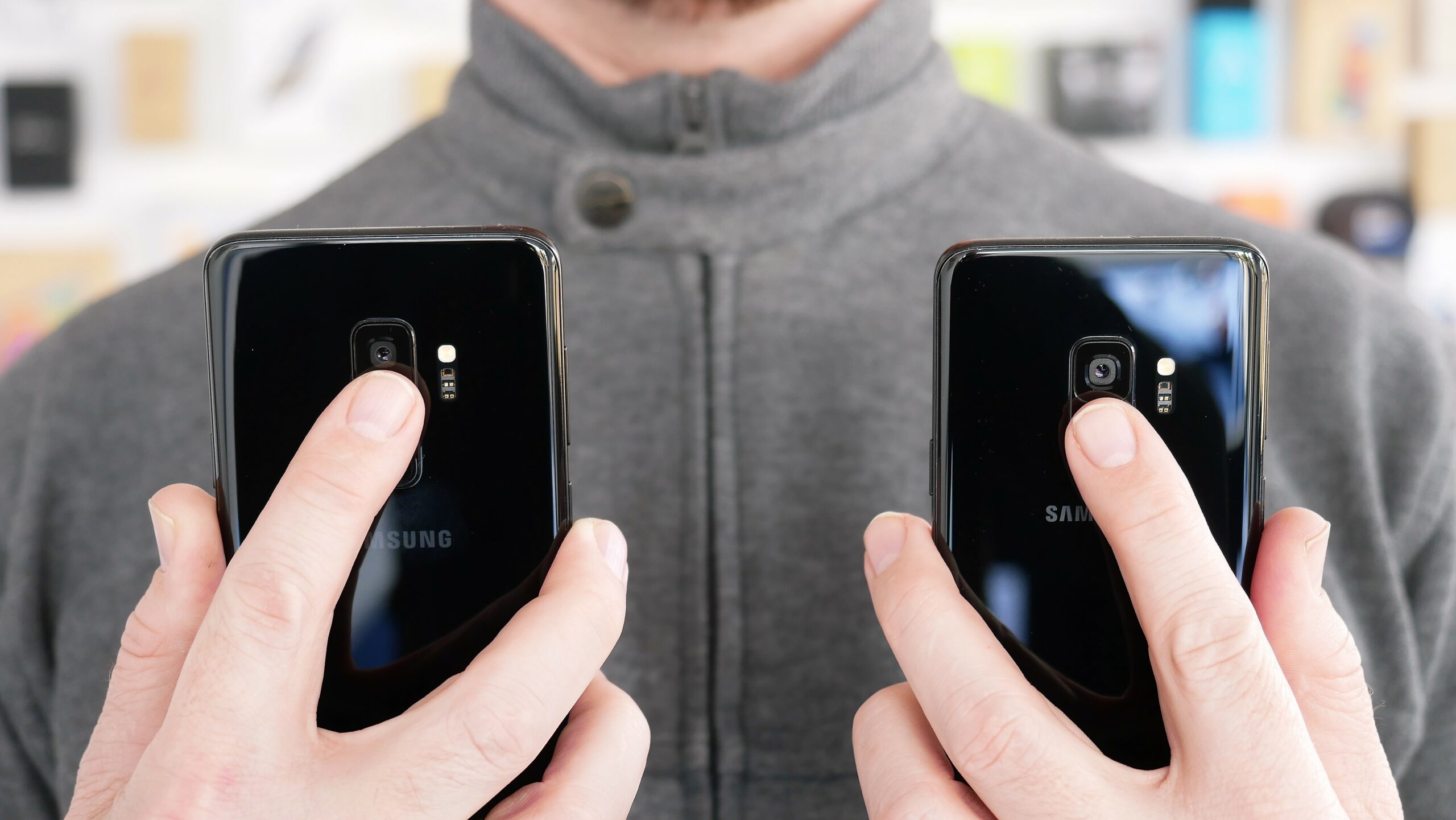
It's unclear if the issue has been fixed in the first software update that was rolled out to the Galaxy S9 and S9+. If it's a hardware issue, an update won't fix it, and so far, Samsung hasn't made any official statements on the matter. We've reached out to the company, though, and will update this post with their response as soon as we get one. For now, disabling fingerprint sensor gestures (accessible in the Settings » Advanced features menu), which let you swipe down on the sensor to access the notification shade and swipe up to open Samsung Pay, seems to be a temporary solution. Not the best solution, but given the frequency with which the sensor seems to stop working, it's the only solution one can try out at the moment.
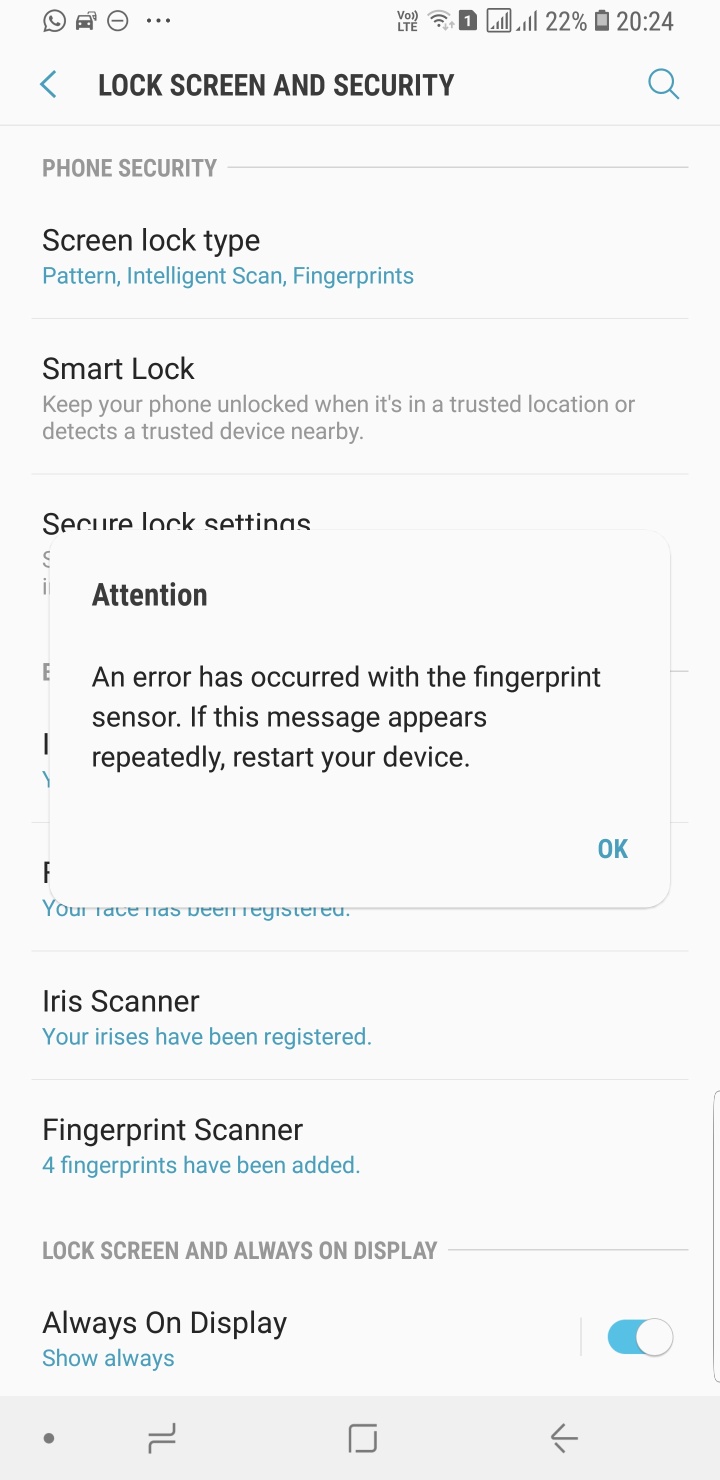
Has the fingerprint reader stopped working for you on the Galaxy S9 or Galaxy S9+? Let us know by voting in the poll below and through the comments section. Be sure to tell us if the issue occurs for you even after installing the update that Samsung has rolled out in various markets ahead of the day the two phones go on sale.
Thanks, Jack Peh!

Abhijeet's writing career started with guides for custom firmware for Samsung devices (including the original Galaxy S), and he moved to SamMobile in mid-2013 and worked up the ranks to Editor-in-chief. In addition to phones and mobile devices, his interests include gaming on both PC and console, PC hardware, and spending countless hours on YouTube watching videos on tech, movies, games, politics, and internet dramas.













