Last updated: September 6th, 2023 at 14:26 UTC+02:00
SamMobile has affiliate and sponsored partnerships, we may earn a commission.
Reading time: 2 minutes
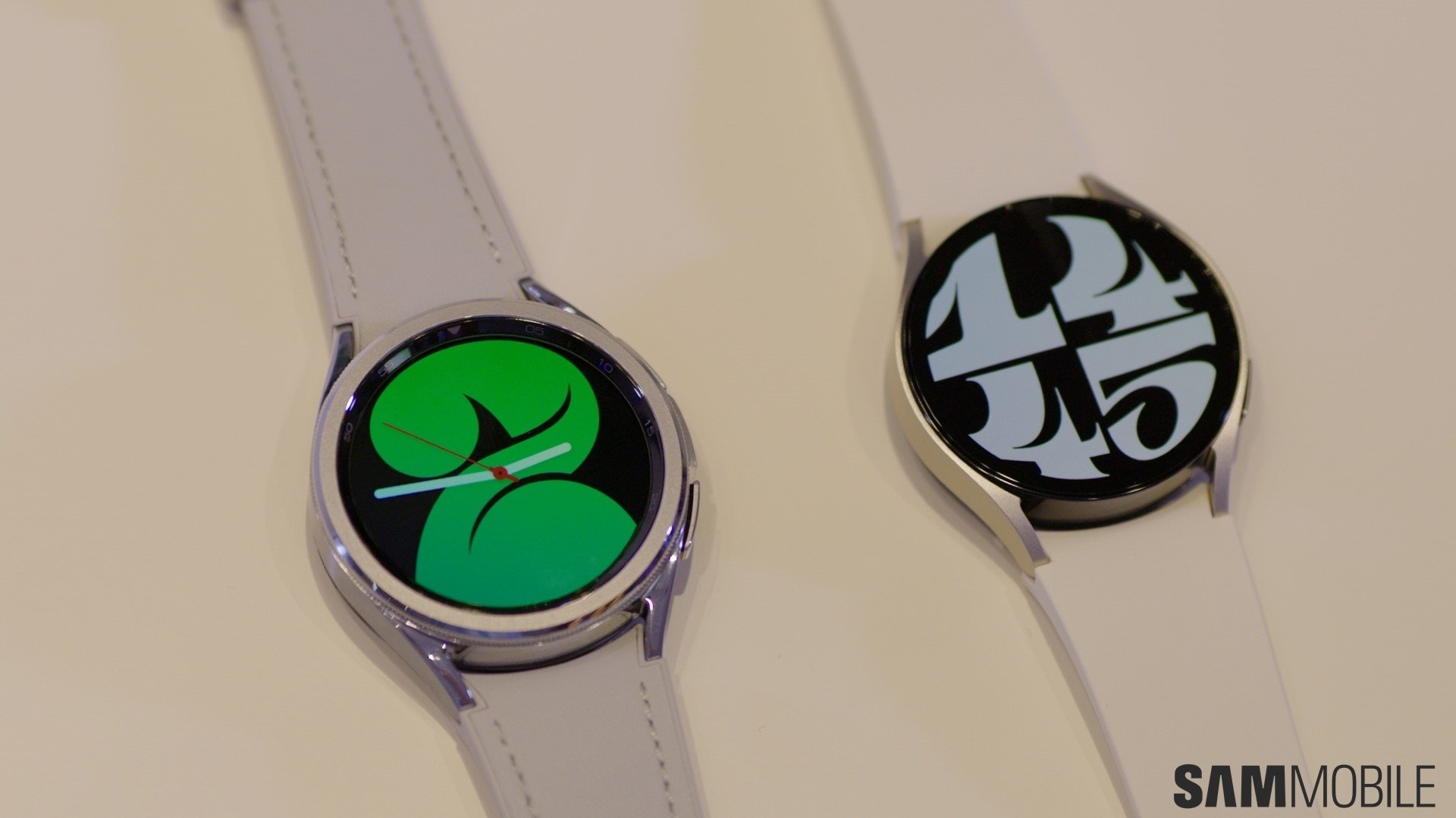
One UI Watch 5 has a lengthy list of changes and additions. On the surface, it looks very similar to One UI Watch 4.5, but dig a bit deeper, and you'll find things such as a vertically oriented browser for watch faces and tiles, new and updated tiles, improved sleep and health tracking, and more.
Interestingly, One UI Watch 5 also borrows one feature from smartphones. Namely, the system now lets you organize apps in folders. Here's everything you need to know.
Story continues after the video
The user experience across Samsung smartwatches and Galaxy phones is vastly different, but there is some cross-over in the fundamental design. Tiles on smartwatches can be compared to widgets on phones. Furthermore, both systems offer quick toggles, a Settings app that scrolls vertically, and an app drawer.
With the release of One UI Watch 5, Samsung borrowed another concept from One UI for phones. Namely, smartwatch users can now organize apps inside the app drawer using folders. Samsung didn't reinvent the wheel, and the folder management system is essentially the same.
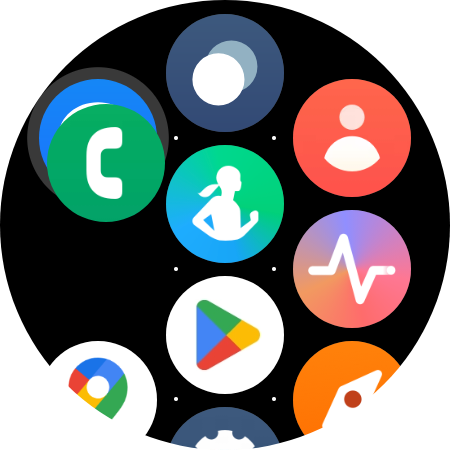
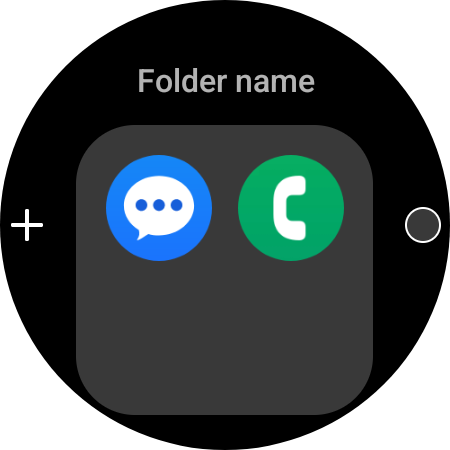
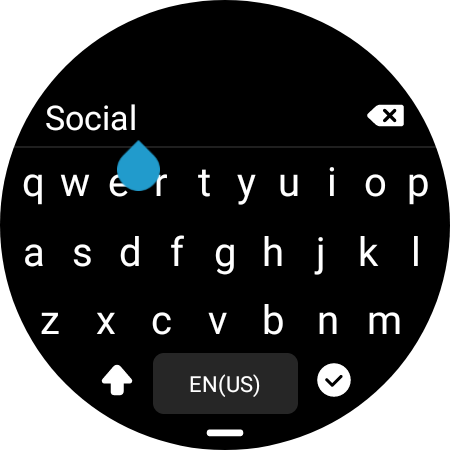
Folders in One UI Watch 5 can be created by dragging one app shortcut and dropping it on top of another. Folders can be renamed and offer six background color options. They also have a convenient “+” button that allows users to add more app shortcuts with ease.
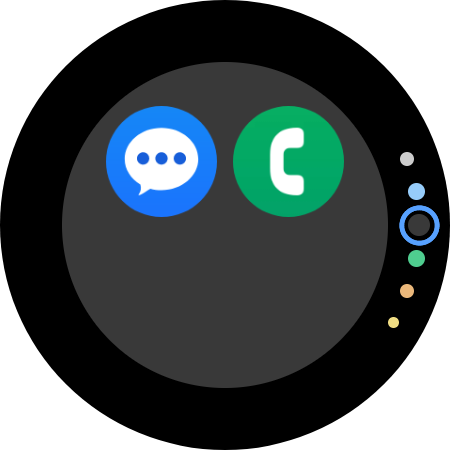
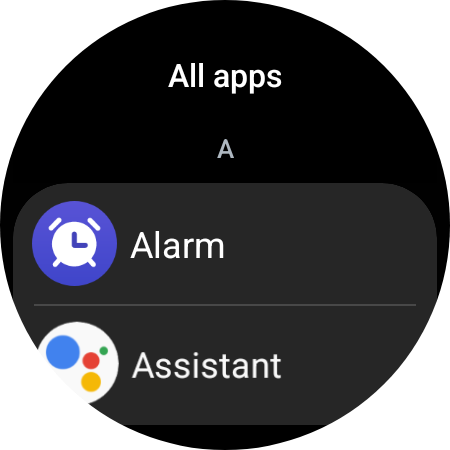
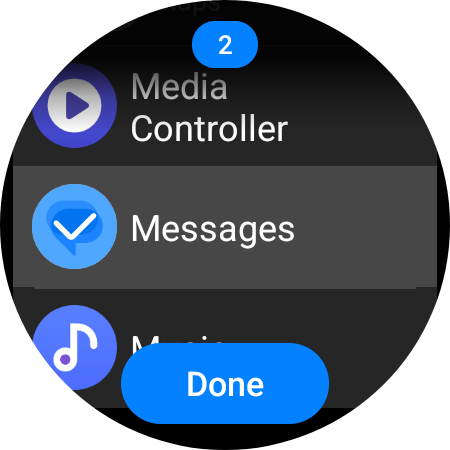
The more apps you have on your Samsung smartwatch, the more useful this new folder feature added with One UI Watch 5 becomes. The app drawer on Galaxy watches always felt as if it was missing something, and folders might be the answer. They're a quality-of-life addition that helps you organize and access apps quickly. And ease of access is precisely what you want when using a smartwatch. Make sure you try them out when you get the chance.

Mihai is a blogger and column writer at SamMobile. His first Samsung phone was an A800 which took a lot of beating, and a part of him still misses the novelty of the clamshell design. In his free time, he enjoys watching shows, documentaries, and stand-up comedy; listening to music, taking walks, and occasionally playing old(er) video games.














