Last updated: June 9th, 2022 at 18:55 UTC+02:00
SamMobile has affiliate and sponsored partnerships, we may earn a commission.
Reading time: 2 minutes
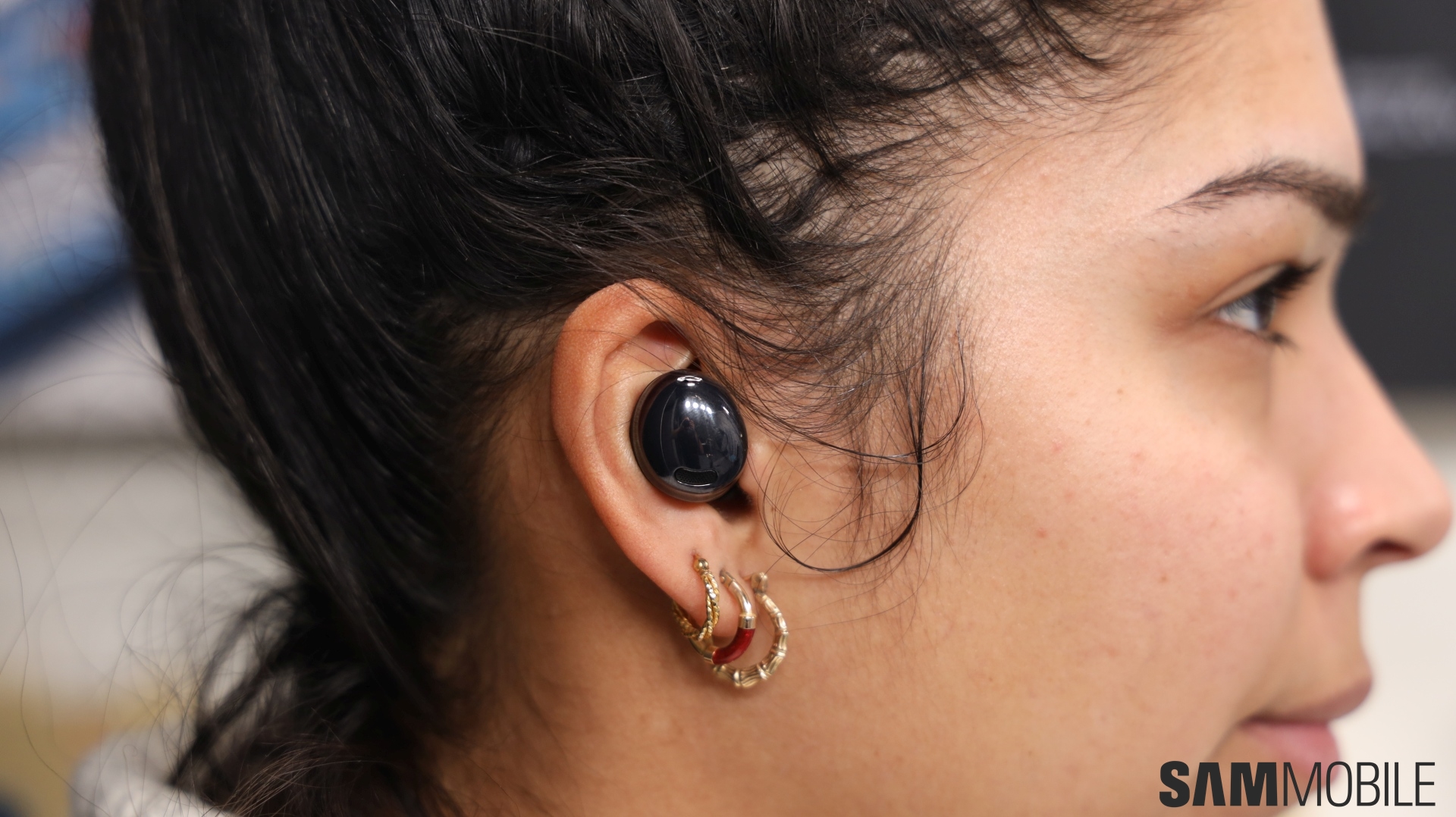
Adapt Sound is an accessibility feature that can help you tailor the audio experience delivered by your Samsung mobile device based on your hearing.
Not everyone hears things the same. The way we perceive sound differs by our age and other factors, and One UI's Adapt Sound tries to determine which frequencies to boost or tone down to give you the best audio experience. Adapt Sound applies for phone calls or when you're listening to music, watching movies, or playing other media files.
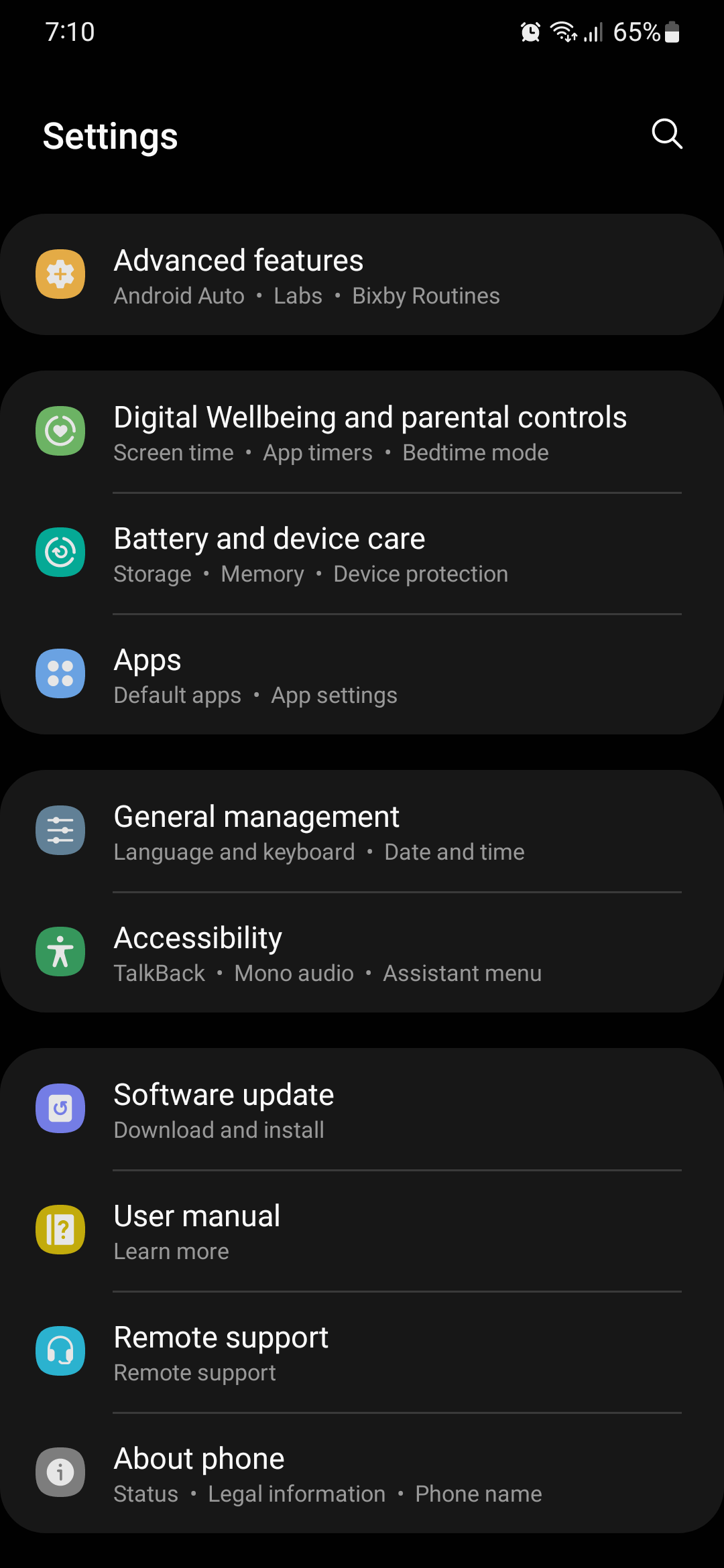
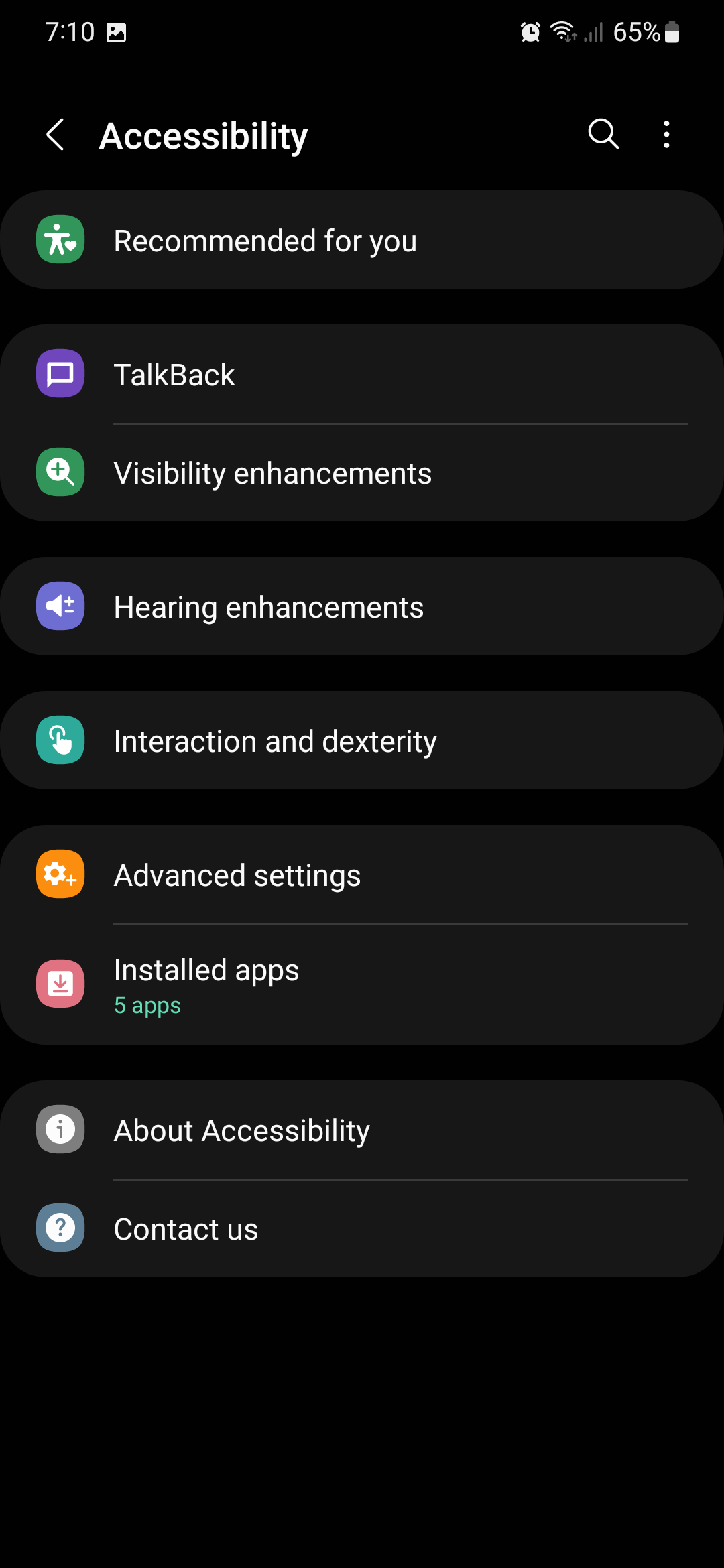
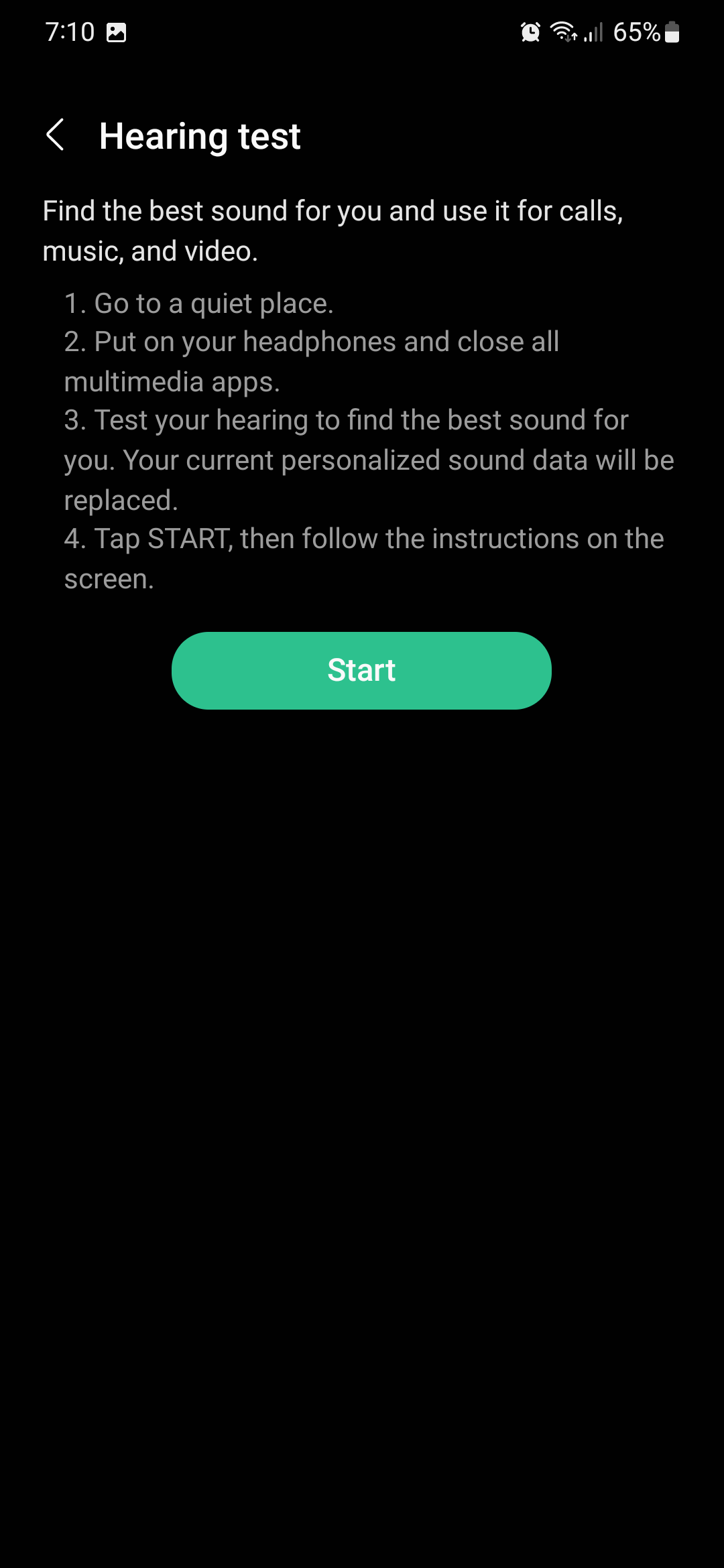
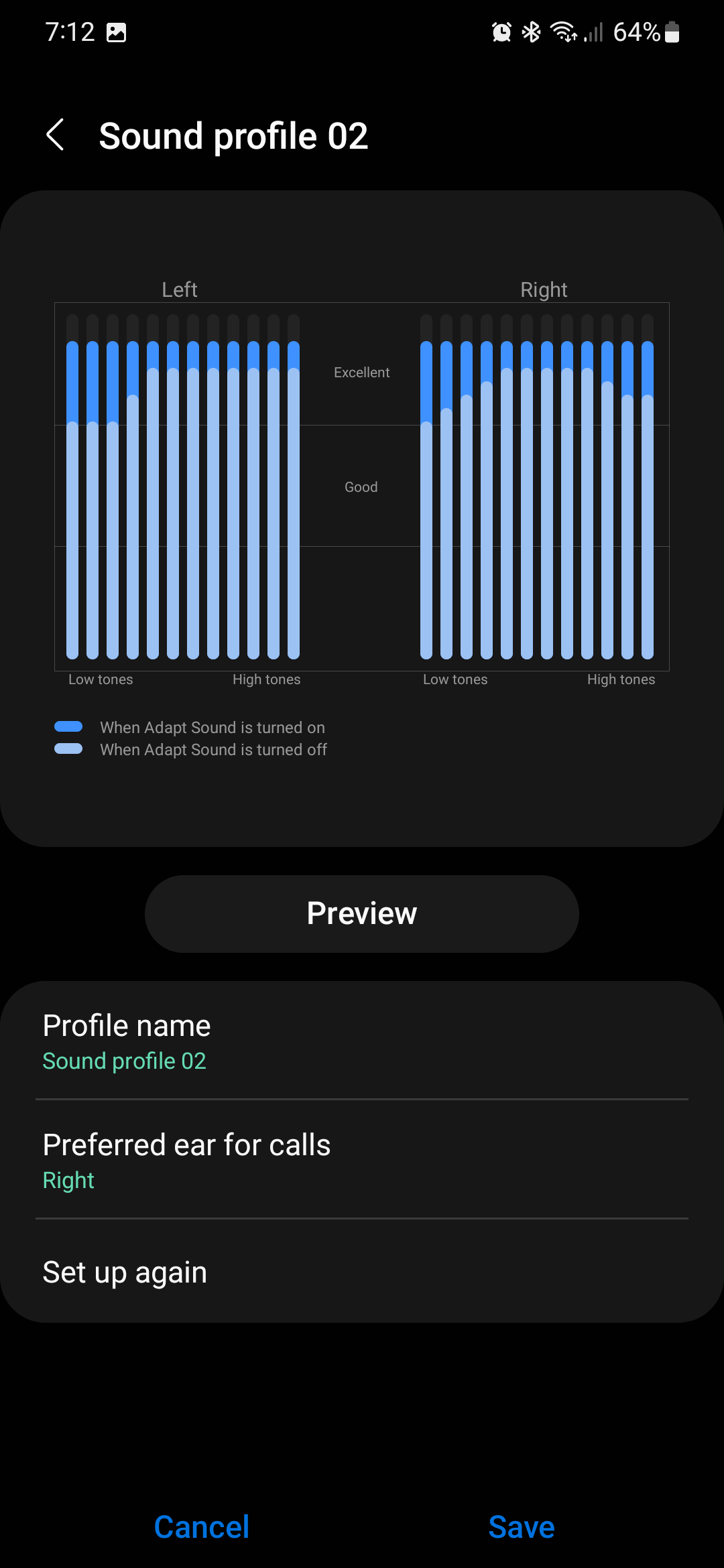
To enable Adapt Sound, first open the Settings app on your Galaxy device. Then, go to “Accessibility” and tap “Hearing enhancements.” Tap “Adapt sound” and choose one of the available presets or tap “Test my hearing” to create a custom audio profile.
Note that you can only take the hearing test and enable Adapt Sound when you have headphones connected to your Galaxy device.
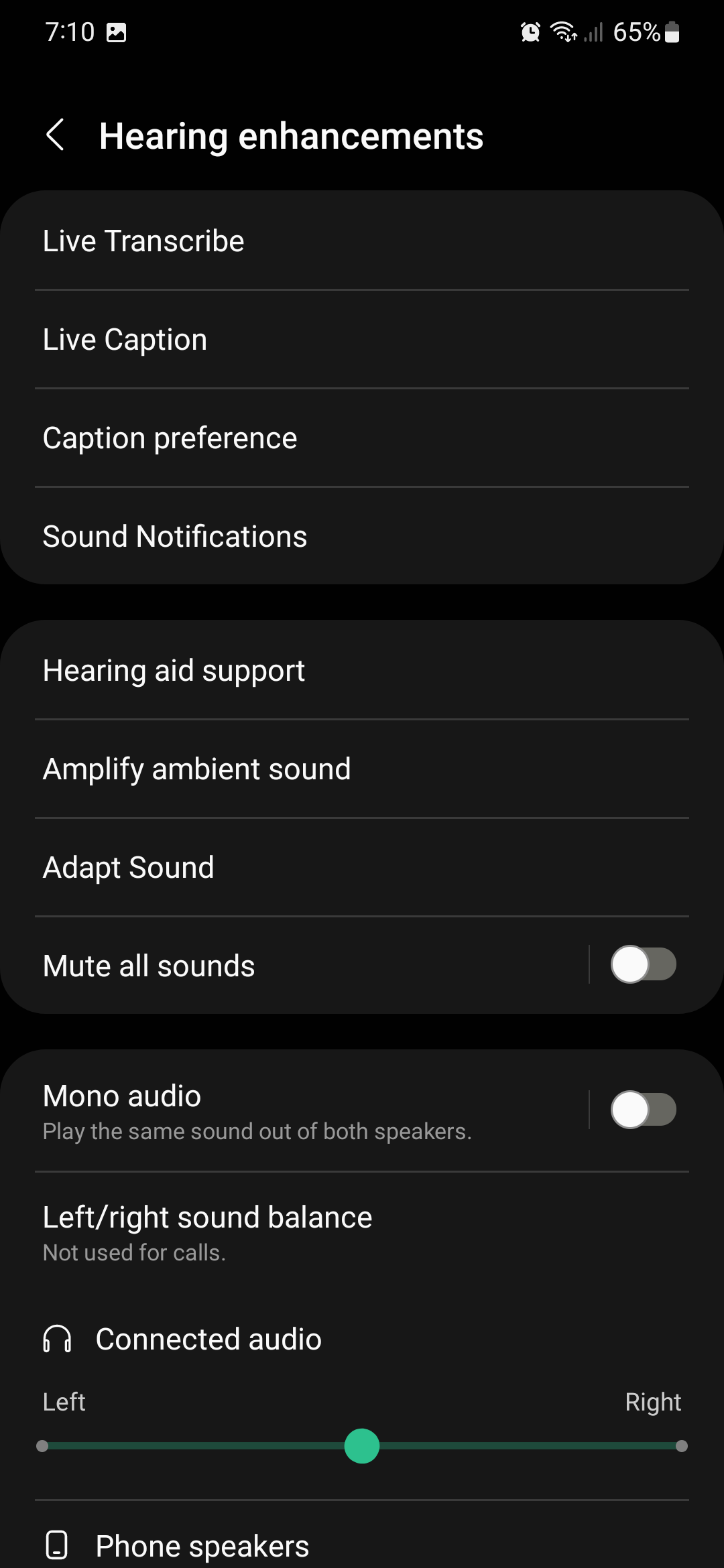
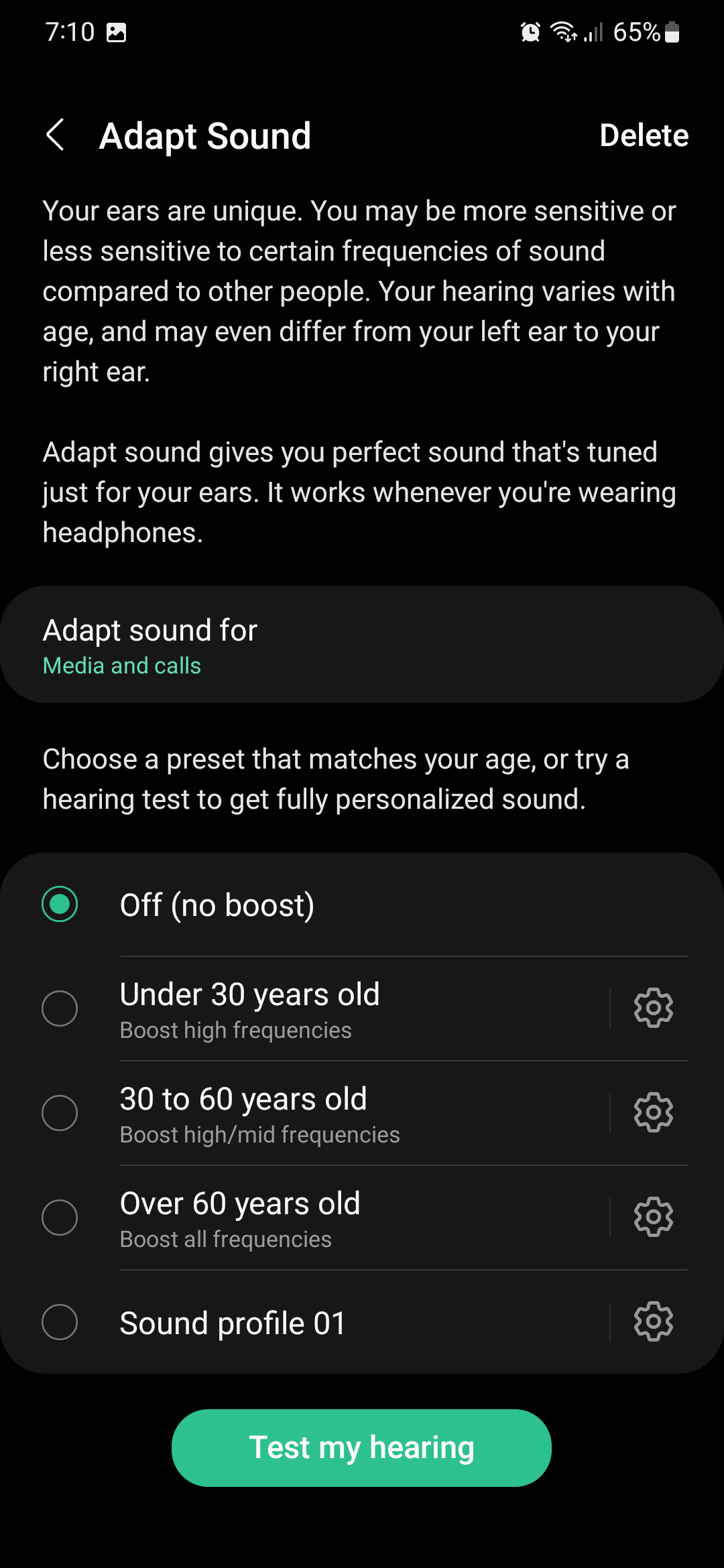
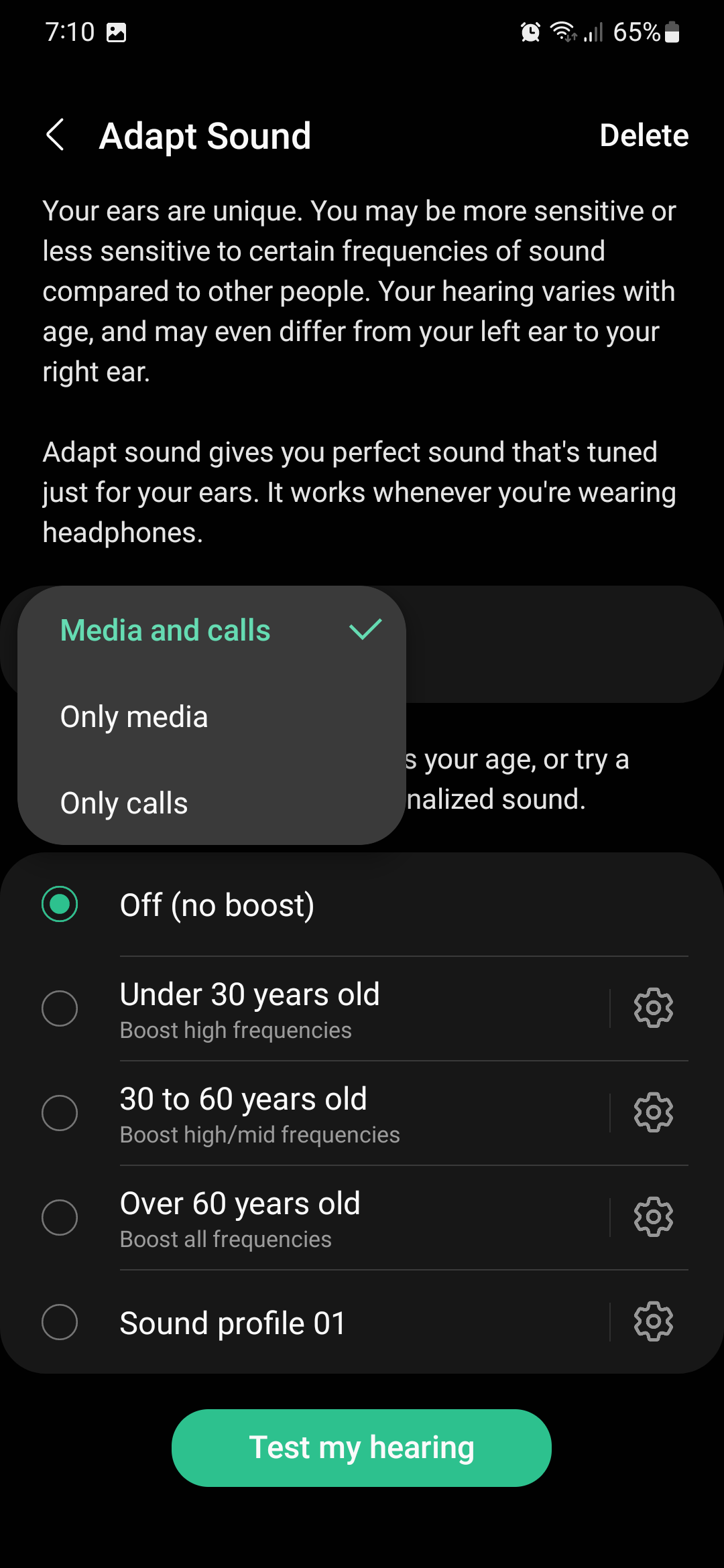
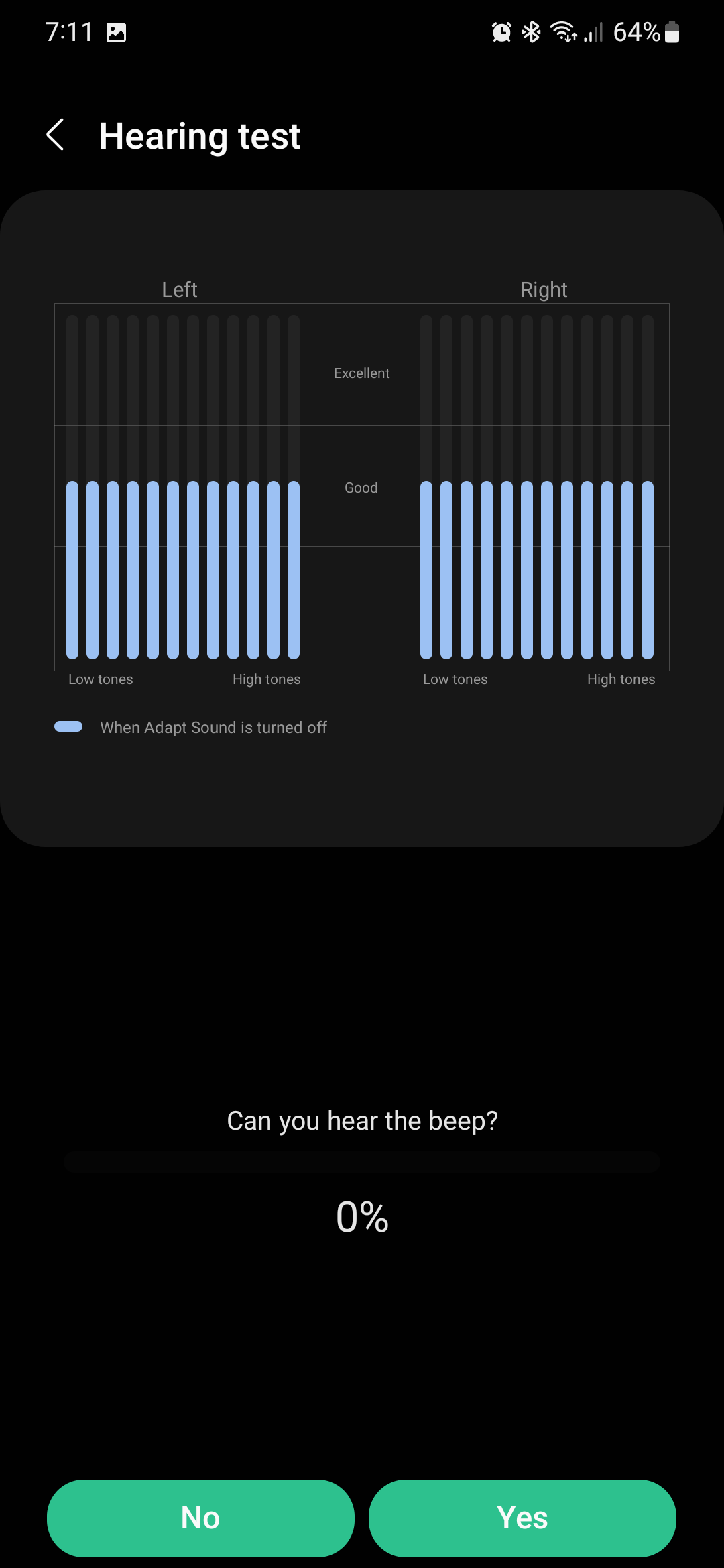
You can choose to adapt your sound for calls only or for media and phone calls. The test consists of a series of beeps that will alternate between the left and right earbuds / headphones.
Make sure you perform the test in a quiet environment and answer “Yes” or “No” whenever you hear or don't hear the beeps. Once the test is completed, a new custom audio profile based on your hearing will be created and applied.
Join SamMobile’s Telegram group and subscribe to our YouTube channel to get instant news updates and in-depth reviews of Samsung devices. You can also subscribe to get updates from us on Google News and follow us on Twitter.

Mihai is a blogger and column writer at SamMobile. His first Samsung phone was an A800 which took a lot of beating, and a part of him still misses the novelty of the clamshell design. In his free time, he enjoys watching shows, documentaries, and stand-up comedy; listening to music, taking walks, and occasionally playing old(er) video games.













