Last updated: November 14th, 2022 at 16:08 UTC+01:00
SamMobile has affiliate and sponsored partnerships, we may earn a commission.
Reading time: 2 minutes
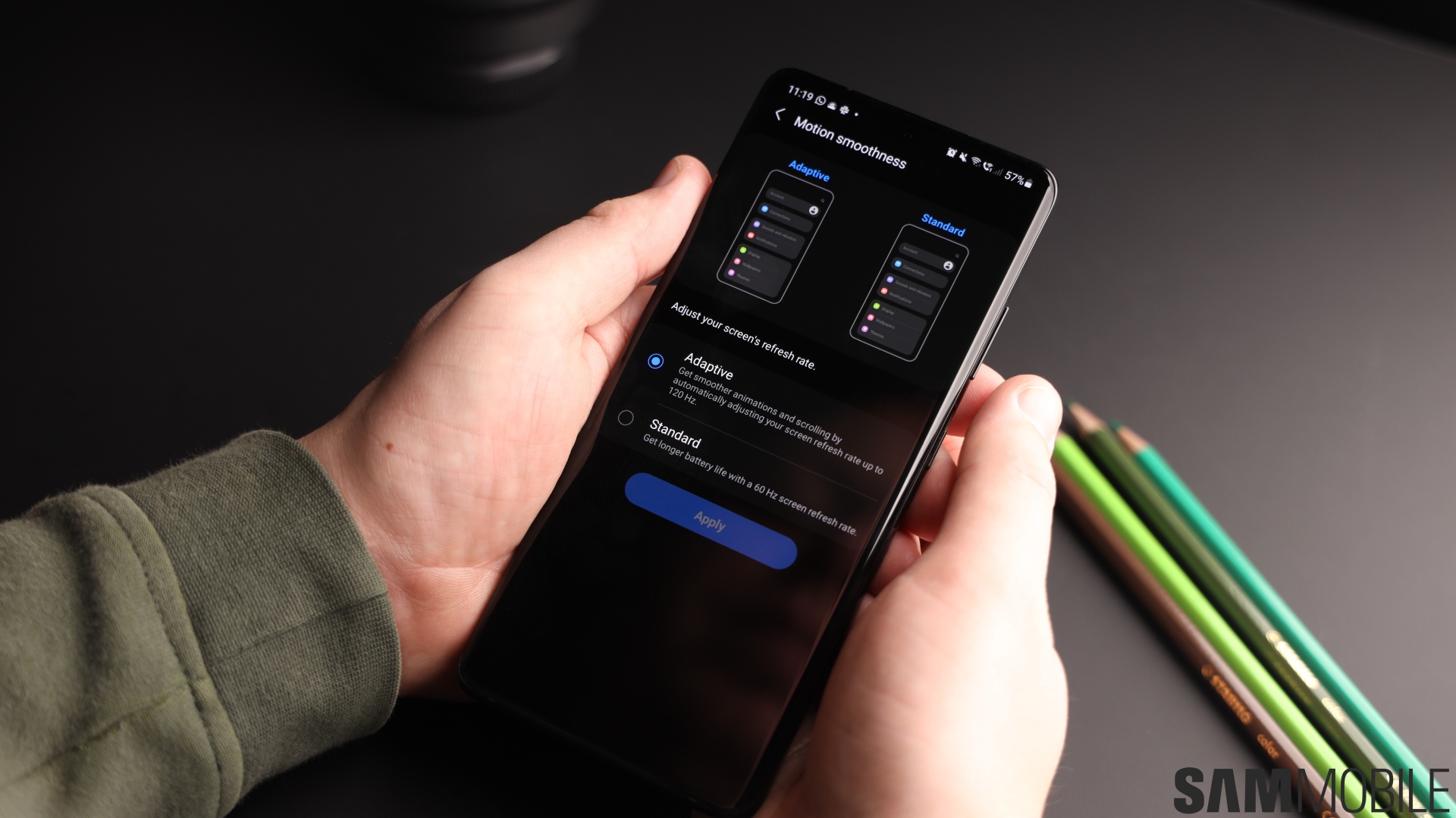
Although the Detailed notification style doesn't offer additional customization options, One UI has a few extra features for Brief notification pop-ups, including one that lets users color-code notifications by custom keywords. Here's all you need to know.
By default, brief notification pop-ups carry the color of the app icon that sends the notification. However, users can customize the brief notification pop-up with custom colors based on personalized keywords. If One UI finds said keywords within the notification text, the color of the notification pop-up changes accordingly.
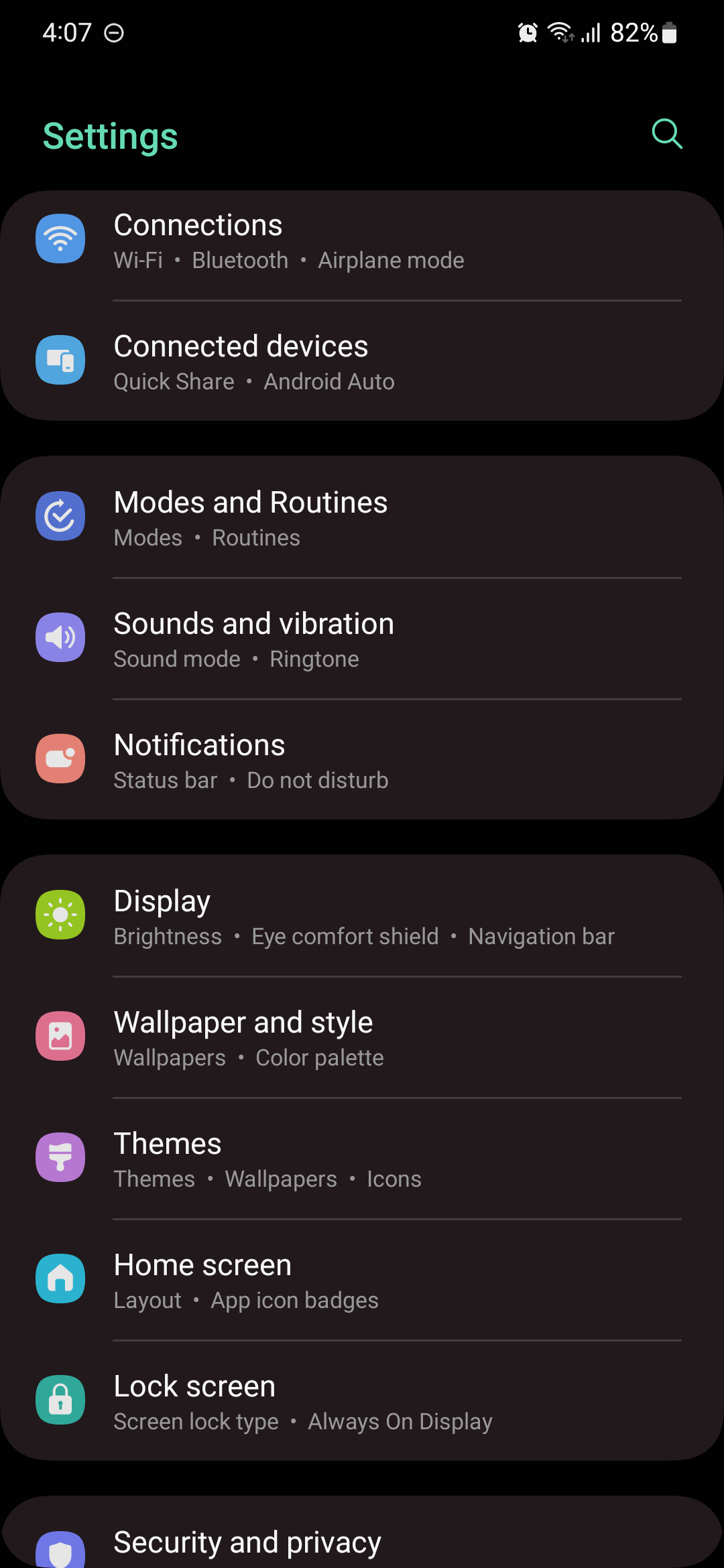
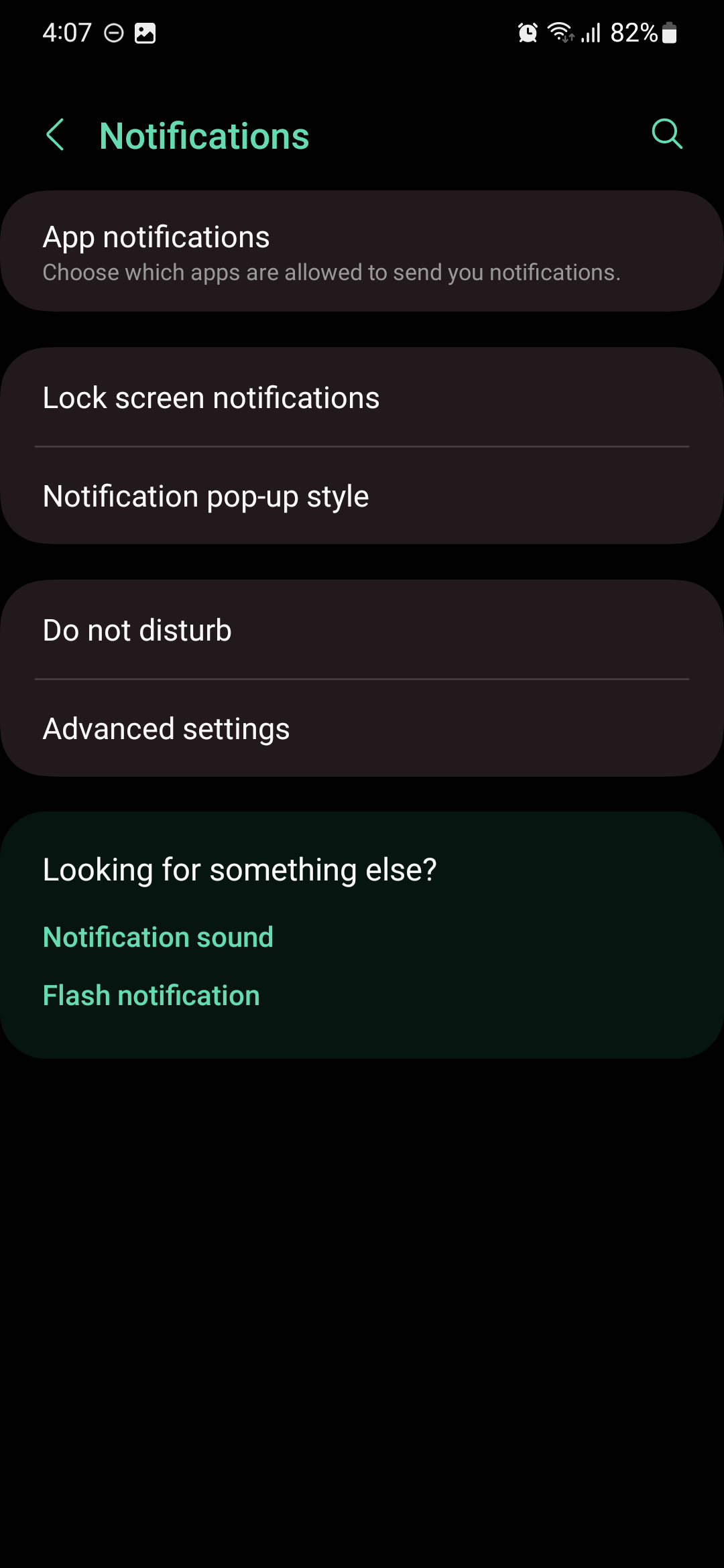
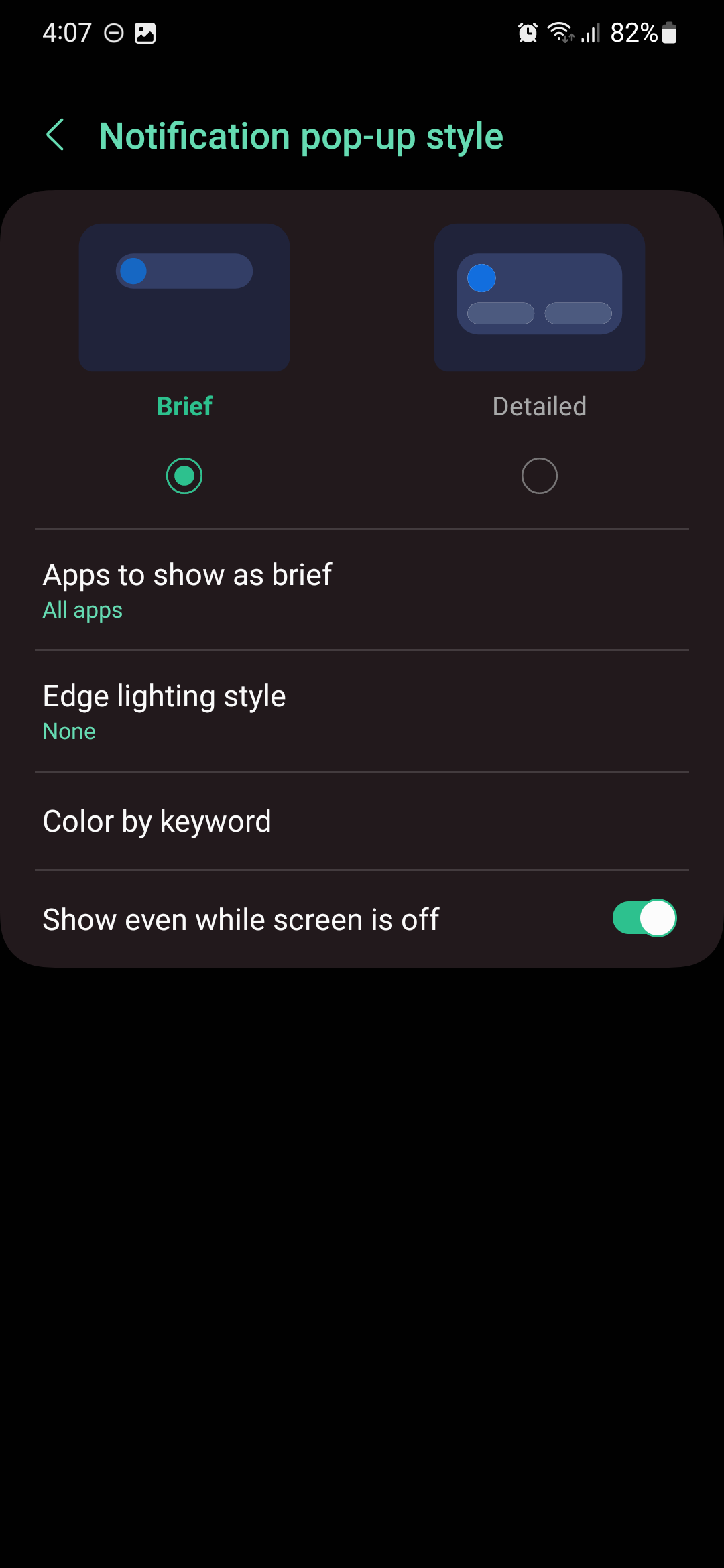
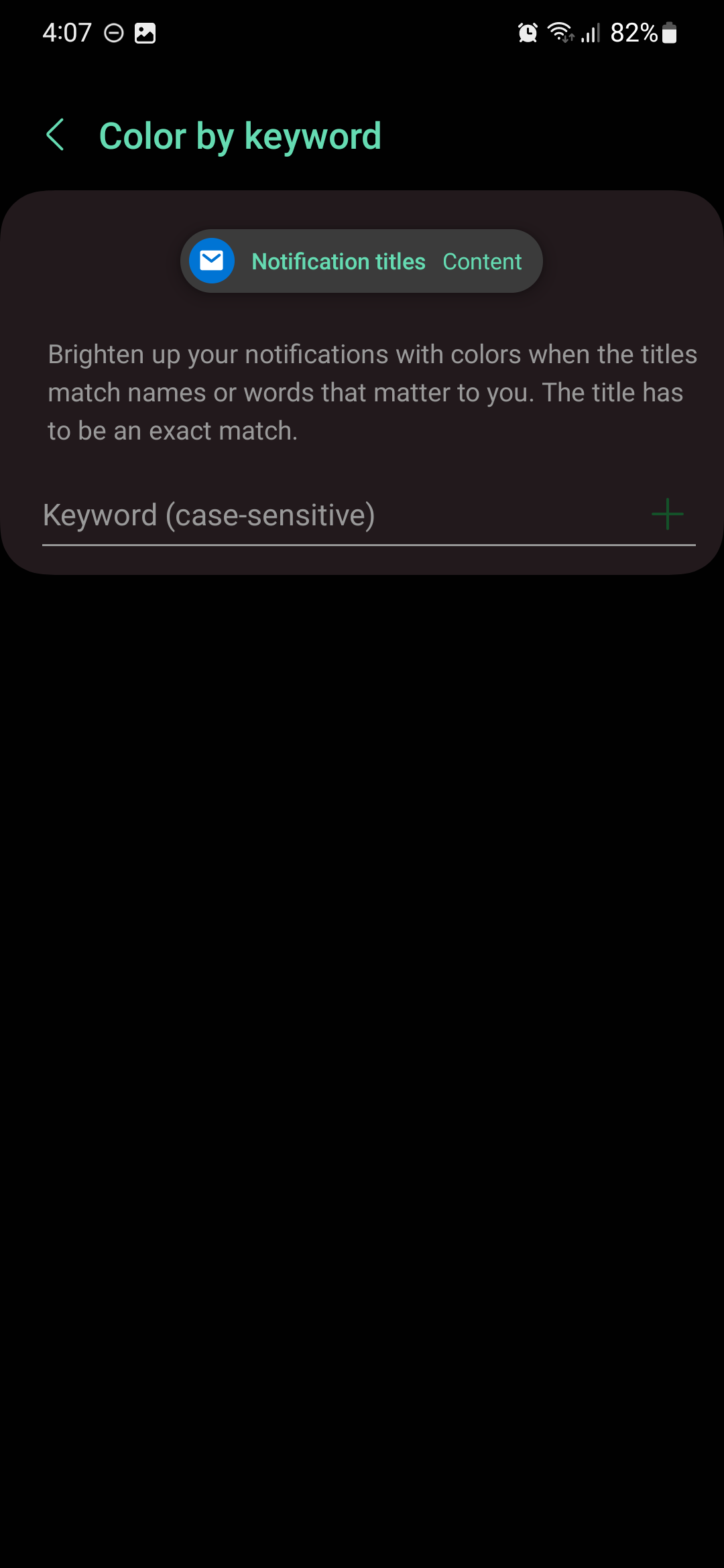
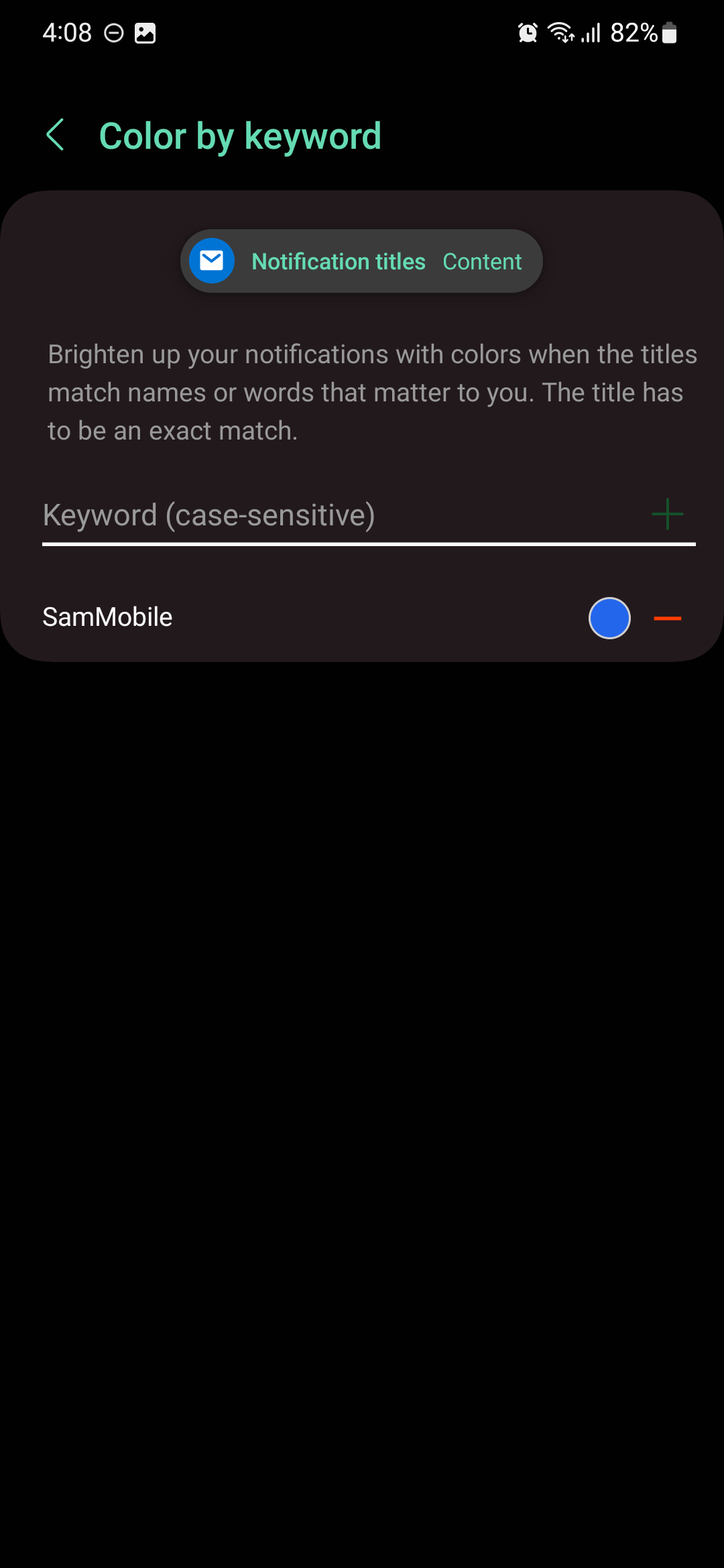
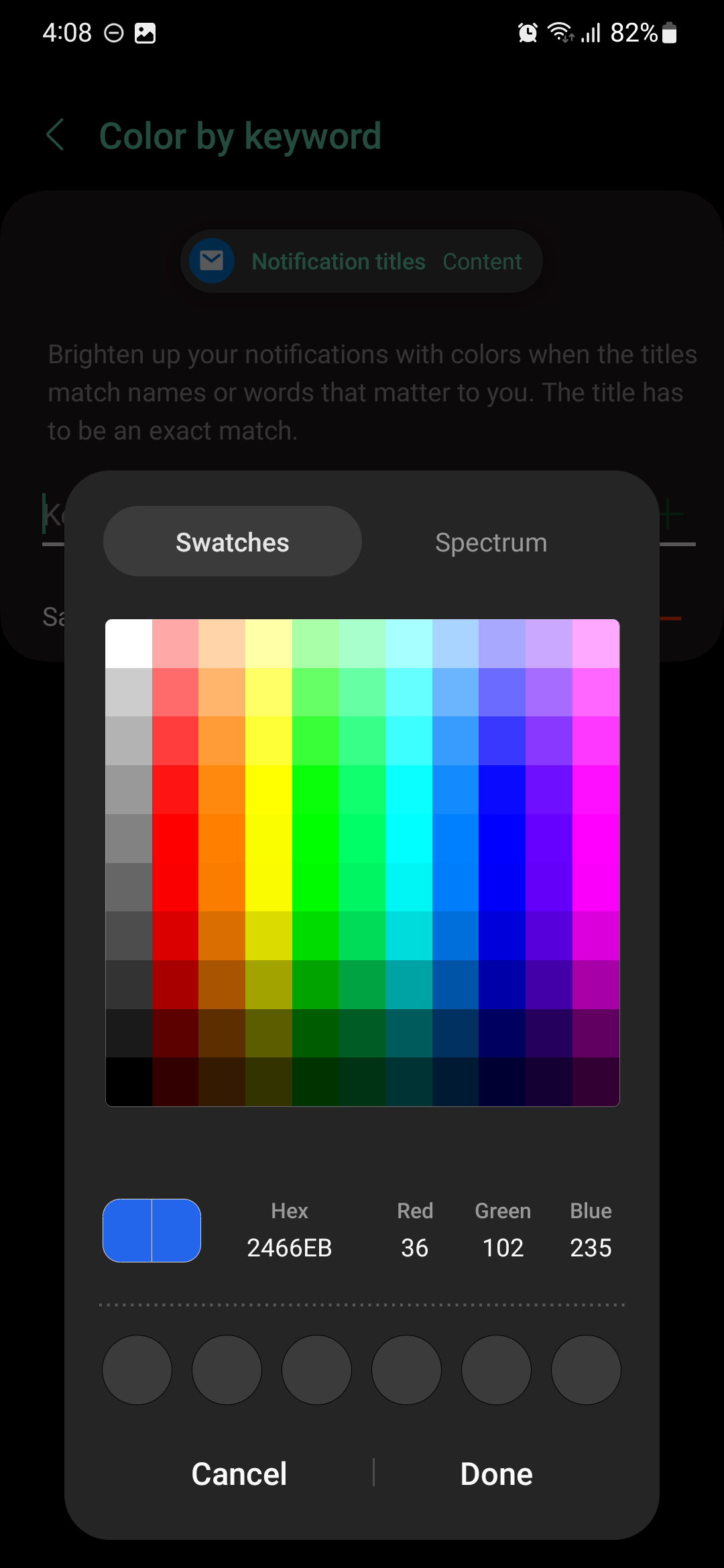
To enable this feature, open the Settings app on your phone and access “Notifications.” Then, tap “Notification pop-up style” and select the “Brief” style. Tap “Color by keyword,” enter the desired keyword (which is case-sensitive), and tap “+” to add the keyword to your list. You can then tap the circular color icon and set a custom color for notifications that contain your keyword. When ready, tap “Done.”
If you're having issues displaying notification pop-ups on your Galaxy phone or tablet running One UI, make sure “Do Not Disturb” is disabled, or that you have the correct DND settings.
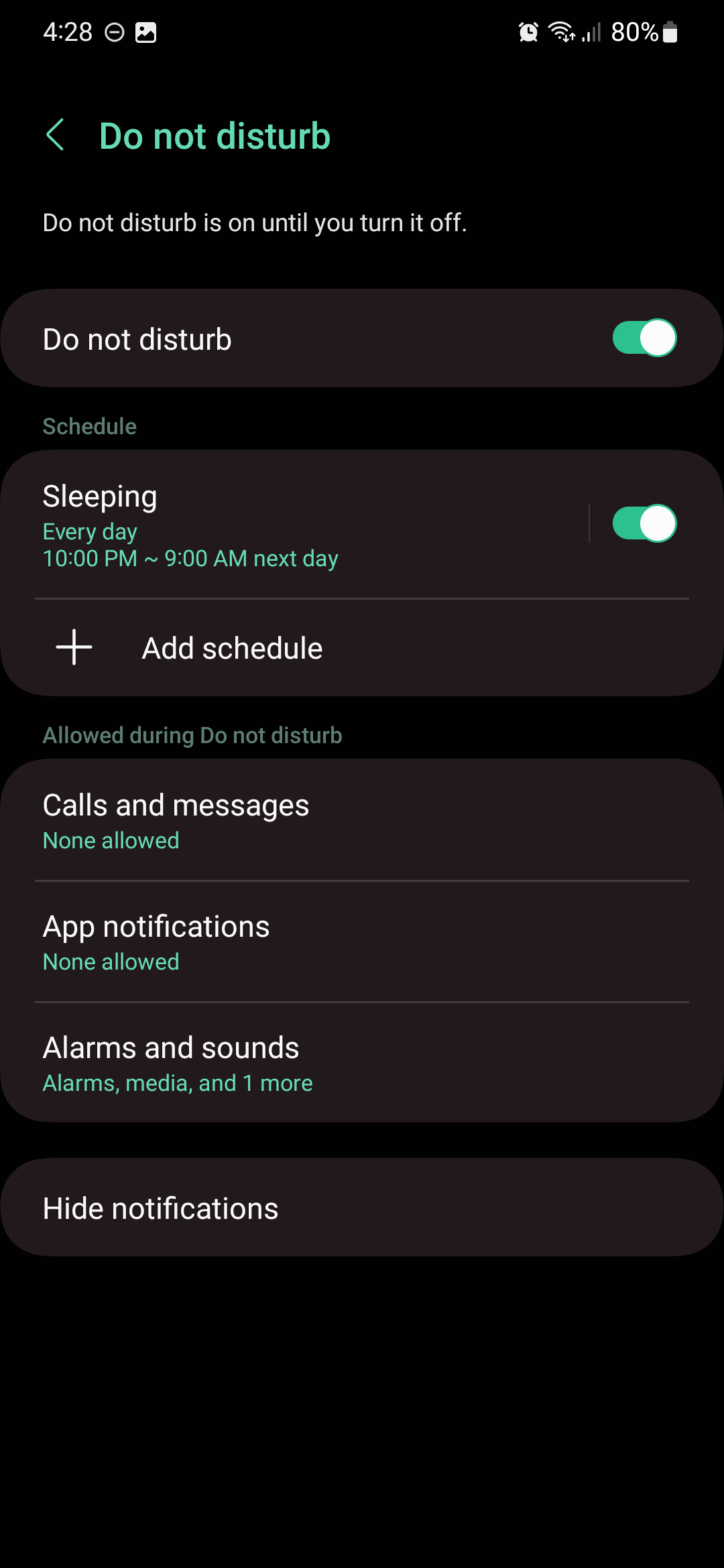
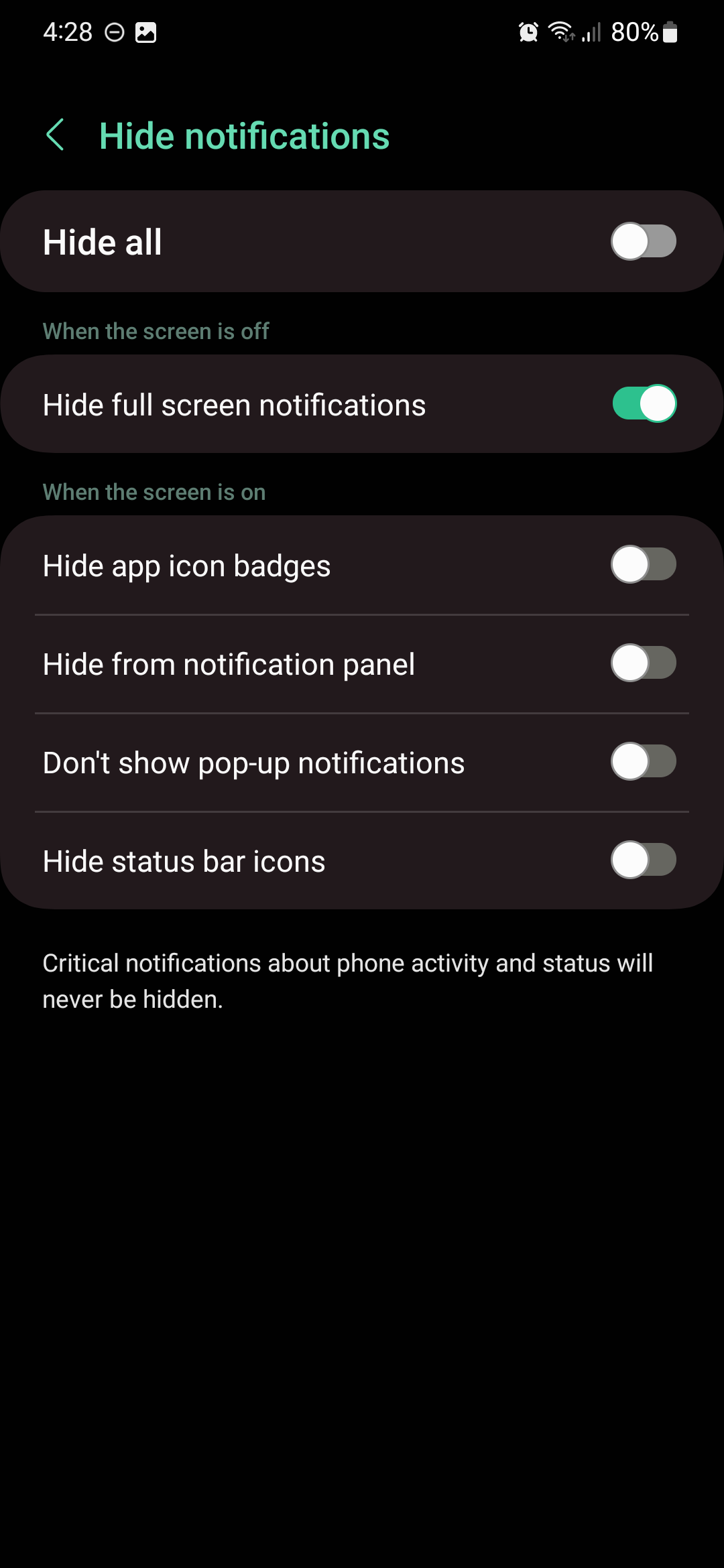
If you want notification pop-ups to work when DND is enabled, open the Settings app on your Samsung device, access “Notifications,” tap “Do not disturb,” and go to “Hide notifications.” Lastly, make sure “Don't show pop-up notifications” is disabled.
What's your favorite notification pop-up style or setting? Do you plan on coloring notification pop-ups on your Galaxy phone or tablet based on keywords? Leave a comment below.

Mihai is a blogger and column writer at SamMobile. His first Samsung phone was an A800 which took a lot of beating, and a part of him still misses the novelty of the clamshell design. In his free time, he enjoys watching shows, documentaries, and stand-up comedy; listening to music, taking walks, and occasionally playing old(er) video games.













