


Last updated: November 19th, 2026 at 06:14 UTC+01:00


One UI 9.5 lets you search for Quick Panel controls

It's just one of the many small changes that make One UI more accessible.

Asif Iqbal Shaik

Reading time: 1 minutes

Samsung One UI 9.5

Abhijeet Mishra / SamMobile

Firmware

Samsung One UI 9.5

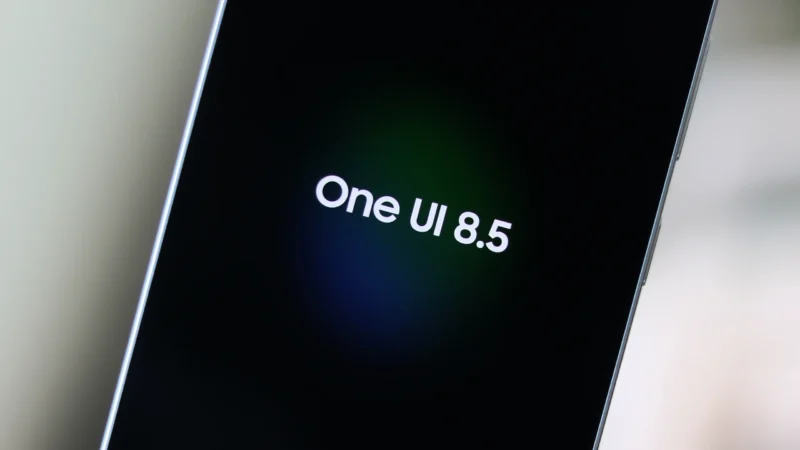
The first One UI 9.5 beta update was released yesterday, and it is currently available for the Galaxy S26 series in select countries. The new software not only brings more customization options, but also makes it easier to tailor the UI to your liking. For instance, editing the Quick Panel is now much simpler.

The Quick Panel editor in One UI 9.5 lets you search for specific controls, making it easier to find the exact one you need among the dozens available. The pill-shaped search bar sits at the bottom of the screen, similar to most stock Samsung apps.

Samsung One UI 9.5 Quick Panel Editing Screen

Asif Iqbal Shaik / SamMobile

Quick Panel editing screen in One UI 9.5

Samsung One UI 9.5 Quick Panel Editing Screen Search Controls

Asif Iqbal Shaik / SamMobile

Searching for Controls in One UI 9.5 Quick Panel editing screen

Searching for a control brings up all related toggles with matching names and functionalities. For example, when you search for Wi-Fi, controls for Mobile Hotspot also show up alongside Secure Wi-Fi, Wi-Fi, and Wi-Fi Calling.

Samsung has introduced dozens of similar design and ease-of-use optimizations with the One UI 9.5 update, and you can check the complete changelog here. Meanwhile, the company appears to have already started working on One UI 10, which will be based on Android 17 and could bring a major UI and UX overhaul to mark One UI's tenth anniversary.