Last updated: June 23rd, 2021 at 19:30 UTC+02:00
SamMobile has affiliate and sponsored partnerships, we may earn a commission.
Reading time: 2 minutes
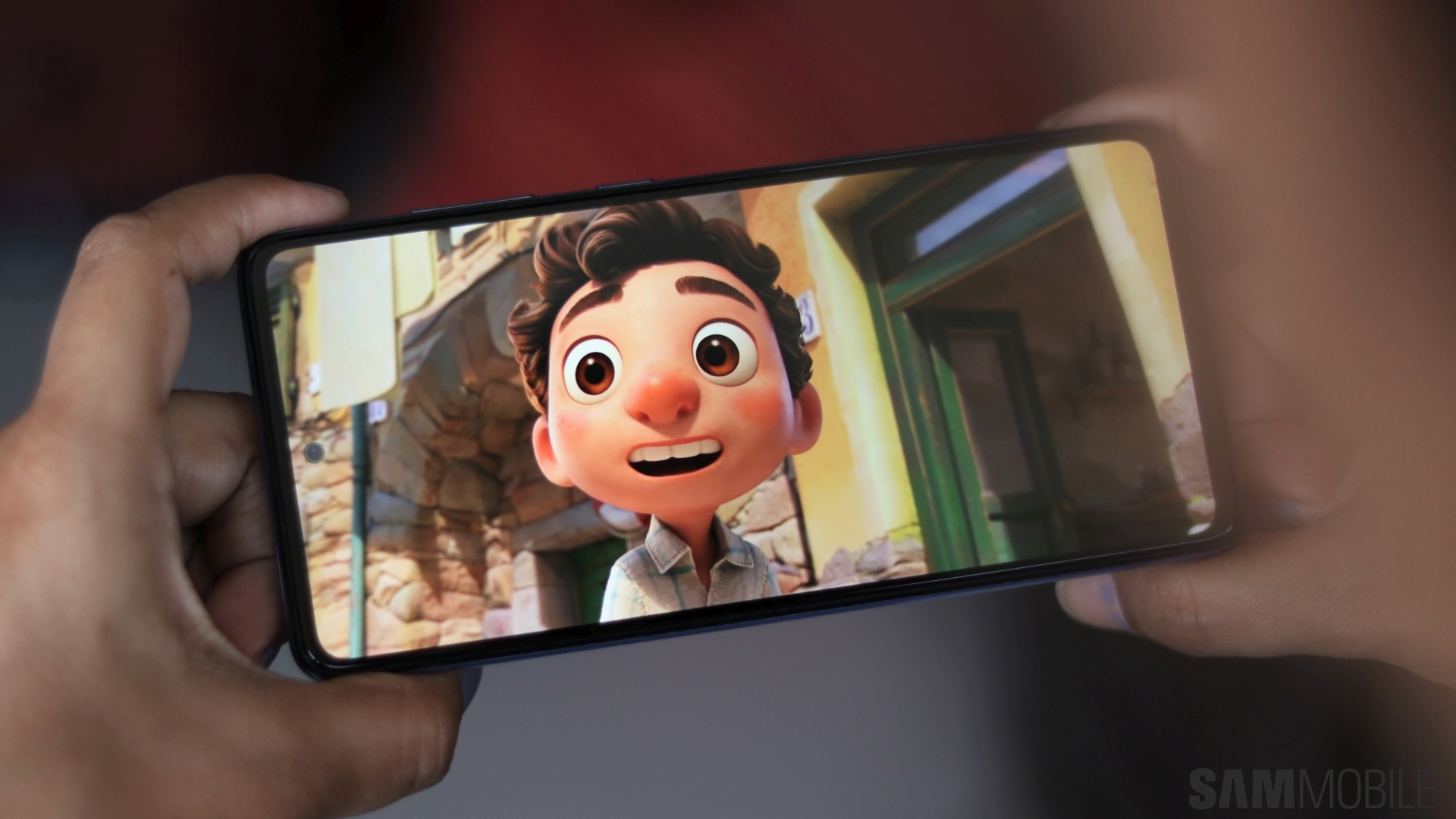
In recent versions of Samsung Gallery, clicking the play button on a video doesn't open them in a dedicated video player. Instead, the video just plays right there on the preview screen, with the option to enable sound by tapping the audio toggle at the bottom right of the screen. And while that in itself isn't a major issue, the new style of playing videos makes it inconvenient when you want to move forwards or backwards, as you don't get a proper progress bar when a video is playing.
But did you know that you don't need to do it that way and there's still the option to watch a gallery video in the good old dedicated video player that has been part of Samsung's Galaxy devices for years? Yes, you can still do that, and it just takes a couple of extra taps: All you need to do is pick a video from the gallery, tap the More button (the one with the three vertical dots), and select Open in Video player.
The video below shows how that works. You're welcome.

Abhijeet's writing career started with guides for custom firmware for Samsung devices (including the original Galaxy S), and he moved to SamMobile in mid-2013 and worked up the ranks to Editor-in-chief. In addition to phones and mobile devices, his interests include gaming on both PC and console, PC hardware, and spending countless hours on YouTube watching videos on tech, movies, games, politics, and internet dramas.













