Last updated: February 8th, 2024 at 12:54 UTC+01:00
SamMobile has affiliate and sponsored partnerships, we may earn a commission.
Reading time: 2 minutes
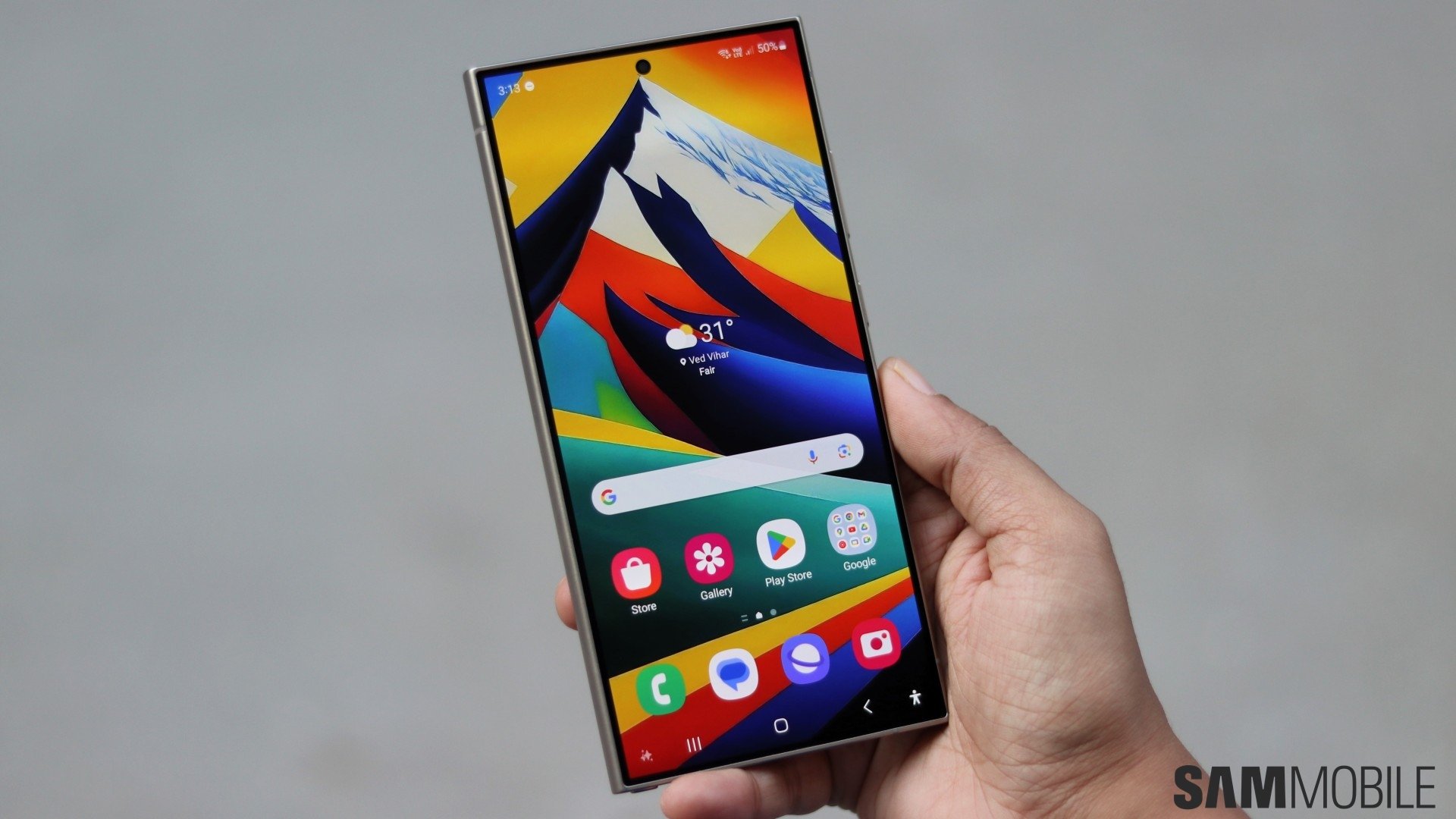
Here's a quick recap of how Samsung implemented this AI wallpaper tool: You can generate AI wallpapers through combinations of pre-set keywords, and you can set these wallpapers for your lock screen, home screen, or both.
However, you can't save these wallpapers to your Gallery as image files. And here's where you may run into some issues.
Even though you can't manually save Generative wallpapers to the Galaxy S24's memory and use or share them as regular image files, you can reuse almost any AI wallpapers you previously set.
The generative wallpapers you have set to your Galaxy S24 are added to a list you can find atop the Generative Wallpaper screen.
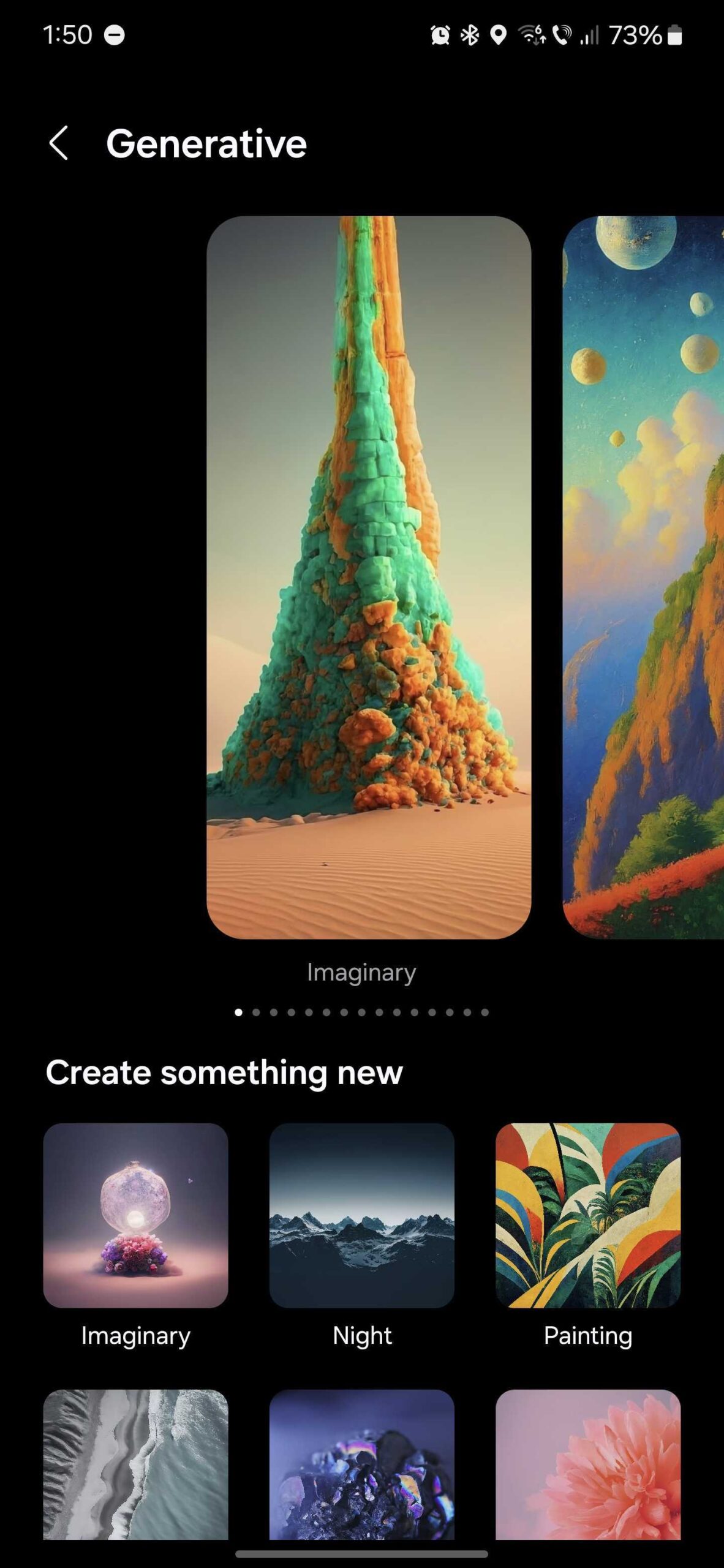
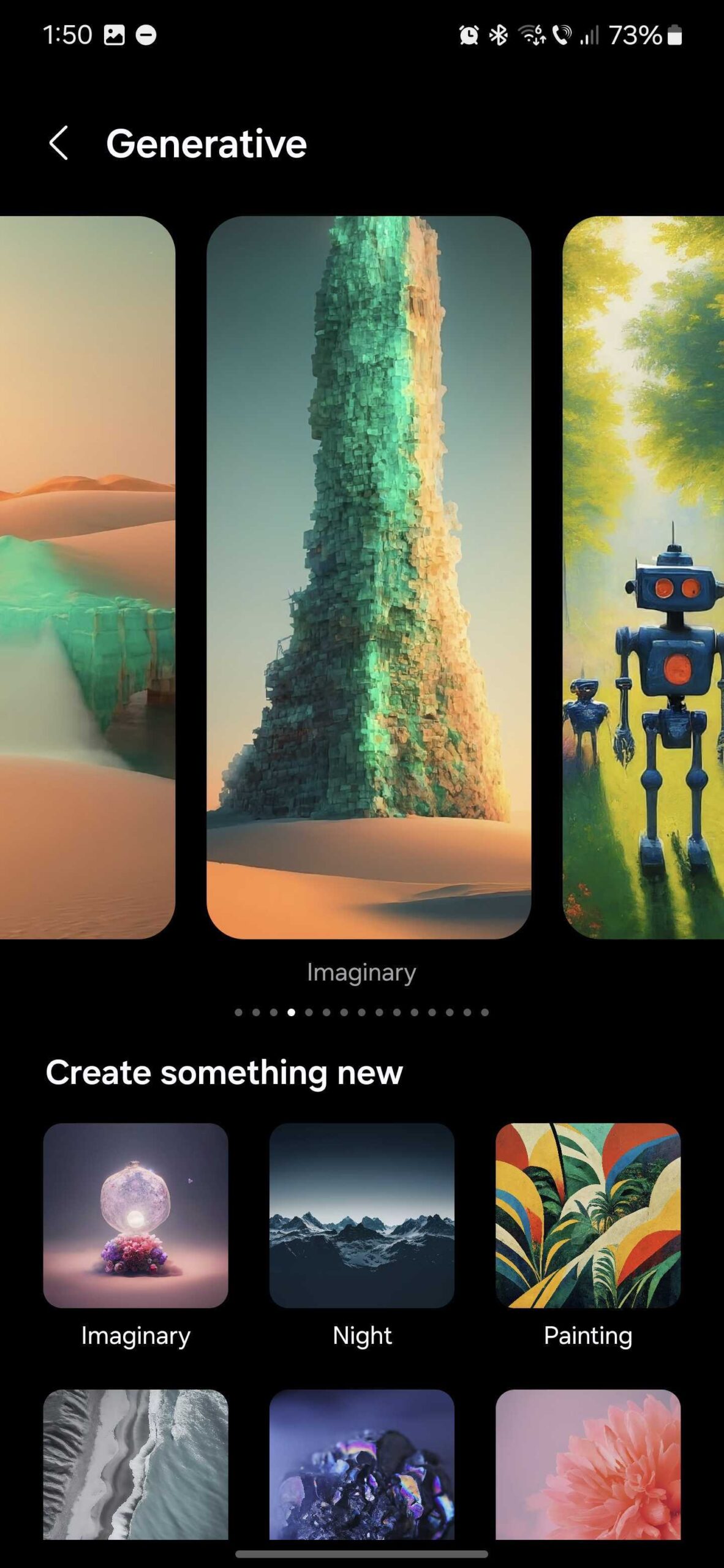
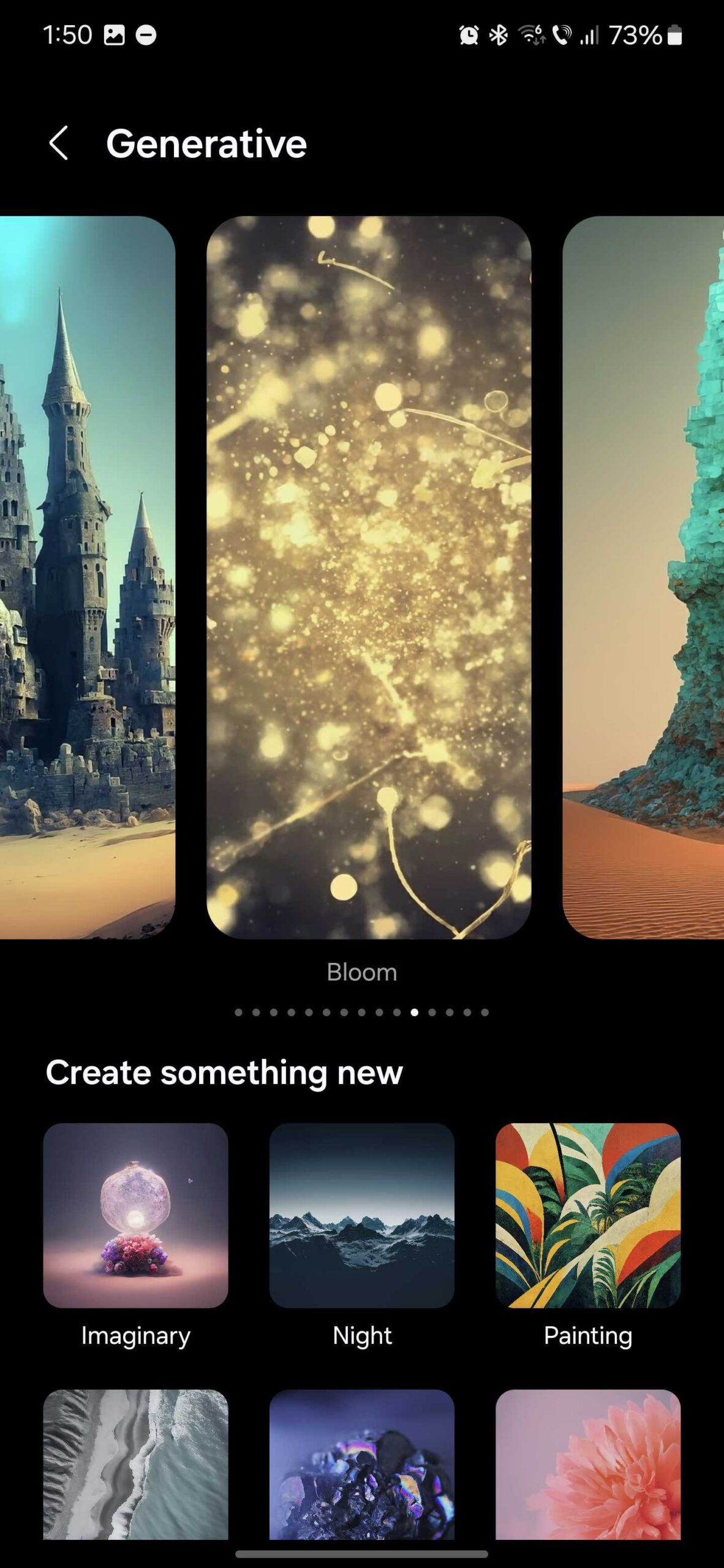
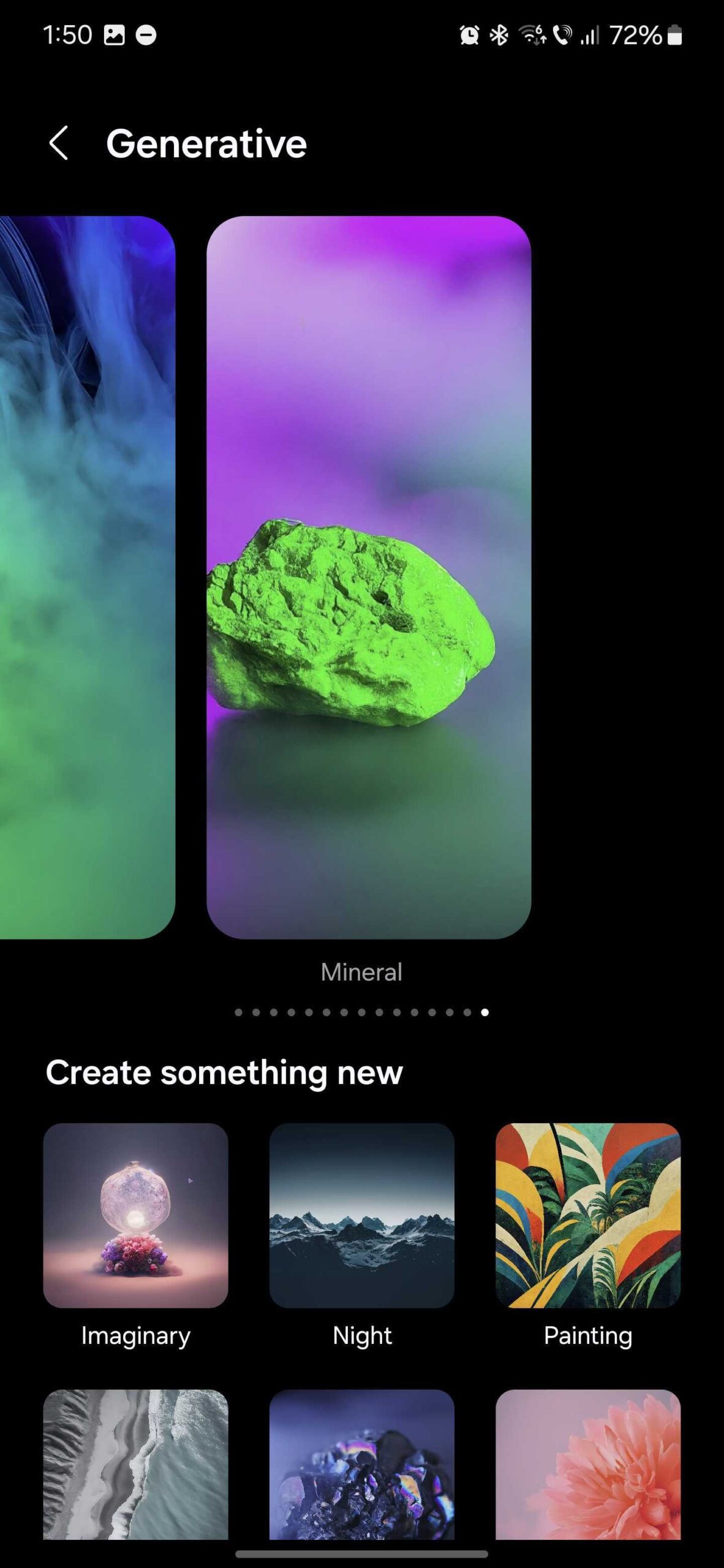
Here's where it gets a bit problematic. It turns out that the list containing the AI wallpapers you used previously has a limit. It can only store the fifteen most recent entries.
Because of this limit, when you set your 16th AI wallpaper, the Galaxy S24 will remove the 1st one without a warning to make room for the new image. You will lose that first wallpaper forever. And if you keep creating and setting new AI wallpapers on your phone, you'll keep losing older designs.
As of now, there's no official way to properly save your AI-generated wallpapers from the Galaxy S24 in an image file you can store elsewhere or share. We'll let you know if this will ever change. For now, be careful not to lose your favorite Generative Wallpaper on the Galaxy S24.

Mihai is a blogger and column writer at SamMobile. His first Samsung phone was an A800 which took a lot of beating, and a part of him still misses the novelty of the clamshell design. In his free time, he enjoys watching shows, documentaries, and stand-up comedy; listening to music, taking walks, and occasionally playing old(er) video games.












