Last updated: January 2nd, 2026 at 06:22 UTC+01:00


On One UI 8.5? Here's how to restore Dual Rec and Single Take camera modes

Dual Rec and Single Take camera modes aren't available on One UI 8.5 by default, but there's an easy way to change that.

Abhijeet Mishra

Reading time: 2 minutes

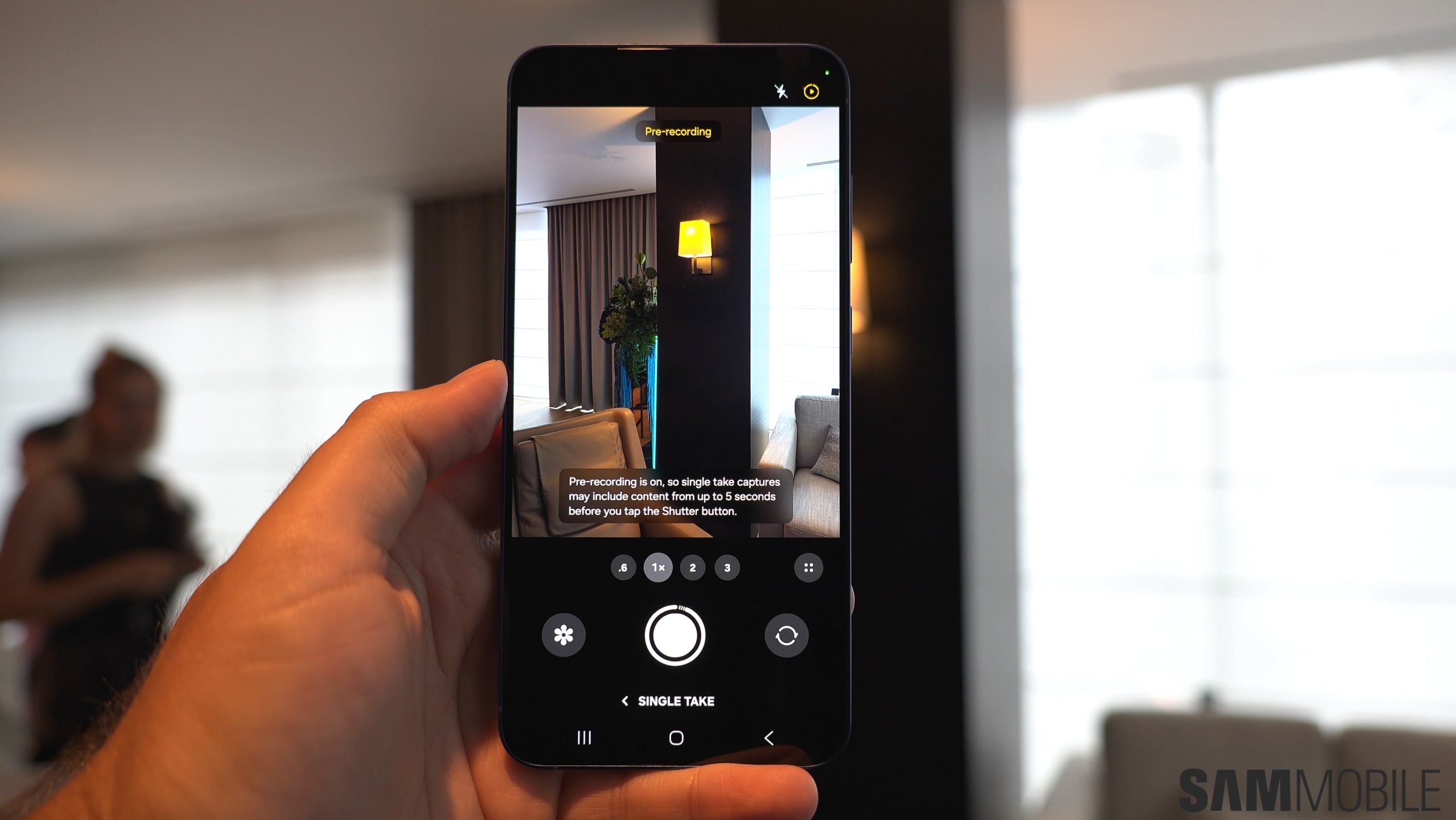
samsung galaxy s25 plus camera app single take mode pre recording
Camera

If you are using the One UI 8.5 beta program on your Galaxy S25, S25+, or the S25 Ultra, you may have noticed two modes are missing from the Camera app.

For some reason, Samsung decided to remove the Dual Rec and Single Take camera modes with One UI 8.5, and those who use either of these modes regularly will find it to be a pretty disappointing change.

Thankfully, these modes haven't been axed for good. Samsung, in its infinite wisdom, has decided that you now need a separate app on your phone—Camera Assistant—to show Dual Rec and Single Take in the camera's Modes selector.

The good news is that Samsung has already started addressing this. Camera Assistant recently received an update that brings back the option to enable Dual Rec and Single Take from within the Camera app. Once enabled, both modes reappear in the camera’s Modes selector just like before.

How to restore Dual Rec and Single Take modes

To restore Dual Rec and Single Take modes, you will first have to download/update to the latest Camera Assistant app—version 4.5.00.13from the Galaxy Store.

If this version isn't available on the store, you can download the app's installation (APK) file from Google Drive, transfer it to your phone, and install it manually by opening it from the My Files app.

Then, follow the steps below (note: these instructions will also work on other Galaxy flagships that have been updated to One UI 8.5):

  1. Open Camera Assistant from the app drawer or from the Camera app's settings.
  2. Scroll down to the Additional modes section and enable the toggles next to Single Take and Dual Rec.
screenshot_20260102_044003_camera assistant
screenshot_20260102_044022_camera

You’ll now find Single Take and Dual Rec back in their original location in the Camera app’s Modes selector. Both modes function exactly as they did before — the only difference is that they’re no longer visible by default unless you enable them through Camera Assistant.