Cyber week deals! Galaxy Watch8 Classic, Fold 7, S25 Ultra. Follow us on YouTube, TikTok, or LinkedIn
Last updated: July 22nd, 2025 at 15:23 UTC+02:00
SamMobile has affiliate and sponsored partnerships, we may earn a commission.
You can never be too cautious.
Reading time: 2 minutes
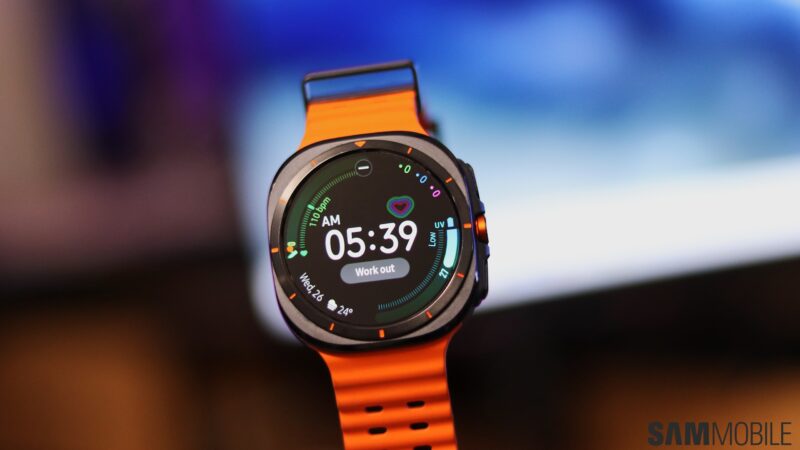
Samsung is officially rolling out the new One UI 8 Watch firmware update for 2024 smartwatches, or at least the Galaxy Watch Ultra from last year. Now is probably the best time to talk about smartwatch backups again, especially if this is your first big firmware update.
We usually recommend backing up your Galaxy phone or tablet before a major One UI firmware update, but things aren't as straightforward for smartwatches. For one, you can't create manual backups of your Galaxy Watch.
Yup, you read that right. Samsung doesn't allow Galaxy Watch owners to create manual backups of their smartwatches. And as for cloud backups, if you don't meet a few specific requirements, your last cloud backup could be months old.
In short, even though you can't perform manual backups, your Galaxy Watch should automatically back up to your connected phone when you start the One UI 8 Watch update. In theory, the whole process is automated and hassle-free.
Nevertheless, just to be sure everything is in order, you can verify when your Galaxy Watch was last backed up to your connected phone via Smart Switch and to Samsung Cloud. Follow these steps:
From the same menu, you can also turn on Save backup to Samsung Cloud to ensure that your Galaxy Watch data is saved online.
Once again, you can't trigger Watch cloud backups manually, and for backups to be saved in Samsung Cloud, a list of specific requirements must be met:
To quickly recap, your Galaxy Watch should perform an automatic backup to your connected phone during the One UI 8 Watch update process. Although you can't control smartwatch backups manually, we recommend at least checking when your Galaxy Watch was last backed up by following the steps above.
For an extra safety layer, turn on Samsung Cloud backups and possibly even wait up to a day for the cloud backup to be performed (as long as you meet the aforementioned criteria) before you download the One UI 8 Watch update.
Mihai is a blogger and column writer at SamMobile. His first Samsung phone was an A800 which took a lot of beating, and a part of him still misses the novelty of the clamshell design. In his free time, he enjoys watching shows, documentaries, and stand-up comedy; listening to music, taking walks, and occasionally playing old(er) video games.