Cyber week deals! Galaxy Watch8 Classic, Fold 7, S25 Ultra. Follow us on YouTube, TikTok, or LinkedIn
Last updated: January 8th, 2024 at 10:46 UTC+01:00
SamMobile has affiliate and sponsored partnerships, we may earn a commission.
Reading time: 2 minutes
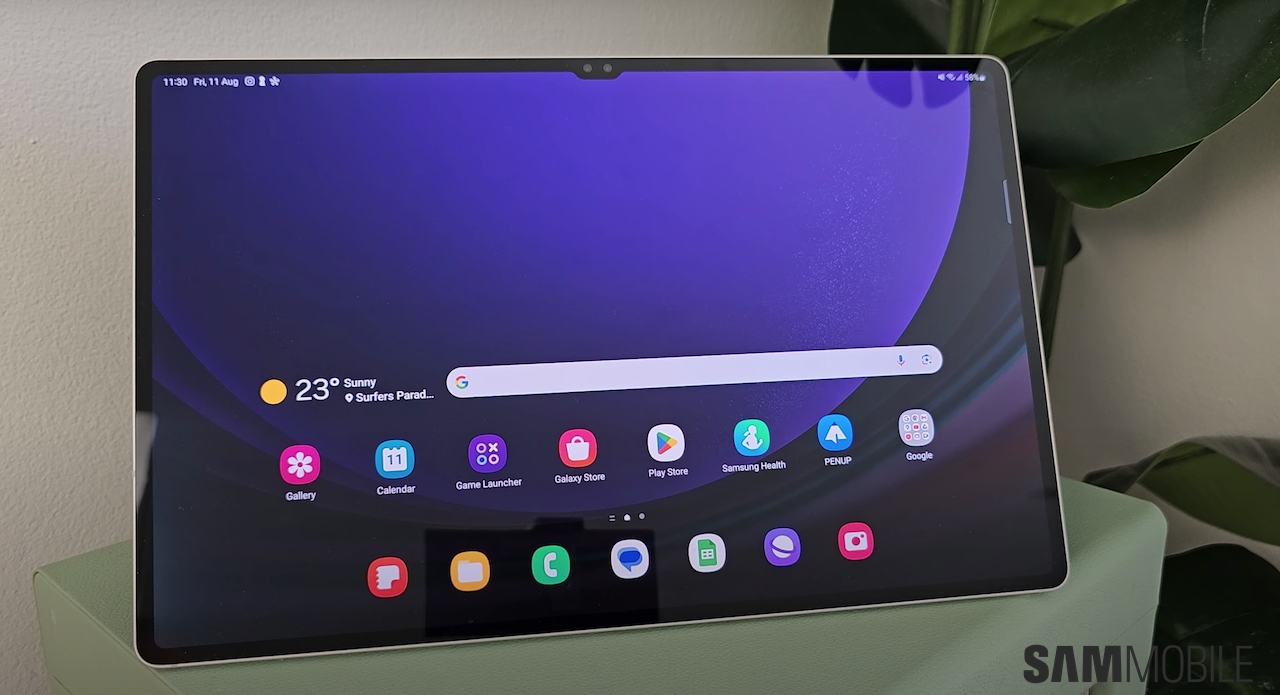
The first of those four OS upgrades was released a couple of months back. Samsung started rolling out the Android 14/One UI 6.0 update for the Galaxy Tab S9, Tab S9+, and Tab S9 Ultra in November last year, bringing a slew of new features to improve the user experience, and in our latest YouTube video, we take a deep dive into each of them.
We have already detailed One UI 6 in previous videos, but this is the first time we have taken a look at the latest Samsung software on a tablet. If you own a Galaxy Tab S9, Tab S9+, or Tab S9 Ultra, hit the play button now to start watching! The same goes for those who own a Galaxy Tab S9 FE or Galaxy Tab S9 FE+, though some features may be missing on the Fan Edition tablets.
If you haven't already downloaded Android 14 on your Galaxy Tab S9, Tab S9+, or Tab S9 Ultra, you can do so now by going to the tablet's Settings » Software update menu and selecting Download and install. You can also upgrade your tablet to Android 14 by flashing firmware files available in our firmware library using a Windows PC and a USB-C cable.
Abhijeet's writing career started with guides for custom firmware for Samsung devices (including the original Galaxy S), and he moved to SamMobile in mid-2013 and worked up the ranks to Editor-in-chief. In addition to phones and mobile devices, his interests include gaming on both PC and console, PC hardware, and spending countless hours on YouTube watching videos on tech, movies, games, politics, and internet dramas.