Cyber week deals! Galaxy Watch8 Classic, Fold 7, S25 Ultra. Follow us on YouTube, TikTok, or LinkedIn
Last updated: October 18th, 2023 at 17:12 UTC+02:00
SamMobile has affiliate and sponsored partnerships, we may earn a commission.
Reading time: 2 minutes
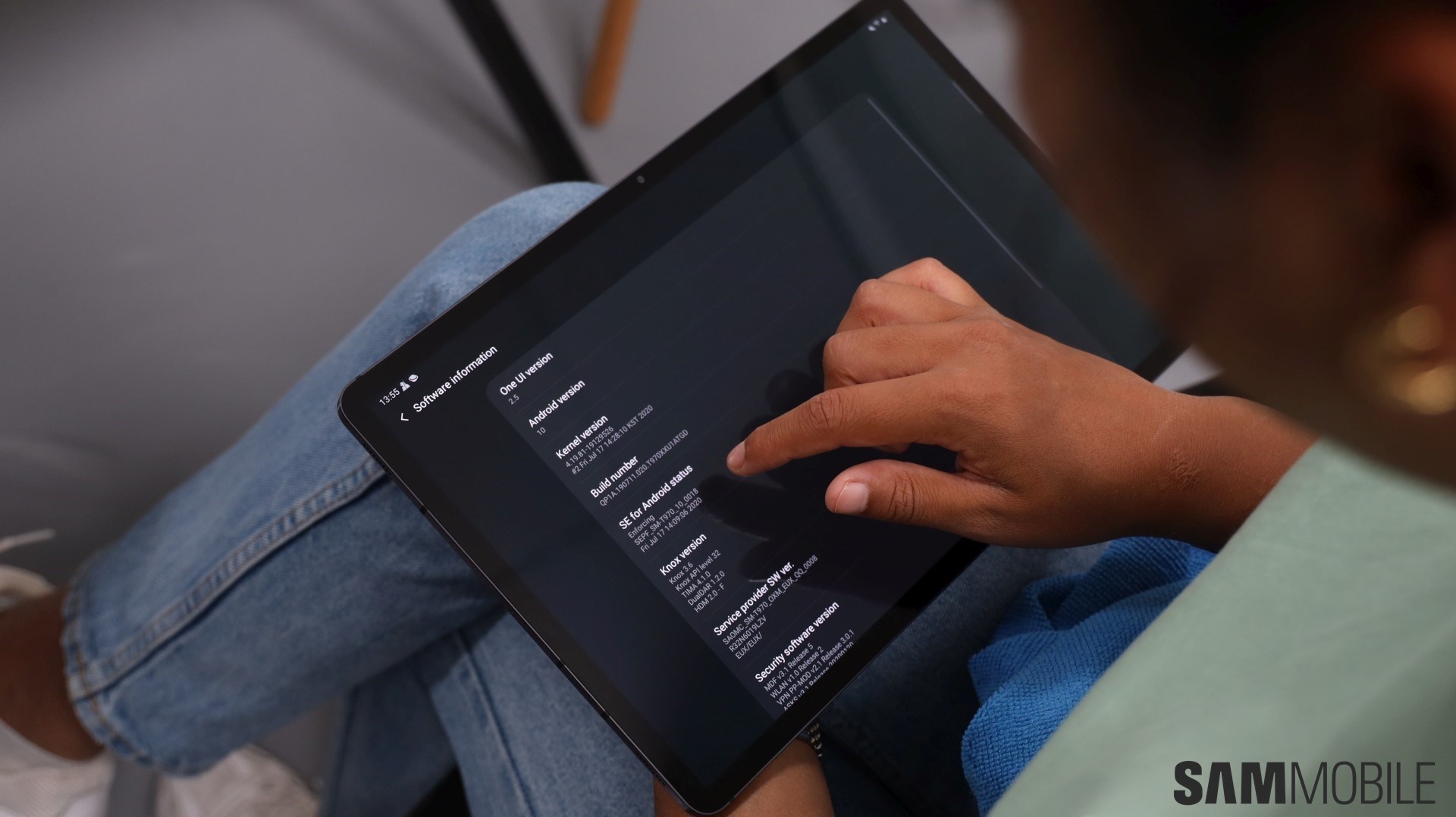
The Galaxy Tab S7 and Galaxy Tab S7+ are on their last legs as far as software updates are concerned. The two tablets have received three major Android upgrades in the years since launch, which is all they were eligible for, and version 5.1.1 was their final One UI update. But now, they will only get security updates till they finish four years on the market, after which updates will stop coming in unless Samsung discovers some serious security risks affecting old devices.
Story continues after the video
So, yes, the October security update that is rolling out to the Galaxy Tab S7 and S7+ only improves security – nothing else will change on your tablet once you install the update. For those wondering, the Galaxy Tab S7 FE isn't getting the October update alongside the Tab S7 and S7+, which is normal as FE devices don't usually get updates alongside their non-FE counterparts.
To download the new update on your tablet, open the Settings app, scroll down and tap Software update, followed by the Download and install option. That's the over-the-air method; you can also upgrade your tablet using a Windows PC and the latest firmware that you can download from our archives.
Abhijeet's writing career started with guides for custom firmware for Samsung devices (including the original Galaxy S), and he moved to SamMobile in mid-2013 and worked up the ranks to Editor-in-chief. In addition to phones and mobile devices, his interests include gaming on both PC and console, PC hardware, and spending countless hours on YouTube watching videos on tech, movies, games, politics, and internet dramas.