Last updated: February 8th, 2018 at 23:51 UTC+01:00
SamMobile has affiliate and sponsored partnerships, we may earn a commission.
Reading time: 2 minutes
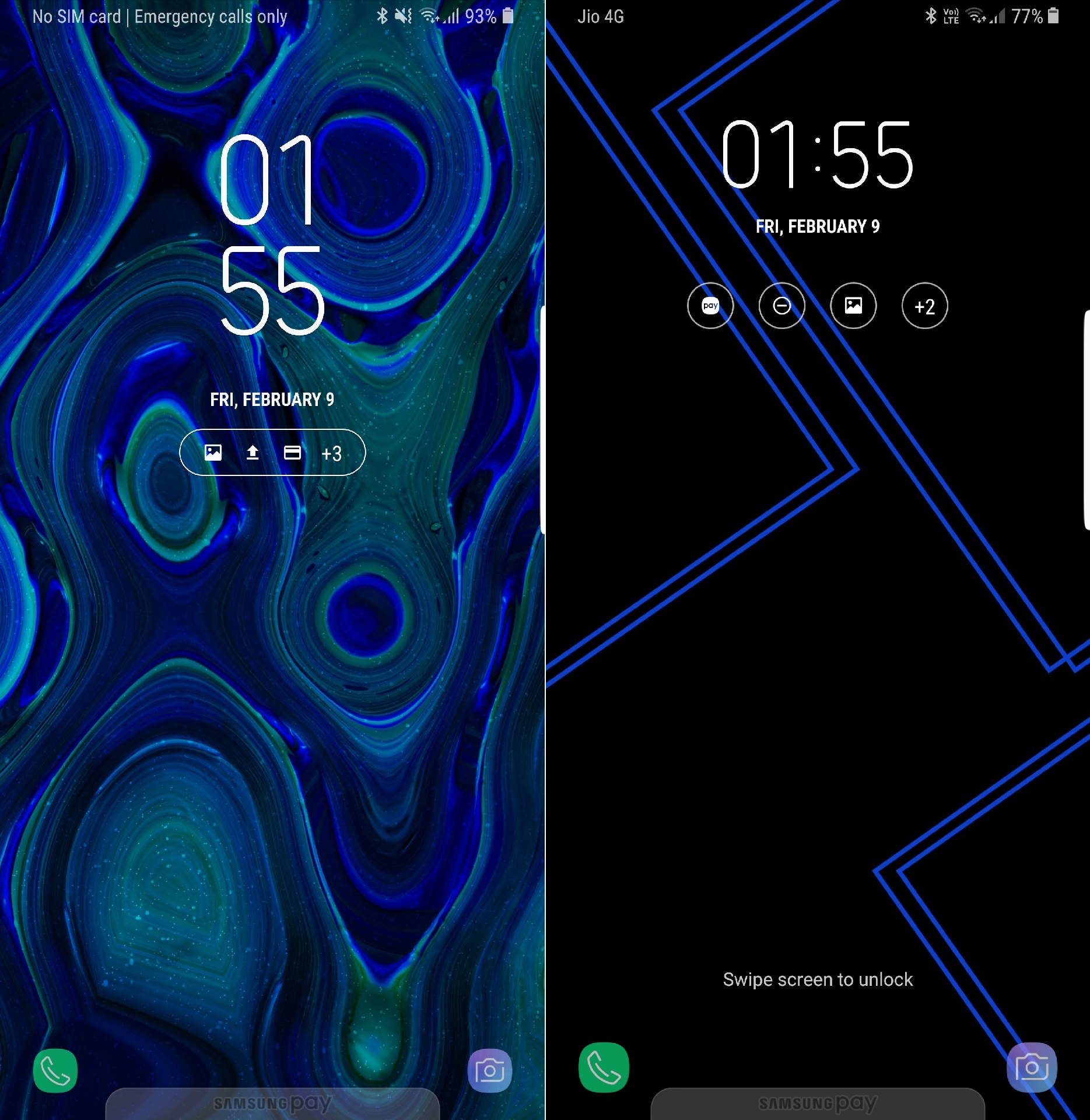
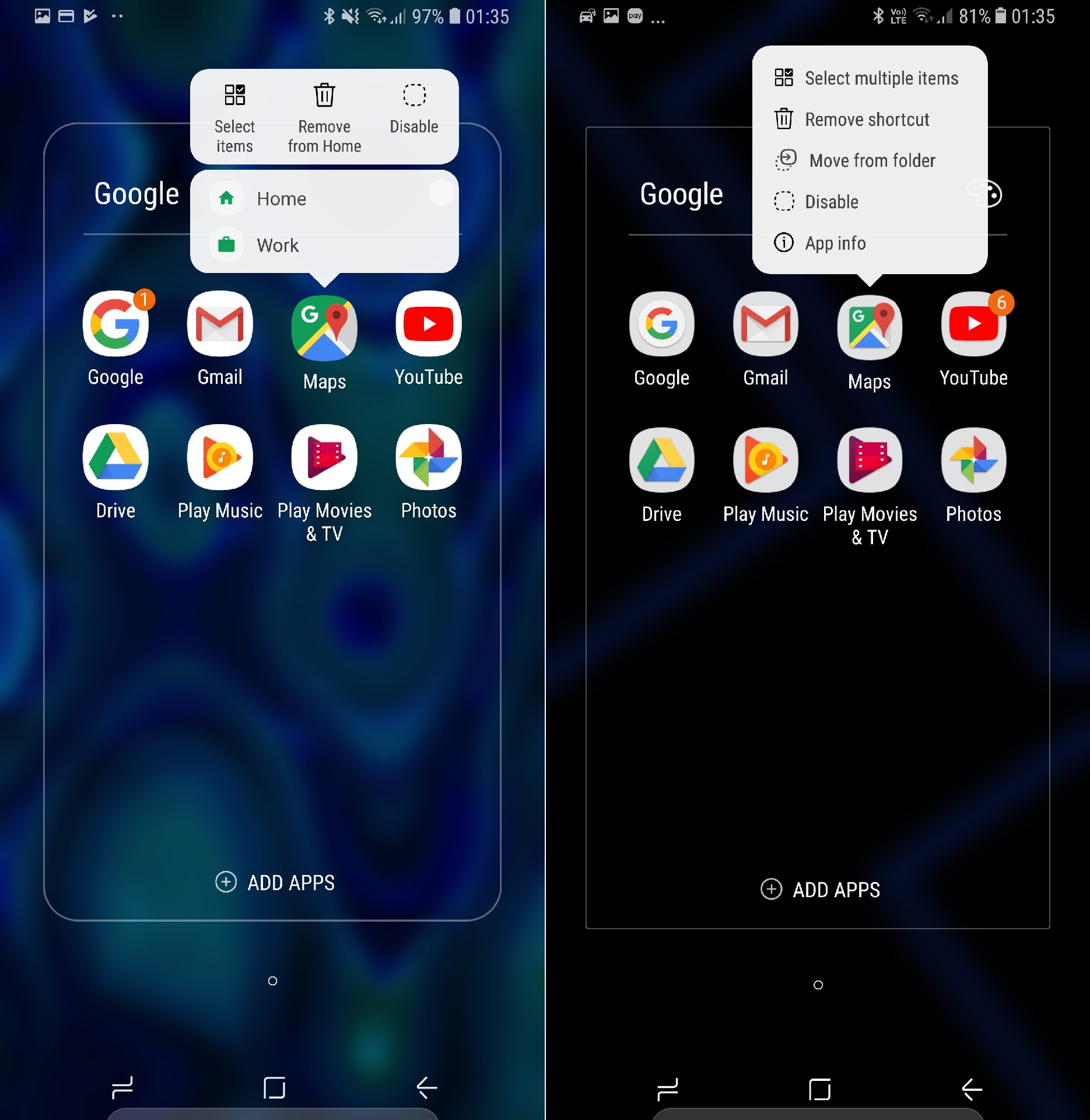
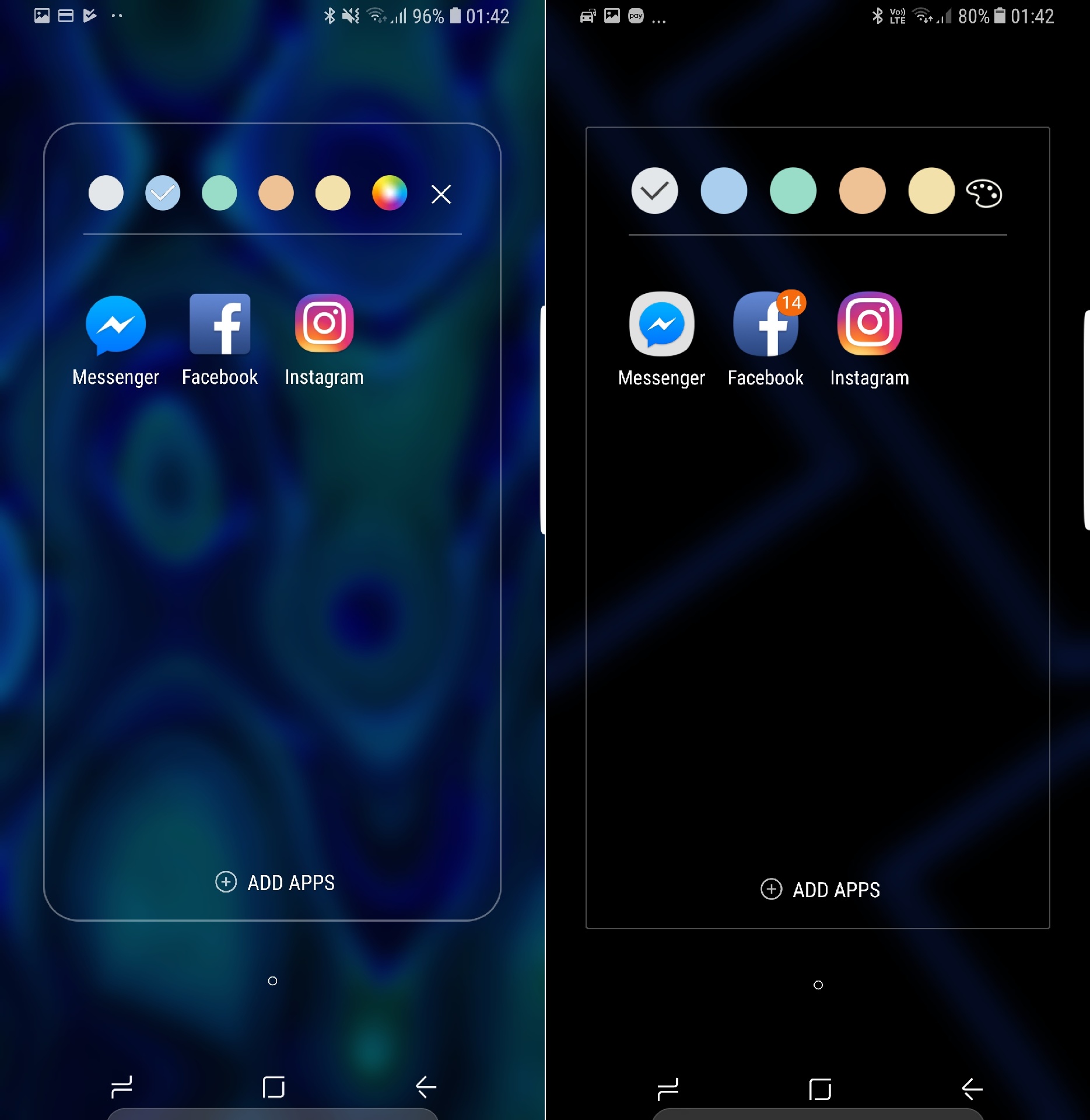
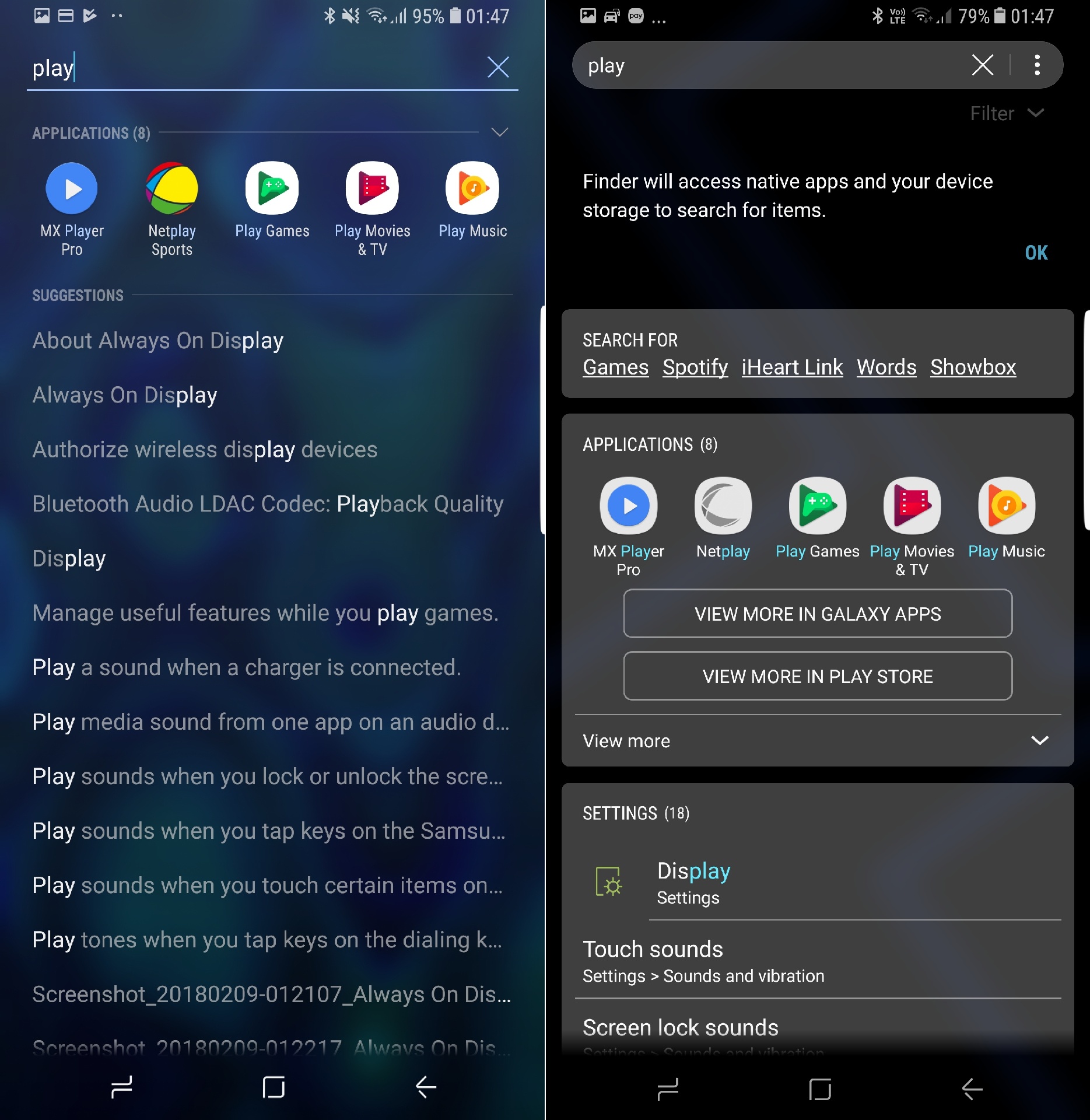
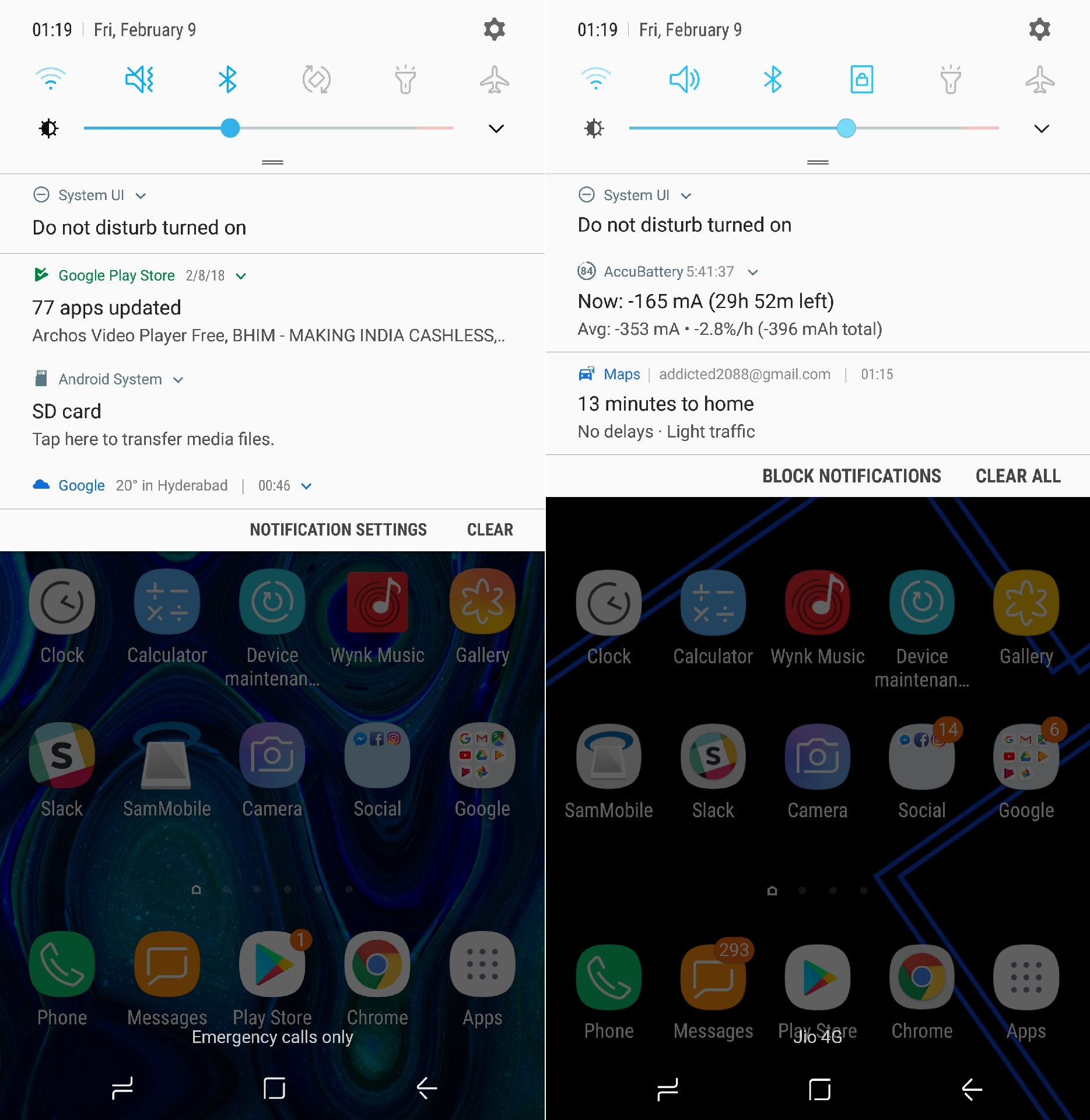
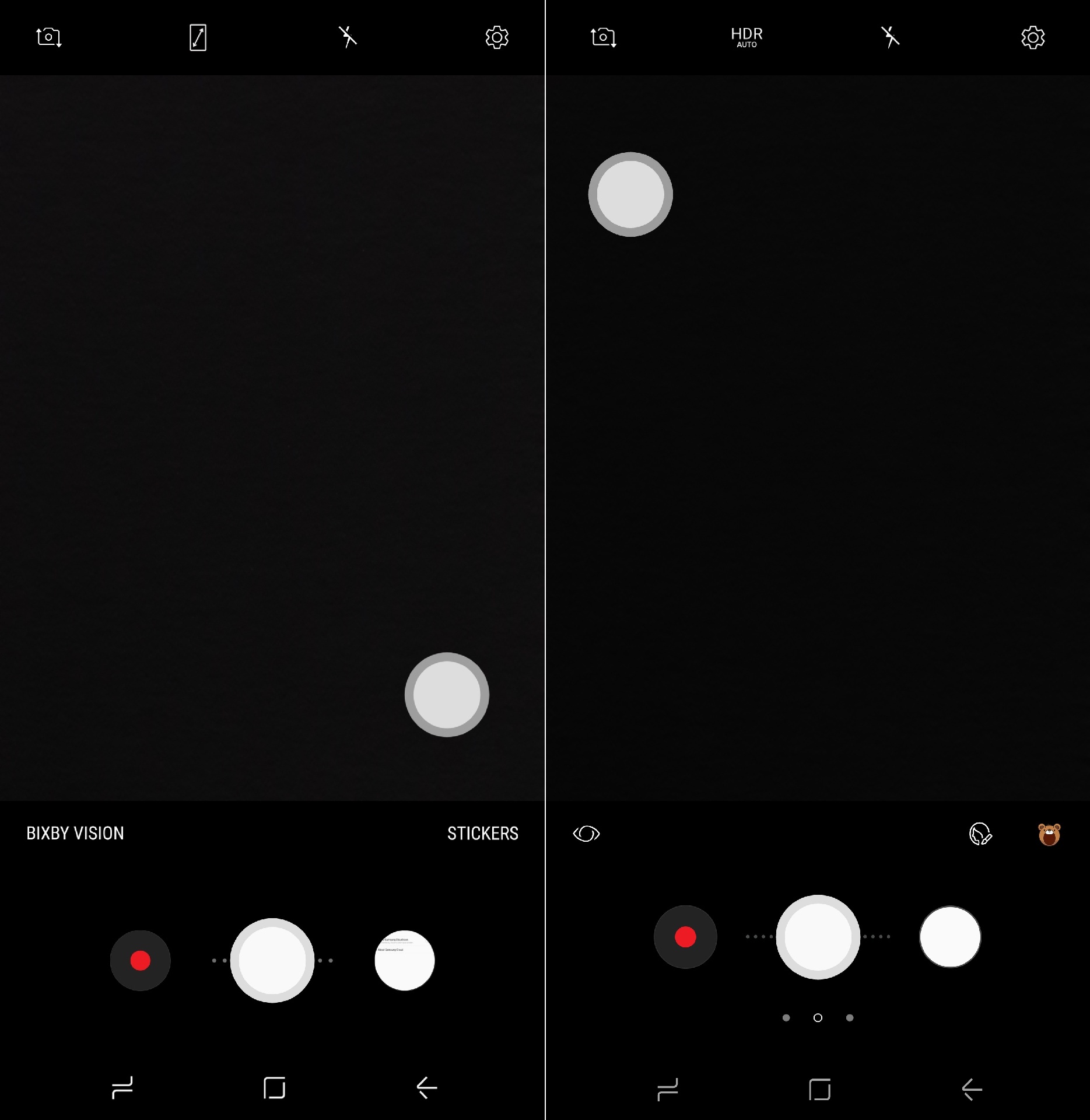
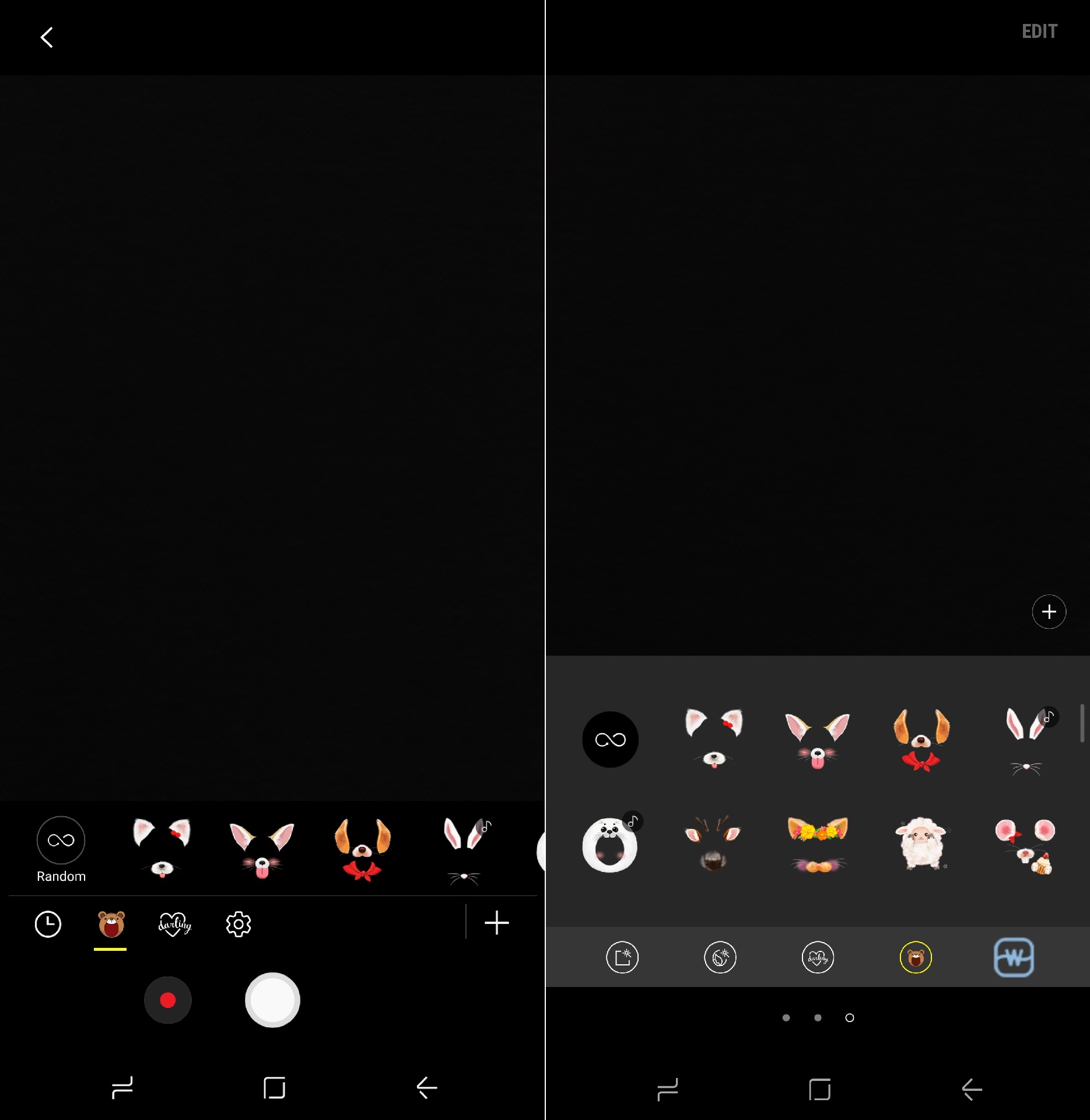
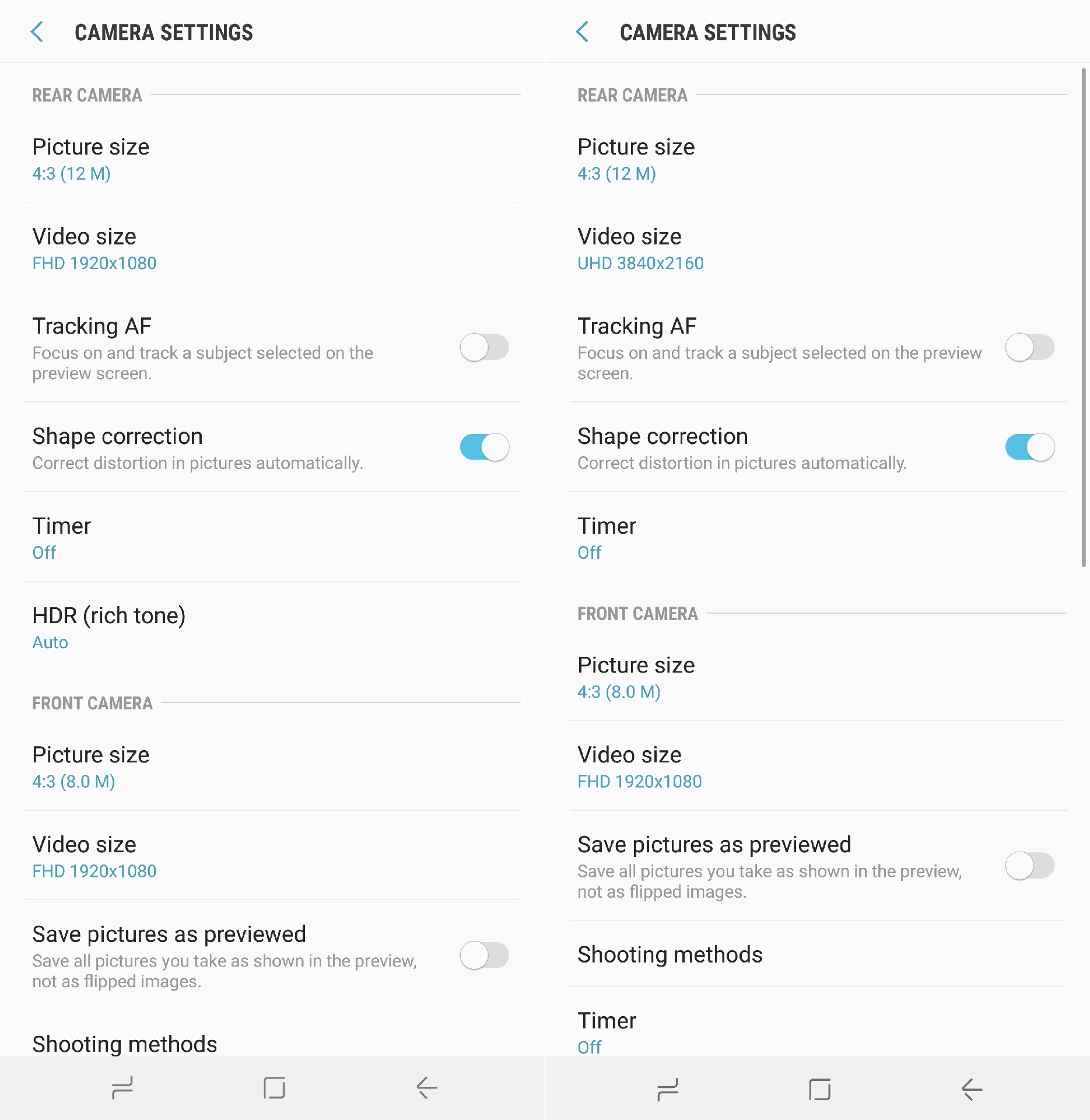
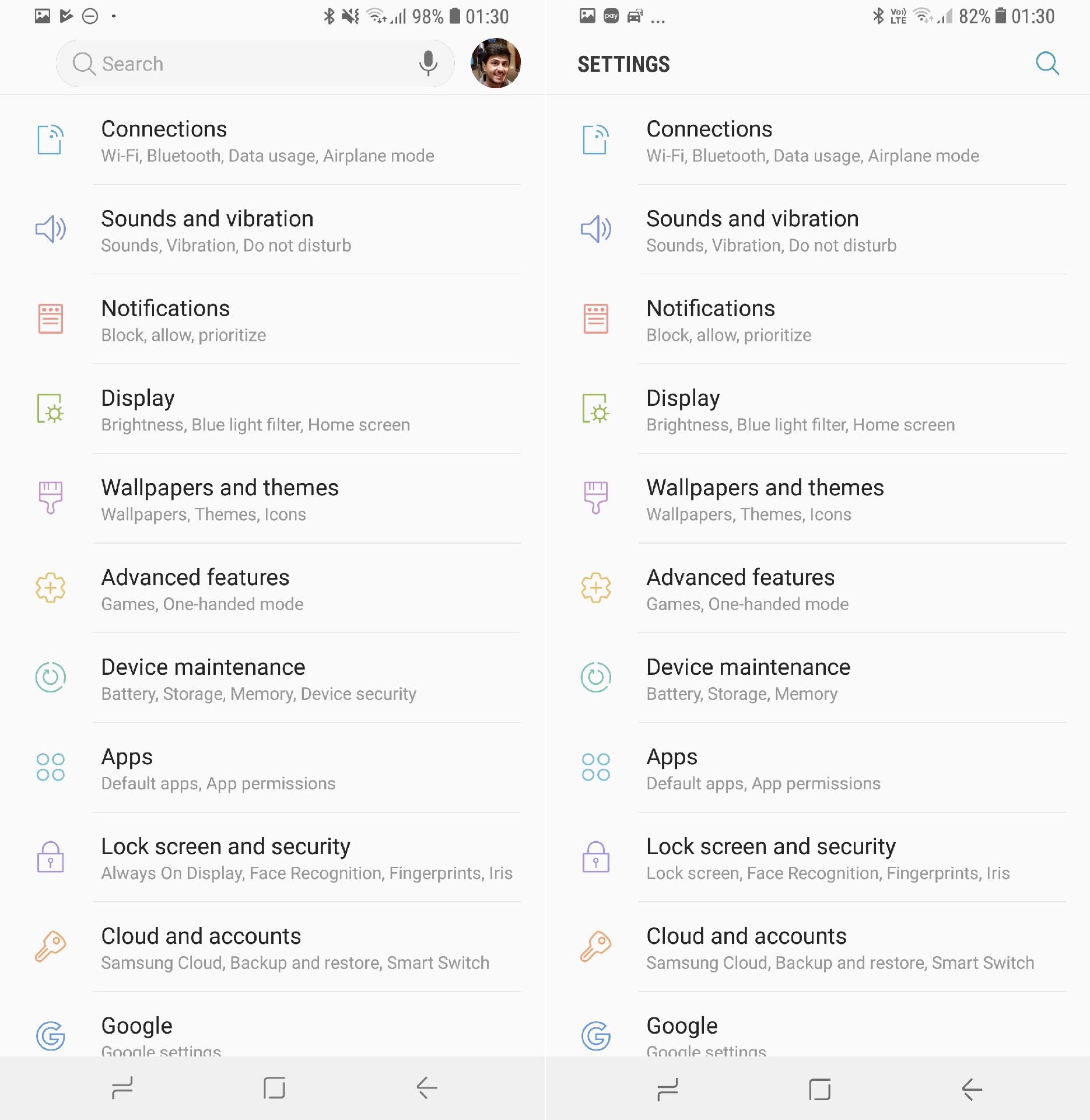
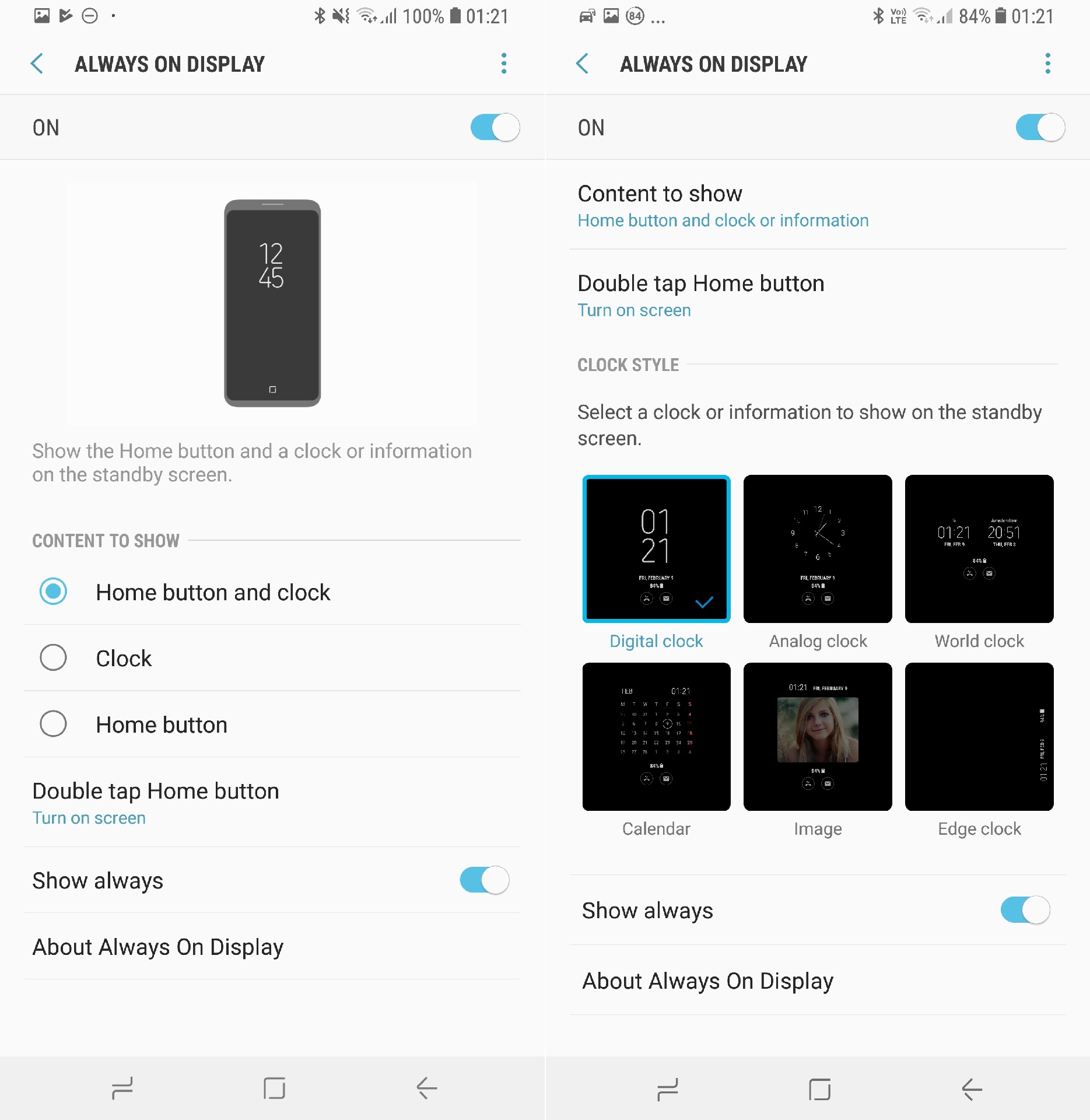
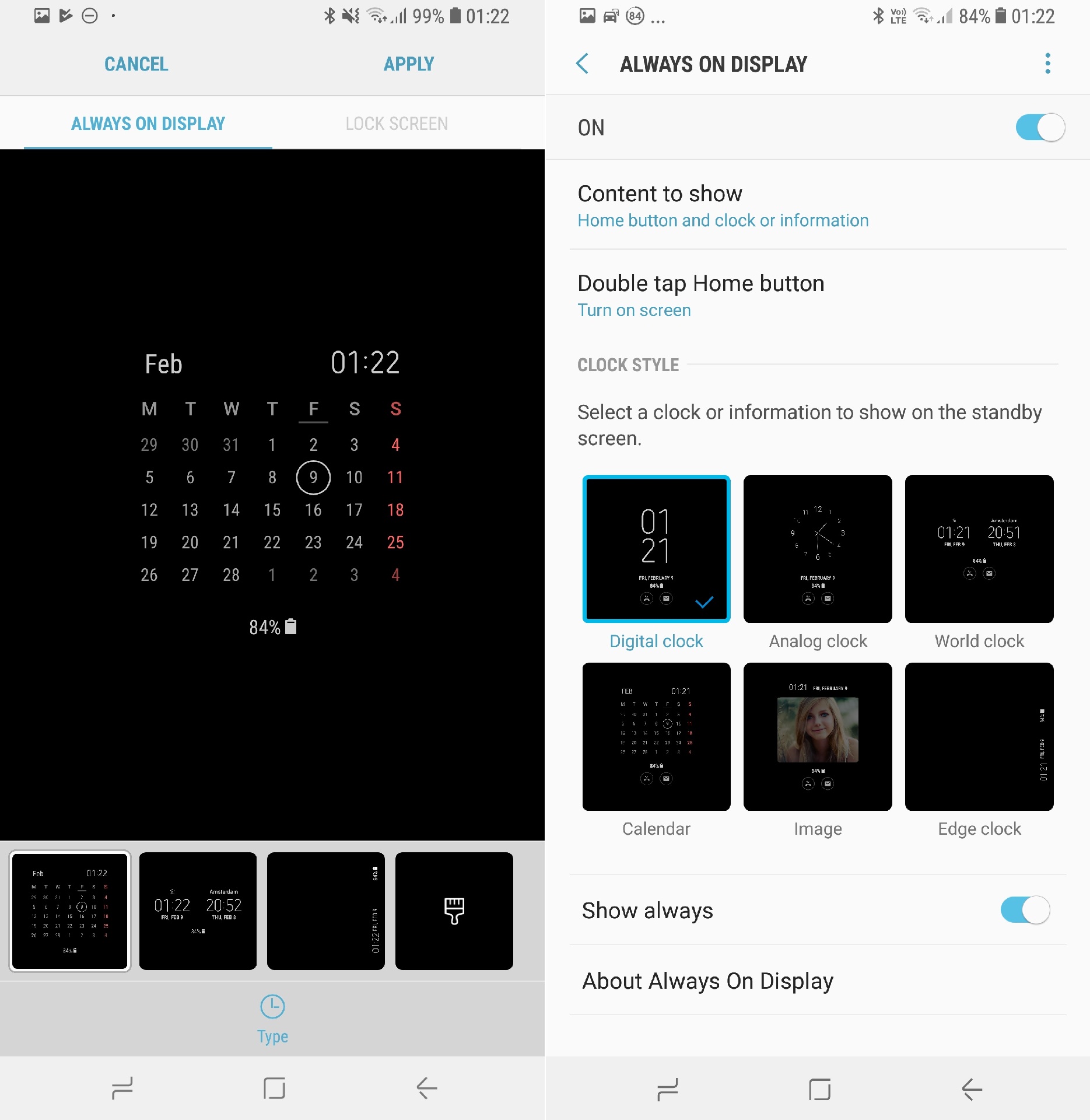
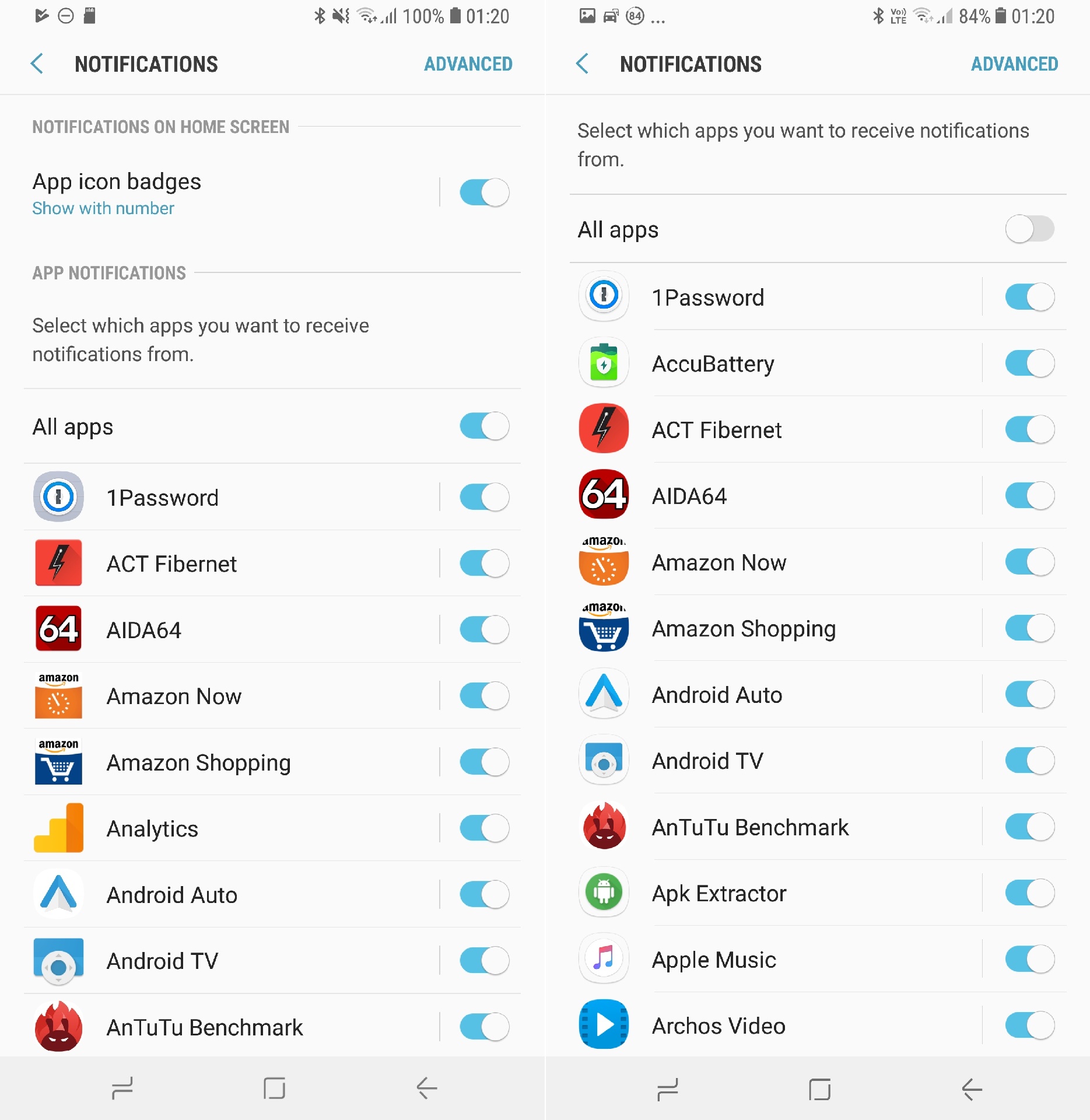
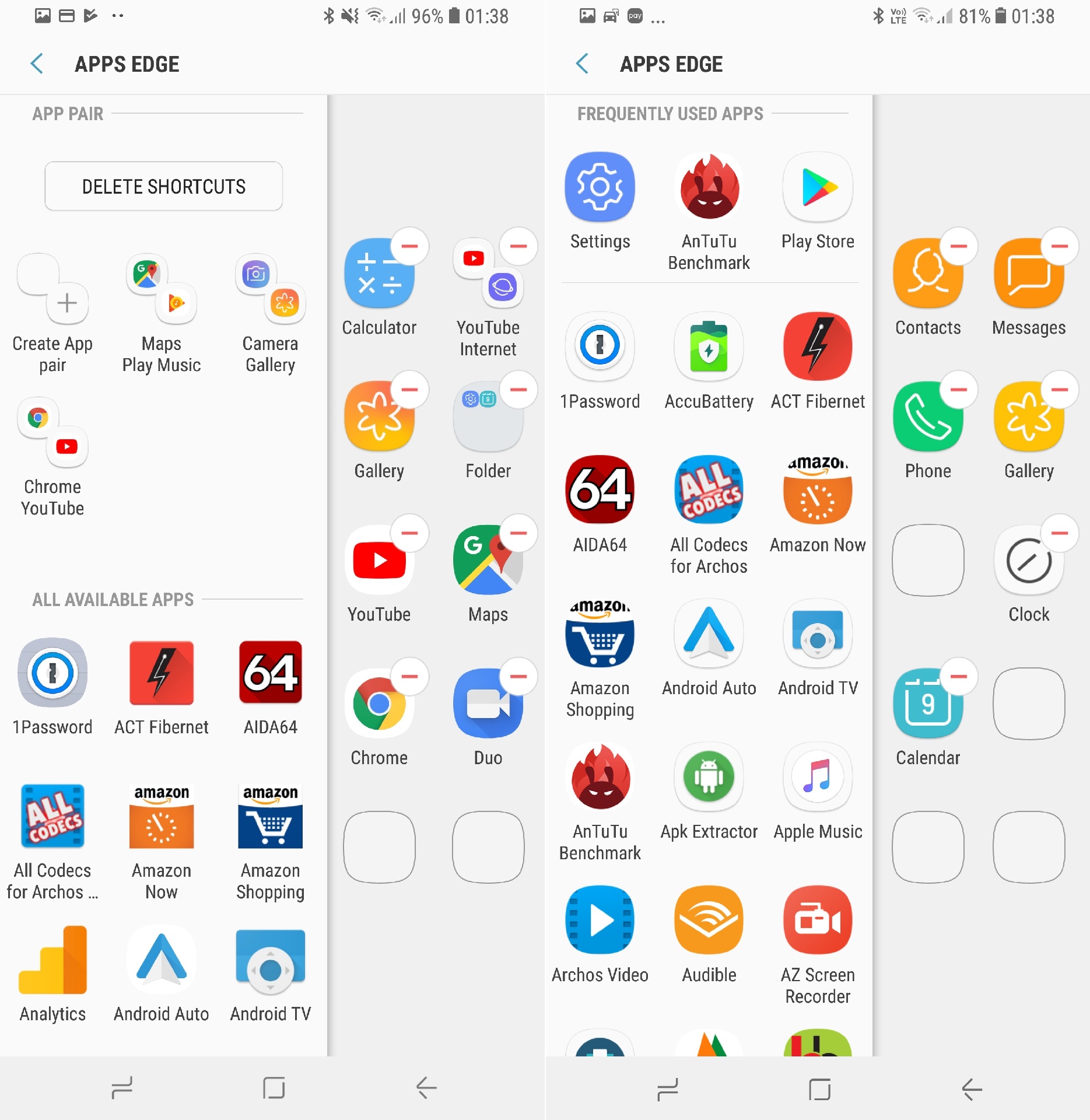
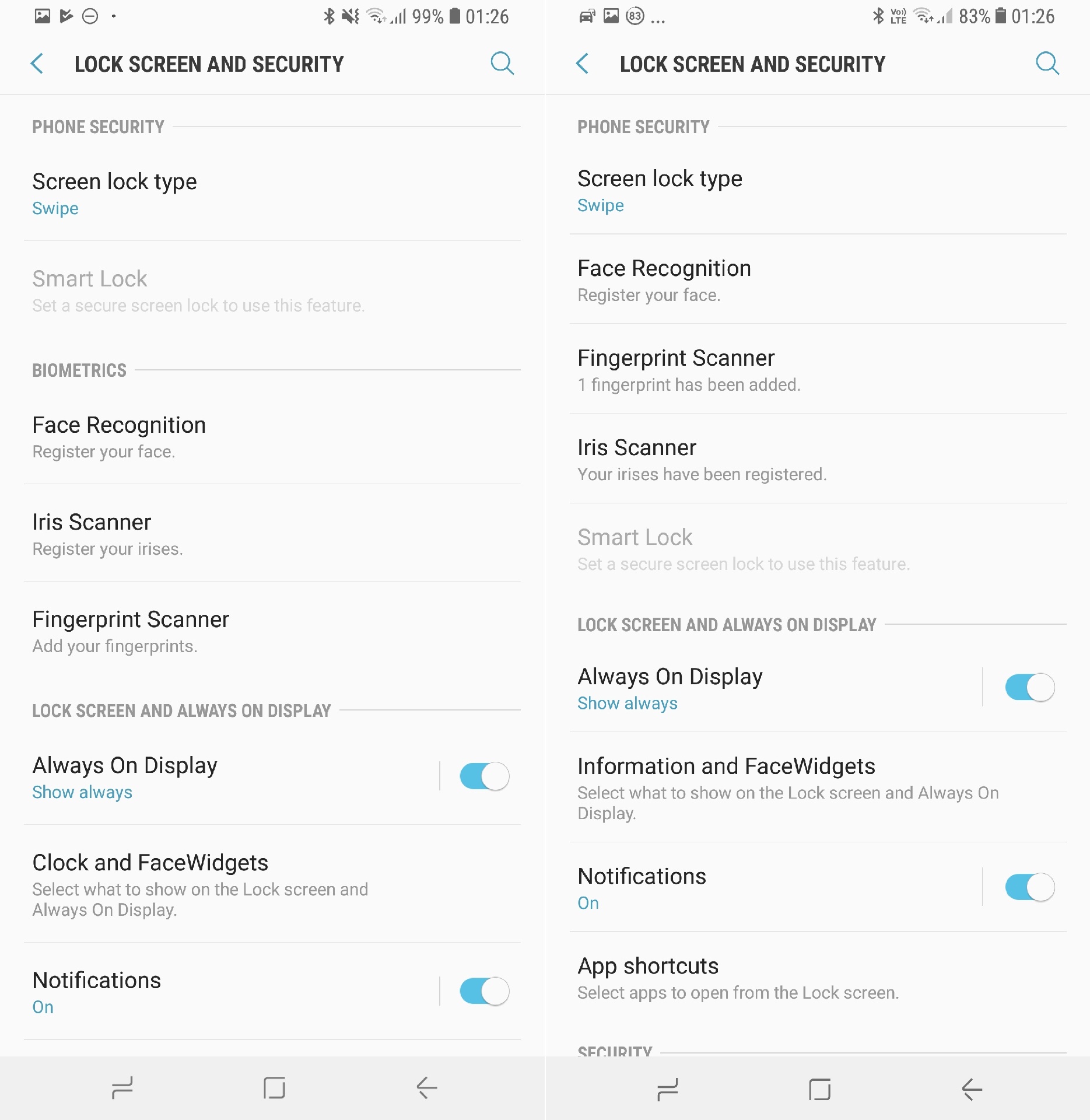
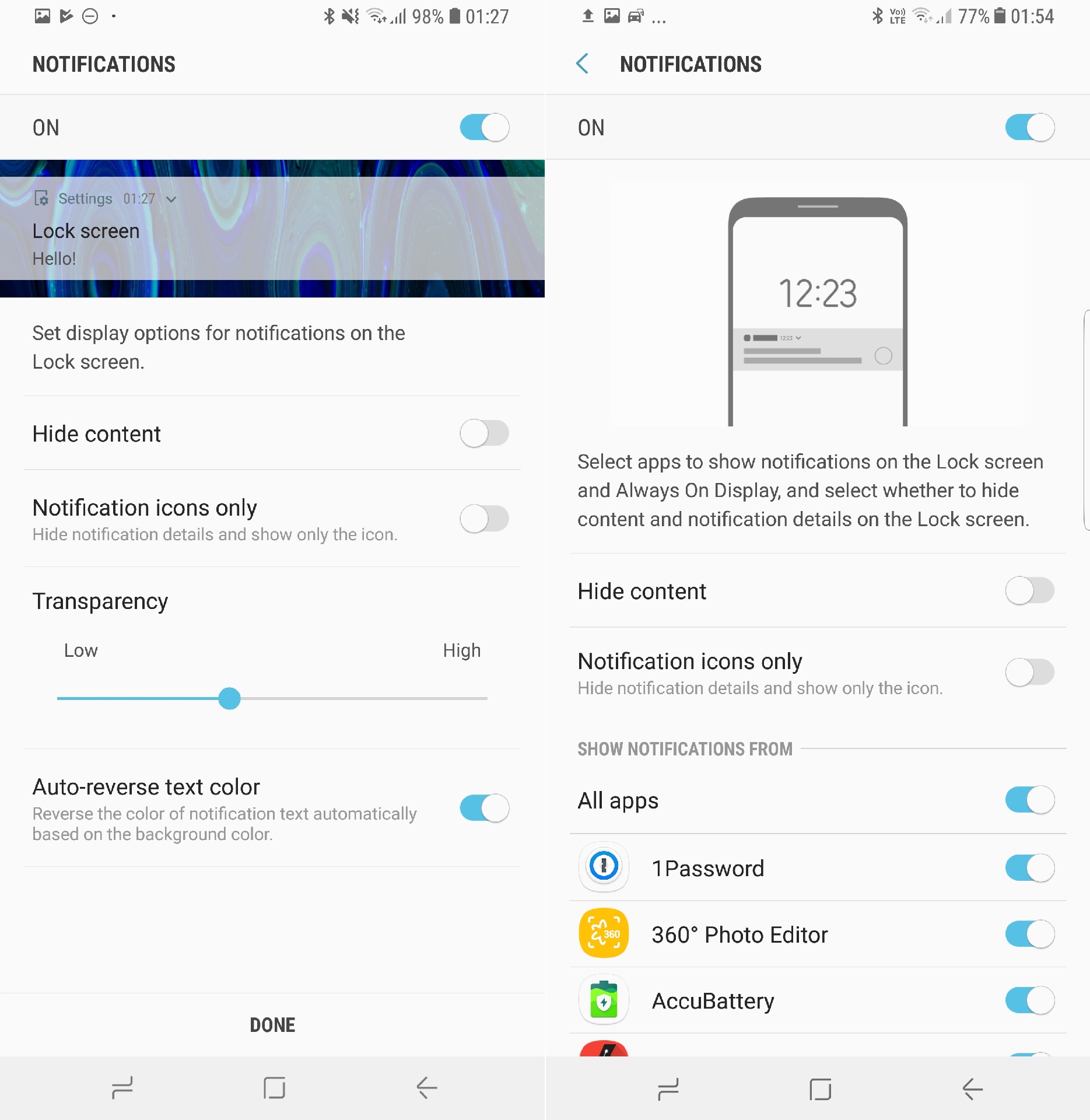
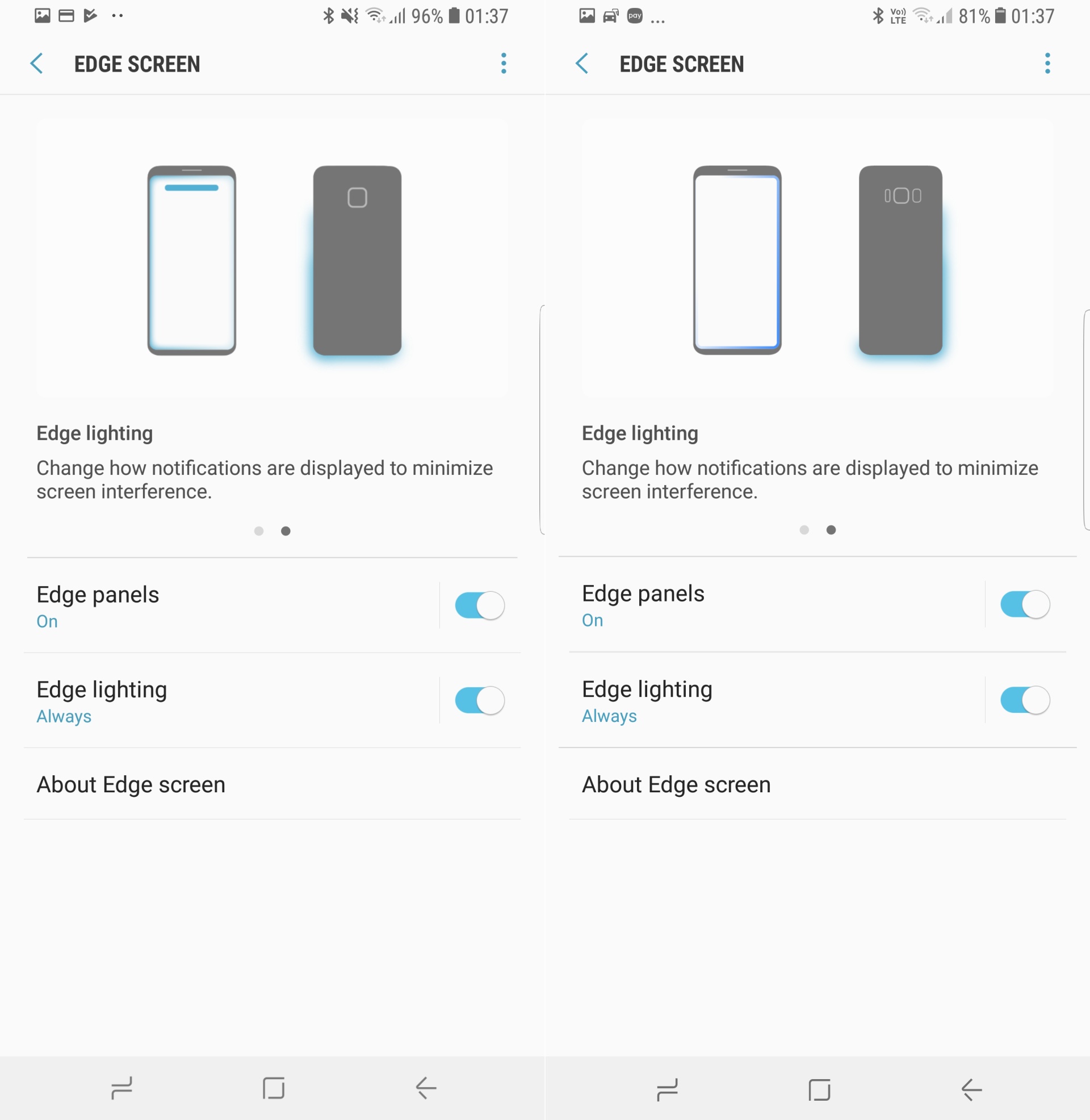
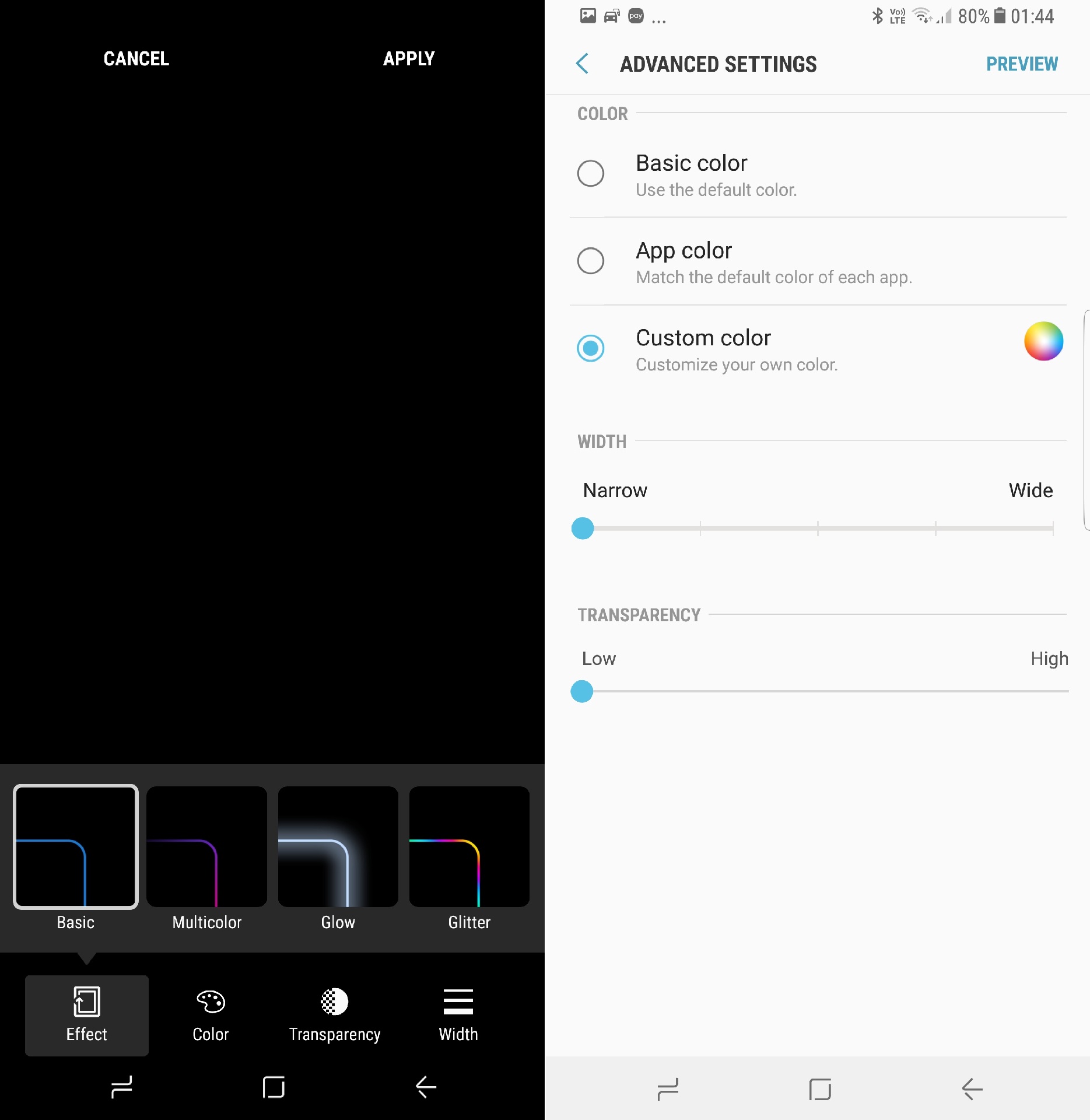
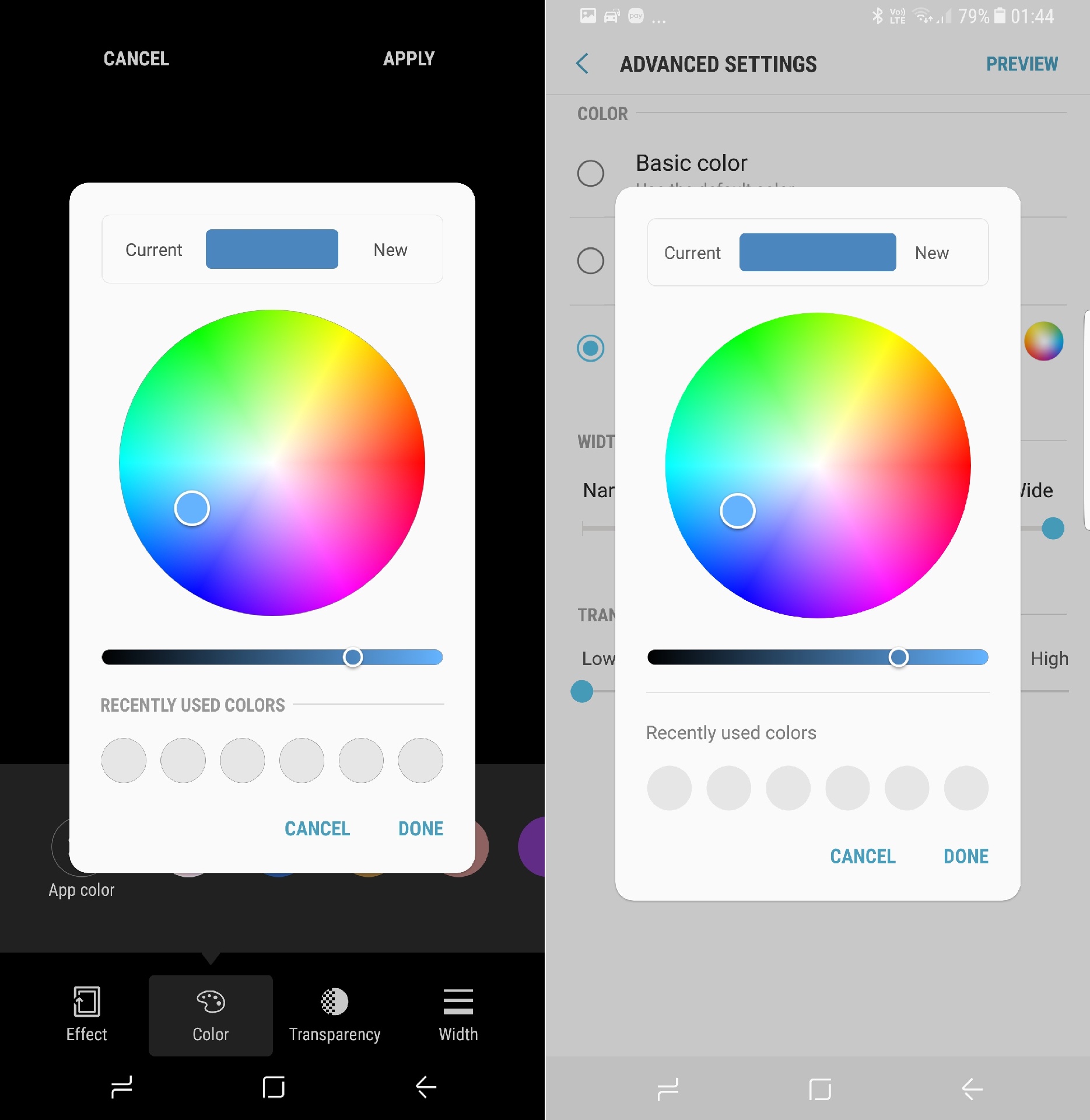
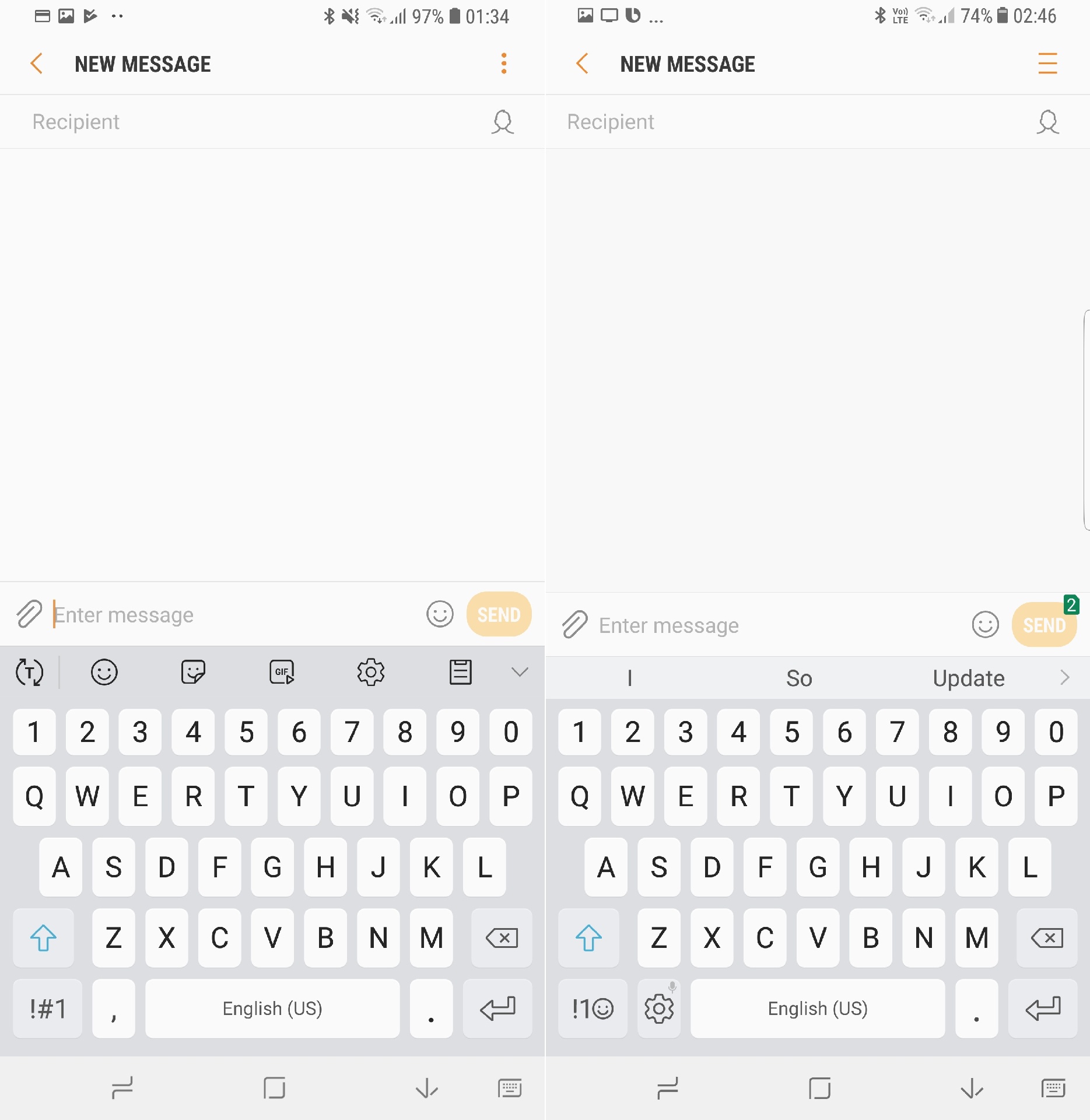
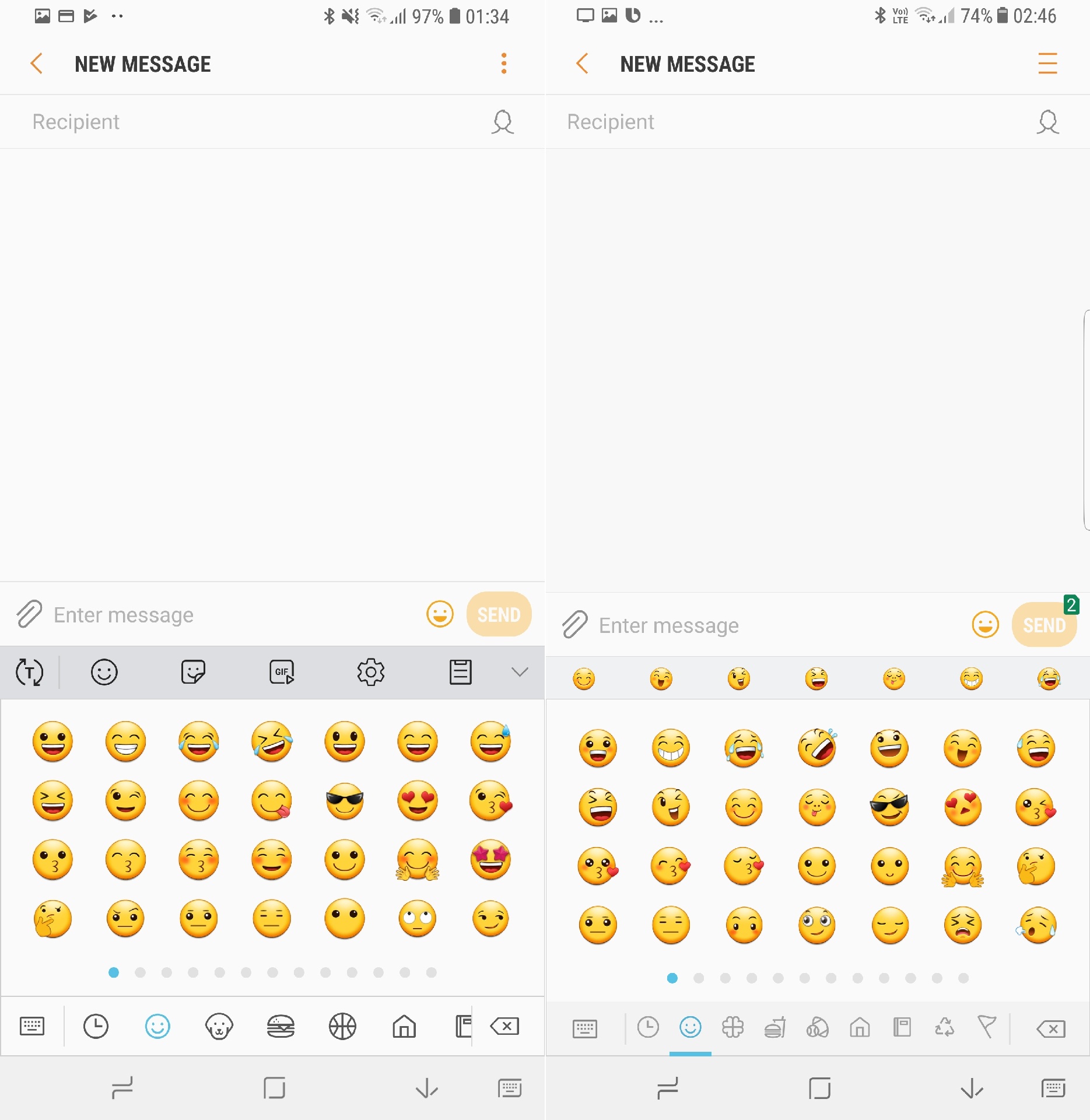
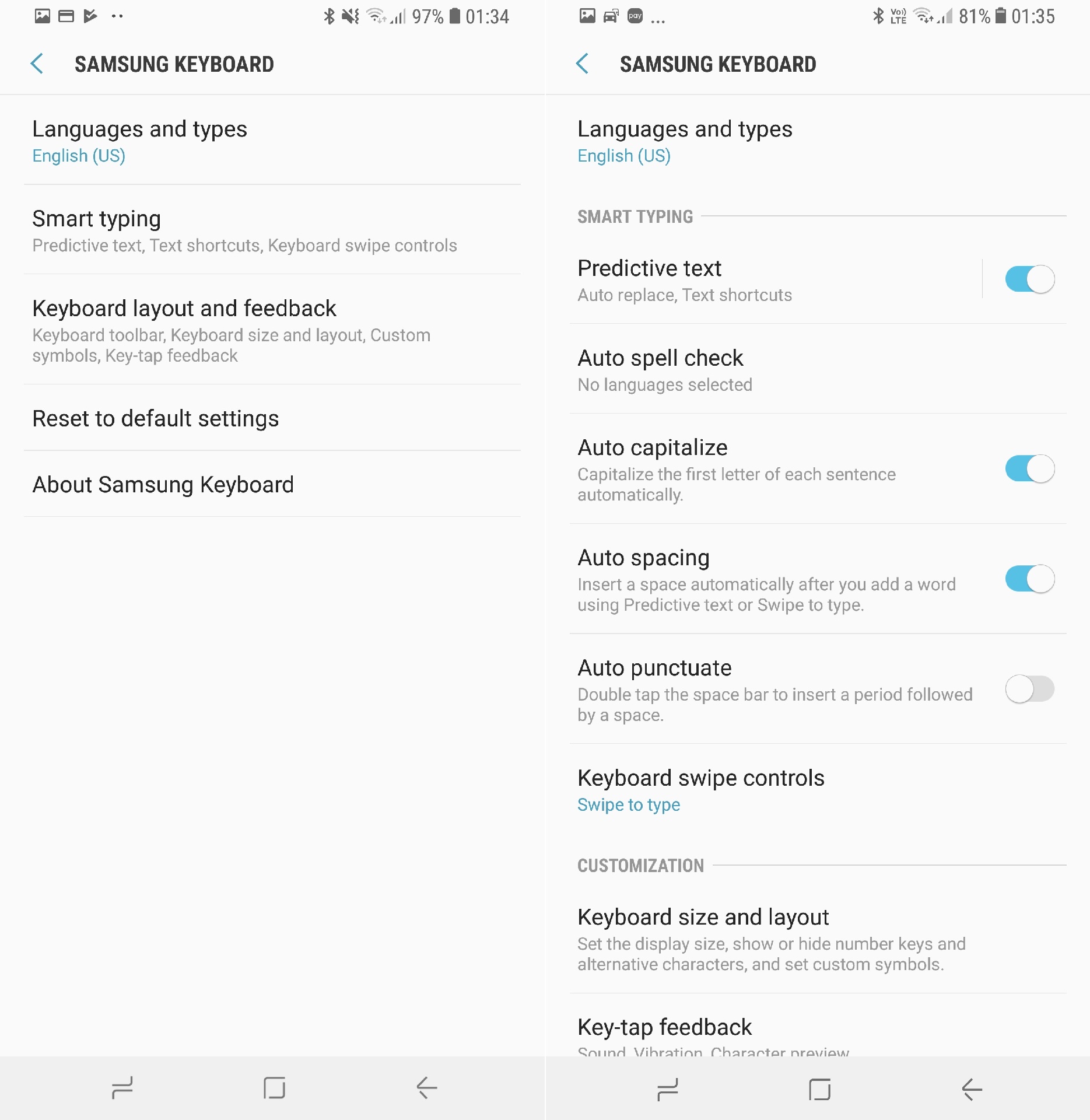
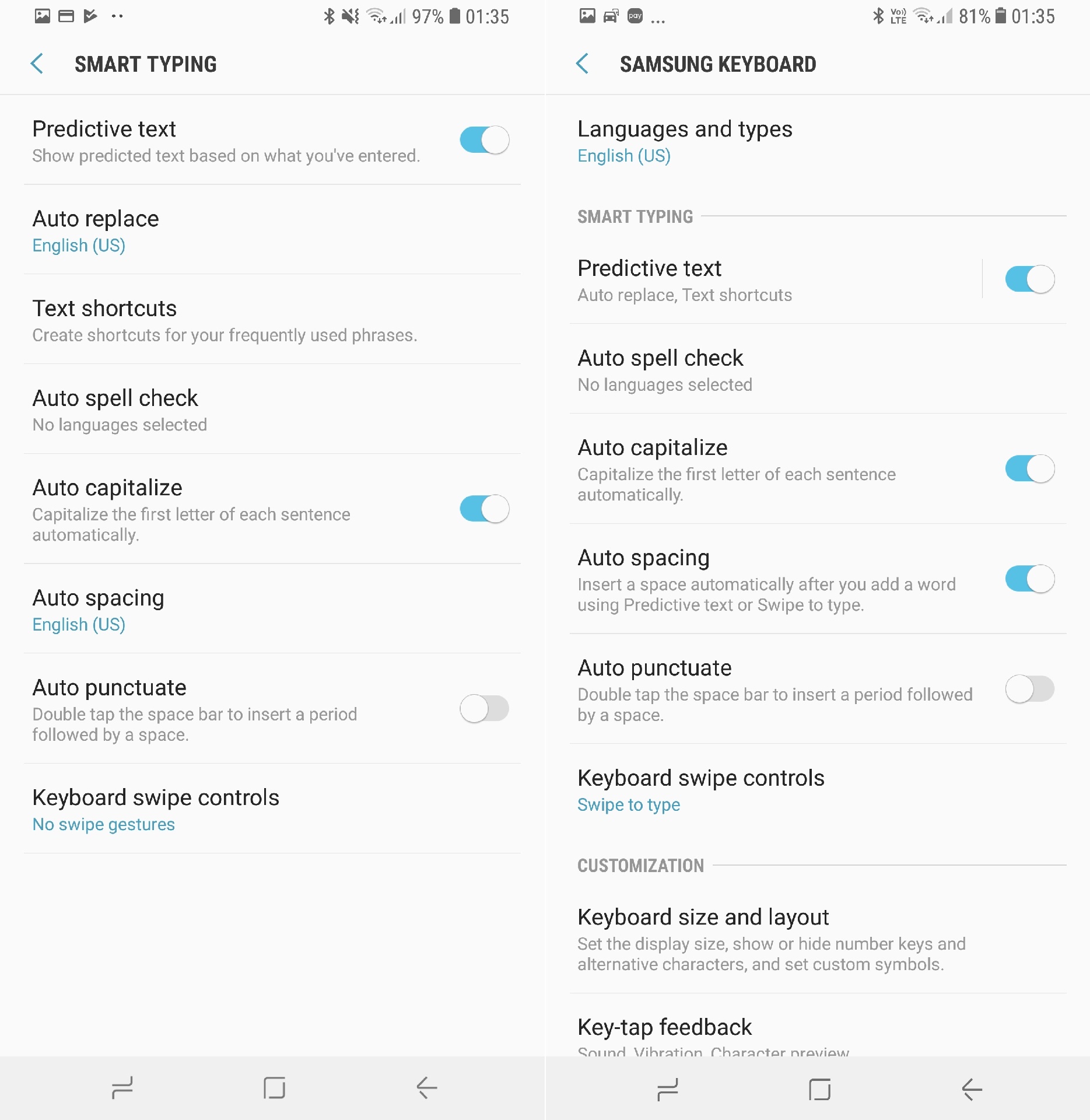
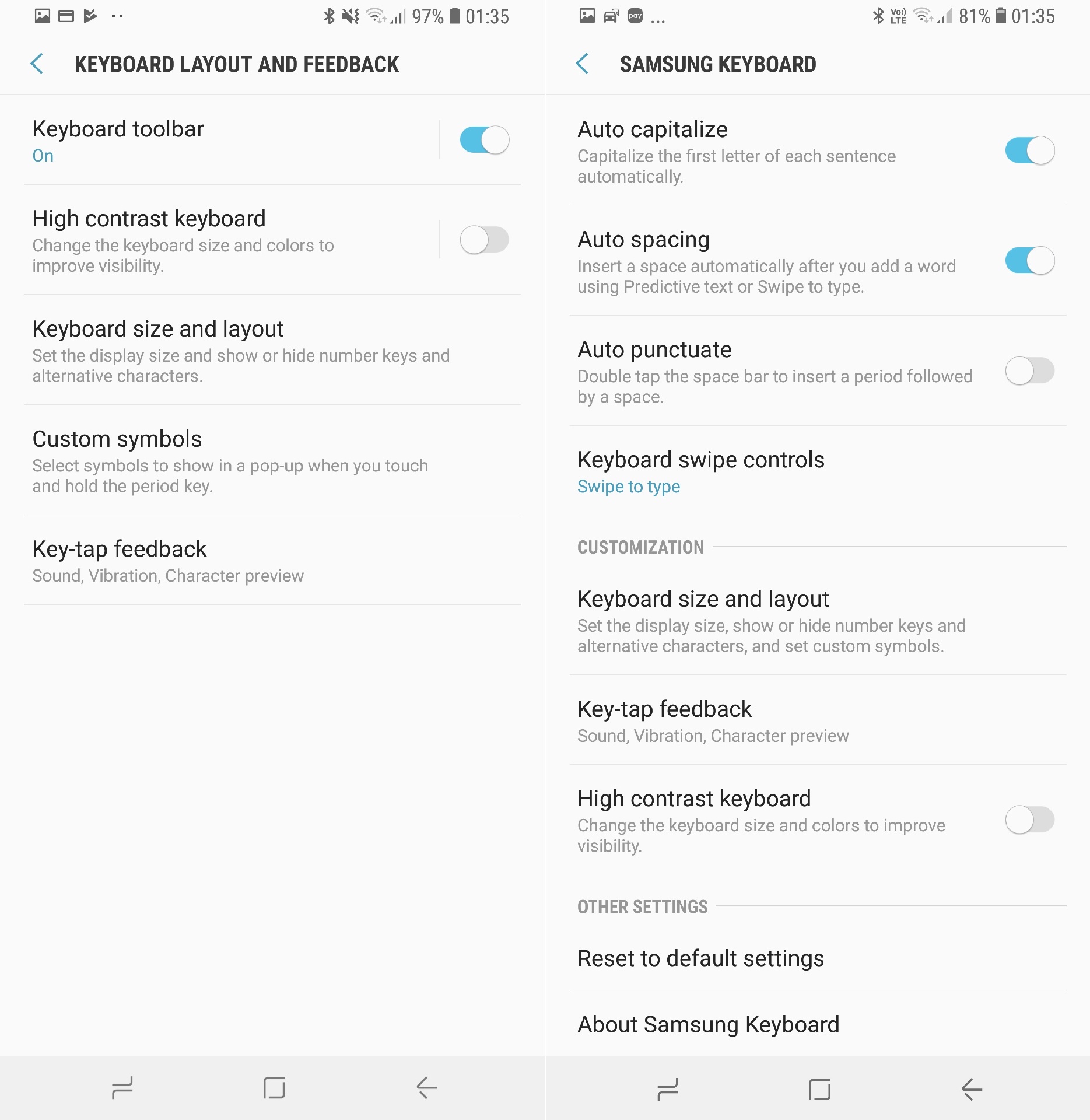
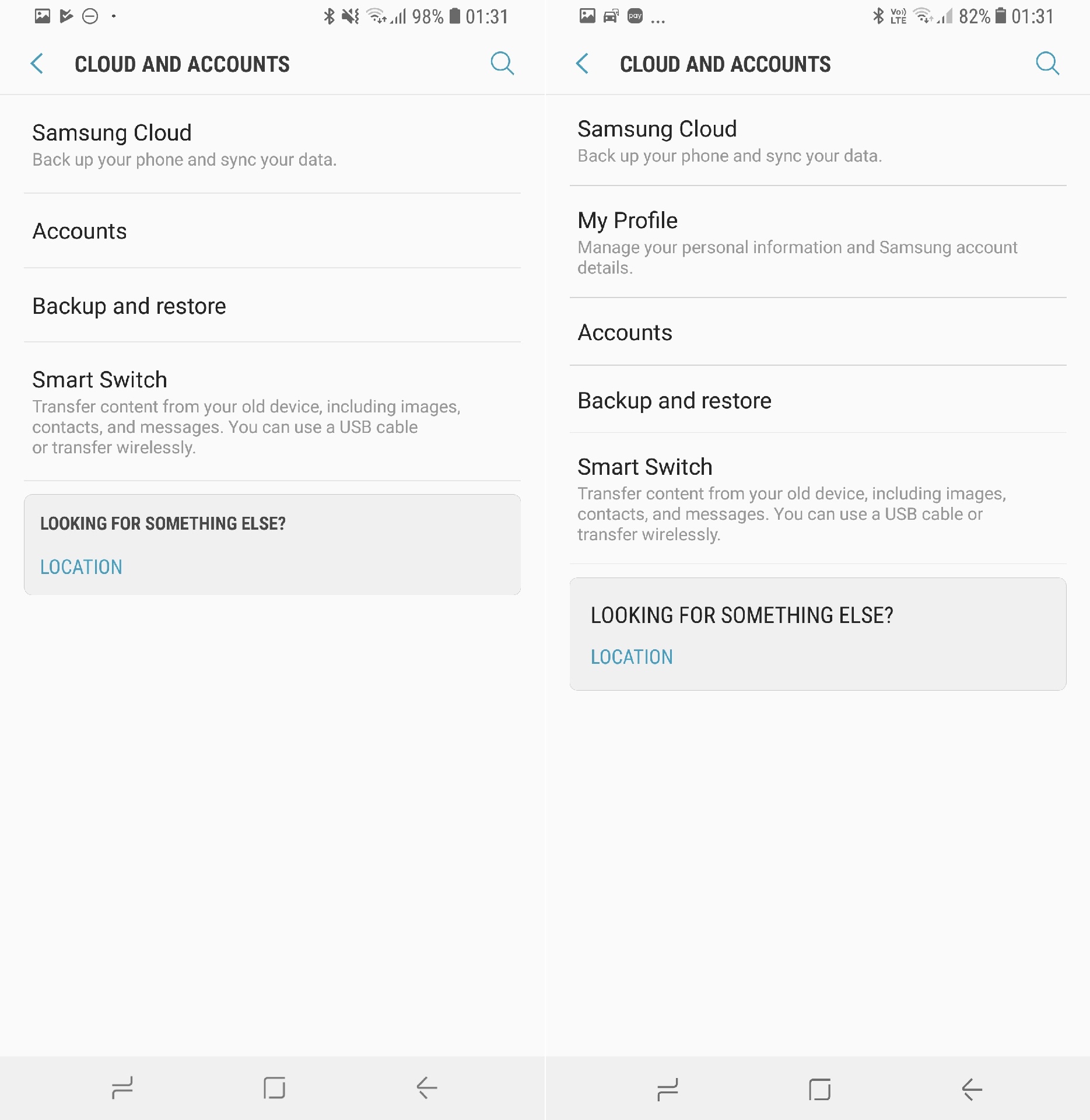
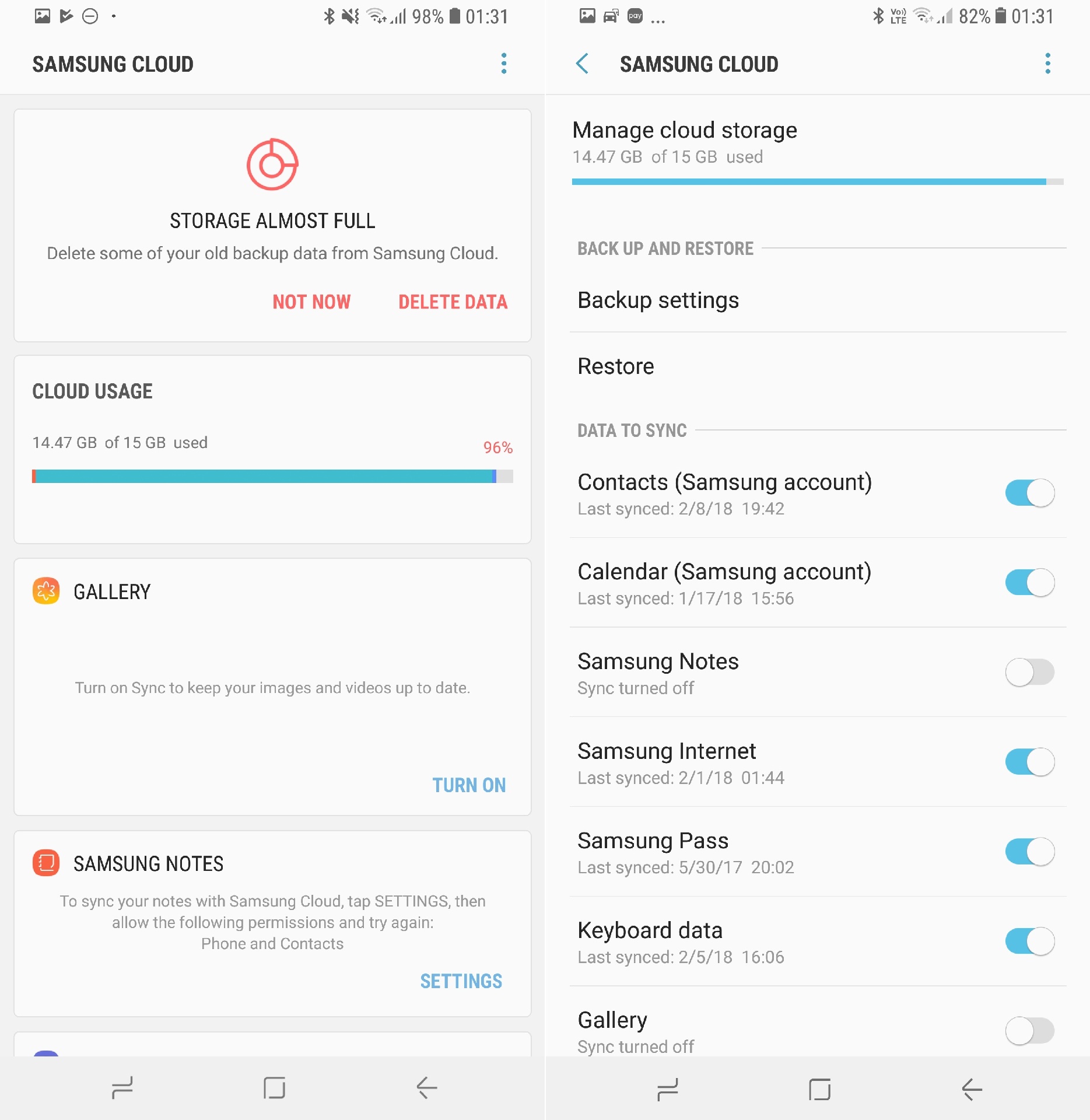
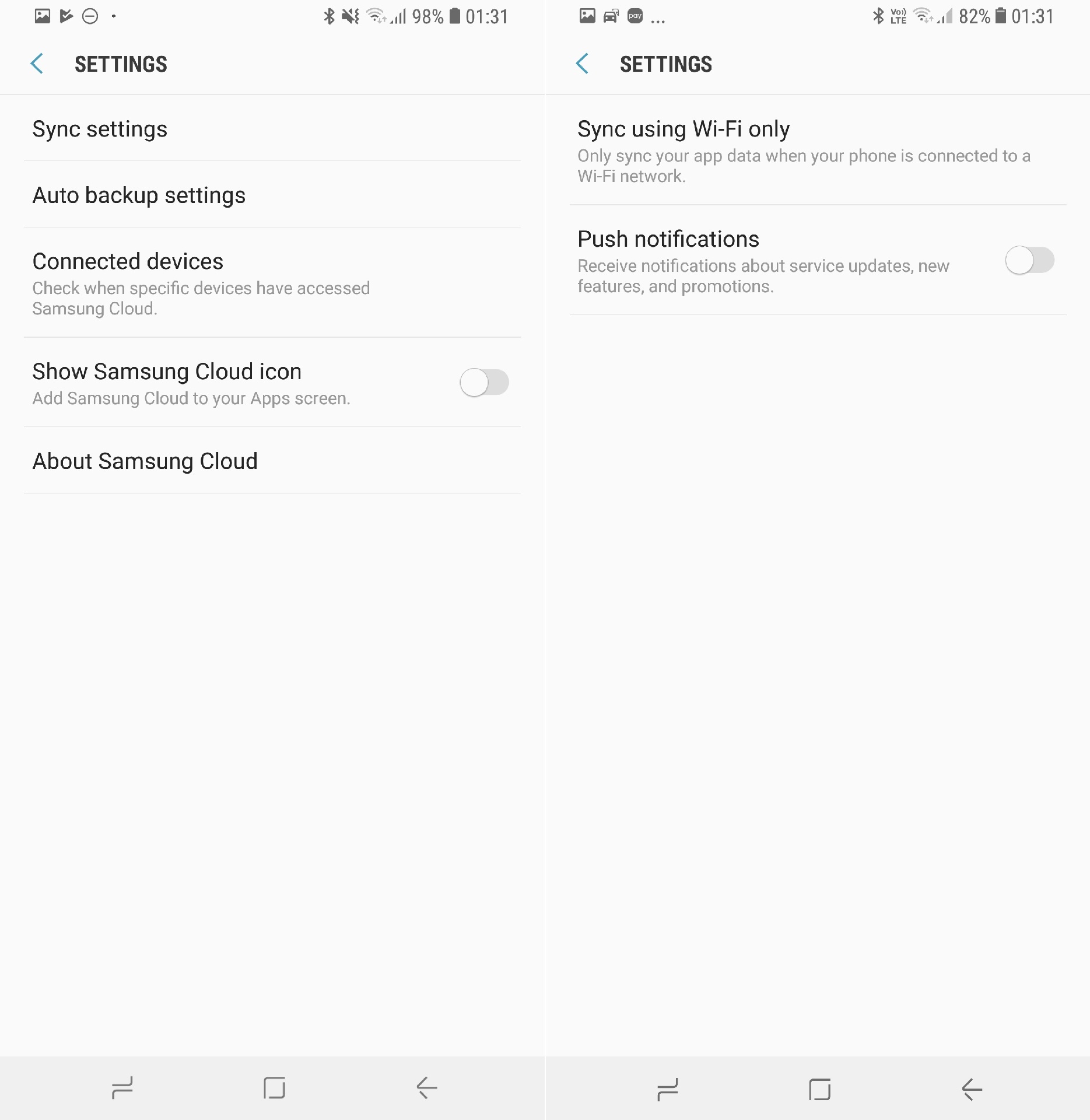
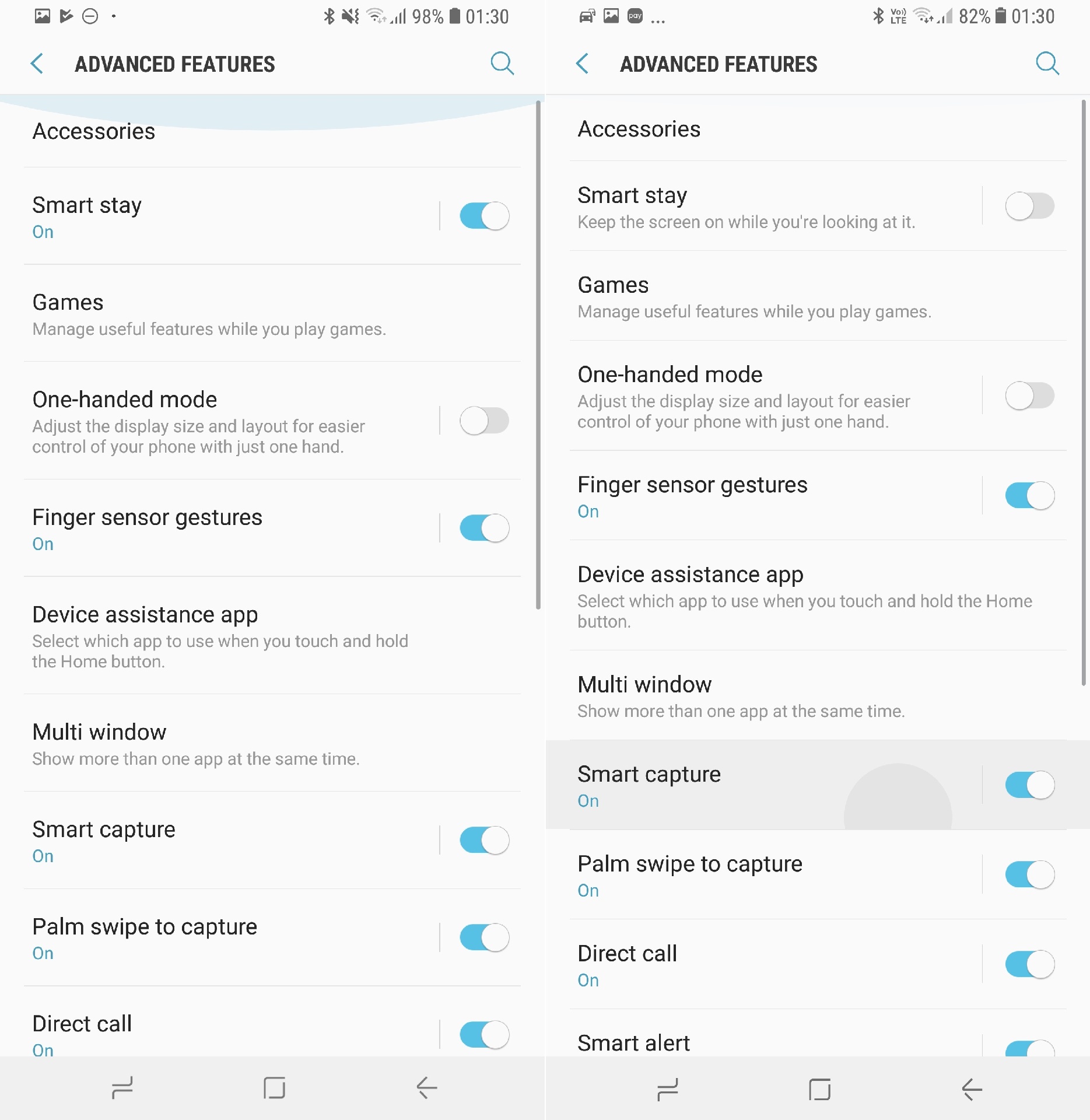
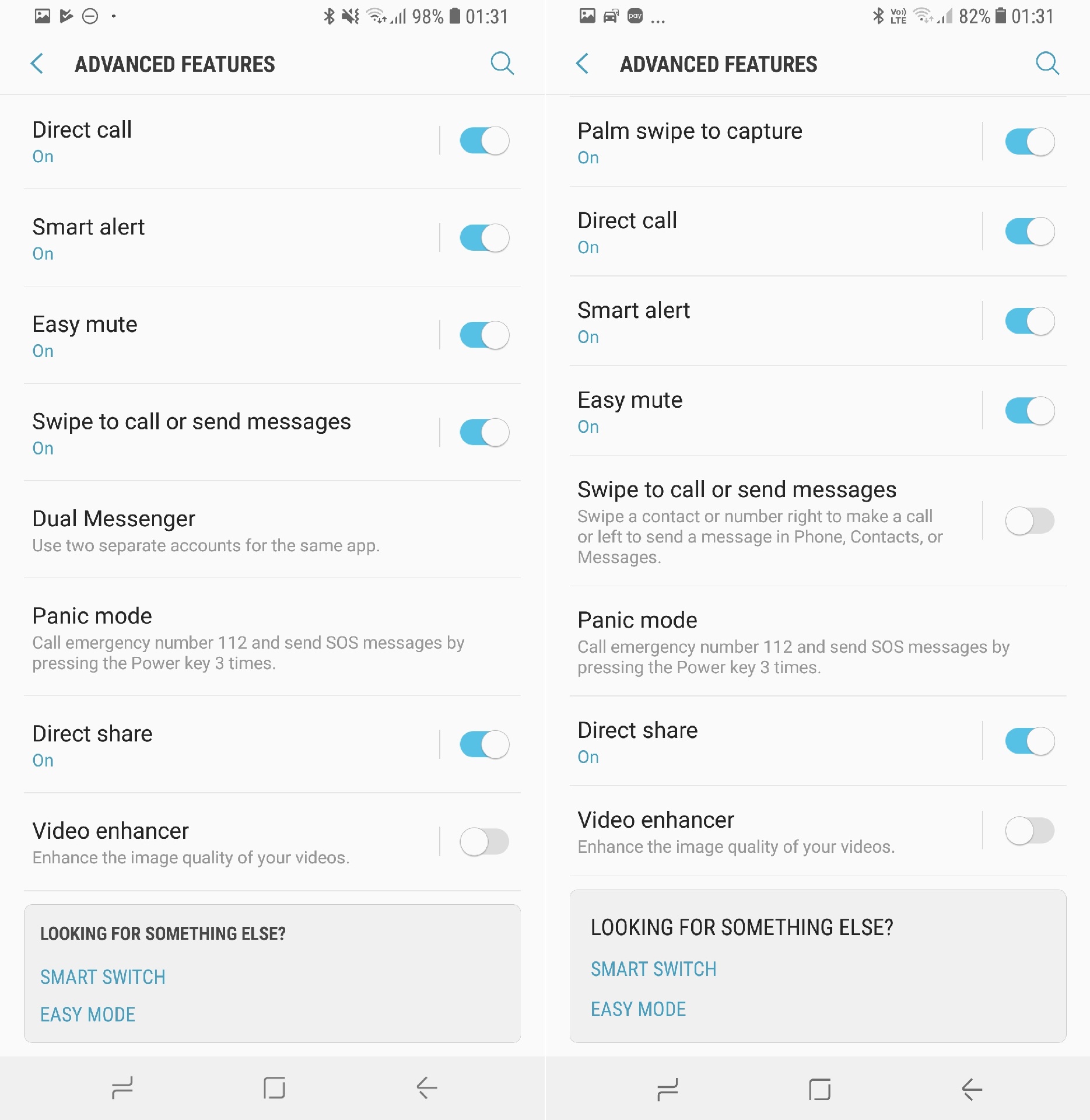
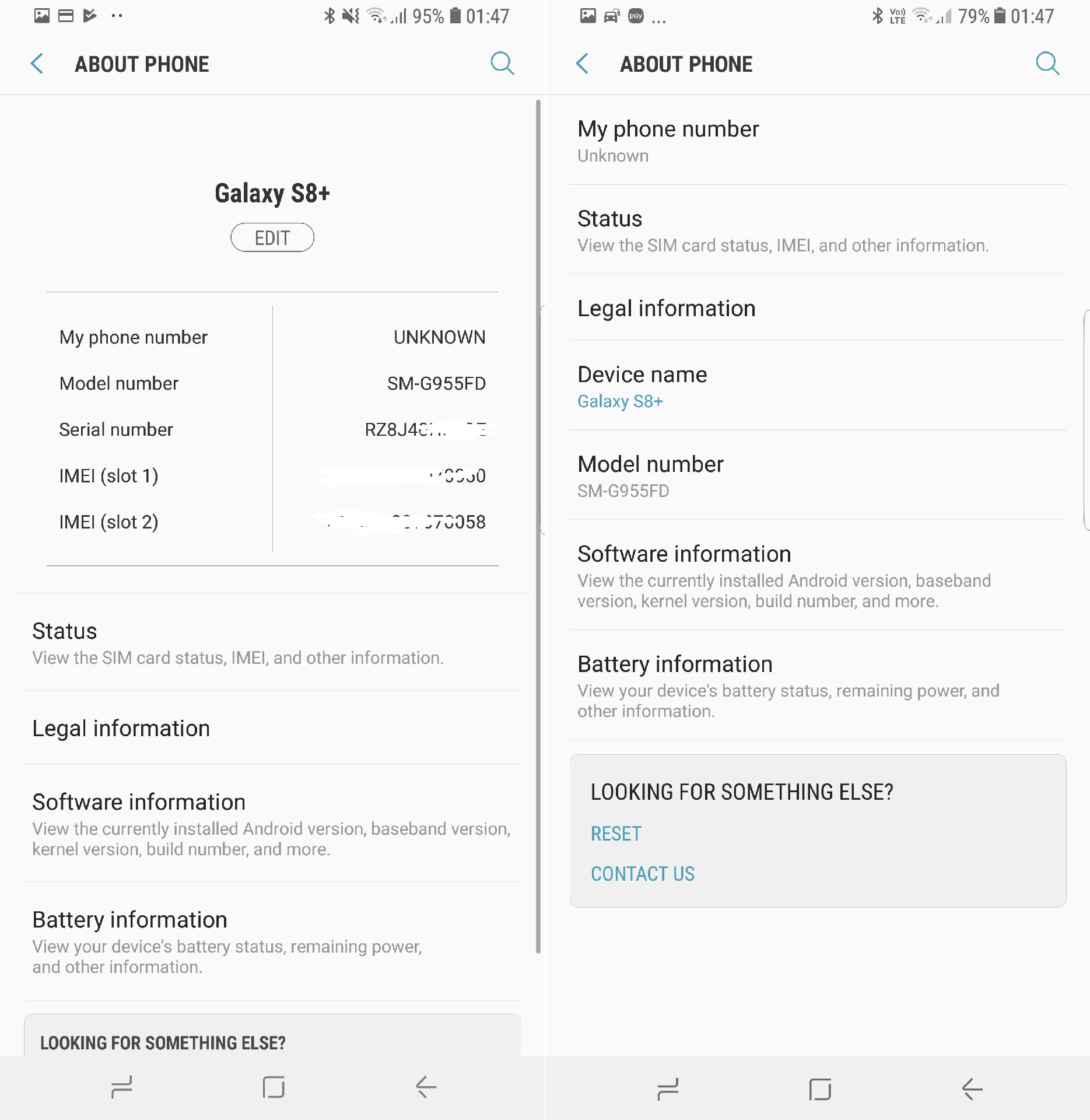
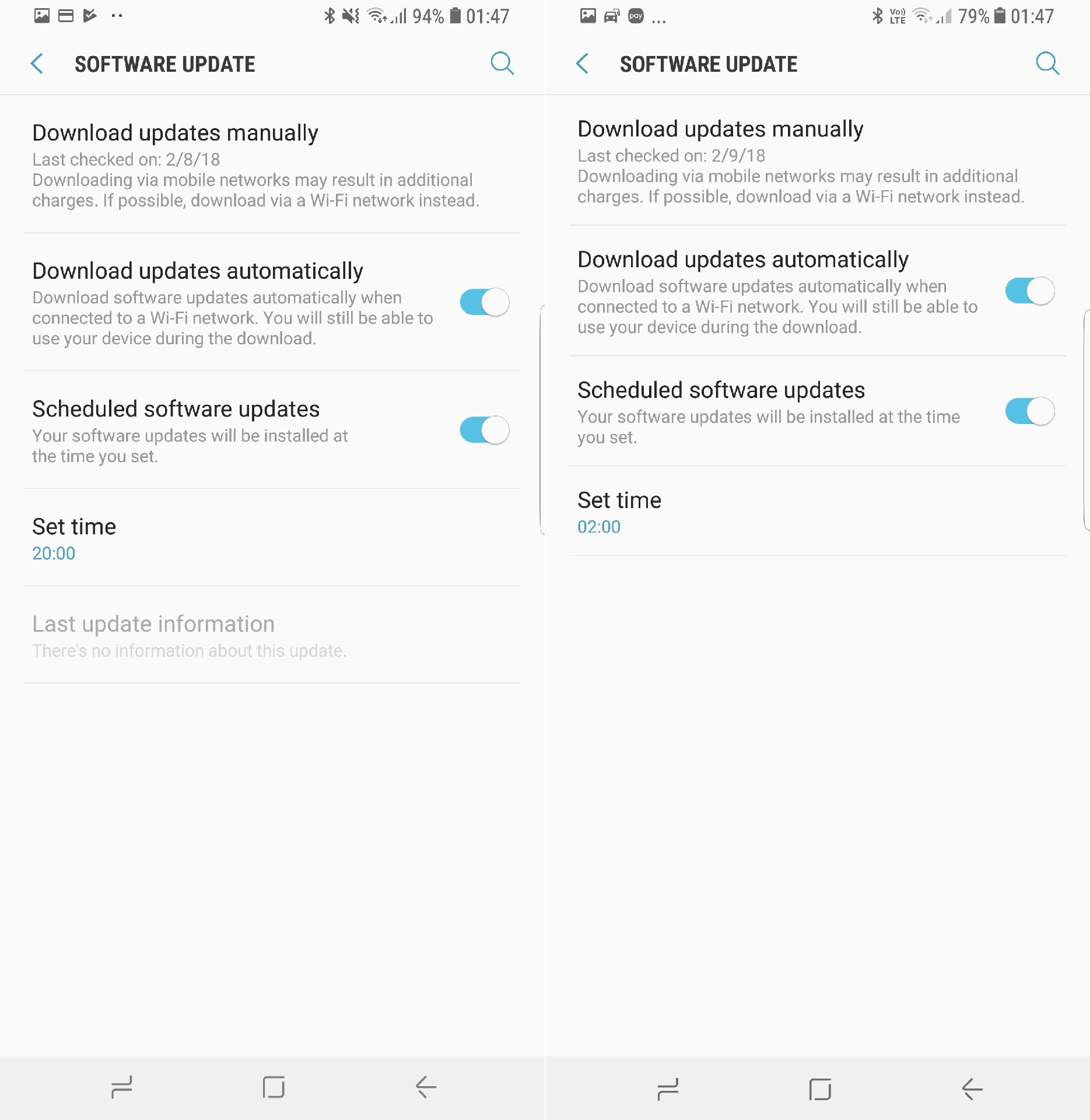
Changes and improvements are littered throughout Samsung Experience 9.0, the latest version of Samsung's software, and there are also quite a few new features. We've already covered a majority of those features in our What's New With Android 8.0 Oreo articles, so these screenshots are simply to show how some apps and menus have changed on Oreo. Needless to say, we'll keep adding more of these as we discover other new stuff.
Well, without further ado, check out the screenshots below. The Oreo screenshot is on the left in each image, while the Nougat screenshot is on the right. If you still haven't received the Oreo update, don't forget to take the necessary steps to prepare your S8 or S8+ so that it's a smooth transition. Already running the official Oreo build on your phone? Let us know how your experience has been by leaving a comment!

Abhijeet's writing career started with guides for custom firmware for Samsung devices (including the original Galaxy S), and he moved to SamMobile in mid-2013 and worked up the ranks to Editor-in-chief. In addition to phones and mobile devices, his interests include gaming on both PC and console, PC hardware, and spending countless hours on YouTube watching videos on tech, movies, games, politics, and internet dramas.














